
1. Танилцуулга
Welcome to Microsoft Flight Simulator 2004: A Century of Flight. This manual provides essential information for installing, operating, and maintaining your flight simulation software. This edition celebrates 100 years of powered flight, offering a diverse collection of aircraft and historical scenarios.

Image 1.1: The game box and accompanying manual for Microsoft Flight Simulator 2004: A Century of Flight.
2. Системийн шаардлага
To ensure optimal performance, your computer system should meet or exceed the following minimum specifications:
- Үйлдлийн систем: Windows 98/ME/2000/XP
- Процессор: 450 MHz or higher
- RAM: 128 MB RAM (256 MB санал болгосон)
- Хатуу диск: 1.8 ГБ боломжтой хатуу дискний зай
- Видео карт: 16 MB DirectX 8.1 compatible video card (32 MB recommended)
- Дууны карт: DirectX 8.1 compatible sound card
- Оптик хөтөч: 8x CD-ROM drive or faster
- Оруулах: Keyboard and mouse (joystick or yoke recommended for enhanced experience)
3. Тохиргоо ба суурилуулалт
Follow these steps to install Microsoft Flight Simulator 2004 on your PC:
- Insert Disc 1: Place the first installation disc into your computer's CD-ROM or DVD-ROM drive. The setup program should start automatically. If it does not, navigate to 'My Computer', open your CD/DVD drive, and double-click 'Setup.exe'.
- Дэлгэц дээрх зааврыг дагана уу: The installation wizard will guide you through the process. Read each screen carefully and click 'Next' to proceed.
- Accept License Agreement: You must accept the End User License Agreement (EULA) to continue the installation.
- Суурилуулалтын төрлийг сонгоно уу: Select 'Typical' for a standard installation or 'Custom' to choose specific components and installation directory.
- Enter Product Key: When prompted, enter the unique product key found on the back of your game manual or disc sleeve.
- Disc Swaps: The installer will prompt you to insert subsequent discs (Disc 2, Disc 3, Disc 4) as needed to complete the installation.
- Бүрэн суурилуулалт: Нэг удаа files are copied, click 'Finish' to exit the installer.
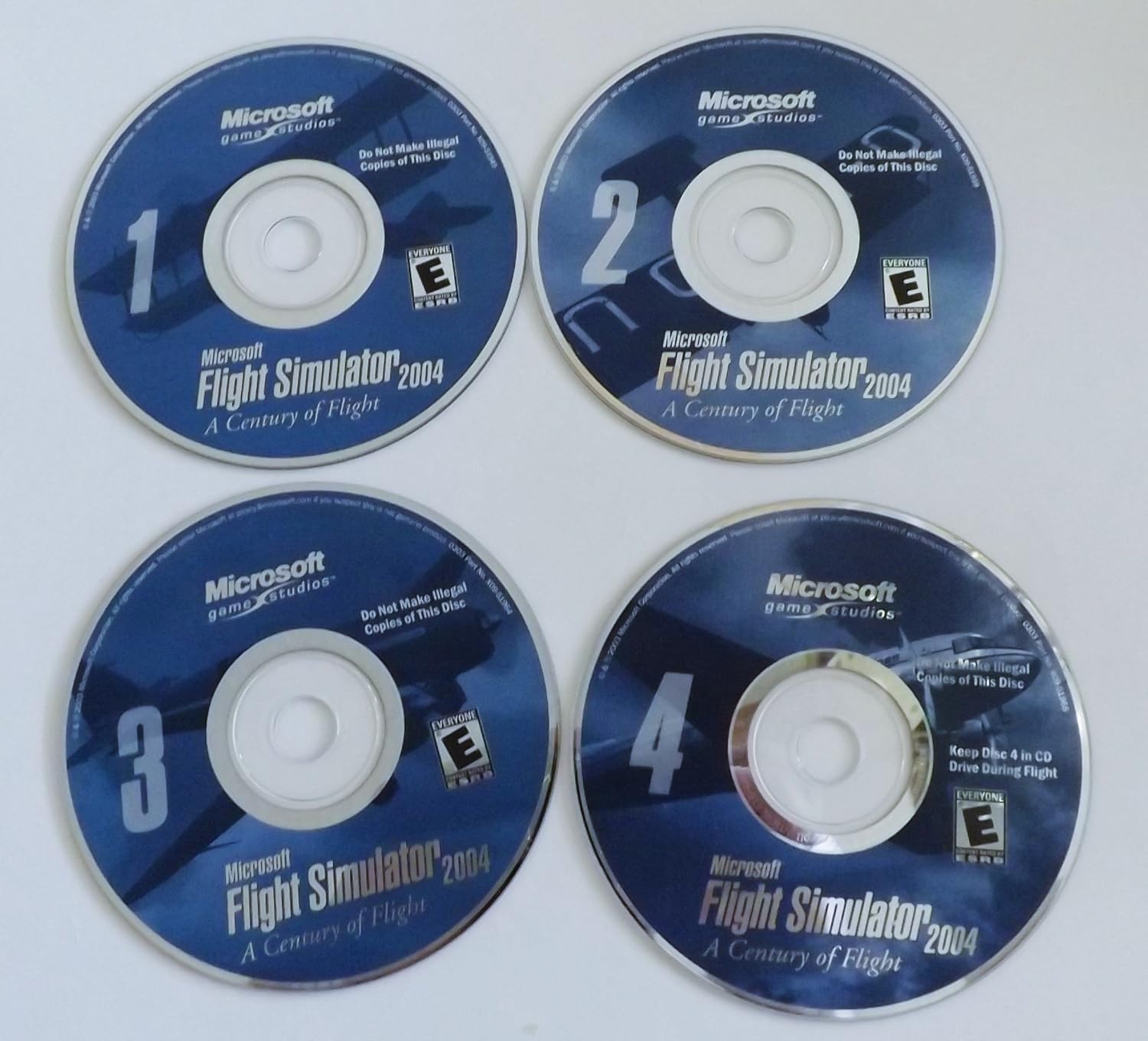
Image 3.1: The four installation discs for Microsoft Flight Simulator 2004. Disc 4 is typically required to be in the drive during gameplay.
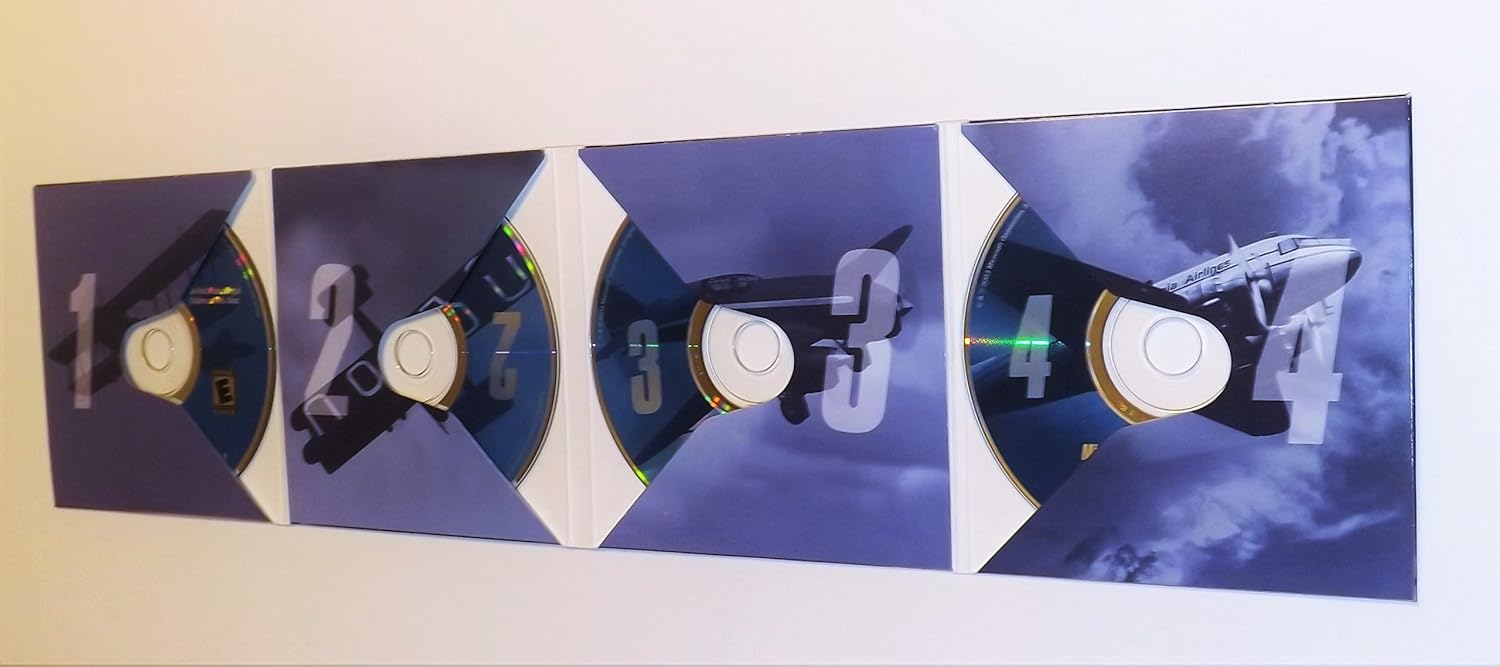
Image 3.2: The game's disc holder, opened to reveal the four installation discs.
4. Програм хангамжийг ажиллуулах
4.1 Тоглоом эхлэх
After successful installation, ensure Disc 4 is in your CD/DVD drive. You can launch the game from the desktop shortcut or the 'Start Menu' > 'Programs' > 'Microsoft Games' > 'Microsoft Flight Simulator 2004'.
4.2 Гол онцлогууд
- Dynamic Weather System: Experience realistic atmospheric physics with true three-dimensional clouds that form and dissipate, influencing flight conditions.
- Worldwide Scenery: Explore accurate 3D terrain and auto-generated objects that populate the world with appropriate buildings and vegetation.
- Enhanced Interactive Air Traffic Control (ATC): Engage with realistic ATC, including traffic at all airports globally, for an immersive flight experience.
- Improved Graphics Hardware Acceleration: Benefit from enhanced support for 3D graphics hardware acceleration across multiple windows and monitors.
- Олон тоглогч: Connect with 1 or more players over a Local Area Network (LAN) or the Internet for shared flight experiences.
4.3 Үндсэн удирдлага
The game supports keyboard, mouse, and joystick/yoke inputs. Familiarize yourself with the default key assignments, which can be customized within the game's 'Controls' menu.
- Лифт (давирхай): Joystick Y-axis / Keyboard Up/Down Arrows
- Ailerons (өнхрөх): Joystick X-axis / Keyboard Left/Right Arrows
- Жолоо (зайх): Joystick Z-axis / Keyboard Numpad 0/Enter
- Тогтмол цохилт: Joystick slider / Keyboard F1 (idle) to F4 (full)
- Хавтас: Keyboard F5 (retract) to F8 (extend)
- Буух тоног төхөөрөмж: Keyboard G
- Тоормос: Keyboard Period (.)
Тоглоомын 4.4 горим
- Free Flight: Choose any aircraft, location, and weather conditions to explore the world.
- Flight Lessons: Learn fundamental and advanced flying techniques with interactive tutorials.
- Historical Flights: Recreate famous flights from aviation history, celebrating a century of flight.
- Олон тоглогч: Fly with or against other players online or on a local network.
5. Засвар үйлчилгээ
Proper care of your game discs and system can help ensure continued enjoyment of Microsoft Flight Simulator 2004.
- Дискний арчилгаа: Keep game discs clean and free of scratches. Store them in their original case when not in use. Use a soft, lint-free cloth to wipe discs from the center outwards if cleaning is necessary.
- Системийн шинэчлэлтүүд: Ensure your operating system and graphics drivers are up to date for optimal performance and compatibility.
- Хатуу дискний зай: Periodically check for sufficient free hard drive space, as this can impact game performance.
6. Алдаа засах
Хэрэв танд асуудал тулгарвал дараах нийтлэг шийдлүүдийг анхаарч үзээрэй.
- Суулгах алдаа: Ensure your system meets the minimum requirements. Clean the installation discs and try again. Temporarily disable antivirus software during installation if it interferes.
- Тоглоом эхлээгүй байна: Verify that Disc 4 is in the drive. Check that your graphics drivers are current. Reinstall DirectX if necessary.
- Poor Performance/Low Frame Rate: Reduce in-game graphics settings (e.g., scenery density, cloud detail). Ensure your graphics card drivers are updated. Close unnecessary background applications.
- Хянагчтай холбоотой асуудлууд: Calibrate your joystick or yoke through Windows control panel settings. Ensure the controller is properly connected before launching the game.
- Дууны асуудал: Check your sound card drivers and in-game audio settings. Ensure speakers or headphones are correctly connected.
7. Техникийн үзүүлэлтүүд
| Онцлог | Дэлгэрэнгүй |
|---|---|
| Бүтээгдэхүүний гарчиг | Microsoft Flight Simulator 2004: A Century of Flight |
| Платформ | PC |
| Загварын дугаар | G13-00079 |
| Үйлдвэрлэгч | Microsoft |
| Гарсан огноо | 13 оны нэгдүгээр сарын 2004 |
| Хэл | Англи |
| Зүйлийн жин | 6.4 унц |
| Бүтээгдэхүүний хэмжээс | 5.35 x 0.55 x 7.5 инч |
| ESRB үнэлгээ | Бүгд |
8. Баталгаат хугацааны мэдээлэл
Microsoft Flight Simulator 2004 is covered by a limited warranty against defects in materials and workmanship. For specific details regarding the warranty period and terms, please refer to the End User License Agreement (EULA) included with your software or visit the official Microsoft support website. This warranty typically covers the physical media (discs) for a limited time from the date of purchase.
9. Хэрэглэгчийн дэмжлэг
For technical assistance, frequently asked questions, or additional resources, please visit the official Microsoft support website. You may also find community forums and fan-created resources helpful for gameplay tips and advanced configurations.
- Microsoft-ын албан ёсны дэмжлэг: дэмжих.microsoft.com
- Flight Simulator Community Forums: Search online for 'Flight Simulator 2004 forums' for community-driven support.