
Танилцуулга
The Rocketek FBA_RT-CR7 is a versatile USB 3.0 7-in-1 multi-memory card reader designed for efficient data transfer from various memory card types to your computer. It supports simultaneous reading and writing of up to 5 cards, offering high-speed performance and broad compatibility across multiple operating systems.
Бүтээгдэхүүний онцлог
- 7-ин-1 карт уншигч: Supports CF, XD, MS, SD, and Micro SD card types.
- Нэг зэрэг унших/бичих: Capable of reading and writing to 5 different memory cards concurrently.
- USB 3.0 SuperSpeed: Achieves data transfer speeds up to 5Gbps, significantly faster than USB 2.0.
- Өргөн нийцтэй байдал: Works with Mac OS, Linux, Chrome OS, and Windows XP/Vista/7/8/8.1/10.
- Plug & Play: Суулгахад драйвер шаардлагагүй.
- Компакт дизайн: Portable and easy to carry, ideal for travel.
- Баригдсан хамгаалалт: Features over-current, over-voltage, богино залгааны хамгаалалт.
- LED үзүүлэлт: A blue LED light indicates connection and data activity.
Багцын агуулга
- 1 x Rocketek FBA_RT-CR7 USB 3.0 7-in-1 Multi Memory Card Reader
- 1 x USB 3.0 Cable (with USB-C to USB-A adapter)
Тохируулах заавар
- Карт уншигчийг холбоно уу: Plug the USB 3.0 cable from the card reader into an available USB port on your computer. If your computer has a USB-C port, use the provided USB-C to USB-A adapter.
- Эрчим хүчний үзүүлэлт: The blue LED indicator on the card reader will light up when successfully connected to your computer.
- Санах ойн карт оруулах: Carefully insert your memory card into the corresponding slot on the card reader. Ensure the card is inserted correctly according to its orientation. The LED indicator will flicker during data transfer.
- Мэдээлэлд хандах: Your computer will automatically detect the card reader and the inserted memory card. You can then access the card's contents through your file explorer (Windows) or Finder (Mac OS).

Зураг 1: Илүүview of card reader slots and supported card types.
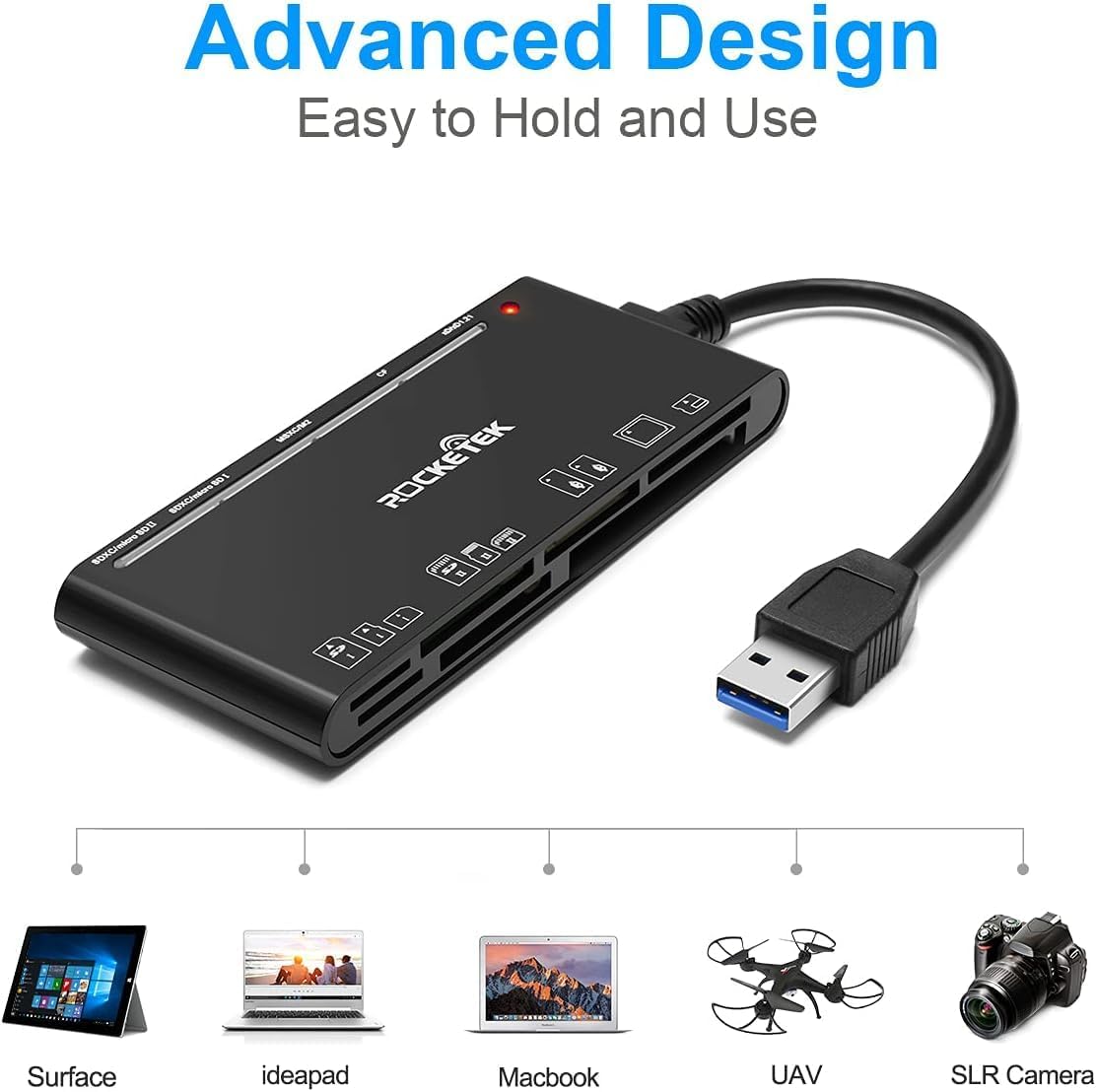
Figure 2: Card reader connected to a laptop, showing operating system compatibility.
Video 1: Demonstration of the Rocketek 7-in-1 Multi Memory Card Reader, showcasing its various card slots, USB 3.0 connectivity, and LED indicator light during operation.
Ашиглалтын заавар
- Карт оруулах: Gently push the memory card into the appropriate slot until it clicks into place. Do not force the card.
- Унших/бичих өгөгдөл: Once the card is inserted and detected, you can drag and drop files to and from the card. The blue LED indicator will blink during active data transfer.
- Нэгэн зэрэг хэрэглэх: The card reader supports reading and writing to multiple cards simultaneously. Ensure proper file management to avoid data conflicts.
- Ejecting Cards: Before removing a memory card, always safely eject it from your computer's operating system to prevent data corruption.

Figure 3: Multiple memory cards inserted into the reader, demonstrating simultaneous access.
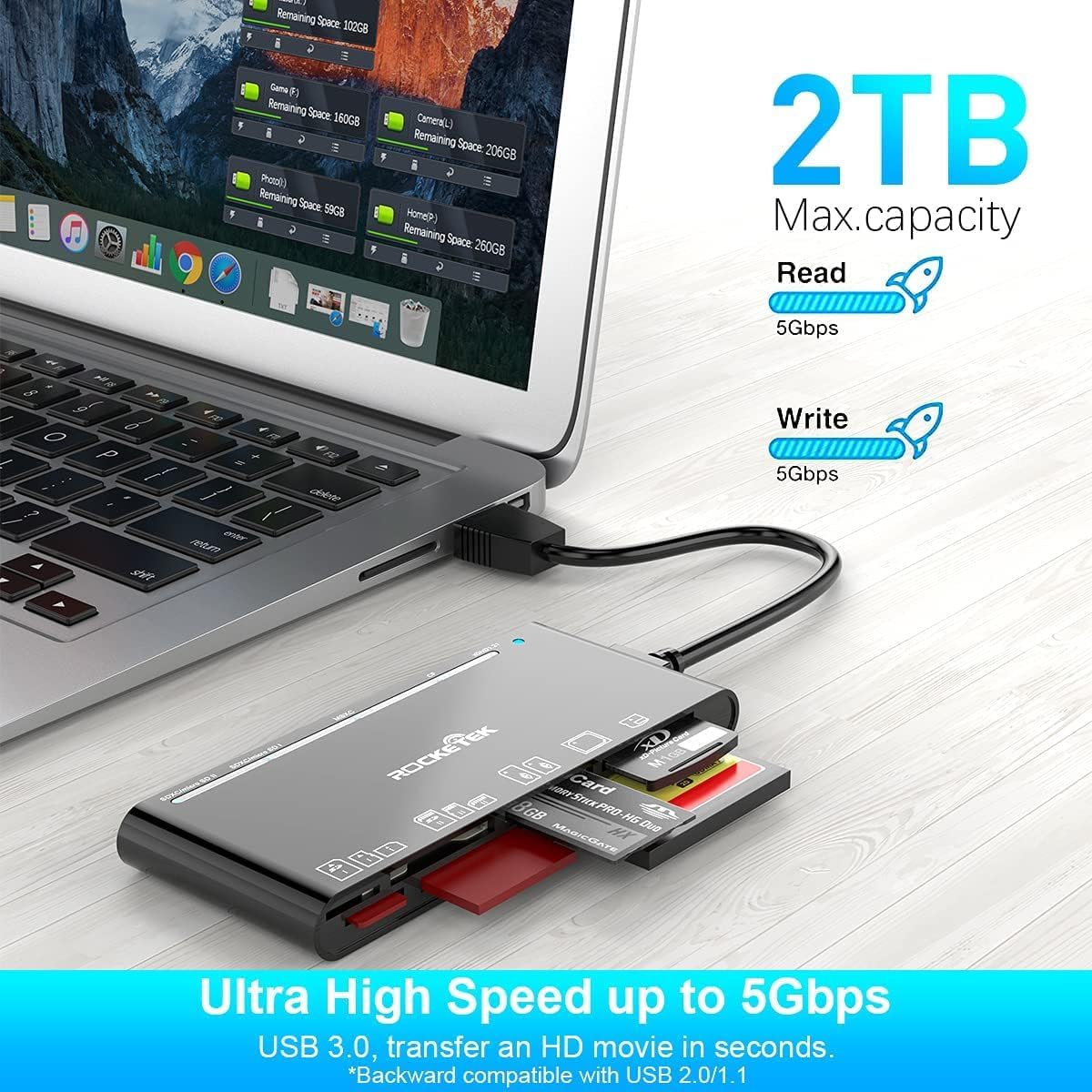
Figure 4: Highlighting the 5Gbps data transfer speed and 2TB maximum capacity.
Тохиромжтой байдал
Дэмжигдсэн үйлдлийн системүүд:
- Windows XP / Vista / 7/8 / 8.1 / 10
- Mac OS (including MacBook Pro/Air)
- Линукс
- Chrome үйлдлийн систем
Дэмжигдсэн медиа төрлүүд:
- CompactFlash (CF card, high-speed CF UDMA)
- SD Card (SD, SDXC up to 2TB, SDHC, RS-MMC, miniSD)
- Micro SD (Micro SD, Micro SDXC, Micro SDHC)
- Memory Stick (MS, M2, MSXC, Memory Stick PRO Duo, Memory Stick Pro)
- xD зургийн карт
Үзүүлэлтүүд
| Брэнд | Rocketek |
| Загварын нэр | FBA_RT-CR7 |
| Холболтын технологи | USB төрөл А |
| Тоног төхөөрөмжийн интерфейс | USB 3.0 |
| Өгөгдөл дамжуулах хурд | 5 Gbps |
| Slot Count | 7 (supporting 5 simultaneous reads/writes) |
| Өнгө | Хар |
| Хэмжээ (L x W x H) | 6.1" x 2.9" x 0.4" |
| Зүйлийн жин | 9.07 гр |
Засвар үйлчилгээ, арчилгаа
- Цэвэрлэгээ: Карт уншигчийн гадна талыг зөөлөн, хуурай даавуугаар цэвэрлэ. Шингэн цэвэрлэгч эсвэл уусгагч хэрэглэхээс зайлсхий.
- Хадгалах: Карт уншигчийг нарны шууд тусгал, хэт температураас хол, сэрүүн, хуурай газар хадгална.
- Харьцуулах: Avoid dropping the device or subjecting it to strong impacts. Do not bend or twist the cable excessively.
- Порт хамгаалалт: Keep the card slots free from dust and debris.
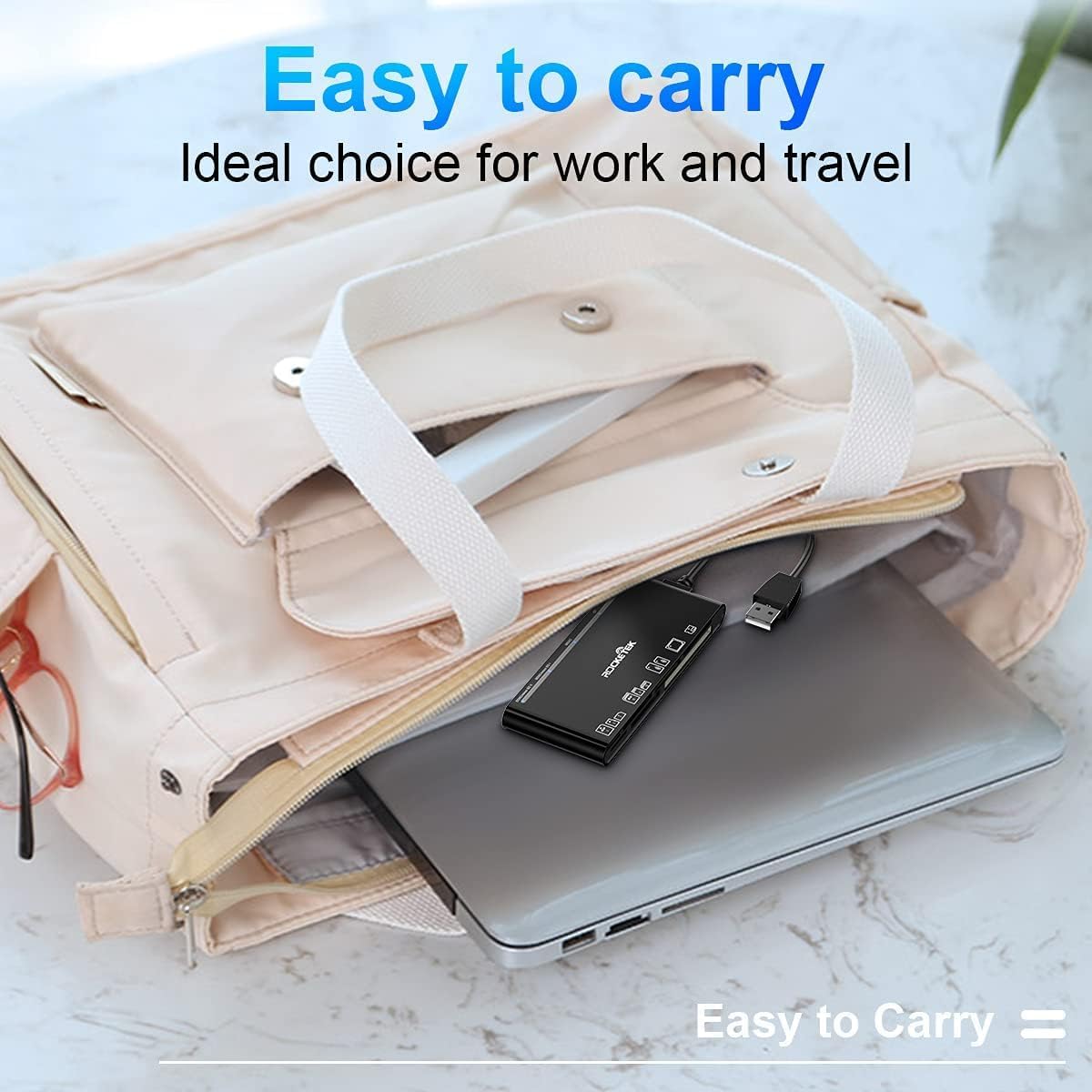
Figure 5: The card reader's compact size, suitable for portability.
Алдааг олж засварлах
- Төхөөрөмж илрээгүй:
- Ensure the USB cable is securely connected to both the card reader and your computer.
- Компьютер дээрээ өөр USB порт руу холбогдож үзнэ үү.
- Компьютерээ дахин эхлүүлнэ үү.
- Санах ойн карт танигдаагүй:
- Verify that the memory card is fully inserted into the correct slot.
- Check if the memory card is damaged or corrupted. Try it in another device if possible.
- Ensure your operating system supports the file санах ойн картны систем.
- Удаан өгөгдөл дамжуулах:
- Ensure the card reader is connected to a USB 3.0 port on your computer for optimal speed.
- Verify that your memory card itself supports high-speed data transfer.
- Томоохон хугацаанд олон шаардлагатай програмуудыг ажиллуулахаас зайлсхий file шилжүүлэг.
- LED үзүүлэлт асахгүй байна:
- Confirm the card reader is properly connected to a powered USB port.
- Хэрэв USB hub ашиглаж байгаа бол түүнийгээ асаасан эсэхийг шалгаарай.
Баталгаат болон дэмжлэг
The Rocketek FBA_RT-CR7 USB 3.0 7-in-1 Multi Memory Card Reader comes with a 2 жилийн баталгаат хугацаа худалдан авсан өдрөөс эхлэн. Энэхүү баталгаа нь үйлдвэрлэлийн согогийг хамардаг бөгөөд бүтээгдэхүүнийг хэвийн ашиглалтын үед тайлбарласны дагуу ажиллуулахыг баталгаажуулдаг.
For technical support, warranty claims, or any inquiries regarding your product, please contact Rocketek customer service through the retailer's platform or visit the official Rocketek webхолбоо барих мэдээлэл авах сайт.