
1. Танилцуулга
The Rocketek TFU3R is a compact and portable USB 3.0 card reader designed for Micro SD (TF) cards. It allows for high-speed data transfer between your Micro SD card and USB-enabled devices such as laptops and tablets. This device supports plug-and-play functionality and hot-swapping, making it convenient for various applications.
Гол онцлогууд:
- Жижиг, зөөврийн: Designed for easy portability, fitting conveniently in a wallet or pocket.
- Plug and Play: Ихэнх үйлдлийн системд драйвер шаардлагагүй.
- Халуун солилцоо: Allows insertion and removal of the device without restarting the computer.
- USB-ээр тэжээгддэг: Operates without external power or batteries.
- SuperSpeed USB 3.0: Offers data transfer speeds up to 5 Gbps, backward compatible with USB 2.0/1.1.
- Бат бөх дизайн: Constructed with an aluminum case for enhanced durability and efficient heat dissipation.
2. Тохируулах заавар
Follow these steps to set up and begin using your Rocketek TFU3R Micro SD Card Reader.
2.1 Micro SD карт оруулах
- Locate the Micro SD card slot on the Rocketek TFU3R card reader.
- Gently insert your Micro SD (TF) card into the slot until it clicks into place. Ensure the card is oriented correctly to avoid damage.
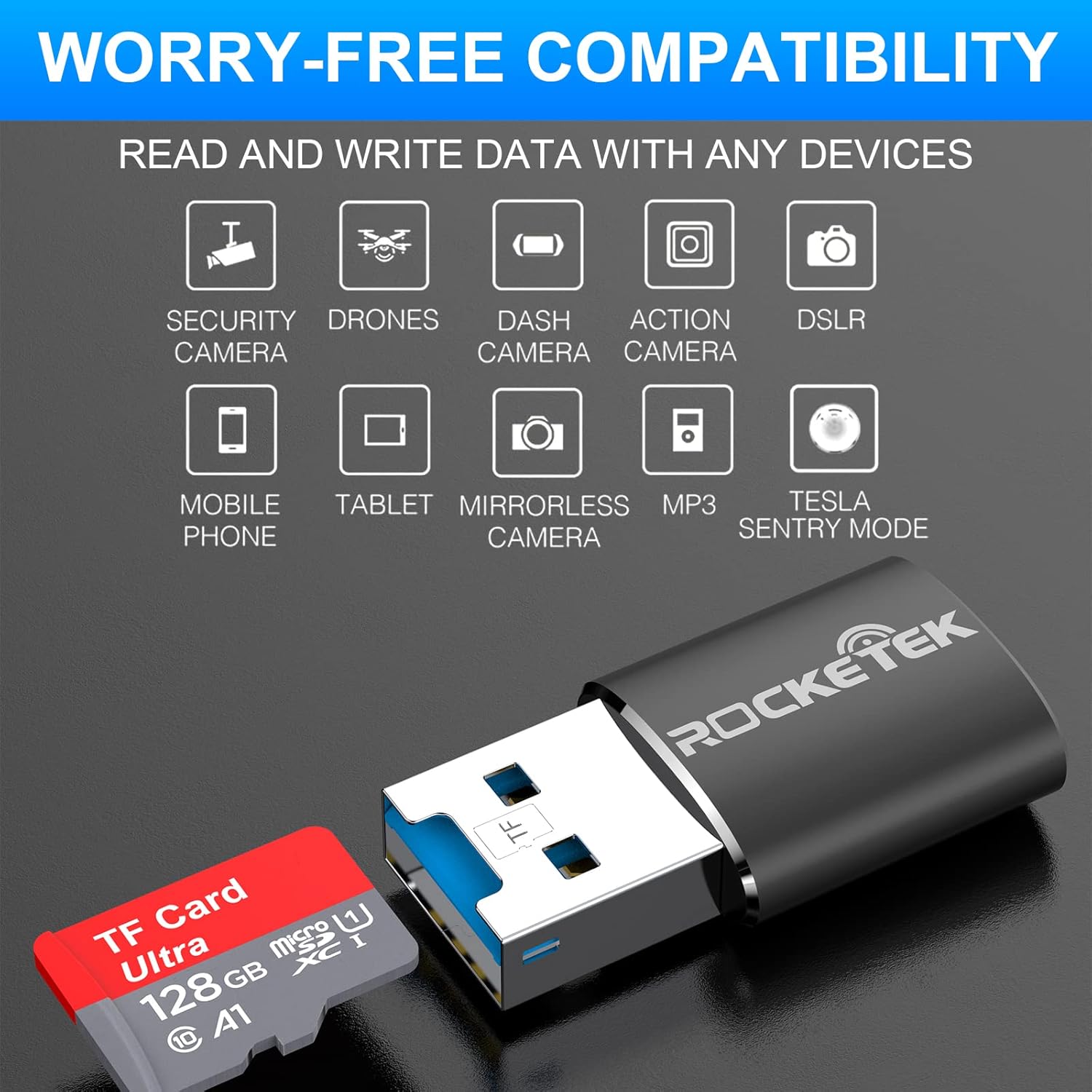
Image: Hands inserting a Micro SD card into the Rocketek TFU3R USB 3.0 card reader.
2.2 Таны төхөөрөмжид холбогдох
- Locate an available USB 3.0 or USB 2.0 port on your computer, laptop, or tablet.
- Plug the Rocketek TFU3R card reader, with the Micro SD card inserted, into the USB port.
- The device is plug-and-play; your operating system should automatically detect it and install any necessary generic drivers.
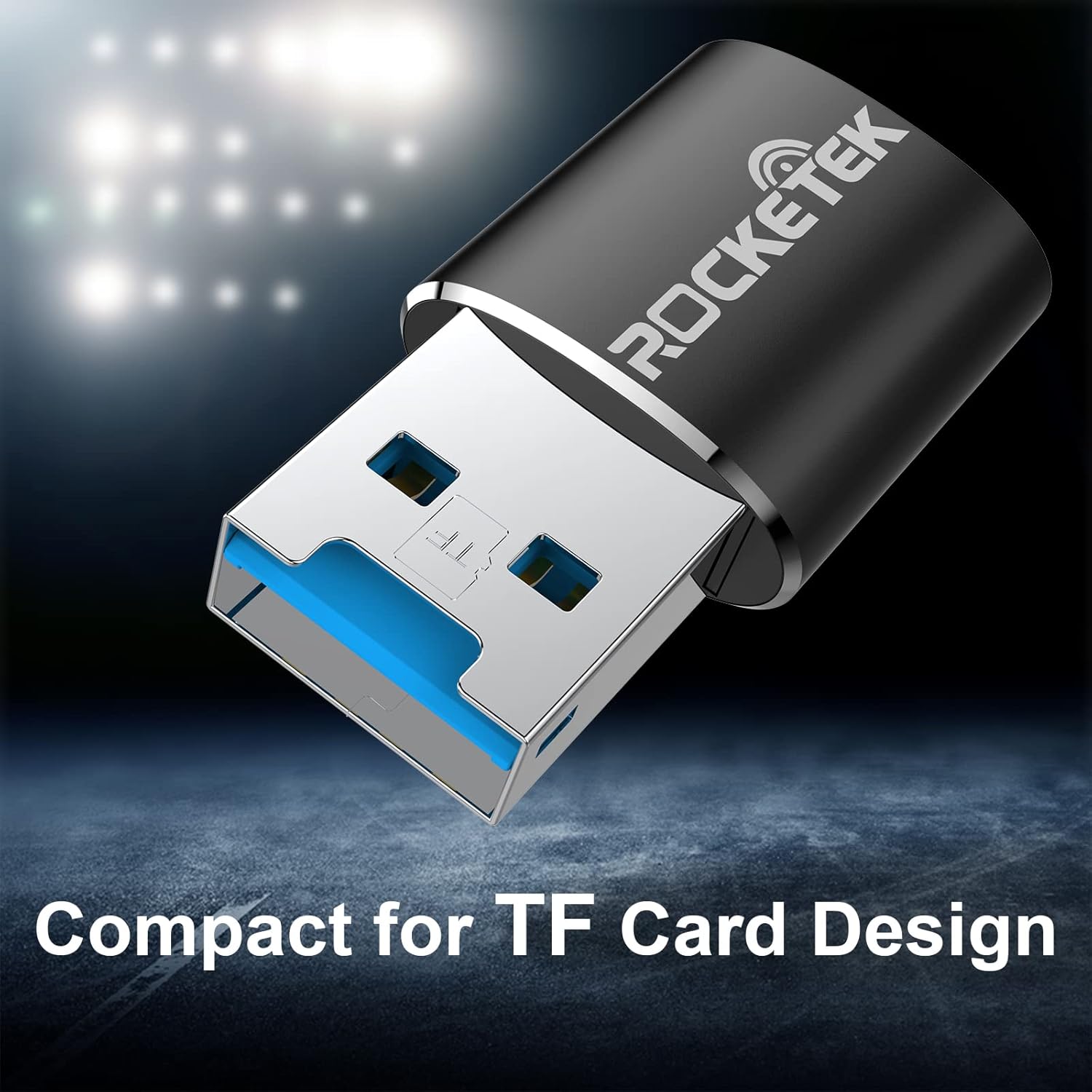
Image: Rocketek TFU3R USB 3.0 card reader plugged into a laptop's USB port, displaying 'Plug & Play'.
Video: A short demonstration showing how to insert a TF card into the Rocketek reader and connect it to a laptop for immediate use, highlighting its portability and plug-and-play functionality.
3. Ашиглалтын заавар
Once connected, the Rocketek TFU3R functions like any standard external storage device.
3.1 Мэдээлэл дамжуулах
- After connecting the card reader to your device, open your computer's file explorer (Windows) or Finder (Mac OS).
- The Micro SD card will appear as a removable drive.
- Та одоо чирэх, буулгах боломжтой files to and from the Micro SD card, or use copy/paste functions to transfer data.
- The USB 3.0 interface provides SuperSpeed data transfer up to 5 Gbps, ensuring quick transfers of large files.
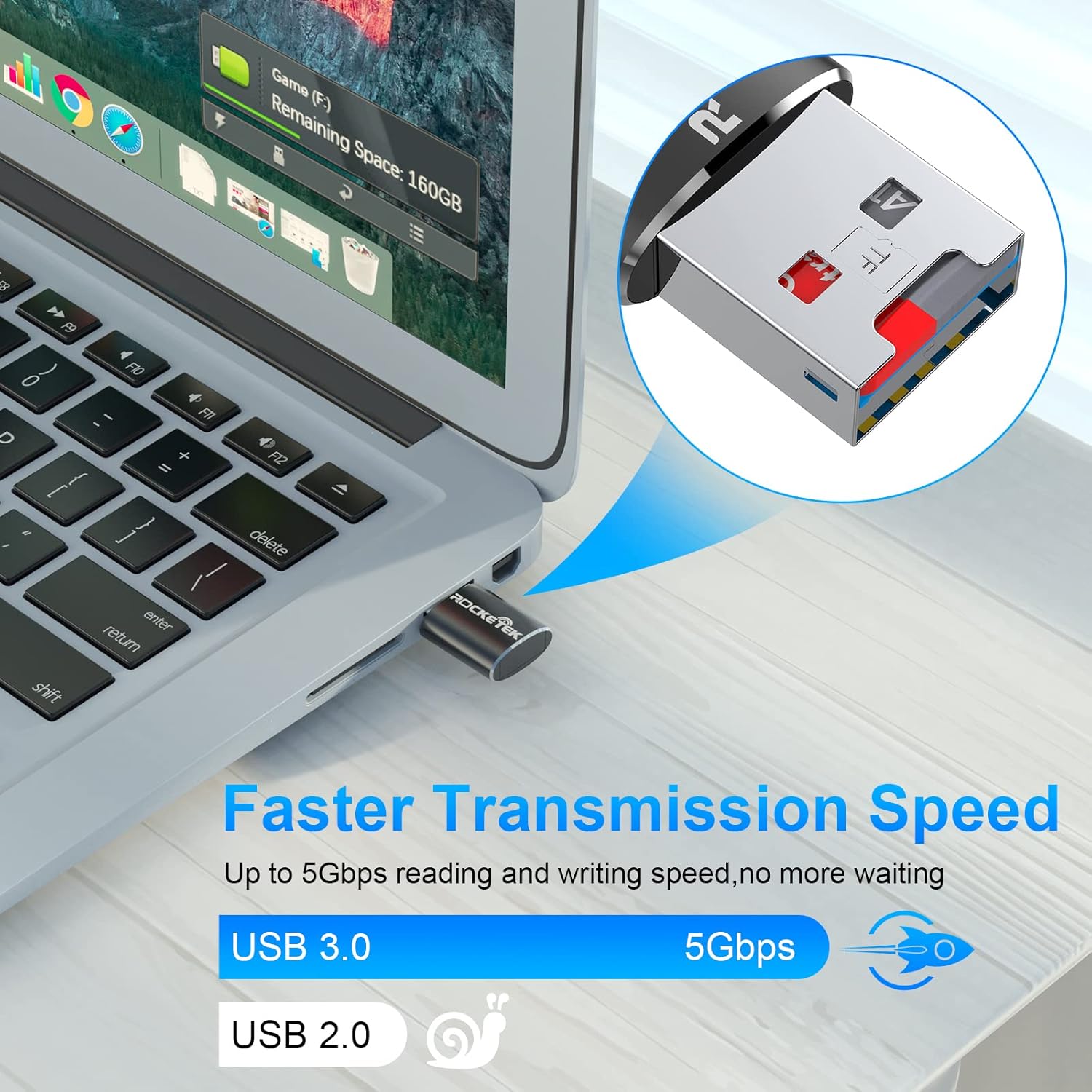
Image: Laptop screen showing file transfer with the Rocketek TFU3R plugged in, indicating 'Faster Transmission Speed' and 'USB 3.0 5Gbps'.
3.2 Аюулгүй зайлуулах
To prevent data corruption, always safely remove the card reader before unplugging it from your computer.
- Windows: Right-click on the drive icon in 'This PC' or the taskbar's 'Safely Remove Hardware' icon, then select 'Eject'.
- MacOS: Drag the drive icon to the Trash or click the Eject button next to the drive name in Finder.
4. Тохиромжтой байдал
The Rocketek TFU3R card reader offers broad compatibility with various devices and operating systems.
4.1 Дэмжигдсэн төхөөрөмж
- Зөөврийн компьютерууд
- Таблетууд
- Ширээний компьютерууд
- Other USB-enabled devices

Image: Diagram illustrating the Rocketek TFU3R's compatibility with tablets and laptops, showing a Micro SD card being inserted.
4.2 Дэмжигдсэн үйлдлийн системүүд
- Windows 7 / 8 / 8.1 / 10+
- Mac OS
- Линукс

Image: The Rocketek TFU3R is compatible with a wide range of devices, including security cameras, drones, dash cameras, action cameras, DSLRs, mobile phones, tablets, mirrorless cameras, MP3 players, and for Tesla Sentry Mode.
5. Техникийн үзүүлэлтүүд
| Онцлог | Дэлгэрэнгүй |
|---|---|
| Загварын дугаар | TFU3R (RT-TFU3R-B) |
| Брэнд | Rocketek |
| Хэвлэл мэдээллийн төрөл | Micro SD (TF) |
| Холболтын технологи | USB |
| Тоног төхөөрөмжийн интерфейс | USB 3.0 (USB 2.0/1.1-тэй ухраа нийцтэй) |
| Өгөгдөл дамжуулах хурд | Up to 5 Gigabits Per Second (USB 3.0) |
| Slot Count | 1 (for Micro SD/TF cards) |
| Онцлог шинж чанар | Portable, Plug & Play, Hot Swapping |
| Материал | Хөнгөн цагаан хайрцаг |
| Үйлдлийн системийн нийцтэй байдал | Windows 7/8/8.1/10+, Mac OS, Linux |
6. Алдаа засах
If you encounter issues with your Rocketek TFU3R, refer to the following common troubleshooting steps.
6.1 Төхөөрөмжийг танихгүй байна
- Холболтыг шалгах: Карт уншигч USB порт руу бүрэн орсон эсэхийг шалгаарай.
- Өөр USB портыг туршиж үзээрэй: Connect the card reader to a different USB port on your computer.
- Өөр төхөөрөмжөөр оролдоно уу: Test the card reader on another computer or compatible device to rule out a port issue.
- Check Micro SD Card: Ensure the Micro SD card is properly inserted into the card reader and is not damaged. Test the Micro SD card in another device if possible.
- Компьютерийг дахин эхлүүлэх: Sometimes a simple restart can resolve detection issues.
6.2 Мэдээлэл дамжуулах хурд удаан
- Use USB 3.0 Port: For optimal speeds (up to 5 Gbps), ensure the card reader is plugged into a USB 3.0 port (often identified by a blue interior). Connecting to a USB 2.0 port will result in slower speeds.
- Check Micro SD Card Speed Class: The actual transfer speed is also limited by the speed class of your Micro SD card. Use a high-speed card for better performance.
- Avoid Other USB Devices: Disconnect other high-bandwidth USB devices if you are experiencing unusually slow speeds.
6.3 Card Not Reading
- Картыг дахин оруулах: Remove and reinsert the Micro SD card, ensuring it is seated correctly.
- Цэвэр холбоо барих хаягууд: Gently clean the metal contacts on the Micro SD card with a soft, dry cloth.
- Check Card Format: Ensure the Micro SD card is formatted in a file system compatible with your operating system (e.g., FAT32, exFAT, NTFS).
7. Засвар үйлчилгээ
Proper care and maintenance will extend the lifespan of your Rocketek TFU3R card reader.
- Хуурай байлгах: Төхөөрөмжийг чийг, шингэнд оруулахаас зайлсхий.
- Зөөлөн цэвэрлэх: Гадна талыг цэвэрлэхдээ зөөлөн, хуурай даавуу ашиглаарай. Хүчтэй химийн бодис эсвэл зүлгүүрийн материал бүү хэрэглээрэй.
- Зөв хадгалах: Ашиглаагүй үед карт уншигчийг нарны шууд тусгал, хэт температураас хол, сэрүүн, хуурай газар хадгална.
- Болгоомжтой харьцах: Төхөөрөмжийг унагах эсвэл хүчтэй нөлөөнд оруулахаас зайлсхий.
8. Баталгаат хугацаа ба дэмжлэг
Rocketek stands behind the quality of its products.
8.1 Баталгаат хугацааны мэдээлэл
The Rocketek TFU3R USB 3.0 Micro SD Card Reader comes with a hassle-free 24-month warranty худалдан авсан өдрөөс эхлэн. Энэхүү баталгаа нь үйлдвэрлэлийн согогийг хамарч, хэвийн ашиглалтын үед найдвартай ажиллагааг хангана. Баталгаат хугацааны нэхэмжлэл гаргахын тулд худалдан авалтын баримтаа хадгална уу.
8.2 Хэрэглэгчийн дэмжлэг
For technical assistance, warranty claims, or any questions regarding your Rocketek TFU3R, please contact our customer support team:
- Имэйл: support@rocketek.com (Жишээ ньample email, please refer to product packaging for actual contact)
- Webсайт: Visit the official Rocketek webТүгээмэл асуултууд болон нэмэлт эх сурвалжуудын сайт.