
Танилцуулга
This manual provides detailed instructions for the setup, operation, maintenance, and troubleshooting of your ARRIS SURFboard SBR-AC3200P AC3200 Wi-Fi Router. The SBR-AC3200P is designed to deliver high-speed Wi-Fi performance for various home networking needs, including gaming, streaming, and general internet use. It features tri-band concurrent operation and integrated RipCurrent G.hn Powerline technology for extended network coverage.
Багцын агуулга
- SURFboard WiFi Router SBR-AC3200P
- Ethernet кабель
- Хувьсах гүйдлийн цахилгааны утас
- Түргэн эхлүүлэх гарын авлага
Тохиргоо
1. Физик холболтууд
Before powering on your router, ensure all necessary cables are connected securely. Refer to the diagram below for port identification.
Зураг: Ар талд view of the ARRIS SURFboard SBR-AC3200P AC3200 Wi-Fi Router. From left to right, the ports include the Power input, two USB ports (one USB 2.0, one USB 3.0), a blue WAN port for connecting to a modem, four yellow LAN ports (1-4) for wired devices, and a small recessed Reset button.
- Модем руу холбогдох: Connect one end of the provided Ethernet cable to the WAN port (blue) on the back of the SBR-AC3200P router and the other end to your cable/DSL/fiber modem.
- Эрчим хүчийг холбох: Plug the AC power cord into the Power input on the router and then into an electrical outlet. The router will begin its startup sequence.
- Асаах: Wait for the router's indicator lights to stabilize. Refer to the Operating section for LED indicator meanings.
2. Анхны тохиргоо
Та чиглүүлэгчээ ашиглан тохируулж болно web browser or the dedicated mobile application.
- Ашиглах Web Хөтөч:
- Connect a computer to one of the router's LAN ports (yellow) using an Ethernet cable, or connect wirelessly to the default Wi-Fi network (SSID and password typically found on a label on the router).
- Нээлттэй a web хөтөч рүүгээ ороод чиглүүлэгчийн анхдагч IP хаягийг оруулна уу (жишээ нь,
192.168.0.1or192.168.1.1) into the address bar. Consult the Quick Start Guide for the exact IP address and default login credentials. - Follow the on-screen instructions to set up your internet connection and customize your Wi-Fi network name (SSID) and password.
- Мобайл програмыг ашиглах: Download the ARRIS SURFboard Manager app from your device's app store. Follow the in-app instructions to set up and manage your router.
Ажиллаж байна
LED үзүүлэлтүүд
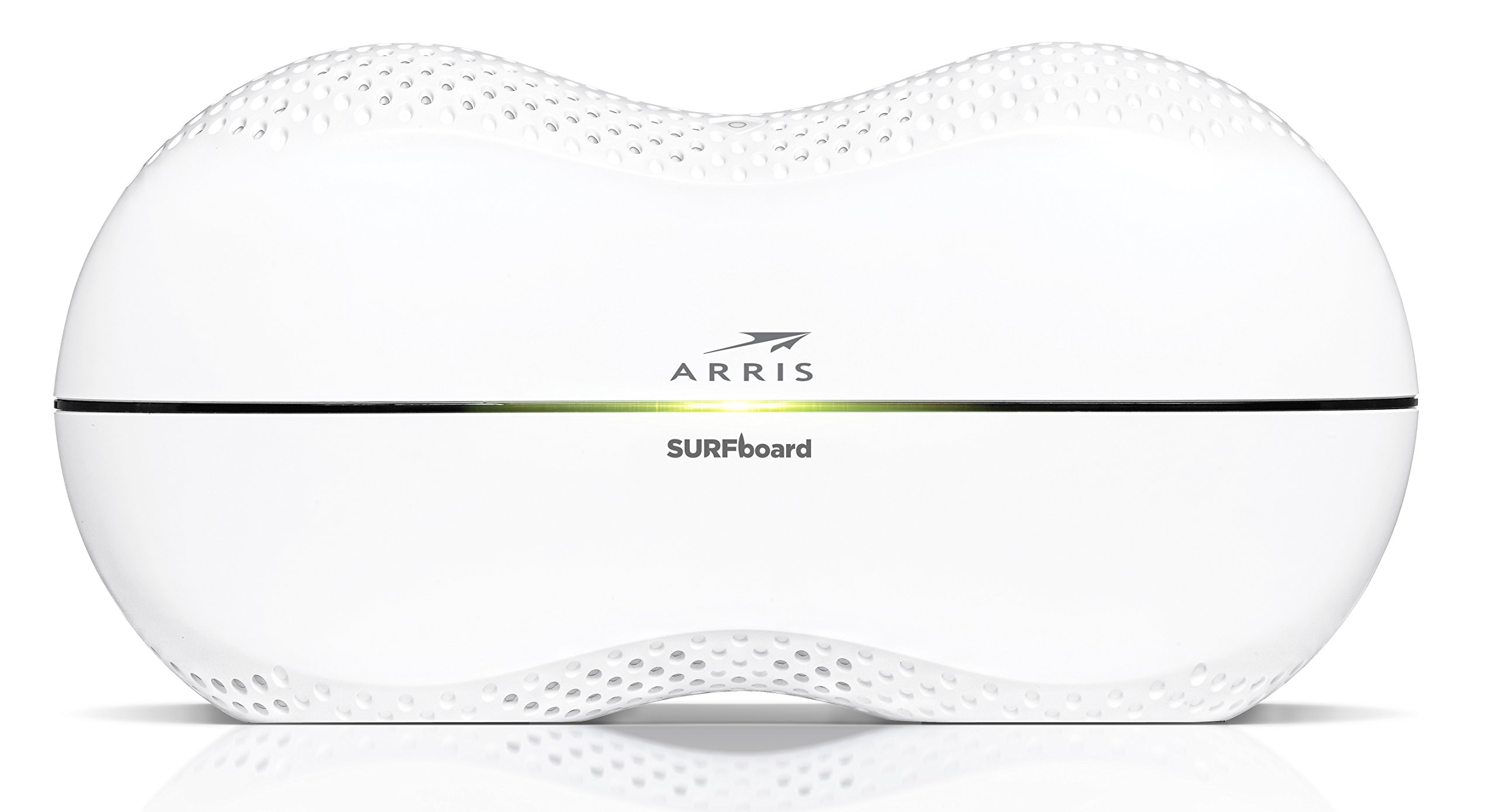
The front panel of the SBR-AC3200P features several LED indicators that provide status information:
- Эрчим хүчний LED: Төхөөрөмжийн тэжээлийн төлөвийг заана.
- Интернет LED: Интернет холболтын статусыг харуулна.
- Wi-Fi LEDs (2.4 GHz and 5 GHz): Indicate the activity of the wireless networks.
- RipCurrent LED: Displays the status of the G.hn Powerline network.
Refer to the Quick Start Guide for specific color and blinking patterns and their meanings.
Холбох төхөөрөмжүүд
- Утасгүй төхөөрөмжүүд: хайх your customized Wi-Fi network name (SSID) on your device and enter the password you created during setup.
- Утастай төхөөрөмжүүд: Connect devices such as computers, gaming consoles, or smart TVs to the LAN ports (yellow) on the back of the router using Ethernet cables.
RipCurrent G.hn Technology
The SBR-AC3200P integrates RipCurrent G.hn Powerline technology, allowing you to expand your network coverage using your home's existing electrical wiring. This feature enables compatible SURFboard RipCurrent Wi-Fi Hotspots and network extenders (sold separately) to connect to your network through any electrical outlet, providing seamless Wi-Fi extension throughout your home.
Засвар үйлчилгээ
- Програм хангамжийн шинэчлэлтүүд: Periodically check the ARRIS support website for firmware updates. Keeping your router's firmware up-to-date ensures optimal performance, security, and access to new features. Firmware updates are typically performed through the router's web interface or the mobile app.
- Цэвэрлэгээ: Keep the router in a clean, dust-free environment. Use a soft, dry cloth to clean the exterior. Do not use liquid cleaners or abrasive materials. Ensure ventilation openings are not blocked.
- Чиглүүлэгчийг дахин тохируулах: If you experience persistent issues, you may need to reset the router. A soft reset (power cycle) can often resolve minor problems. For a factory reset, locate the recessed Reset button on the back of the router. Use a paperclip or similar pointed object to press and hold the button for approximately 10-15 seconds until the LEDs indicate a reset. Анхааруулга: A factory reset will erase all custom settings, including your Wi-Fi name and password, reverting the router to its default factory settings.
Алдааг олж засварлах
- Интернет холболт байхгүй:
- Таны модем зөв ажиллаж, интернет идэвхтэй байгаа эсэхийг шалгана уу.
- Check all Ethernet cable connections between the modem and the router's WAN port.
- Restart both your modem and router by unplugging them from power for 30 seconds and then plugging them back in, starting with the modem.
- Wi-Fi хурд удаан эсвэл холболт тасарсан:
- Чиглүүлэгчийг саад тотгор, хөндлөнгийн эх үүсвэрээс (жишээ нь, богино долгионы зуух, утасгүй утас) хол, төв байршилд байрлуулсан эсэхийг шалгаарай.
- Програм хангамжийн шинэчлэлт байгаа эсэхийг шалгана уу.
- Consider using RipCurrent extenders to improve coverage in dead zones.
- Perform a factory reset if issues persist after other troubleshooting steps.
- Чиглүүлэгчийн тохиргоонд хандах боломжгүй:
- Таны төхөөрөмж чиглүүлэгчийн сүлжээнд (утастай эсвэл утасгүй) холбогдсон эсэхийг шалгаарай.
- Verify the correct IP address for the router's web интерфейс.
- Хөтөчийнхөө кэшийг цэвэрлэх эсвэл өөр хөтөч ашиглаж үзнэ үү.
Үзүүлэлтүүд
| Онцлог | Тодорхойлолт |
|---|---|
| Брэнд | ARRIS |
| Загварын нэр | SBR-AC3200P |
| Утасгүй стандарт | 802.11ac |
| Давтамжийн зурвасын ангилал | Tri-Band (N450 + AC1350 + AC1350) |
| Өгөгдөл дамжуулах хурд | Секундэд 3200 Мегабит хүртэл |
| Ethernet портууд | 4 гигабит Ethernet порт |
| USB портууд | 1х USB 2.0, 1х USB 3.0 |
| Онцлог шинж чанарууд | RipCurrent G.hn Powerline Technology, Wi-Fi Beamforming |
| Аюулгүй байдлын протокол | WPA2, WPA3 |
| Хяналтын арга | Апп |
| Зүйлийн жин | 3.8 фунт |
Баталгаат хугацааны мэдээлэл
The ARRIS SURFboard SBR-AC3200P AC3200 Wi-Fi Router comes with a 2 жилийн хязгаарлагдмал баталгаат хугацаа. For detailed terms and conditions, please refer to the warranty documentation included with your product or visit the official ARRIS support webсайт.
Дэмжлэг
Нэмэлт тусламж, техникийн дэмжлэг авах эсвэл нэмэлт эх сурвалжид хандахын тулд ARRIS-ийн албан ёсны дэмжлэгт зочилно уу. website. You can find FAQs, updated documentation, and contact information for customer service.