
Танилцуулга
The Globe Electric 50200 Smart Wi-Fi Light Switch allows you to automate and control your home lighting using the GLOBE SUITE™ App, voice commands, or directly from the switch. This manual provides essential information for installation, operation, and maintenance to ensure safe and efficient use of your smart switch.

Image: The Globe Electric Smart Switch, highlighting its compatibility with various smart home platforms.
Аюулгүй байдлын мэдээлэл
Before installing or operating the Globe Electric 50200 Smart Wi-Fi Light Switch, please read and understand all safety instructions. Failure to follow these instructions may result in electric shock, fire, or property damage.
- АНХААРУУЛГА: Risk of Electric Shock. Installation requires working with high voltage wiring. Always turn off power at the circuit breaker before installation.
- Хэрэв та суулгах процессын аль нэг хэсэгт эргэлзэж байвал мэргэшсэн цахилгаанчинтай зөвлөлд.
- Энэ төхөөрөмж нь зөвхөн дотор ашиглах зориулалттай.
- Ensure the switch is installed in a standard wall box.
- Хамгийн их ватаас хэтрэхгүйtag100 ватт хүчин чадалтай.
Багцын агуулга
Суулгацыг эхлүүлэхийн өмнө бүх бүрэлдэхүүн хэсгүүд байгаа эсэхийг шалгана уу.
- Globe Electric 50200 Smart Wi-Fi Light Switch
- Screwless Faceplate
- Wires and Backplate
- Шураг (2)
- Утасны самар (4)
- Wire Label Stickers
Тохиргоо ба суурилуулалт
Follow these steps for proper installation of your smart switch. This switch is designed for single-pole indoor use only.
- Цахилгааныг унтраах: Locate your circuit breaker and turn off the power to the switch you are replacing. Verify the power is off using a voltage шалгагч.
- Хуучин шилжүүлэгчийг устгах: Carefully remove the existing wall plate and unscrew the old switch from the wall box. Disconnect the wires, noting their connections (e.g., Line, Load, Neutral, Ground). Use the provided wire label stickers if needed.
- Ухаалаг унтраалгыг холбох: Connect the wires from your wall box to the corresponding wires on the Globe Electric 50200 Smart Switch using the provided wire nuts.
- -г холбоно уу Шугам wire (usually black, coming from the breaker) to the Line wire on the smart switch.
- -г холбоно уу Ачаалал wire (usually black, going to the light fixture) to the Load wire on the smart switch.
- -г холбоно уу Төвийг сахисан wire (usually white) to the Neutral wire on the smart switch. A neutral wire is required for this smart switch.
- -г холбоно уу Газар wire (usually bare copper or green) to the Ground wire on the smart switch.
- Шилжүүлэгчийг суурилуулах: Gently push the wired smart switch into the wall box. Secure it with the provided screws. Attach the screwless faceplate.
- Эрчим хүчийг сэргээх: Turn the power back on at the circuit breaker. The indicator light on the smart switch should illuminate.
- Апп холболт:
- Үнэгүй татаж аваарай GLOBE SUITE™ App ухаалаг гар утасныхаа програмын дэлгүүрээс.
- Програмаа нээгээд бүртгэл үүсгэ эсвэл нэвтэрнэ үү.
- Press the restart button located on the right side below the on/off rocker after installation.
- Follow the in-app instructions to add your new smart switch. Ensure your phone is connected to a 2.4 GHz Wi-Fi network during the initial setup. You can switch back to a 5 GHz network afterward if preferred.
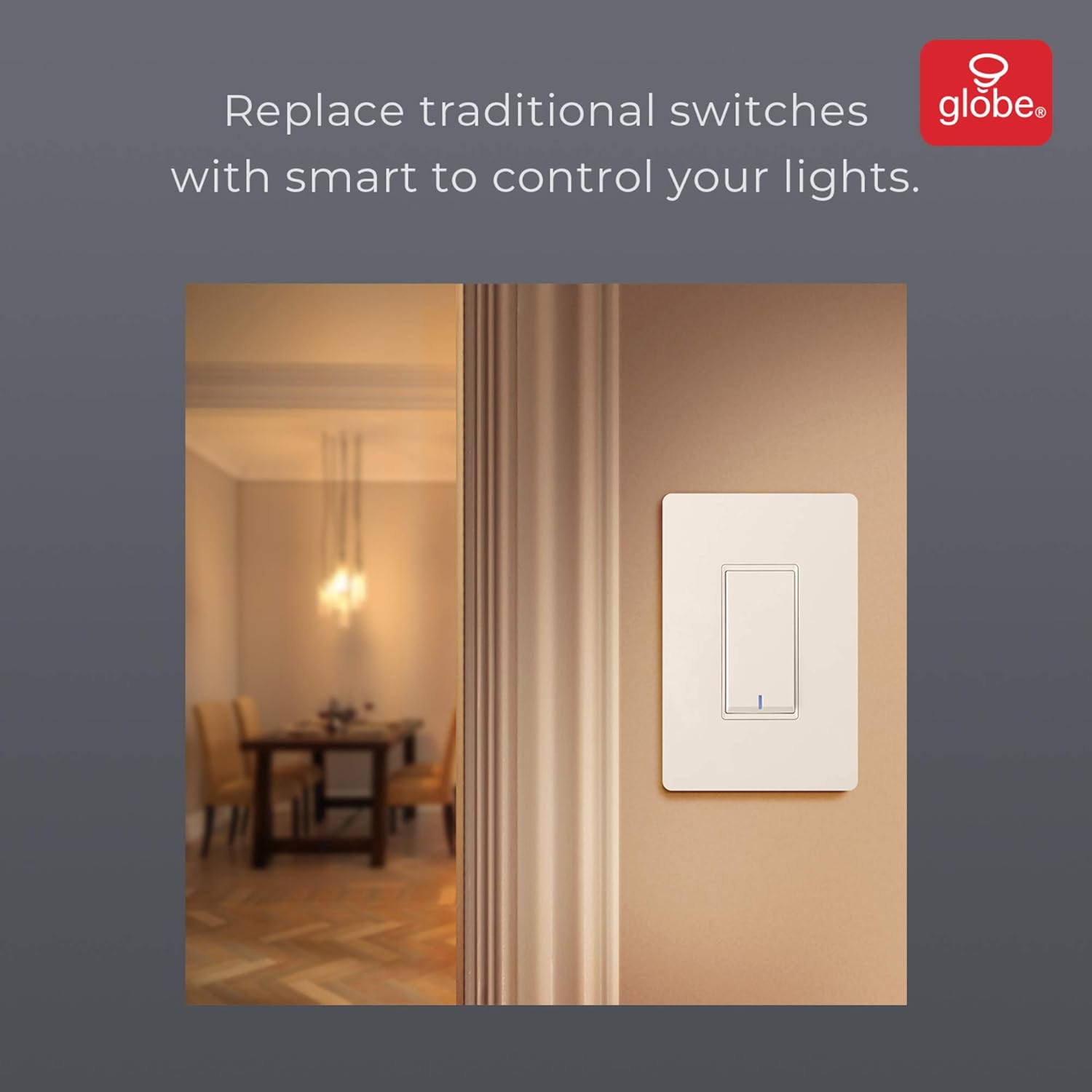
Image: The smart switch installed in a wall, demonstrating its integration into a home environment.
Ашиглалтын заавар
Once installed and connected to the GLOBE SUITE™ App, you can operate your smart switch in several ways:
- Гарын авлагын хяналт: Press the rocker switch directly to turn connected lights on or off.
- Програмын хяналт: Use the GLOBE SUITE™ App on your smartphone to turn lights on/off from anywhere with an internet connection.
- Дуут удирдлага: Integrate with Amazon Alexa, Google Assistant, or Siri for hands-free control.
- Example тушаалууд: "Alexa, turn on the living room light," "Hey Google, turn off the kitchen switch," "Siri, activate evening scene."
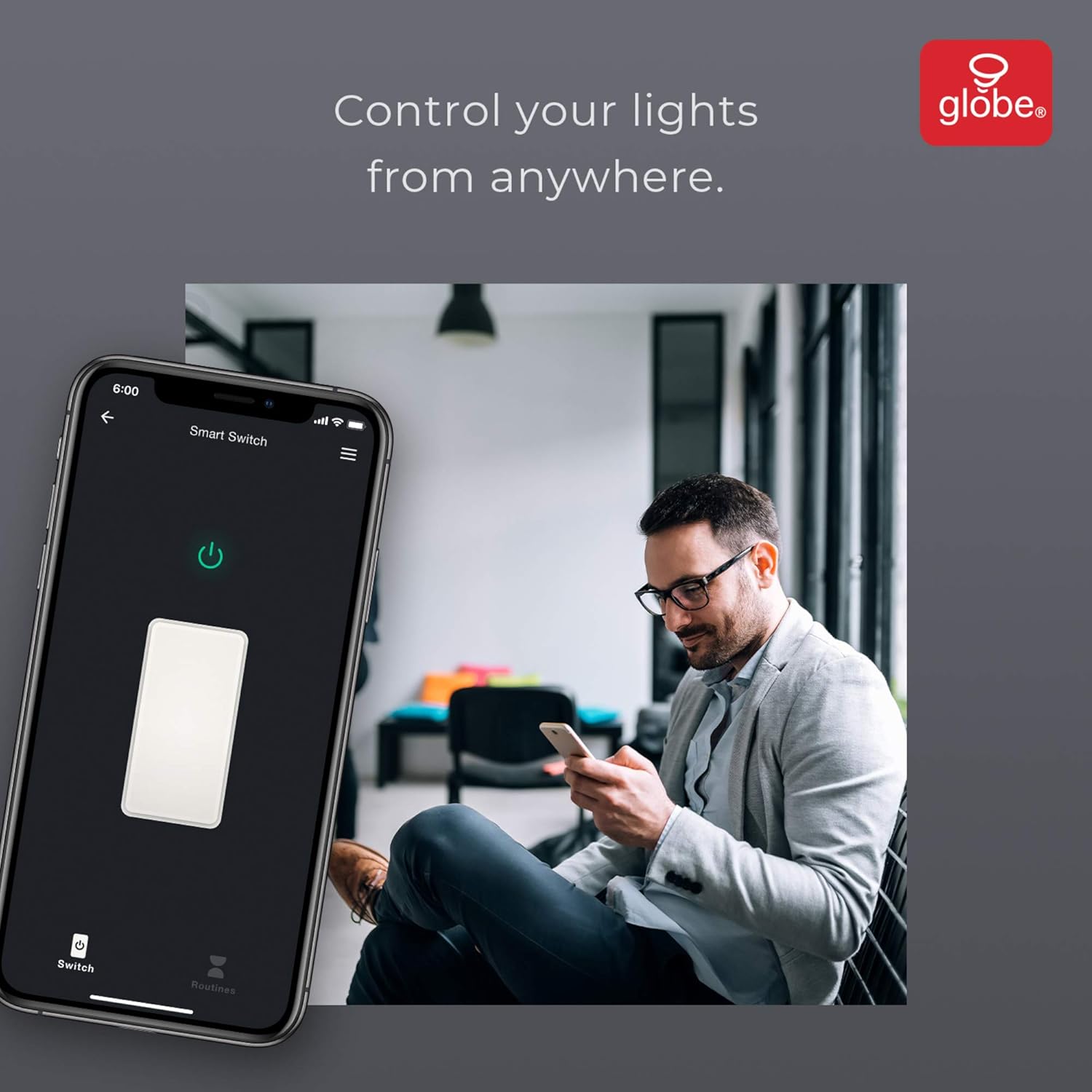
Image: A user controlling the smart switch remotely via the GLOBE SUITE™ mobile application.
Апп интеграци ба ухаалаг функцууд
The GLOBE SUITE™ App unlocks the full potential of your smart switch:
- Хуваарь: Create custom schedules to automatically turn lights on or off at specific times, days of the week, or based on sunrise/sunset.
- Үзэгдэл: Combine multiple smart devices into custom scenes. For example, a "Movie Night" scene could dim lights and turn on entertainment devices simultaneously.
- Автоматжуулалт: Set up automations based on conditions like presence detection, temperature, or other smart device triggers.

Image: The GLOBE SUITE™ app interface demonstrating the scheduling feature for automated lighting control.
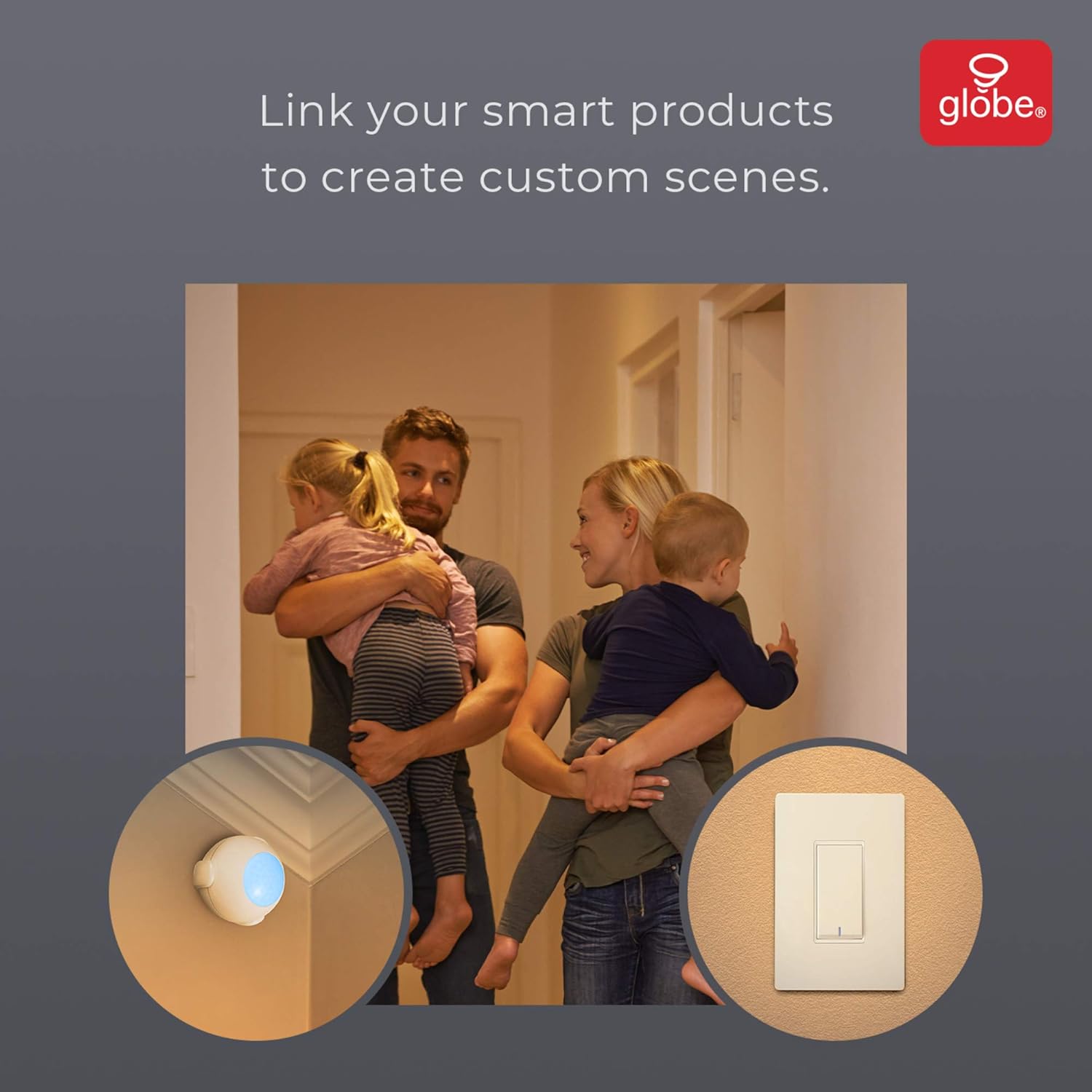
Image: Demonstrates how to link multiple Globe Electric smart products to create custom scenes for various home activities.
Засвар үйлчилгээ
The Globe Electric 50200 Smart Wi-Fi Light Switch requires minimal maintenance.
- Цэвэрлэгээ: Disconnect power at the circuit breaker before cleaning. Wipe the switch and faceplate with a soft, damp даавуу. Хүчтэй химийн бодис, зүлгүүрийн цэвэрлэгч хэрэглэж болохгүй.
- Програм хангамжийн шинэчлэлтүүд: Periodically check the GLOBE SUITE™ App for available firmware updates to ensure optimal performance and security.
Алдааг олж засварлах
If you encounter issues with your Globe Electric 50200 Smart Wi-Fi Light Switch, refer to the following common solutions:
| Асуудал | Боломжит шалтгаан | Шийдэл |
|---|---|---|
| Switch does not turn on/off lights. | No power, incorrect wiring, or bulb issue. | Check circuit breaker. Verify wiring connections (Line, Load, Neutral, Ground). Test the light bulb. |
| Wi-Fi-д холбогдох боломжгүй байна. | Incorrect Wi-Fi band, weak signal, or incorrect password. | Ensure your router is broadcasting a 2.4 GHz network. Move closer to the router. Double-check Wi-Fi password. Press the restart button on the switch and try pairing again. |
| Дуут удирдлага ажиллахгүй байна. | Incorrect integration with voice assistant or device naming. | Ensure the GLOBE SUITE™ App is correctly linked to your Amazon Alexa, Google Assistant, or Siri account. Verify the device name in the app matches what you are saying. |
| Switch frequently disconnects. | Weak Wi-Fi signal or network interference. | Ensure the switch is within good range of your 2.4 GHz Wi-Fi router. Consider a Wi-Fi extender if necessary. |
Үзүүлэлтүүд
| Онцлог | Дэлгэрэнгүй |
|---|---|
| Загвар | 50200 |
| Брэнд | Globe Electric |
| Холболтын протокол | Wi-Fi (2.4GHz) |
| Хяналтын арга | App, Voice, Manual |
| Хянагчийн төрөл | Amazon Alexa, Google Assistant, Siri |
| Ватtage | 100 ватт (хамгийн их) |
| Үйлдлийн горим | ON-NONE-ON or ON-ON-OFF |
| Шилжүүлэгчийн төрөл | Рокер |
| Суурилуулах төрөл | Ханын бэхэлгээ |
| Хэмжээ (L x W x H) | 1.96 x 2.05 x 4.13 инч |
| Материал | Металл, хуванцар |
| Зүйлийн жин | 0.28 фунт |
| UPC | 058219502006 |
Баталгаат хугацааны мэдээлэл
The Globe Electric 50200 Smart Wi-Fi Light Switch comes with a 1 жилийн үйлдвэрлэгчийн хязгаарлагдмал баталгаа. This warranty covers defects in materials and workmanship under normal use. For specific terms and conditions, please refer to the official Globe Electric webсайт эсвэл хэрэглэгчийн дэмжлэгтэй холбоо барина уу.
Дэмжлэг
For further assistance, technical support, or warranty claims, please contact Globe Electric customer service. You can find contact information on the official Globe Electric webсайт: www.globe-electric.com.
You can also visit the Globe Electric Store on Amazon for more products and information: Globe Electric Amazon Store.