1. Танилцуулга
The Arlo Essential Video Doorbell Wire-Free (AVD2001B) provides comprehensive security for your doorstep. This battery-operated video doorbell offers a wide field of view, high-definition video with HDR, and direct Wi-Fi connectivity for easy installation and monitoring.
Гол онцлогууд нь:
- Утасгүй дизайн: Battery-operated for flexible placement and easy recharging.
- 180 градус View: See a person from head to toe or a package on the ground.
- HD Video with HDR: Clear, detailed video in various lighting conditions.
- Direct to Wi-Fi: Connects directly to your home Wi-Fi network without a separate hub.
- Хоёр талын аудио: Communicate with visitors in real-time.
- Шөнийн хараа: Monitor your doorstep effectively, even in the dark.
- Цаг агаарт тэсвэртэй: Designed to withstand heat, cold, rain, and sun.
- Ухаалаг гэрийн интеграци: Compatible with Amazon Alexa, Google Assistant, and Samsung SmartThings.
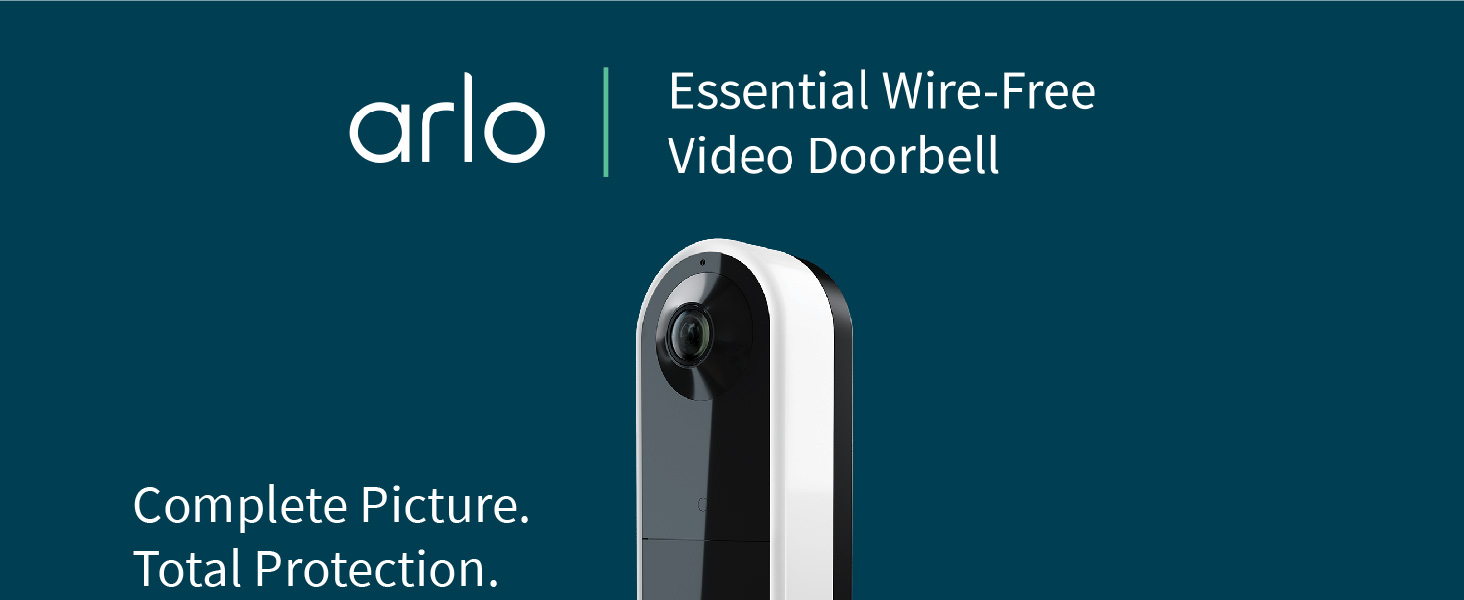
Image: Comparison of Arlo's 180-degree diagonal viewing angle (1:1 aspect ratio) showing a full person and package, versus a traditional video doorbell's reduced viewing angle (16:9 aspect ratio).
2. Хайрцагт юу байна
Суулгацыг эхлүүлэхийн өмнө бүх бүрэлдэхүүн хэсгүүд байгаа эсэхийг шалгаарай:
- Arlo Essential Video Doorbell Wire-Free (Camera Body)
- Rechargeable Battery Pack (4 AA batteries included)
- Батерейг цэнэглэх кабель
- Flat Mounting Plate
- Optional Angled Mounting Plate
- Wall Mount Screw Kit (screws and wall anchors)
- Wire Extension Kit (for hardwiring)
- Pin-г гарга
- Түргэн эхлүүлэх гарын авлага

Image: The Arlo Essential Video Doorbell Wire-Free shown with its packaging and all included accessories, such as mounting plates, battery, charging cable, and installation hardware.
3. Тохиргоо ба суурилуулалт
For detailed, step-by-step installation instructions, please download the Arlo app and follow the in-app guide. The app will walk you through the entire process, including wiring and device pairing.
3.1 Батерейг анх цэнэглэх
- Fully charge the battery pack using the provided charging cable until the LED indicator turns green.

Image: A split image showing the Arlo doorbell battery being charged via a USB cable and then being inserted into the back of the doorbell unit.
3.2 Апп татаж авах, Бүртгэл үүсгэх
- Download the Arlo app from the App Store (iOS) or Google Play Store (Android).
- Arlo бүртгэл үүсгэх эсвэл хэрэв танд аль хэдийн байгаа бол нэвтэрнэ үү.
3.3 Хаалганы хонхыг суурилуулах
- Use the release pin to detach the mounting plate from the doorbell.
- Choose between the flat or angled mounting plate based on your desired viewөнцөг.
- Secure the chosen mounting plate to your wall using the provided screws and wall anchors.
- If hardwiring, connect the wire extensions to your existing doorbell wiring and then to the doorbell unit.
- Snap the Arlo Essential Video Doorbell onto the mounted plate.
Video: An unboxing video of the Arlo Essential Video Doorbell Wire-Free, showcasing all components and a brief overview суулгах үйл явцын тухай.
4. Operating Your Arlo Doorbell
4.1 Амьд View болон Хоёр талын аудио
- Access the live video feed anytime through the Arlo app.
- When a visitor presses the doorbell, you will receive a video call on your phone.
- Use the two-way audio feature to speak with visitors or select from pre-recorded quick reply messages.
Video: A demonstration of receiving a video call on a mobile phone when the Arlo Video Doorbell is pressed, showing the live feed and two-way audio functionality.
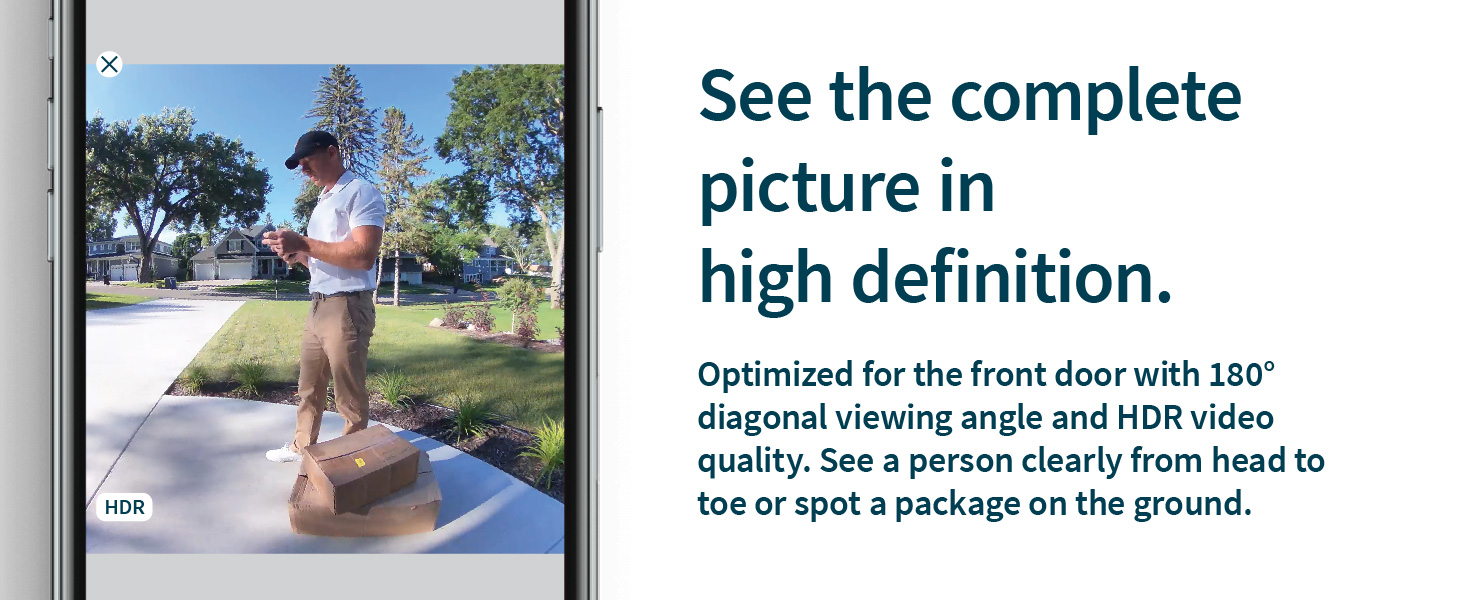
Image: A person speaking into the Arlo doorbell, with speech bubbles indicating two-way audio communication and quick reply options.
4.2 Хөдөлгөөн илрүүлэх ба дохиолол
- The doorbell detects motion and sends instant notifications to your phone.
- With Arlo Foresight, video is captured prior to motion-triggered recordings, ensuring you don't miss critical moments.
- Customize Activity Zones in the Arlo app to receive alerts only for relevant areas.
Video: A demonstration of motion detection and alerts from the Arlo Video Doorbell, showing how notifications appear on a mobile device.
Image: A mobile phone displaying an interactive notification from the Arlo doorbell, with options to mute, activate siren, call a friend, or initiate emergency response.
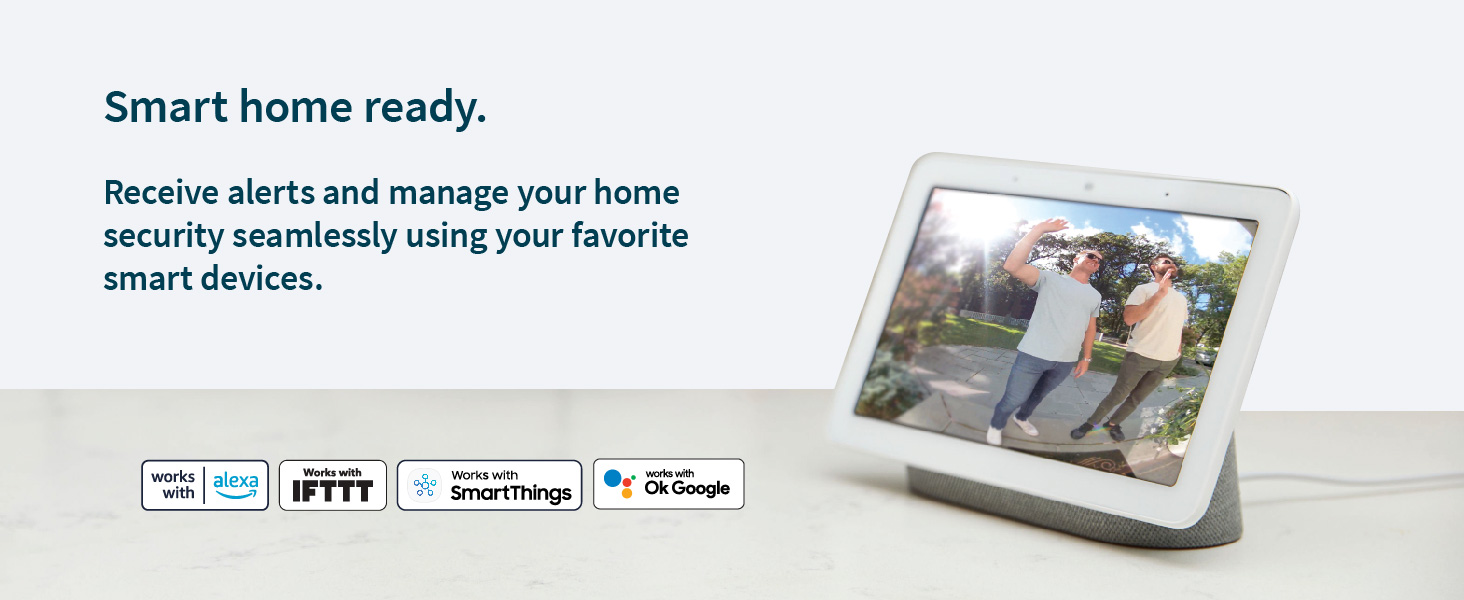
Image: A mobile phone screen showing the setup of Activity Zones for the Arlo doorbell, allowing users to define specific areas for motion alerts.
4.3 Шөнийн хараа
- The doorbell features Night Color technology for clear visibility in low-light conditions.
4.4 Сирена
- Deter unwanted guests by activating the built-in siren manually from the Arlo app or setting it to trigger automatically.
5. Засвар үйлчилгээ
5.1 Батерей цэнэглэх
- The wire-free design allows for easy removal and recharging of the battery pack.
- If hardwired, the doorbell will continuously charge the battery.
5.2 Цаг агаарын эсэргүүцэл
- The Arlo Essential Video Doorbell is weather-resistant (IP65 rated) and built to withstand various environmental conditions.
Image: The Arlo doorbell mounted on a wall, with raindrops visible, illustrating its weather-resistant design.
6. Алдаа засах
If you encounter any issues with your Arlo Essential Video Doorbell, please refer to the troubleshooting section within the Arlo app or visit the Arlo support website for common solutions and FAQs.
- Холболтын асуудал: Ensure your Wi-Fi signal strength is adequate at the doorbell's location.
- Зайны хугацаа: Check battery charge level in the app. If hardwired, verify proper connection to your chime system.
- Хөдөлгөөний сэрэмжлүүлэг: Review Activity Zone settings and motion sensitivity in the Arlo app.
7. Техникийн үзүүлэлтүүд
| Загварын нэр | Үндсэн видео хаалганы хонх утасгүй |
| Загварын дугаар | AVD2001B |
| Өнгө | Хар |
| Дотор/гадаа ашиглах | Гадаа |
| Эрчим хүчний эх үүсвэр | Battery Powered (Rechargeable Battery Pack) |
| Холболт | Wi-Fi (Direct to Wi-Fi) |
| Видеоны нягтрал | 1536x1536, 1:1 Ratio, HD with HDR |
| -ийн талбар View | 180 градус диагональ |
| Шөнийн хараа | Шөнийн өнгө |
| Аудио | 2 талын аудио |
| Цаг агаарын эсэргүүцэл | IP65 үнэлгээтэй |
| Compatible Smart Home Systems | Amazon Alexa, Google Assistant, Samsung SmartThings |
| Хэмжээ (L x W x H) | 4 x 5 x 3 инч |
| Зүйлийн жин | 8.82 унц |
8. Arlo Secure Plan and Support
Maximize your security with an Arlo Secure plan. A trial of Arlo Secure is included with your purchase, offering advanced features such as:
- Cloud recordings of video clips (up to 30 days).
- Advanced object detection (people, vehicles, packages).
- Rich notifications and quick responses.
- Cloud activity zones.
- Emergency services dialing (where available).
Renewal of an Arlo Secure plan is required to maintain these features after the trial period. For more information on plans and pricing, visit arlo.com/secure.

Image: A table comparing features available with and without an Arlo Secure plan, detailing cloud storage, object detection, and emergency response options.
8.1 Дэмжих нөөц
For additional support, troubleshooting tips, and how-to videos, please visit the official Arlo support website or contact customer service through the Arlo app.