
1. Бүтээгдэхүүн дууссанview
The REXING HS01 is a 1080p wireless smart home security camera system designed for both indoor and outdoor use. It features a rechargeable battery, solar panel charging capability, two-way intercom, motion activation, infrared night vision, and cloud storage options. The camera connects to your home WiFi network and is managed via a mobile application.
Гол онцлогууд:
- 1080p Full HD видео: Records clear video with a 120-degree wide-angle lens.
- Утасгүй ба цэнэглэдэг: Operates wirelessly with a 6000mAh rechargeable battery.
- Нарны эрчим хүчээр ажилладаг: Can be continuously charged by the included solar panel.
- Хоёр талын харилцаа холбоо: Allows for real-time communication via the mobile app.
- Усны хамгаалалттай дизайн: IP65 rated for outdoor weather resistance.
- Хөдөлгөөн илрүүлэх: PIR motion sensor with adjustable sensitivity up to 33ft.
- Хэт улаан туяаны шөнийн хараа: Provides clear visibility up to 33ft in low light conditions.
- Үүл хадгалах сан: Offers free 3-day cloud storage with options for extended plans.
- Мобайл програмын хяналт: Manage and monitor the camera from your smartphone.
2. Багцын агуулга
Дараах зүйлсийн багцад байгаа эсэхийг шалгана уу.
- REXING HS01 хамгаалалтын камер
- Нарны хавтан
- Суурилуулах бэхэлгээ ба шураг
- USB цэнэглэгч кабель
- Хэрэглэгчийн гарын авлага
3. Тохируулах гарын авлага
3.1 Анхны цэнэглэлт
Before first use, fully charge the camera's internal 6000mAh battery using the provided USB cable. Connect the cable to the camera's charging port and a standard USB power adapter (not included). The charging indicator will show the charging status.
3.2 Апп суулгах
-г татаж авах Rexing Home application from your smartphone's app store (available on iOS and Android). хайх "Rexing Home" and install the application.
3.3 Wi-Fi холболт
- Open the Rexing Home app and create an account or log in.
- Шинэ төхөөрөмж нэмэхийн тулд програмын зааврыг дагана уу.
- Ухаалаг утас тань a-д холбогдсон эсэхийг шалгаарай 2.4GHz Wi-Fi сүлжээ. The HS01 camera does not support 5GHz Wi-Fi.
- Таны утсан дээр гарч ирсэн QR кодыг асуух үед камерын линзээр уншина уу.
- Wait for the camera to connect to your Wi-Fi network. A voice prompt will confirm successful connection.
3.4 Камер болон нарны хавтанг суурилуулах
The REXING HS01 camera and solar panel can be mounted indoors or outdoors. Choose a location that provides the desired viewing angle and ensures the solar panel receives ampХамгийн оновчтой цэнэглэлт хийхийн тулд өдрийн турш нарны шууд тусгалд байлгана.

Image: The REXING HS01 camera with its solar panel mounted on an exterior wall, highlighting its 100% wireless and solar-powered operation. The camera is designed for outdoor use and is weatherproof.
- Use the provided mounting bracket and screws to securely attach the camera to a wall or desired surface.
- Mount the solar panel in a location that receives maximum direct sunlight. Connect the solar panel cable to the camera's charging port.
- Adjust the camera's angle to cover the desired monitoring area.
4. Ашиглалтын заавар
4.1 Амьд View and Remote Playback
Once connected, open the Rexing Home app to access the live video feed from your camera. You can view бодит цагийн footage from anywhere with an internet connection. The app also allows you to review видео бичлэг хийсэн footage stored in the cloud.

Image: A smartphone screen showing a live view from the REXING HS01 camera, with icons for remote playback and indicating motion alerts. This demonstrates complete control from the Rexing Home App.
4.2 Хоёр талын аудио харилцаа холбоо
The HS01 camera features a built-in microphone and speaker, enabling two-way audio communication. From the live view in the Rexing Home app, you can speak to individuals near the camera and hear their responses.
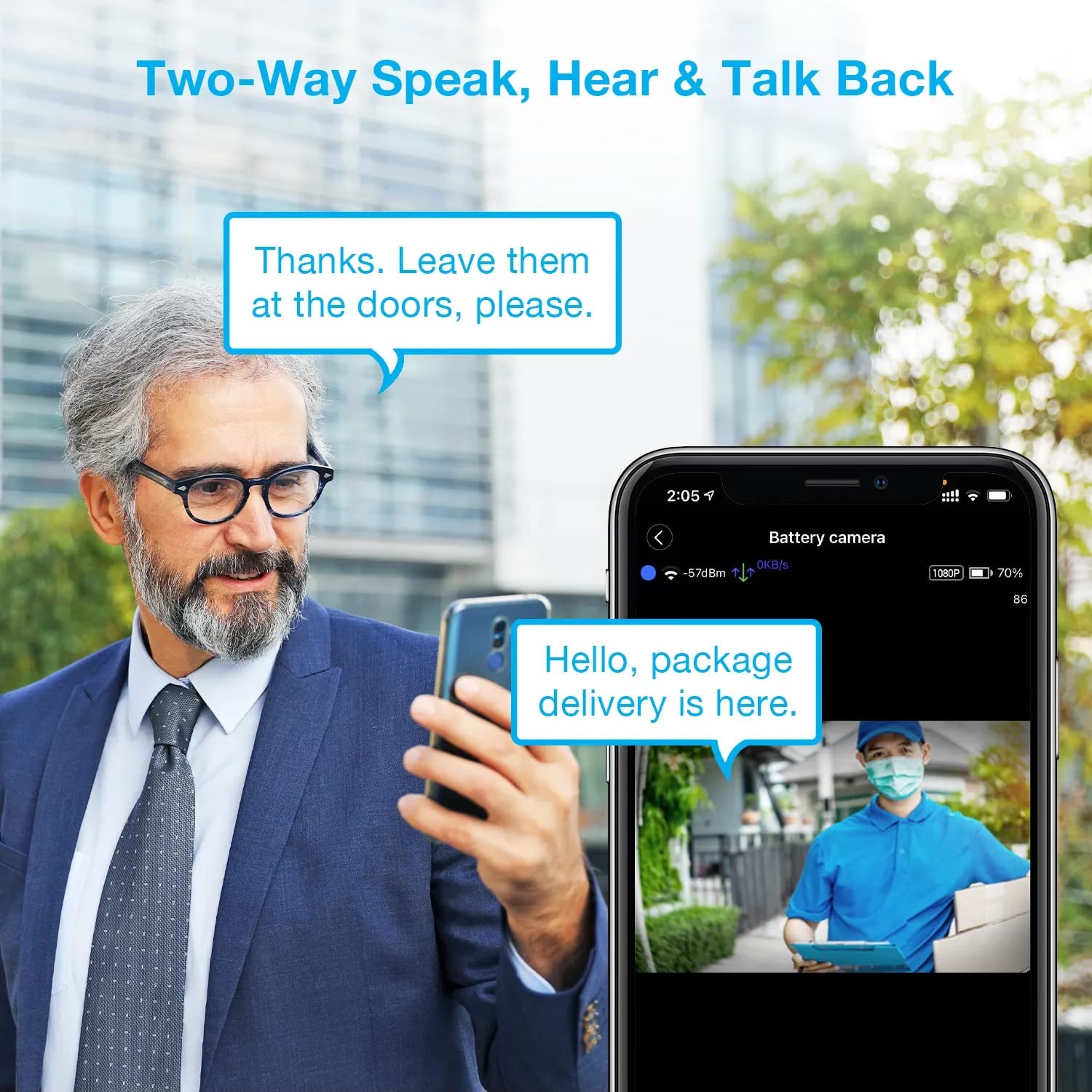
Image: A man using his smartphone to communicate with a delivery person visible on his screen, demonstrating the two-way speak and talk-back functionality of the REXING HS01 camera.
4.3 Хөдөлгөөн илрүүлэх ба дохиолол
The camera utilizes a PIR (Passive Infrared) motion sensor to detect movement. When motion is detected, the camera will begin recording and send instant notifications to your smartphone via the Rexing Home app.
- Мэдрэмжийг тохируулах: You can adjust the PIR motion sensitivity settings within the app, with options up to 33ft.
- Мэдэгдлийн тохиргоо: Customize alert preferences in the app to receive notifications for every detected motion.
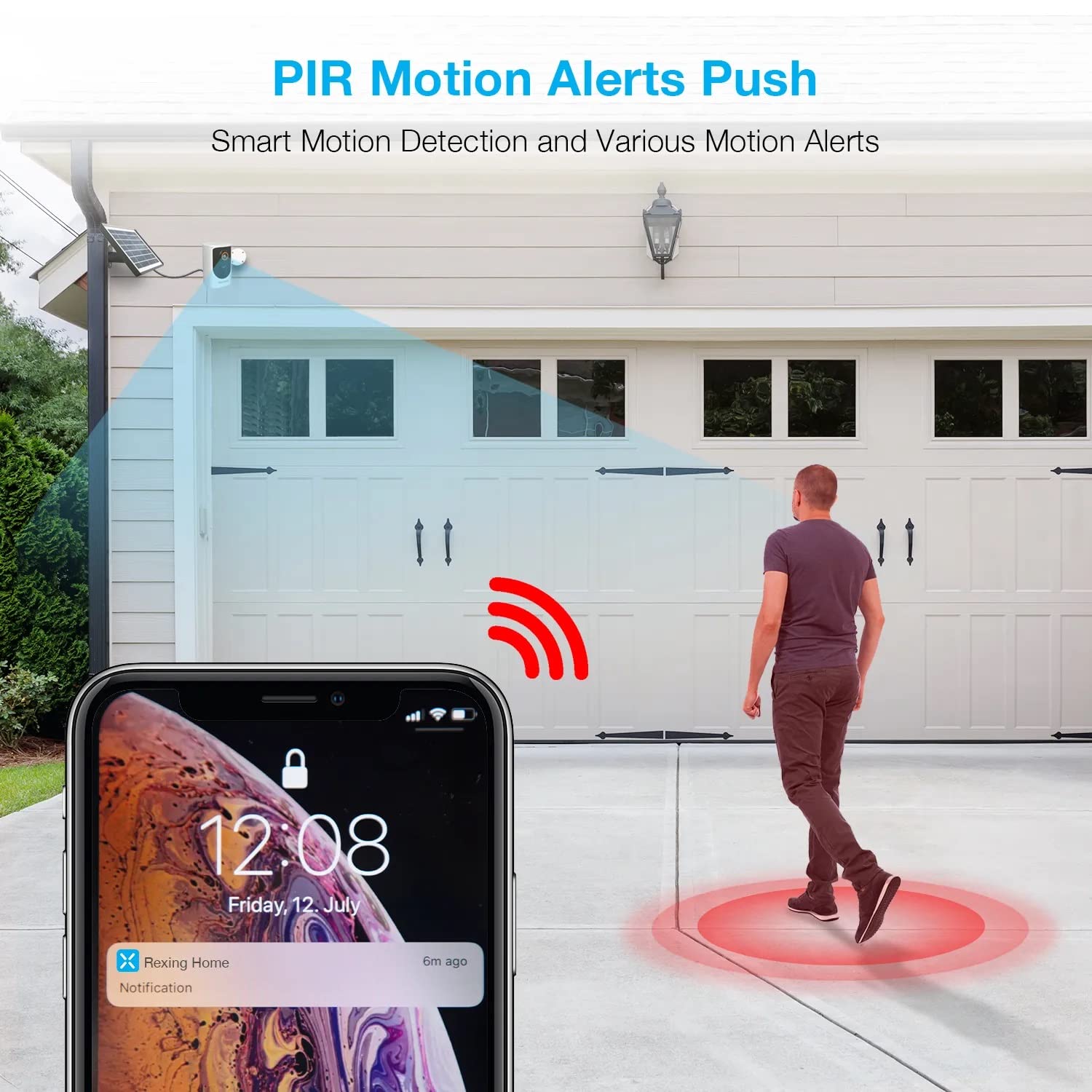
Image: A smartphone screen showing a notification from the Rexing Home app indicating a motion alert, with a visual representation of a person walking into the camera's detection zone.
4.4 Шөнийн хараа
The HS01 camera is equipped with 8 built-in 850nm Infrared LEDs and enhanced CMOS imaging sensors, providing clear night vision up to 33ft. The night vision mode activates automatically in low-light conditions.
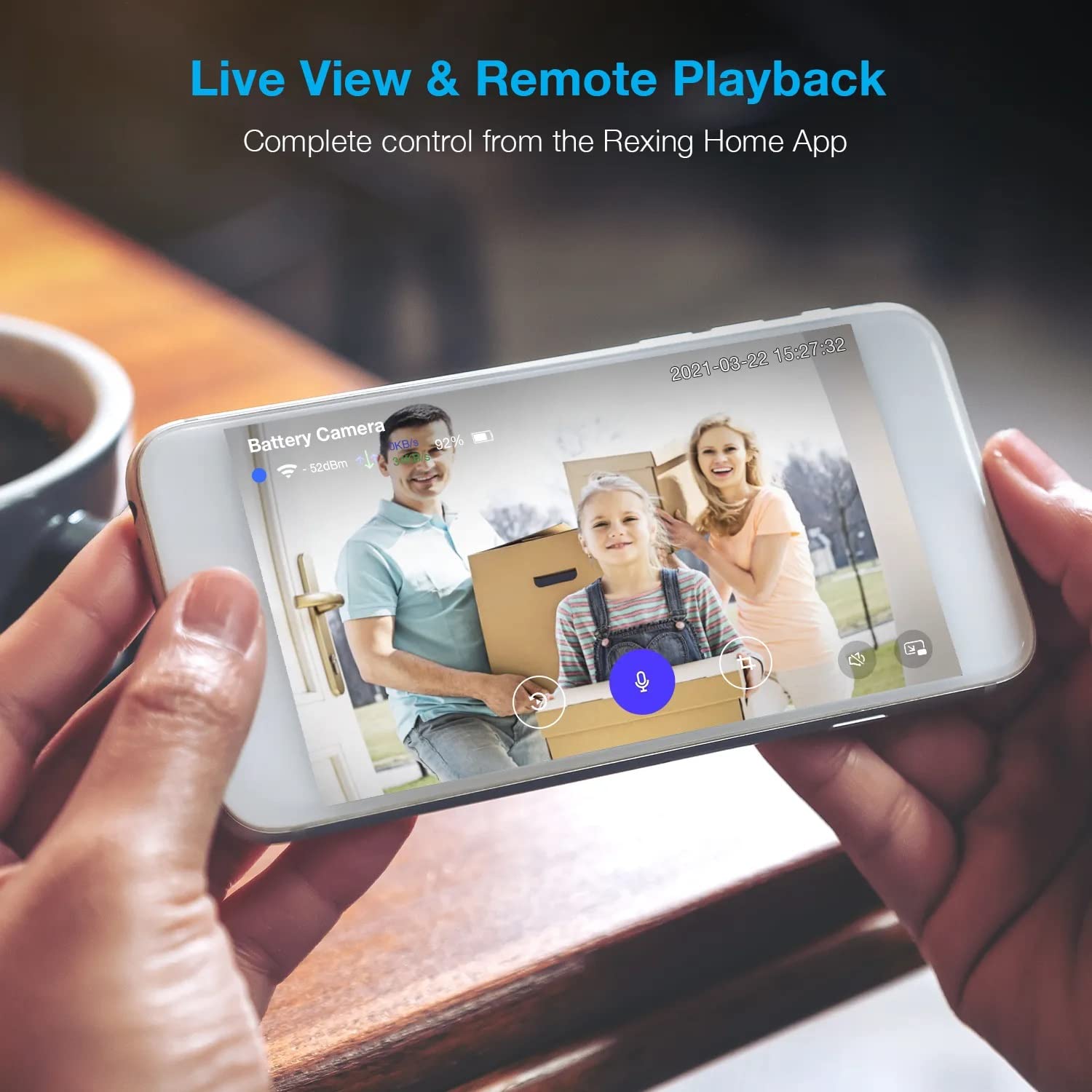
Image: A smartphone displaying a split screen, with one side showing a daytime view of a house in full color and the other side showing the same house in enhanced infrared night vision, demonstrating the camera's 1080p HD and night vision capabilities.
4.5 Үүлэн хадгалалт
The camera offers secure cloud storage for recorded video footage. You can access the past 3 days of video recordings for free. Extended cloud storage plans are available for purchase through the Rexing Home app.
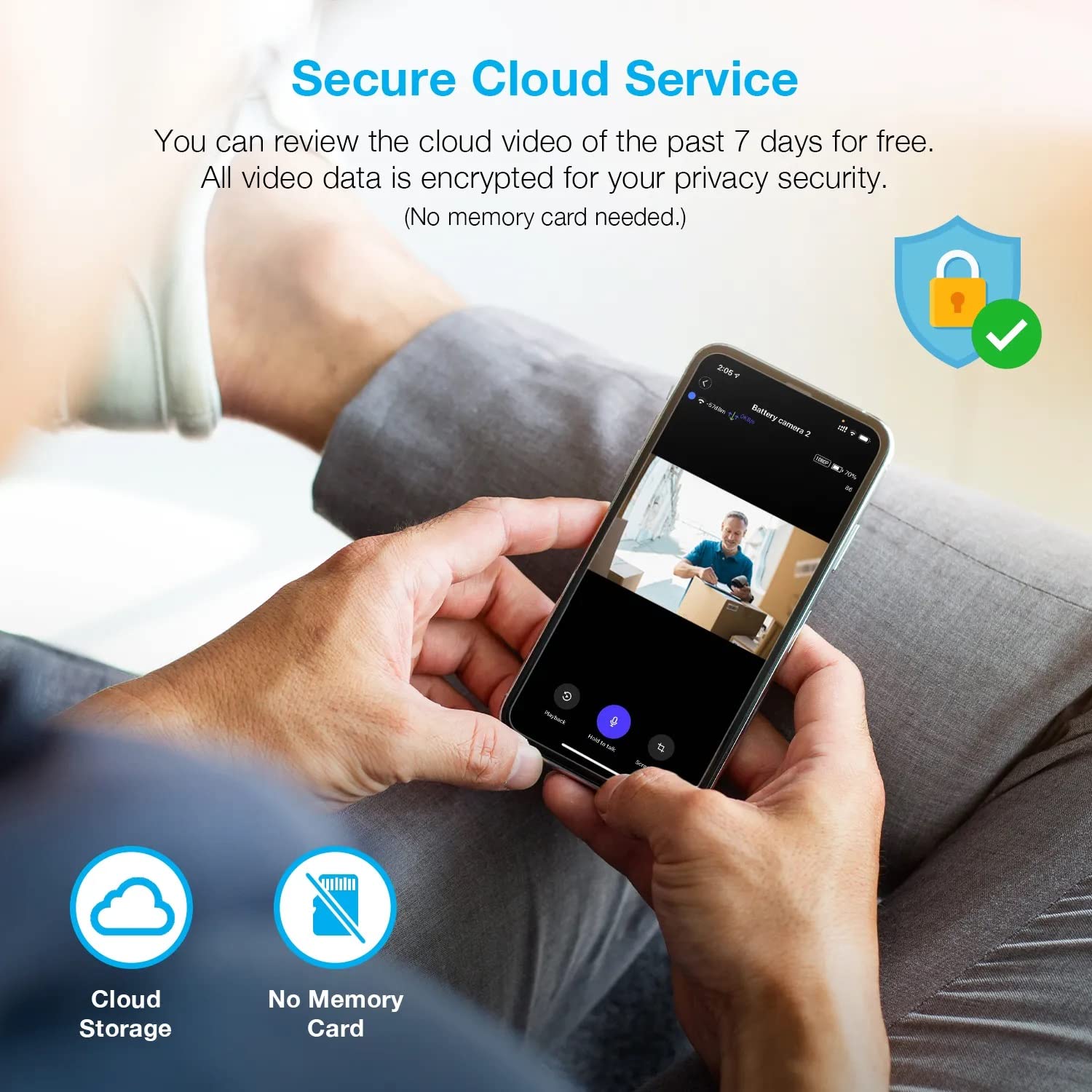
Зураг: хүн viewing recorded camera footage on a smartphone, accompanied by icons for cloud storage and indicating that no memory card is needed, highlighting the secure cloud service feature.
5. Засвар үйлчилгээ
5.1 Батерейны удирдлага
The HS01 camera is powered by a 6000mAh rechargeable battery. For continuous operation, ensure the solar panel is positioned to receive adequate direct sunlight. If the camera is used in an area with limited sunlight, periodic manual charging via the USB cable may be required.
5.2 Цэвэрлэгээ
To maintain optimal performance, periodically clean the camera lens and the solar panel surface with a soft, damp даавуу. Гадаргууг гэмтээж болзошгүй зүлгүүрийн цэвэрлэгч эсвэл уусгагч хэрэглэхээс зайлсхий.
6. Алдаа засах
- Камер Wi-Fi-д холбогдоогүй байна:
- Таны Wi-Fi сүлжээ 2.4GHz байгаа эсэхийг шалгаарай. Камер нь 5GHz сүлжээг дэмждэггүй.
- Камерын байршилд Wi-Fi дохионы хүчийг шалгана уу.
- Аппликешнд оруулсан Wi-Fi нууц үг зөв эсэхийг шалгана уу.
- Чиглүүлэгч болон камераа дахин эхлүүлнэ үү.
- Видео чанар муу:
- Ensure a strong Wi-Fi signal. Weak signals can affect streaming quality.
- Clean the camera lens if it appears dirty or smudged.
- Motion detection not working or too sensitive:
- Adjust the PIR motion sensitivity settings in the Rexing Home app.
- Камерыг хааж буй саад бэрхшээл байхгүй эсэхийг шалгаарай view or the PIR sensor.
- Check the camera's battery level. Low battery can affect sensor performance.
- Battery not holding charge or solar panel not working:
- Ensure the solar panel is positioned to receive direct sunlight for several hours daily.
- Clean the solar panel surface to remove any dirt or debris.
- Нарны хавтангийн кабелийг камертай найдвартай холбосон эсэхийг шалгана уу.
- If issues persist, try charging the camera directly via USB.
- No audio or poor two-way audio:
- Check the volume settings on your smartphone and in the Rexing Home app.
- Аппликейшнд зориулж утасныхаа микрофоныг идэвхжүүлсэн эсэхээ шалгана уу.
- Verify a stable internet connection for both the camera and your smartphone.
7. Техникийн үзүүлэлтүүд
| Онцлог | Тодорхойлолт |
|---|---|
| Загварын дугаар | HS01 |
| Видеоны нягтрал | 1080p бүрэн HD |
| -ийн талбар View | 120 градус |
| Шөнийн харааны хүрээ | 33 фут |
| Зайны багтаамж | 6000 мАч |
| Холболт | Утасгүй (Wi-Fi 2.4GHz) |
| Усны хамгаалалттай үнэлгээ | IP65 |
| Тохиромжтой төхөөрөмжүүд | Smartphone (Amazon Alexa, Google Assistant) |
| Зүйлийн хэмжээ | 8.5 x 7.25 x 3.75 инч |
| Зүйлийн жин | 1 фунт |
| Эрчим хүчний эх үүсвэр | Rechargeable Battery, Solar Panel |
8. Баталгаат хугацаа ба дэмжлэг
8.1 Баталгаат хугацааны мэдээлэл
For detailed warranty information regarding your REXING HS01 Smart Home Security Camera System, please refer to the warranty card included with your product or visit the official REXING webсайт. Баталгаат хугацаа, нөхцөл нь бүс нутаг болон жижиглэн худалдаалагчаас хамаарч өөр өөр байж болно.
8.2 Хэрэглэгчийн дэмжлэг
If you encounter any issues or have questions about your REXING HS01 camera, please contact REXING customer support. You can typically find support contact information on the official REXING website or within the Rexing Home mobile application.
For the latest updates, FAQs, and additional resources, please visit the official REXING webсайт: www.rexingusa.com