
Танилцуулга
Худалдан авалт хийсэнд баярлалааasing the Cuifati A100 Mini Cartoon Kids Camera. This camera is designed for children aged 3-12, offering a fun and safe way to explore photography and videography. Its compact, lightweight, and durable design, made from food-grade ABS material, ensures a comfortable and secure grip for small hands. This manual provides essential information for setting up, operating, and maintaining your camera.
The camera features a 2.0-inch color display, 20MP photo resolution, 720P video recording, and includes various photo frames and filters to enhance creativity. It is equipped with a built-in 400mAh rechargeable battery for extended use.
Аюулгүй байдлын мэдээлэл
- This product is intended for children aged 3-12. Adult supervision is recommended during use.
- The camera is made from food-grade ABS material, ensuring it is safe for children.
- Do not expose the camera to extreme temperatures, direct sunlight for prolonged periods, or moisture.
- Камерыг унагаах эсвэл хүчтэй цохилтод өртөхөөс зайлсхий.
- Keep small parts, such as memory cards, out of reach of very young children to prevent choking hazards.
- Use only the provided charging cable or a compatible DC5V 1A charger.
- The battery is built-in and non-detachable. Do not attempt to replace it.
Багцын агуулга
Бүх зүйл байгаа эсэхийг шалгахын тулд багцыг шалгана уу:
- 1 x Cuifati A100 Children Camera
- 1 x Тохируулах оосор
- 1 x Anti-lost Rope
- 1 x USB цэнэглэгч кабель

Зураг 1: Package contents including the camera, straps, and charging cable.
Бүтээгдэхүүн дууссанview
The Cuifati A100 camera features a user-friendly design with a durable, rounded body for comfortable handling.

Зураг 2: The camera's light and round design.
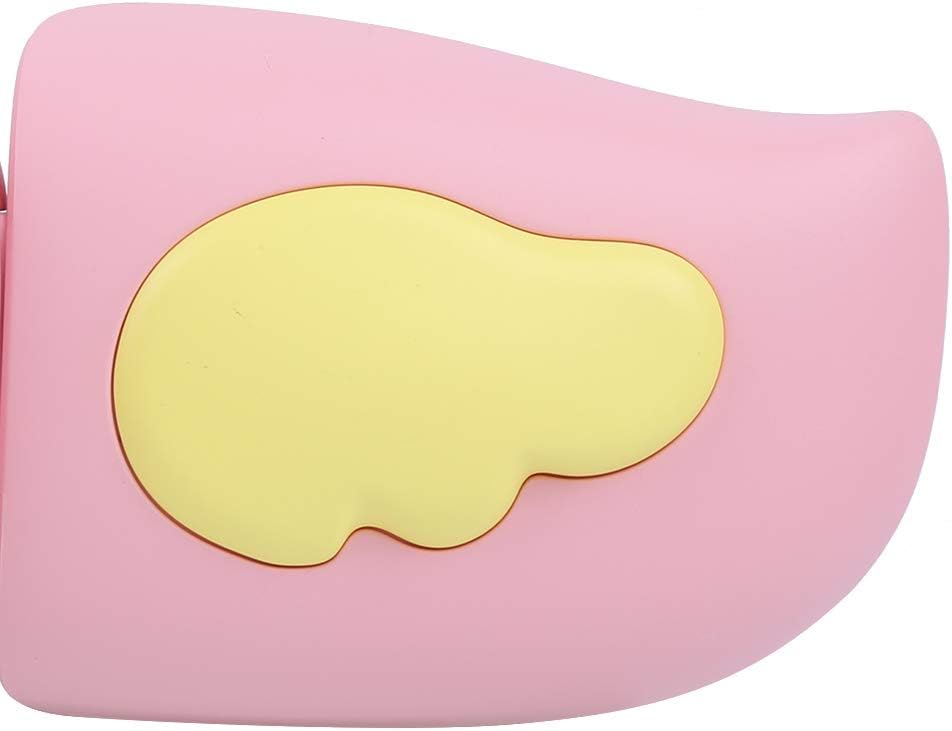
Зураг 3: Detail of the camera's ergonomic design.
Гол онцлогууд:
- 2.0 инчийн өнгөт дэлгэц: Учир нь viewзураг, видео үзэх, цэс рүү шилжих.
- Тогтмол линз: 100° viewing angle for capturing wide scenes.
- Хэрэглэгчдэд ээлтэй товчлуурууд: Ашиглахад хялбар мэдрэмжтэй удирдлага.
- USB интерфэйс: Цэнэглэх, өгөгдөл дамжуулах зориулалттай.
- Санах ойн картны үүр: Supports up to 32GB (card not included).
Тохиргоо
1. Камерыг цэнэглэж байна
Before first use, fully charge the camera's built-in 400mAh battery. The camera features a large capacity battery for strong endurance.
- Connect the provided USB charging cable to the camera's USB port.
- Connect the other end of the USB cable to a DC5V 1A USB power adapter (not included) or a computer's USB port.
- Цэнэглэж байгаа заагч гэрэл асах болно. Цэнэглэж дууссаны дараа гэрэл өнгөө өөрчлөх эсвэл унтарч магадгүй.
2. Санах ойн карт оруулах
A memory card (MicroSD card, up to 32GB) is required to save photos and videos. It is not included in the package.
- Камерын хажуу талд байгаа санах ойн картны үүрийг олоорой.
- Gently insert a MicroSD card into the slot with the metal contacts facing the front of the camera until it clicks into place.
- To remove the card, gently push it in again until it springs out.
Ашиглалтын заавар
1. Асаах/унтраах
- Асаахын тулд: Асаах товчийг дараад барина уу (ихэвчлэн тэмдэглэгдсэн) Ⓜ or a similar icon) for a few seconds until the screen lights up.
- Унтраахын тулд: Дэлгэц унтрах хүртэл Асаах товчийг дахин дараад барина уу.

Зураг 4: Camera in hand, showing the display and control buttons.
2. Зураг авах
- Камераа асаана уу. Энэ нь ихэвчлэн зургийн горимд шилжих болно.
- Frame your shot using the 2.0-inch color display.
- Press the Shutter button (often a prominent button on top or side) to take a picture.
- Камер нь 20 мегапикселийн нягтралтай зураг авахыг дэмждэг.
- Utilize the 4 types of photo stickers and 9 kinds of filters for creative effects.
- Time-lapse shooting for selfies can be set for 3 or 5 seconds.
3. Видео бичлэг хийх
- From photo mode, navigate to video mode using the mode button (usually marked 'M' or a video camera icon).
- Бичлэг хийж эхлэхийн тулд Хөшигний товчийг дарна уу. Дэлгэц дээр бичлэгийн индикатор гарч ирнэ.
- Бичлэгийг зогсоохын тулд Хөшигний товчийг дахин дарна уу.
- The camera records videos in 720P (1080x720) resolution.
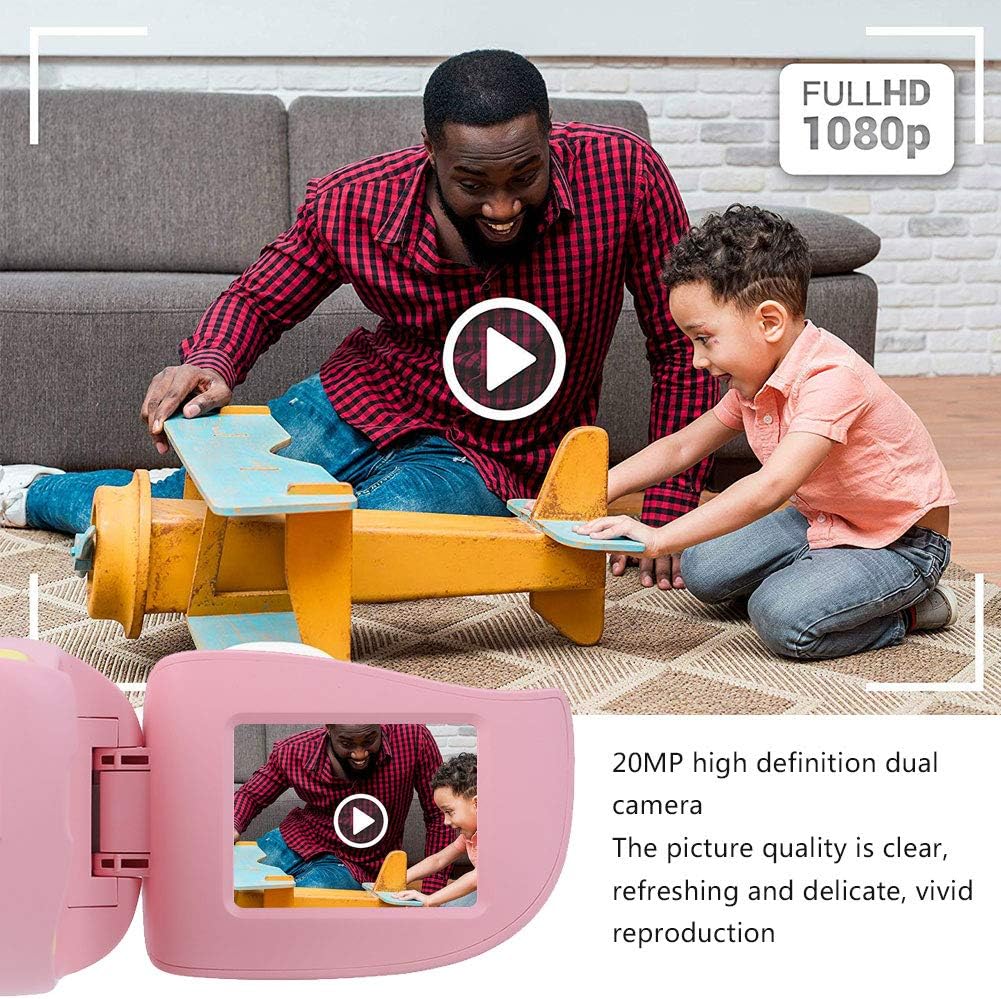
Зураг 5: Illustrating the camera's 20MP photo and 720P video capabilities.
4. Тоглуулах горим
- Горимын товчийг ашиглан тоглуулах горимд орно уу.
- Use the navigation buttons (up/down or left/right arrows) to browse through your photos and videos.
- Press the OK/Shutter button to view зураг эсвэл видео тоглуулах.
5. Settings and Games
- Access the settings menu via the mode button or a dedicated menu button. Here you can adjust language (Chinese, English, Russian, Korean, Japanese), date/time, and other camera parameters.
- The camera supports a variety of built-in games for entertainment. Navigate to the game section through the menu.
Засвар үйлчилгээ
- Цэвэрлэгээ: Use a soft, dry cloth to clean the camera body. For the lens, use a specialized lens cleaning cloth. Do not use liquid cleaners or abrasive materials.
- Хадгалах: Камерыг ашиглаагүй үедээ нарны шууд тусгал болон чийгнээс хол, сэрүүн, хуурай газар хадгална уу.
- Батерейны арчилгаа: Зайны ашиглалтын хугацааг уртасгахын тулд зайгаа ойр ойрхон бүрэн цэнэггүй болгохоос зайлсхий. Камераа удаан хугацаагаар ашиглаагүй байсан ч тогтмол цэнэглэ.
Алдааг олж засварлах
| Асуудал | Боломжит шалтгаан | Шийдэл |
|---|---|---|
| Камер асахгүй байна. | Батерей бага эсвэл дуусч байна. | Charge the camera using the USB charging cable. |
| Зураг авах/видео бичих боломжгүй. | Санах ойн карт оруулаагүй эсвэл карт дүүрээгүй/эвдэрсэн. | Insert a compatible MicroSD card (up to 32GB). Check if the card has sufficient space or try formatting it (this will erase all data). |
| Зураг/видео бүдэг байна. | Lens is dirty or lighting is poor. | Clean the lens with a soft cloth. Ensure adequate lighting for your shots. |
| Камер хөлддөг эсвэл хариу өгөхгүй байна. | Програм хангамжийн алдаа. | Press and hold the Power button for an extended period (e.g., 10-15 seconds) to force a restart. If the issue persists, ensure the battery is charged. |
Үзүүлэлтүүд
| Загвар | A100 |
| Материал | Хүнсний зориулалттай ABS |
| Дэлгэц | 2.0 Inch Color Display Screen (LCD) |
| Линз | Fixed Lens, 100° Viewing өнцөг |
| Хадгалалтын дунд | Memory Card (MicroSD), Maximum Support 32GB (Not Included) |
| Зургийн формат | JPG |
| Видео формат | JPEG |
| Видеоны нягтрал | 720P (1080x720) |
| Зургийн пиксел | 20 MP Effective Still Resolution |
| Фото зургийн жааз | 4 төрөл |
| Шүүлтүүрийн эффектүүд | 9 төрөл |
| Оролтын хэмжээtage | DC5V 1A |
| Функцүүд | Taking Pictures, Video Recording, Games |
| Дэмжигдсэн хэлүүд | Chinese, English, Russian, Korean, Japanese |
| Батерей | Built-in, Non-Detachable 400mAh Lithium Battery |
| Жин | Ойролцоогоор 220 гр |
| Хэмжээ (ойролцоогоор) | 13 x 11 x 7 см (Илгээмжийн хэмжээ) |
| Холболт | USB, Wi-Fi |
| Фото мэдрэгчийн технологи | CMOS |
| Өртөх хяналт | Гарын авлага |
| Буудлагын горимууд | Спорт |
| Тасралтгүй буудлага | 30 FPS |
| Насны хүрээ | Хүүхэд (3-12 нас) |
Баталгаат болон дэмжлэг
Specific warranty information is not provided in this manual. For details regarding warranty coverage, technical support, or service, please refer to the documentation included with your purchase or contact the retailer where the product was acquired. You may also visit the official Cuifati brand store for additional information.
Cuifati Brand Store: Дэлгүүрт зочилно уу


