
1. Бүтээгдэхүүн дууссанview
The Andoer A12 Portable Camera Teleprompter is a versatile tool designed to assist with video recording, live streaming, interviews, and presentations. It allows you to display scripts from smartphones or tablets while recording with DSLR or mirrorless cameras, ensuring direct eye contact with the audience.
Гол онцлогууд:
- Олон үйлдэлт дизайн: Compatible with DSLR/mirrorless cameras for shooting and smartphones/tablets for prompting.
- Өндөр нарийвчлалтай дэлгэц: Features a single-sided high reflective mirror (26.3 x 21.1 cm) with high light transmittance for clear prompting and minimal impact on video quality.
- Өргөн нийцтэй байдал: Supports shooting with wide-angle lenses and includes a lens fix pocket, eliminating the need for additional adapter rings.
- Professional Accessories Extension: Equipped with dual cold shoe mounts for attaching external microphones, LED fill lights, and other accessories.
- Утасгүй алсын удирдлага: Includes a Bluetooth-enabled remote for convenient control of script playback (play/pause, speed adjustment) on your smartphone or tablet.
2. Багцын агуулга
Доор жагсаасан бүх зүйл таны багцад байгаа эсэхийг шалгана уу.
- 1 x Teleprompter System
- 1 x Алсын удирдлага
- 1 х цэвэрлэгээний даавуу
- 1 x хэрэгжүүлэлтийн хэрэг

Image: The Andoer A12 teleprompter system, including the main unit, remote control, cleaning cloth, and carry case, laid out next to its packaging.
3. Тохируулах заавар
Follow these steps to assemble and set up your Andoer A12 teleprompter:
- Mount the Teleprompter: Attach the teleprompter system to a tripod using the standard 1/4-inch screw mount at its base. Ensure it is securely fastened.
- Камераа суулгана уу: Slide your DSLR or mirrorless camera onto the camera platform behind the teleprompter. Adjust its position so the lens is centered with the teleprompter's reflective glass. Secure the camera using the provided screw.
- Insert Smartphone/Tablet: Place your smartphone or tablet into the adjustable tray below the reflective glass. Ensure it is positioned correctly to reflect the script onto the glass.
- Attach Lens Hood: Secure the fabric lens hood around your camera lens and the teleprompter opening to prevent light leakage and reflections.
- Холбох хэрэгслүүд (заавал биш): Utilize the dual cold shoe mounts on top of the teleprompter to attach external microphones or LED fill lights as needed for your recording setup.

Image: Diagrams illustrating various ways to set up the teleprompter, including configurations for smartphones/tablets, DSLR shooting, and video cameras.

Image: The Andoer A12 teleprompter assembled with a DSLR camera mounted, ready for use, showcasing түүний авсаархан загвар.
4. Ашиглалтын заавар
4.1 Using the Teleprompter App
Download a compatible teleprompter application on your smartphone or tablet. Most apps allow you to import scripts, adjust font size, text color, background color, and scrolling speed. Ensure the app supports 'mirror mode' or 'horizontal flip' for correct text display on the teleprompter glass.

Зураг: Ойрын зураг view of the teleprompter's reflective glass displaying a clear, readable script, demonstrating the high definition display.
4.2 Алсын удирдлагатай ажиллагаа
The included remote control connects via Bluetooth to your smartphone or tablet, allowing you to manage your script without touching the device.
- Хослуулах: Turn on the remote control. On your smartphone/tablet, go to Bluetooth settings and pair with the remote (usually named 'BT Remote' or similar).
- Үйл ажиллагаа:
- Тоглуулах/түр зогсоох: Start or stop the script scrolling.
- Хурдасгах/бууруулах: Adjust the scrolling speed of the text.
- Хуудас дээш/доошоо: Navigate through the script page by page.
- Return (Home): For iOS devices, this button may function as a home button.

Image: A detailed diagram of the remote control, labeling buttons for play/pause, speed adjustment, page navigation, and return function.
Жич: Due to variations in smartphone operating systems and teleprompter applications, some remote control functions may differ slightly. Test all buttons with your chosen app before recording.

Image: A person sitting in front of the Andoer A12 teleprompter, which is mounted on a tripod with a camera, demonstrating its use for recording.
5. Засвар үйлчилгээ
Proper maintenance ensures the longevity and optimal performance of your teleprompter.
- Шилийг цэвэрлэх: Use the provided cleaning cloth or a soft, lint-free microfiber cloth to gently wipe the reflective glass. For stubborn smudges, a small amount of lens cleaning solution can be applied to the cloth (not directly to the glass). Avoid abrasive materials.
- Ерөнхий цэвэрлэгээ: Wipe down the teleprompter body with a dry or slightly damp даавуу. Химийн хатуу бодис хэрэглэж болохгүй.
- Хадгалах: When not in use, disassemble the teleprompter and store it in the provided carry case to protect it from dust, scratches, and impacts.
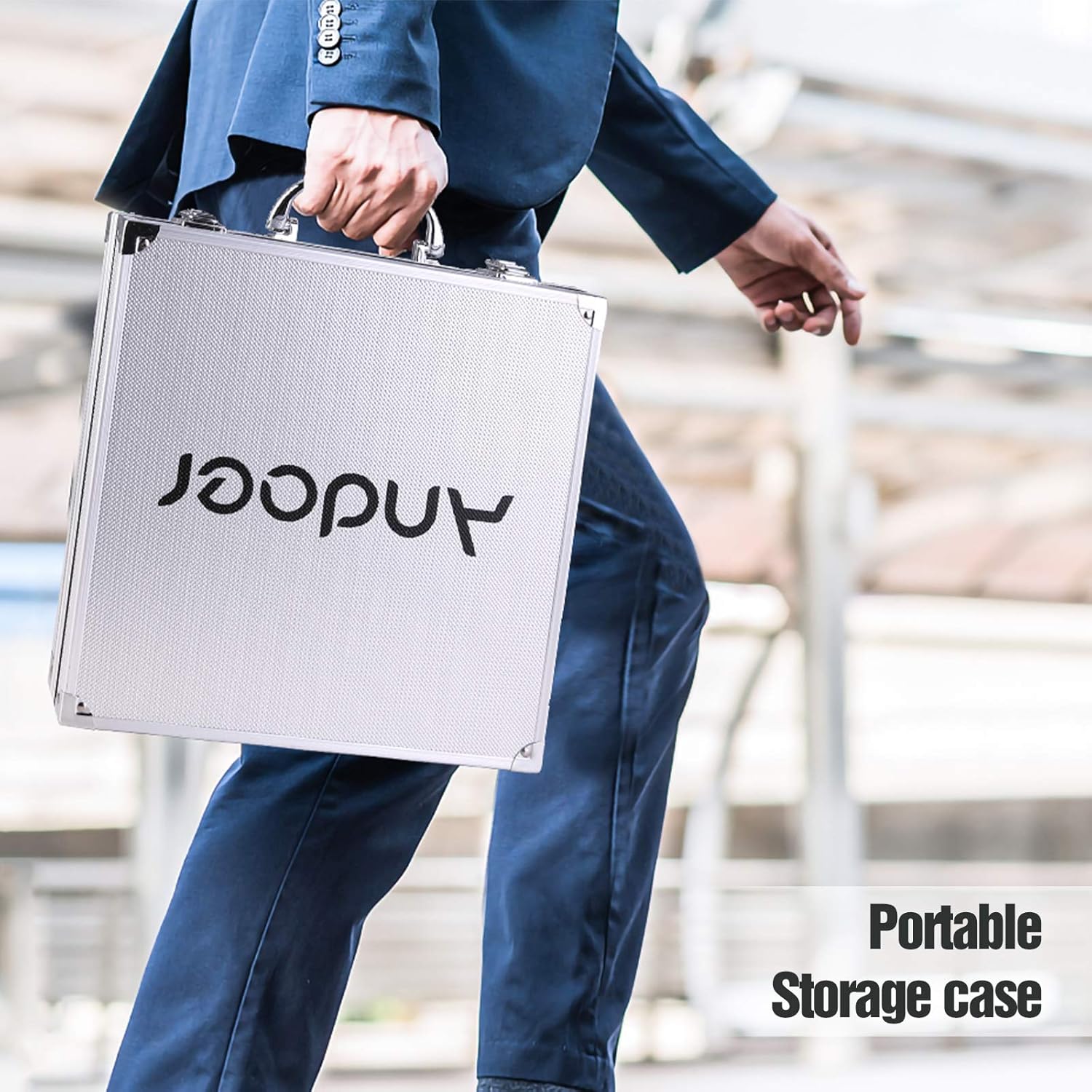
Image: A person walking while carrying the portable storage case for the Andoer A12 teleprompter, highlighting its portability and protection.
6. Алдаа засах
If you encounter issues with your Andoer A12 teleprompter, refer to the following common problems and solutions:
- Text is blurry or unclear:
- Ensure the reflective glass is clean.
- Adjust the brightness of your smartphone/tablet screen.
- Check if the smartphone/tablet is positioned correctly in the tray.
- Verify that the camera lens is properly aligned with the teleprompter glass.
- Remote control not connecting or functioning:
- Алсын удирдлагад шинэ батерей байгаа эсэхийг шалгаарай.
- Re-pair the remote control with your smartphone/tablet via Bluetooth.
- Check your teleprompter app settings to ensure it supports external Bluetooth controls.
- Note that some functions may vary between different phone brands and operating systems.
- Reflections or glare on the recording:
- Ensure the lens hood is properly installed to block stray light.
- Adjust lighting in your recording environment to minimize reflections on the teleprompter glass.
- Check for any external light sources directly hitting the teleprompter.
7. Техникийн үзүүлэлтүүд
| Онцлог | Тодорхойлолт |
|---|---|
| Брэнд | Андоер |
| Загвар | A12 |
| Reflective Mirror Size | 26.3 x 21.1 см |
| Зүйлийн жин | 6.44 фунт (ойролцоогоор 2.92 кг) |
| Багцын хэмжээ | 14.9 x 13.9 x 4.25 инч (37.8 x 35.3 x 10.8 см) |
8. Баталгаат хугацаа ба дэмжлэг
For warranty information, please refer to the documentation provided with your purchase or visit the official Andoer webсайт. Баталгаат хугацаа, нөхцөл нь бүс нутаг болон жижиглэн худалдаалагчаас хамаарч өөр өөр байж болно.
For technical support, product inquiries, or further assistance, please contact Andoer customer service or visit their official webсайт:
Andoer Official Store: https://www.amazon.com/stores/Andoer/page/080F79BB-D5B8-4281-8969-5313BC4DDC64