
MARK ADLER Xeno 4.1
MARK ADLER Xeno 4.1 Electric Height-Adjustable Desk Frame
Model: Xeno 4.1 | Brand: MARK ADLER
Танилцуулга
This manual provides essential instructions for the assembly, operation, and maintenance of your MARK ADLER Xeno 4.1 Electric Height-Adjustable Desk Frame. Please read this manual thoroughly before use to ensure safe and efficient operation.
The MARK ADLER Xeno 4.1 desk frame offers a flexible workspace solution, allowing you to switch between sitting and standing positions. Its robust construction and intuitive controls are designed for comfort and stability in various work environments.
Аюулгүй байдлын мэдээлэл
- Хэрэглэхийн өмнө бүх эд ангиудыг найдвартай бэхэлсэн эсэхийг шалгаарай.
- 70 кг (154 фунт) ачааны багтаамжаас хэтрүүлж болохгүй.
- Keep children and pets away from the desk during height adjustments.
- Шингэнийг хяналтын самбар эсвэл моторын эд ангиуд дээр шууд байрлуулахаас зайлсхий.
- Цэвэрлэх, засвар үйлчилгээ хийхээс өмнө цахилгааныг салга.
- Зөвхөн дагалдах цахилгаан адаптер болон эд ангиудыг ашиглана уу.
- If any unusual noise or malfunction occurs, immediately stop operation and disconnect power.
Багцын агуулга
Verify that all parts are present before beginning assembly. Refer to the included assembly guide for a detailed list of components.
- Electric Height-Adjustable Desk Frame components
- Control Panel with Memory Function
- Эрчим хүчний адаптер
- Ассемблейн гарын авлага
- Necessary Screws and Tools (Screwdriver recommended for assembly)
Тохиргоо ба угсралт
Follow these general steps for assembling your MARK ADLER Xeno 4.1 desk frame. A detailed assembly guide is included with your product.
- Бүрэлдэхүүн хэсгүүдийг задлах: Сав баглаа боодолоос бүх хэсгийг болгоомжтой авч, цэвэр, тэгш гадаргуу дээр тавь.
- Assemble Legs and Feet: Attach the desk legs to the feet using the provided screws. Ensure they are stable and level.
- Хөндлөн самбарыг холбох: Attach the adjustable crossbar between the two leg assemblies. Adjust the width to match your desired tabletop size (90 to 160 cm).
- Мотор ба хяналтын хайрцгийг суурилуулах: Secure the motor and control box to the frame according to the assembly guide.
- Хяналтын самбарыг хавсаргах: Mount the LED control panel in an accessible location on the frame.
- Утас: Connect all cables from the motor, control panel, and power adapter to the control box. Ensure all connections are secure.
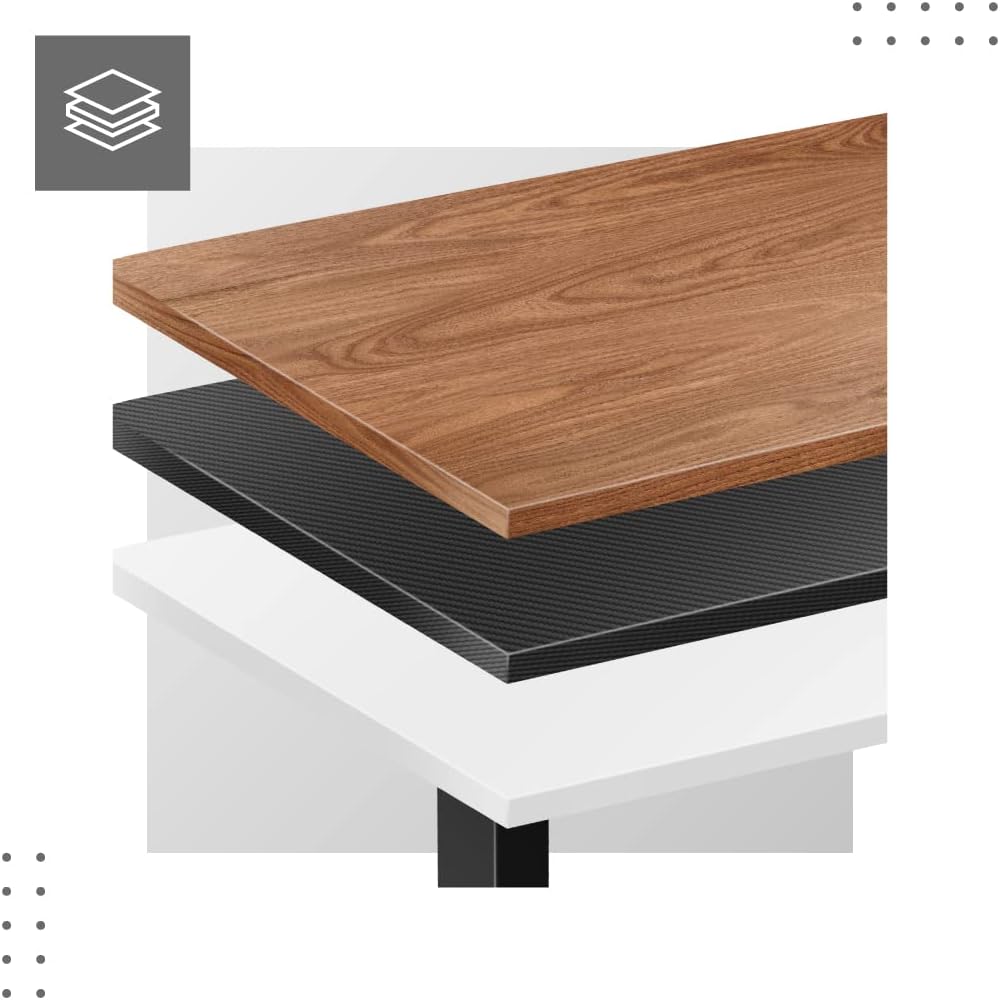
- Attach Tabletop (Not Included): Place your tabletop (90-160 cm width recommended) onto the assembled frame and secure it using appropriate screws (not included with frame).
- Анхдагч асаалт: Plug the power adapter into a wall outlet. The desk is now ready for calibration.
Dimensions and Compatibility:

Ашиглалтын заавар
The MARK ADLER Xeno 4.1 features an intuitive LED control panel for easy height adjustment and memory functions.


Basic Height Adjustment
- -г ашиглана уу Дээш (▲) сумтай товчлуурыг дарж ширээгээ хүссэн өндрөөрөө дээшлүүлнэ.
- -г ашиглана уу Доош (▼) сумтай товчийг дарж ширээг хүссэн өндрөөрөө доошлуулаарай.
- Одоогийн өндрийг LED дэлгэц дээр харуулах болно.
Санах ойн урьдчилсан тохиргоог тохируулах
The desk allows you to save up to three preferred height settings.
- Дээш/Доошоо товчийг ашиглан ширээгээ хүссэн өндрөөрөө тохируулна уу.
- дээр дарна уу "С" (Save) button. The display will show "S-".
- 3 секундын дотор санах ойн товчлууруудын нэгийг дарна уу ("1", "2", эсвэл "3"). The current height is now saved to that preset.
Recalling Memory Presets
- Simply press the desired memory button ("1", "2", эсвэл "3"). Ширээ автоматаар хадгалсан өндөр рүү шилжинэ.
Initial Calibration / Reset
If the desk does not operate correctly or displays an error code, a reset may be required.
- -г удаан дар Доош (▼) button until the desk reaches its lowest position and then slightly rises. Release the button.
- If the issue persists, disconnect the power for 10 seconds, then reconnect and attempt the reset procedure again.
Засвар үйлчилгээ
- Цэвэрлэгээ: Ширээний хүрээг зөөлөн, d-ээр арчинаamp cloth. Avoid abrasive cleaners or solvents. Ensure the control panel and electrical components remain dry.
- Кабелийн менежмент: Regularly check and organize cables to prevent tangles or damage, especially during height adjustments.
- Бэхэлгээний шалгалт: Бүх шураг, боолтыг нягт байгаа эсэхийг шалгахын тулд үе үе шалгана. Шаардлагатай бол дахин чангална.
- Тосолгоо: The electric lifting mechanism is generally maintenance-free. Do not attempt to lubricate internal components unless specifically instructed by the manufacturer.
Алдааг олж засварлах
| Асуудал | Боломжит шалтгаан | Шийдэл |
|---|---|---|
| Ширээ хөдөлдөггүй. | Power cable disconnected; Overload; Motor overheating; Control panel issue. | Check power connection. Reduce load. Allow motor to cool down. Perform a reset (see Operating Instructions). |
| Uneven movement or desk tilting. | Uneven load distribution; Loose fasteners. | Distribute weight evenly on the tabletop. Check and tighten all assembly screws. |
| Error code displayed on control panel. | System malfunction; Overload; Sensor issue. | Perform a reset (see Operating Instructions). If the error persists, contact customer support. |
| Санах ойн урьдчилсан тохиргоо ажиллахгүй байна. | Урьдчилсан тохиргоог зөв хадгалаагүй байна. | Re-save your desired height presets (see Operating Instructions). |
Үзүүлэлтүүд
| Онцлог | Дэлгэрэнгүй |
|---|---|
| Загварын нэр | Xeno 4.1 Black |
| Брэнд | МАРК АДЛЕР |
| Өндөр тохируулах хүрээ | 72 см - 118 см (28.3 инч - 46.5 инч) |
| Өргөн тохируулах хүрээ | 84 см - 129 см (33.1 инч - 50.8 инч) |
| Санал болгож буй ширээний өргөн | 90 см - 160 см (35.4 инч - 63 инч) |
| Хамгийн их ачааллын багтаамж | 70 кг (154 фунт) |
| Хүрээний материал | Металл |
| Өнгө | Хар |
| Хяналтын самбар | LED with 3 Memory Presets |
| Моторын төрөл | Electric, Smooth Operation |
| Угсрах шаардлагатай | Тиймээ |
| Зөвлөмж болгож буй хэрэгслүүд | Халив |
| Зүйлийн жин | 17 кг (37.5 фунт) |
| Үйлдвэрлэгч | Meester Group sp. z o.o. |
Баталгаат болон дэмжлэг
For warranty information and customer support, please refer to the official MARK ADLER webсайт эсвэл худалдагчтайгаа холбогдоно уу. Худалдан авалтын баримтаа аливаа баталгаат нэхэмжлэлийг худалдан авсан баримт болгон хадгална уу.
Үйлдвэрлэгч: Meester Group sp. z o.o.
ASIN: B0C66DP9NT
Нэмэлт тусламж авахыг хүсвэл зочилно уу Amazon дээрх бүтээгдэхүүний хуудас or contact MARK ADLER customer service.
Ask a question about this manual
Ask about setup, troubleshooting, compatibility, parts, safety, or missing instructions. Manuals+ will review the question and use this page’s manual context to help answer it.