
1. Танилцуулга
This manual provides detailed instructions for the operation and maintenance of your VBESTLIFE 8GB USB Stick MP3 Player. Please read this manual thoroughly before using the device to ensure proper function and longevity. Keep this manual for future reference.
2. Бүтээгдэхүүн дууссанview
The VBESTLIFE 8GB USB Stick MP3 Player is a compact and portable device designed for high-fidelity lossless music playback. It features 8GB of internal storage, expandable up to 64GB with a memory card, and a built-in rechargeable battery for extended listening.
Гол онцлогууд:
- 8GB дотоод санах ой: Stores approximately 1500 songs.
- Өргөтгөх боломжтой хадгалах сан: Supports memory cards up to 64GB.
- Алдагдалгүй дууны чанар: Equipped with a polymer speaker diaphragm for clear and stable audio.
- Олон тоглуулах горим: Includes single song play, random play, loop play, continuous play, and folder play.
- Авсаархан, зөөврийн: Functions as a USB flash drive for easy data transfer and charging.
- Батерейны урт наслалт: Integrated 180mAh lithium battery with support for various charging methods.
Device Layout and Controls:
Familiarize yourself with the buttons and ports on your MP3 player.

Зураг: Нарийвчилсан view of the MP3 player's controls. This image highlights the 'ON/OFF' switch, 'Memory card insert' slot, 'Volume plus' button (long press for random play mode), 'Previous song' button (long press for fast rewind), 'Play or pause' button (long press to switch folder), 'Volume down' button (long press to switch single song loop mode), and 'Next song' button (long press for fast forward).

Зураг: The pink VBESTLIFE MP3 player with its protective cap removed, revealing the USB connector. Also shown are the included wired headphones and a white lanyard with a pink attachment, demonstrating the complete package contents.
3. Тохиргоо
3.1 Төхөөрөмжийг цэнэглэх
Before first use, fully charge the MP3 player. Connect the device directly to a USB port on your computer or a compatible USB wall adapter. The charging indicator (if present) will typically show charging status and turn off or change color when fully charged.
3.2 Хөгжим дамжуулах Files
- Ensure the MP3 player is charged.
- Remove the protective cap to expose the USB connector.
- Plug the MP3 player directly into an available USB port on your computer. The device will be recognized as a removable disk (similar to a USB flash drive).
- Open the device folder on your computer.
- Хүссэн хөгжмөө чирж тавь files (MP3, WMA, WAV, etc.) into the device's storage. You can create folders to organize your music.
- Нэг удаа files are transferred, safely eject the device from your computer before unplugging.

Зураг: A black VBESTLIFE MP3 player connected to a portable power bank, illustrating one method of charging the device.
3.3 Inserting a Memory Card (Optional)
To expand storage, insert a microSD card (up to 64GB) into the designated memory card slot on the side of the player. Ensure the card is inserted correctly until it clicks into place.
3.4 Чихэвч холбох
Plug your 3.5mm headphones into the headphone jack located on the device. The device supports standard wired headphones.
4. Ашиглалтын заавар
4.1 Асаах/унтраах
- Асаахын тулд: Slide the 'ON/OFF' switch to the 'ON' position.
- Унтраахын тулд: Slide the 'ON/OFF' switch to the 'OFF' position.
4.2 Үндсэн тоглуулах
- Тоглуулах/түр зогсоох: Press the central 'Play/Pause' button to start or pause playback.
- Дараагийн дуу: Press the 'Next song' button (usually marked with '>>|' or similar). Long press to fast forward.
- Өмнөх дуу: Press the 'Previous song' button (usually marked with '|<<' or similar). Long press to fast rewind.
- Дууг нэмэгдүүлэх: '+' товчийг дарна уу.
- Дууг багасгах: '-' товчийг дарна уу.
4.3 Тоглуулах горимууд
The player supports various playback modes to customize your listening experience.
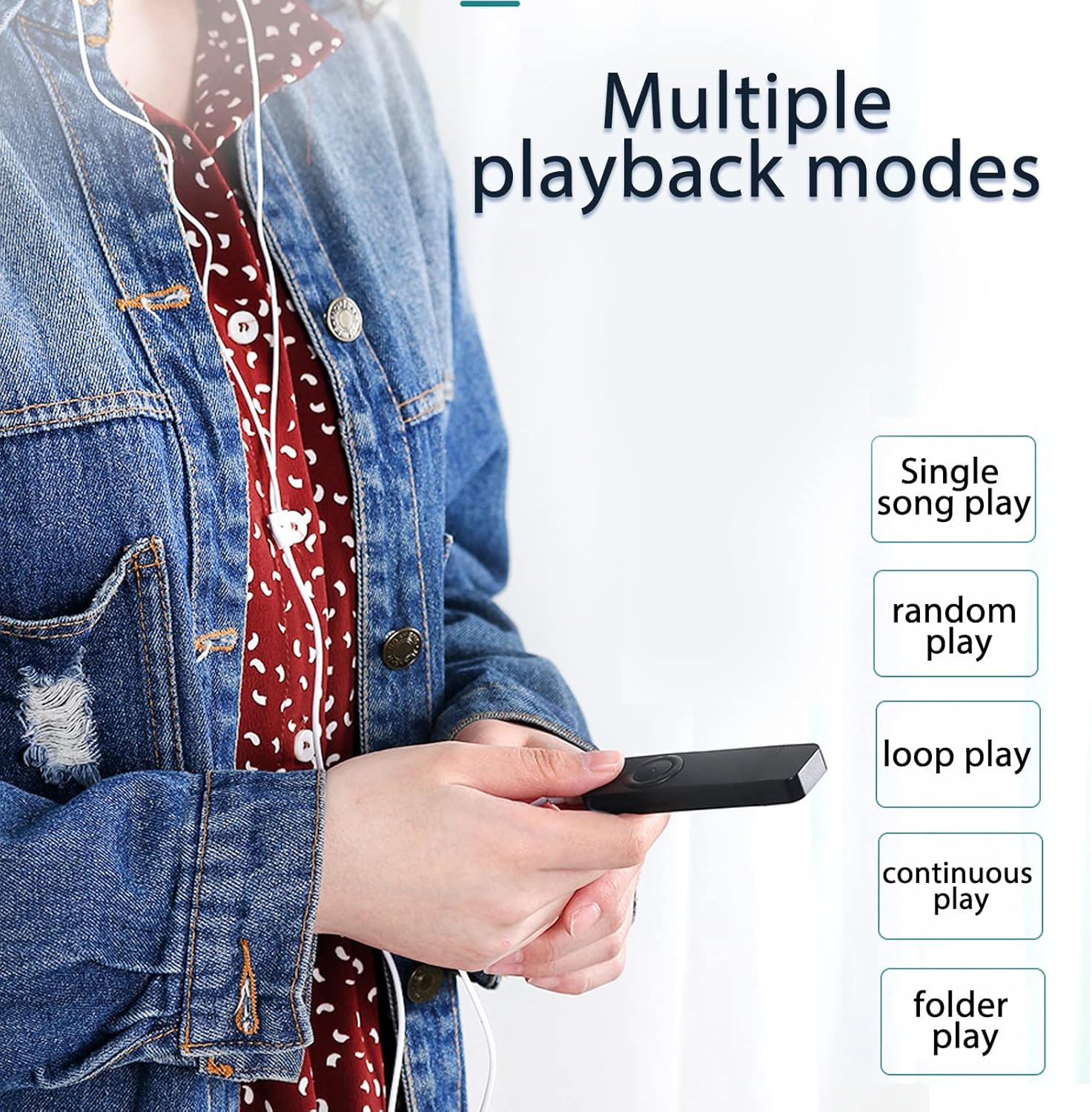
Зураг: A user holding the MP3 player, demonstrating the availability of multiple playback modes. The image lists options such as single song play, random play, loop play, continuous play, and folder play.
- Single Song Play: Plays the current song and stops. To activate, long press the 'Volume down' button until the mode changes.
- Санамсаргүй тоглох: Plays songs in a shuffled order. To activate, long press the 'Volume plus' button until the mode changes.
- Loop Play: Repeats the current song or playlist.
- Тасралтгүй тоглох: Plays all songs in sequence.
- Folder Play: Plays all songs within the current folder. To switch folders, long press the 'Play/Pause' button.
5. Засвар үйлчилгээ
- Цэвэрлэгээ: Төхөөрөмжийг цэвэрлэхдээ зөөлөн, хуурай даавуу ашиглаарай. Шингэн цэвэрлэгч эсвэл уусгагч хэрэглэхээс зайлсхий.
- Хадгалах: MP3 тоглуулагчийг сэрүүн, хуурай газар, нарны шууд тусгал болон хэт өндөр температураас хол хадгална уу.
- Батерейны арчилгаа: Зайны ашиглалтын хугацааг уртасгахын тулд зайгаа ойр ойрхон бүрэн цэнэггүй болгохоос зайлсхий. Төхөөрөмжийг удаан хугацаагаар ашиглаагүй байсан ч тогтмол цэнэглэ.
- Усны эсэргүүцэл: Энэ төхөөрөмж нь ус нэвтэрдэггүй. Ус эсвэл өндөр чийгшилд өртөхөөс зайлсхий.
6. Алдаа засах
- Төхөөрөмж асахгүй байна:
Ensure the battery is charged. Connect the player to a USB power source for at least 30 minutes. Check the 'ON/OFF' switch is in the 'ON' position. - Дуу алга:
Check if headphones are properly connected. Ensure the volume is not set to minimum or muted. Test with different headphones if possible. - Шилжүүлэх боломжгүй files:
Ensure the device is properly connected to the computer's USB port. Try a different USB port. Ensure the device is recognized by the computer. Check if the device's storage is full. - Төхөөрөмж гацах эсвэл хариу өгөхөө болих үед:
Slide the 'ON/OFF' switch to 'OFF' and then back to 'ON' to restart the device. - Санах ойн карт илрээгүй:
Ensure the memory card is inserted correctly. Try reinserting the card. Test with a different compatible memory card.
7. Техникийн үзүүлэлтүүд
| Онцлог | Тодорхойлолт |
|---|---|
| Брэнд | VBESTLIFE |
| Загварын дугаар | VBESTLIFEvxph7kncfz-12 |
| Дотоод санах ой | 8 ГБ |
| Өргөтгөх санах ой | Up to 64 GB (MicroSD card) |
| Батерей | 180 мАч лити батерей |
| Аудио форматууд | MP3, WMA, WAV (Lossless) |
| Холболт | USB 2.0, 3.5mm Headphone Jack |
| Гарал үүслийн улс | Хятад |
8. Баталгаат хугацаа ба дэмжлэг
8.1 Баталгаат хугацааны мэдээлэл
This VBESTLIFE MP3 Player comes with a Үйлдвэрлэгчийн согогийн эсрэг 1 жилийн баталгаа худалдан авсан өдрөөс. Энэхүү баталгаа нь ердийн ашиглалтын үед хийгдсэн материал, хийцийн согогийг хамарна. Энэ нь буруу ашиглалт, осол, зөвшөөрөлгүй өөрчлөлт, хэвийн элэгдлээс үүдэлтэй хохирлыг хамрахгүй.
8.2 Хэрэглэгчийн дэмжлэг
If you encounter any issues not covered in the troubleshooting section or require further assistance, please contact your retailer or the VBESTLIFE customer support channel where you purchased the product. Please have your model number (VBESTLIFEvxph7kncfz-12) and proof of purchase ready.