Танилцуулга
This manual provides comprehensive instructions for the setup, operation, and maintenance of your HOCO Smart Watch Y5. Designed for seamless integration into your daily life, the Y5 Smart Watch offers advanced features for connectivity, health monitoring, and convenience.

Зураг 1: Урд view of the HOCO Smart Watch Y5 with its display showing health metrics and time.
Хайрцагт юу байна
Сав баглаа боодлыг нээхдээ бүх эд ангиуд байгаа бөгөөд сайн нөхцөлд байгаа эсэхийг шалгана уу.
- 1 x HOCO Smart Watch Y5 Main Unit
- 1 х цэнэглэх кабель
- 1 х хэрэглэгчийн гарын авлага (энэ баримт бичиг)
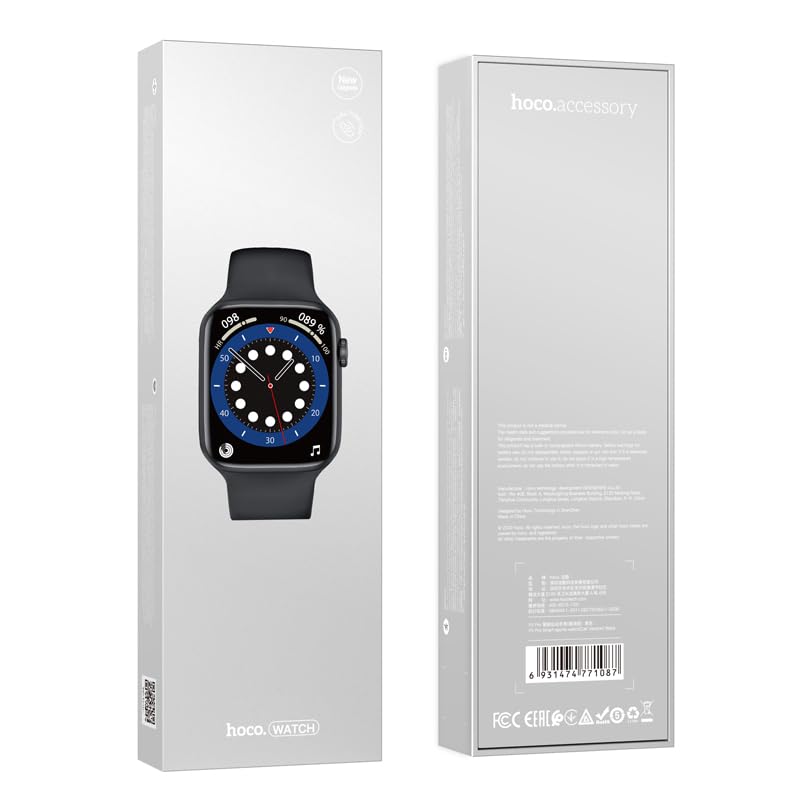
Figure 2: The retail packaging of the HOCO Smart Watch Y5, indicating the product inside.
Тохируулах гарын авлага
1. Төхөөрөмжийг цэнэглэж байна
Before initial use, fully charge your HOCO Smart Watch Y5. Connect the provided charging cable to the charging port on the back of the watch and to a USB power source. A full charge takes approximately 1 hour.
The watch boasts a 240mAh battery, providing up to 7 days of usage in single Bluetooth mode or 3-4 days with dual Bluetooth enabled.
2. Апп суулгах, холбох
To unlock the full potential of your smartwatch, download the companion application on your smartphone. The HOCO Smart Watch Y5 is compatible with both iOS and Android devices.
- Scan the QR code in the watch's settings or search for the official HOCO smartwatch app in your device's app store (App Store for iOS, Google Play Store for Android).
- Програмаа суулгаад нээнэ үү.
- Ухаалаг утсан дээрээ Bluetooth идэвхжсэн эсэхийг шалгаарай.
- Follow the in-app instructions to search for and pair with your HOCO Smart Watch Y5. The watch will typically appear as "HOCO Y5" or similar in the Bluetooth device list.
- Цаг болон ухаалаг гар утсан дээрээ хослуулах хүсэлтийг баталгаажуулна уу.
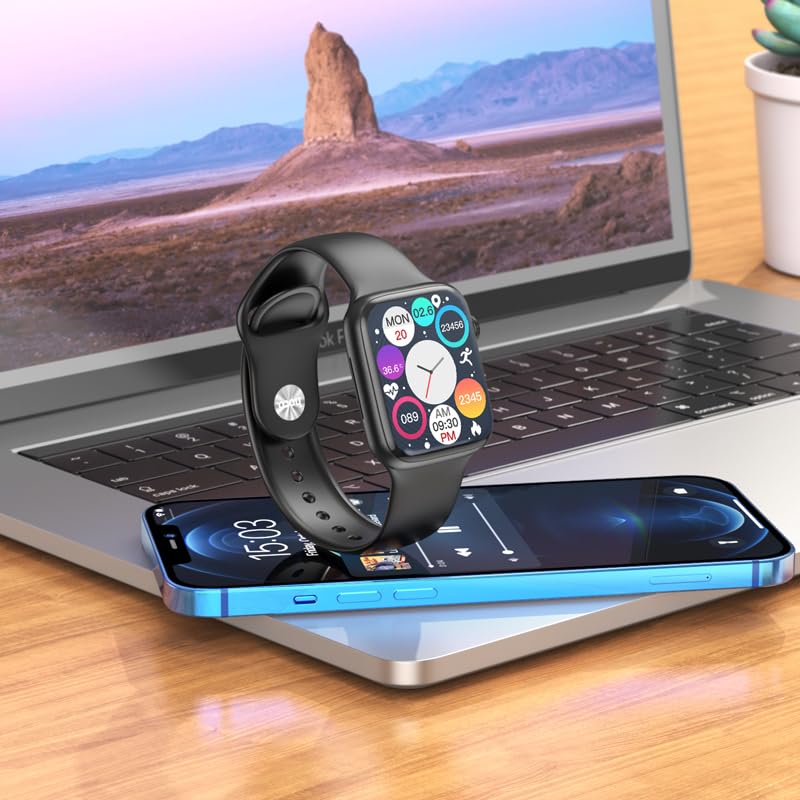
Figure 3: The HOCO Smart Watch Y5 positioned near a laptop and smartphone, demonstrating its compatibility and connectivity with other devices.
Ашиглалтын заавар
Үндсэн удирдлага
- Мэдрэгчтэй дэлгэц: Navigate menus, select options, and interact with apps by swiping and tapping the 1.96-inch AMOLED display.
- Side Button/Dial: Press to wake/sleep the screen, return to the home screen, or access the app menu. Rotate the dial for scrolling through lists or adjusting settings.
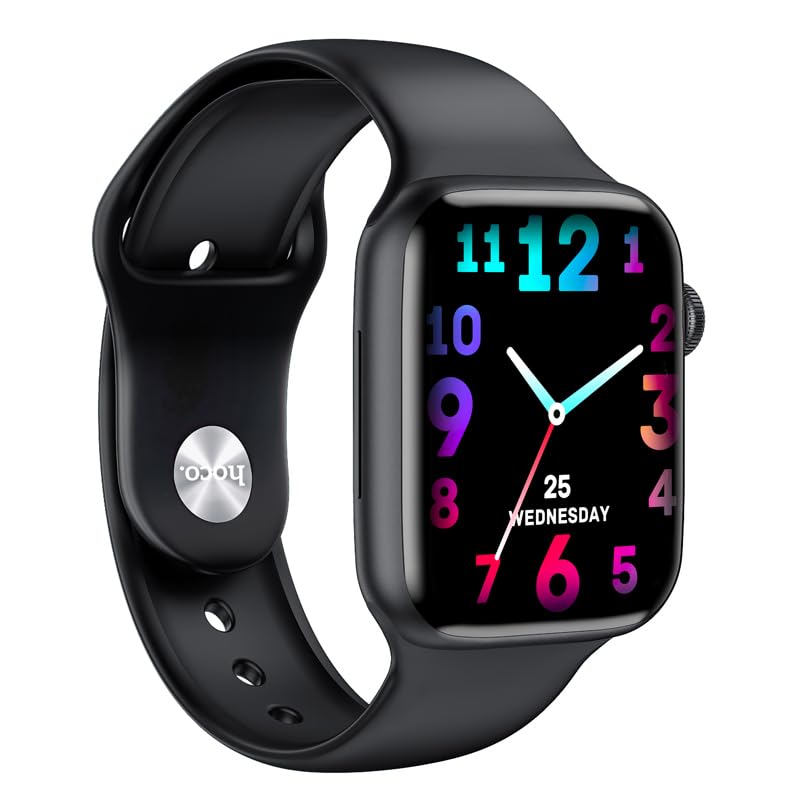
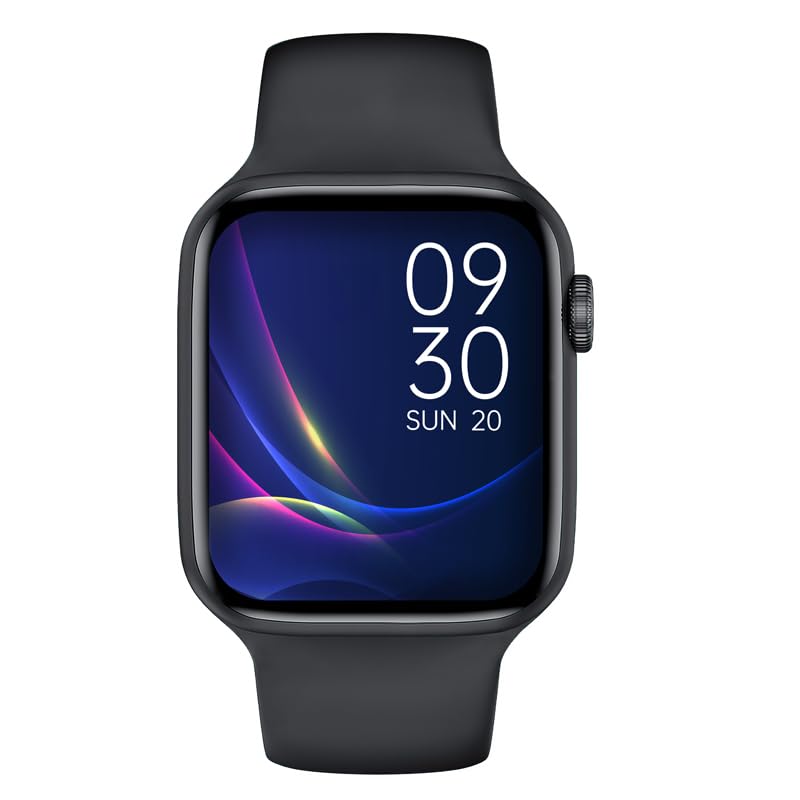
Зураг 4: Жишээ ньamples of customizable watch faces on the HOCO Smart Watch Y5, including digital and analog styles.
Үндсэн шинж чанарууд ба функцууд
- Эрүүл мэндийн хяналт: Monitor your heart rate, blood oxygen levels, steps taken, calories burned, and sleep patterns. Access detailed reports via the companion app.
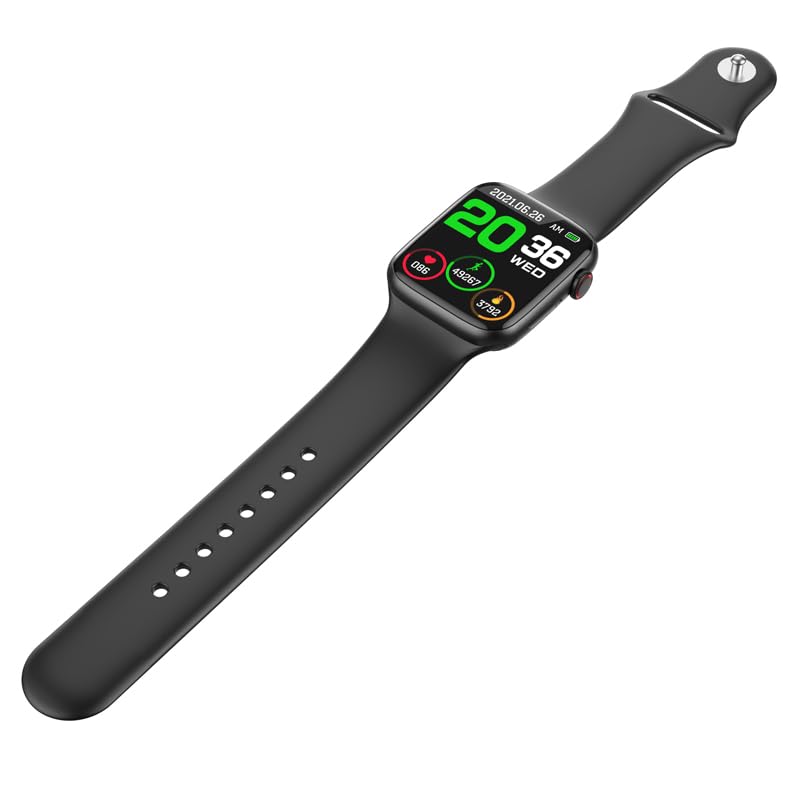
Figure 5: The HOCO Smart Watch Y5 displaying various health metrics, including heart rate and step count.
- Олон спортын горимууд: Select from various sports modes to accurately track your workouts, including running, walking, cycling, and more.
- Ухаалаг мэдэгдэл: Receive real-time alerts for incoming calls, messages, and social media notifications directly on your wrist.
- Алсын гэрэл зураг: Ухаалаг утасны камерын хувьд цагаа алсын хаалт болгон ашиглаарай.
- Дэлгэц хуваах: Access frequently used functions quickly with the split-screen feature.
- Цаг агаарын мэдээлэл: Get current weather updates directly on your watch.
- Дуут туслахын дэмжлэг: Interact with Siri or Google Assistant through your watch (requires smartphone connection).
- Хувийн цагны нүүр царай: Customize your watch's appearance by choosing from a variety of pre-installed watch faces or downloading new ones via the app.
Засвар үйлчилгээ
Ухаалаг цагаа цэвэрлэх
Regularly clean your watch to ensure optimal performance and hygiene. Use a soft, lint-free cloth to wipe the screen and body. For stubborn dirt, slightly dampдаавуугаар усаар. Химийн хатуу бодис, зүлгүүрийн материал ашиглахаас зайлсхий.
Water and Sweat Resistance (IP68)
The HOCO Smart Watch Y5 is IP68 rated, meaning it is resistant to dust and can withstand immersion in water up to 1.5 meters for 30 minutes. It is suitable for swimming and showering. However, it is not recommended for diving or high-pressure water activities. Always dry the watch thoroughly after exposure to water, especially the charging contacts.
Батерейны арчилгаа
- Avoid exposing the watch to extreme temperatures (hot or cold) as this can degrade battery life.
- Зөвхөн өгсөн цэнэглэгч кабелийг ашиглан цагийг цэнэглэ.
- Do not leave the watch uncharged for extended periods.
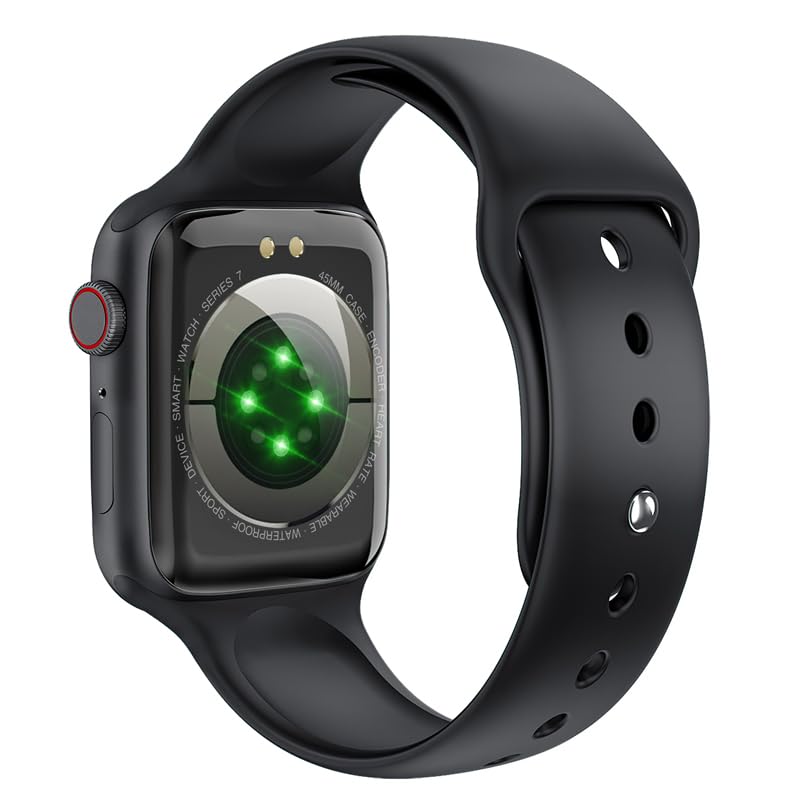
Зураг 6: Ар талд view of the HOCO Smart Watch Y5, highlighting the optical heart rate sensors and charging contacts.
Алдааг олж засварлах
| Асуудал | Боломжит шийдэл |
|---|---|
| Цаг асахгүй байна. | Цаг бүрэн цэнэглэгдсэн эсэхийг шалгаарай. Үүнийг дор хаяж 15 минутын турш цэнэглэгчтэй холбоно уу. |
| Ухаалаг утастай хослуулах боломжгүй. |
|
| Мэдэгдэл хүлээж авахгүй байна. |
|
| Heart rate/blood oxygen readings are inaccurate. |
|
Үзүүлэлтүүд
| Брэнд | ХОКО |
| Загвар | Y5 SMART WATCH |
| Дэлгэц | 1.96 инчийн AMOLED, 240 x 240 нягтралтай |
| Холболт | Bluetooth 5.3 |
| Зайны багтаамж | 240 мАч |
| Зайны ашиглалт | Up to 7 days (single Bluetooth), 3-4 days (dual Bluetooth) |
| Цэнэглэх хугацаа | Ойролцоогоор 1 цаг |
| Усны эсэргүүцэл | IP68 |
| Тохиромжтой үйлдлийн систем | iOS, Android |
| Санах ойн хадгалах багтаамж | 128 MB |
| Зүйлийн жин | 100 гр |
| Бүтээгдэхүүний хэмжээс | 20 x 5 x 3 см |
Баталгаат болон дэмжлэг
Your HOCO Smart Watch Y5 comes with a standard manufacturer's warranty. Please refer to the warranty policy provided at the time of purchase for specific terms and conditions. For technical support, troubleshooting assistance, or warranty claims, please contact HOCO customer service through their official webсайт эсвэл таны худалдан авалтад өгсөн холбоо барих мэдээлэл.
For more information, visit the official HOCO webсайт: www.hoco.hk