
1. Танилцуулга
This manual provides essential instructions for setting up and operating your Luoran M4B MP3 Player. Please read this guide thoroughly to ensure proper use and to maximize your device's capabilities. The Luoran M4B is a portable media player designed for music, video, and app playback, featuring a 4.0-inch IPS display, Bluetooth, and Wi-Fi connectivity.
2. Багцын агуулга
Таны багцад бүх зүйл байгаа эсэхийг шалгана уу:
- Luoran M4B MP3 Player
- USB-C кабель
- Хэрэглэгчийн гарын авлага (энэ баримт бичиг)
3. Төхөөрөмж дууссанview

Зураг 3.1: Урд ба хойд view of the Luoran M4B MP3 Player, highlighting its 4.0-inch IPS display and metal frame with tempered glass back.
3.1. Физик товчлуурууд ба портууд
- Цахилгаан товч: Located on the side, used to turn the device on/off and wake/sleep the screen.
- Дууны товчлуурууд (+/-): Хажуу талд нь байрладаг бөгөөд аудио дууны түвшинг тохируулахад ашигладаг.
- USB-C порт: Доод талд байрлах бөгөөд цэнэглэх, өгөгдөл дамжуулахад ашигладаг.
- 3.5 мм чихэвчний залгуур: Located at the bottom, for connecting wired headphones.
- Бичил SD картны үүр: Located on the side, for expanding storage.
4. Эхлэл
4.1. Төхөөрөмжийг цэнэглэж байна
Before first use, fully charge the MP3 player. Connect the provided USB-C cable to the device's USB-C port and the other end to a compatible USB power adapter (not included) or a computer's USB port. The charging indicator will show the charging status.
4.2. Асаах/унтраах
- Асаахын тулд: Дэлгэц асах хүртэл асаах товчийг удаан дарна уу.
- Унтраахын тулд: Асаах товчийг удаан дараад, дэлгэцэн дээрх сонголтуудаас 'Унтраах'-ыг сонгоно уу.
- Унтах/сэрэхийн тулд: Briefly press the Power button to turn the screen off or on.
5. Үндсэн үйл ажиллагаа
5.1. Мэдрэгчтэй дэлгэцийн навигаци
The Luoran M4B features a full touchscreen for navigation. Swipe left, right, up, or down to browse menus and content. Tap icons to open applications or select options.
5.2. Wi-Fi-д холбогдож байна
To access online features and apps, connect your device to a Wi-Fi network:
- руу оч Тохиргоо.
- Сонго Сүлжээ ба Интернет.
- Асаах Wi-Fi.
- Жагсаалтаас хүссэн Wi-Fi сүлжээгээ сонгоно уу.
- Хэрэв асуувал нууц үгээ оруулаад товш Холбох.
5.3. Bluetooth-ээр холбогдож байна
Pair your MP3 player with Bluetooth headphones, speakers, or car stereos:
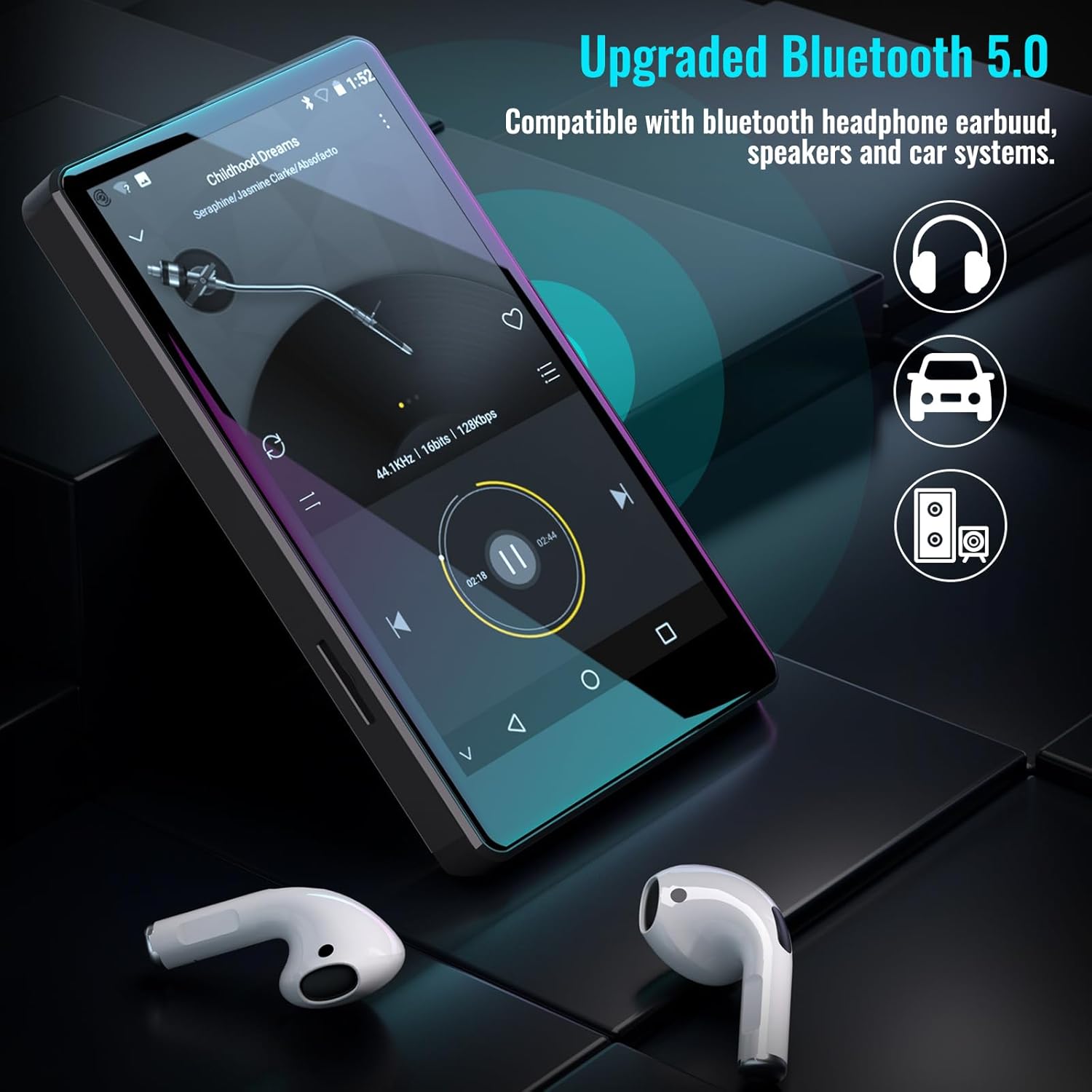
Figure 5.1: The Luoran M4B MP3 Player supports Bluetooth 5.0 for connecting to various audio devices.
- руу оч Тохиргоо.
- Сонго Холбогдсон төхөөрөмжүүд.
- Асаах Bluetooth.
- Таны Bluetooth дагалдах хэрэгсэл хослох горимд байгаа эсэхийг шалгаарай.
- Хослуулах боломжтой төхөөрөмжүүдийн жагсаалтаас дагалдах хэрэгслийг сонгоно уу.
6. Music and Media Playback
6.1. Supported Music Formats
The device supports a wide range of audio formats, including MP3, WAV, FLAC, APE, OGG, M4A, AAC, WMA, and MP2.
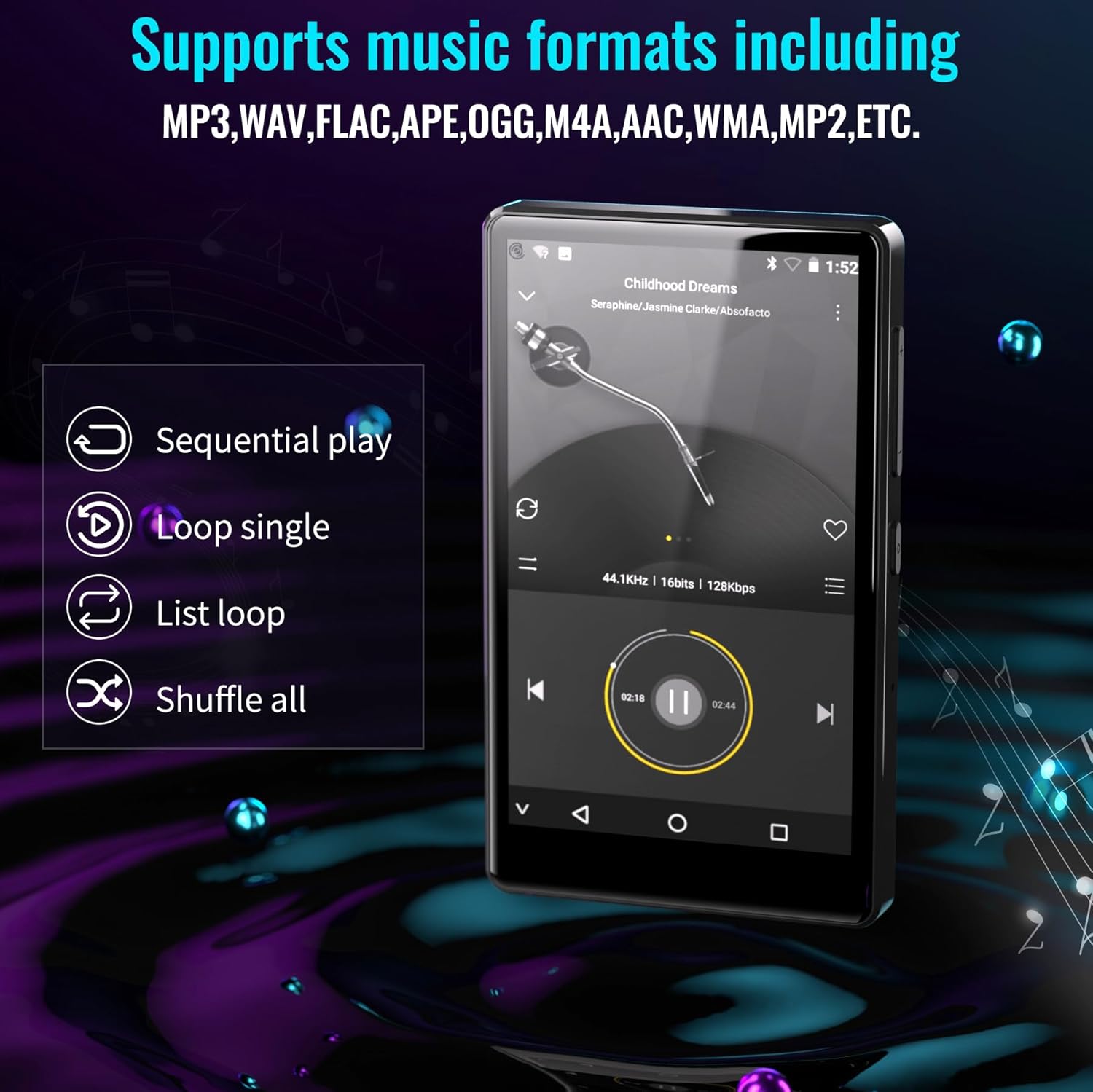
Figure 6.1: The MP3 player's interface showing various playback options and supported music formats.
6.2. Урьдчилан суулгасан програмуудыг ашиглах
The Luoran M4B comes with several popular music and media applications pre-installed, such as Spotify, Spotify Kids, Amazon Music, Audible, and HiBy Music. Access these apps from the home screen to stream or play your content.
6.3. Өргөтгөх боломжтой хадгалах сан
The device has an internal storage capacity of 8GB. You can expand the storage up to 256GB using a Micro SD card (SDXC, SDHC compatible). Insert the Micro SD card into the dedicated slot on the side of the device.

Figure 6.2: Inserting a Micro SD card to expand the device's memory up to 256GB.
7. Нэмэлт шинж чанарууд
7.1. Web Хөтөч
A web browser is included for internet access. This browser can be removed if desired, offering a level of content control.

Figure 7.1: The option to uninstall the web browser for content management.
7.2. FM радио
The device includes an FM radio function, allowing you to listen to local radio stations. It may also support recording FM broadcasts.

Figure 7.2: The FM Radio interface on the device.
7.3. Ebook Reader
An Ebook application is available for reading digital books directly on the device's screen.

Figure 7.3: The device's interface for audiobooks or ebooks.
8. Засвар үйлчилгээ
8.1. Цэвэрлэгээ
Use a soft, dry, lint-free cloth to clean the device. Avoid using abrasive cleaners or solvents.
8.2. Зайны арчилгаа
To prolong battery life, avoid exposing the device to extreme temperatures. Charge the device regularly, but avoid leaving it fully charged or fully discharged for extended periods.
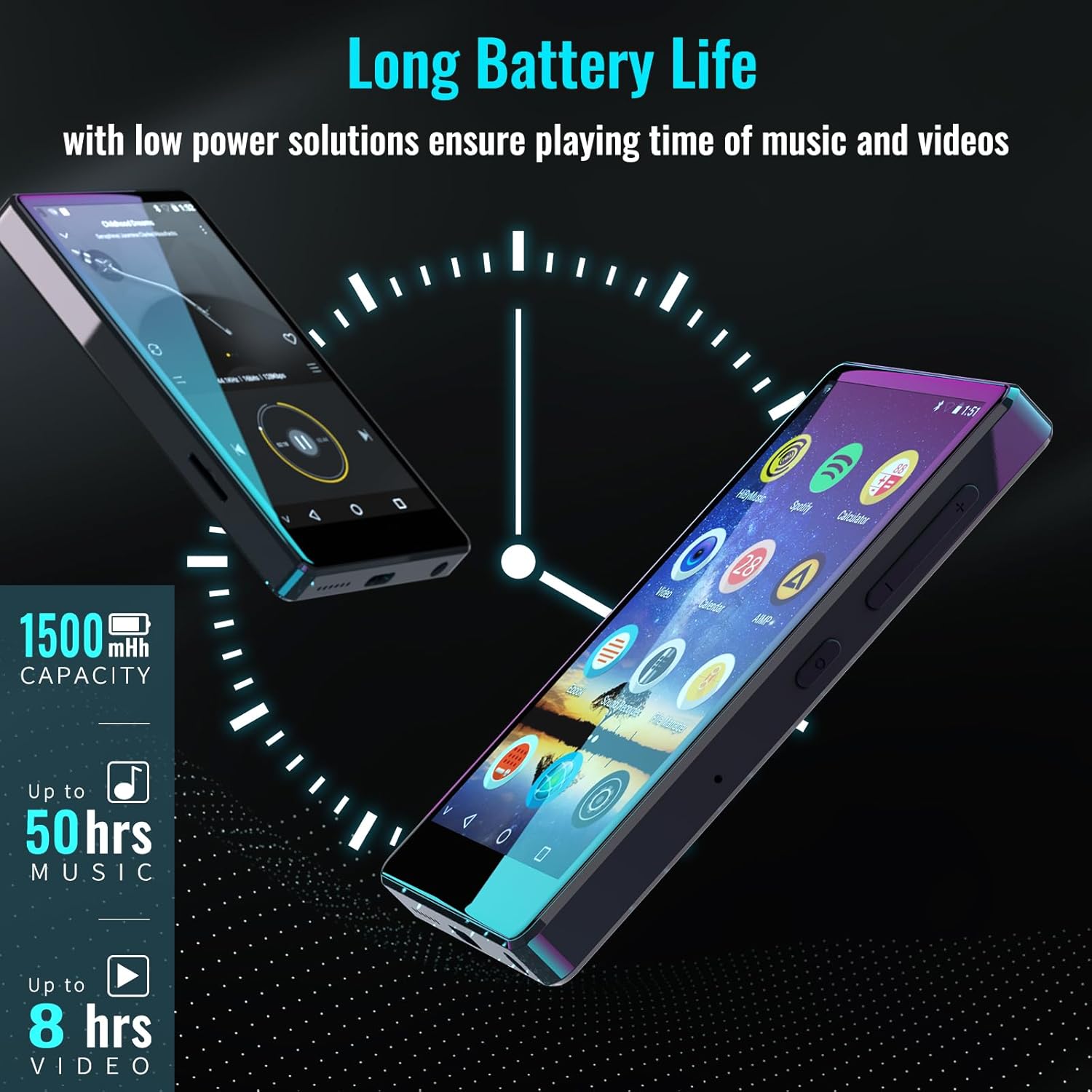
Figure 8.1: The device features a 1500mAh battery, providing up to 50 hours of music playback or 8 hours of video playback.
9. Алдаа засах
9.1. Төхөөрөмж асахгүй байна
- Ensure the device is sufficiently charged. Connect it to a power source for at least 30 minutes.
- Албадан дахин эхлүүлэхийн тулд Power товчийг 10-15 секундын турш дарна уу.
9.2. Cannot Connect to Wi-Fi/Bluetooth
- Verify that Wi-Fi/Bluetooth is enabled in Settings.
- Ensure you are within range of the network/device.
- Check that the Wi-Fi password is correct.
- For Bluetooth, ensure the accessory is in pairing mode.
9.3. App Issues or Missing Apps
If you encounter issues with pre-installed applications or need to install/upgrade specific apps, please contact the Luoran Team for assistance. They can provide APK files and installation steps.
10. Техникийн үзүүлэлтүүд
| Брэнд | Луоран |
| Загварын нэр | M4B-C-BLK |
| Холболтын технологи | Bluetooth, WiFi |
| Санах ойн хадгалах багтаамж | 8 ГБ (Micro SD-ээр 256 ГБ хүртэл өргөтгөх боломжтой) |
| Дэлгэцийн хэмжээ | 4 инч |
| Тохиромжтой төхөөрөмжүүд | Чихэвч, чанга яригч |
| Дэмжигдсэн медиа төрөл | Санах ойн карт |
| Дэлгэцийн технологи | LED |
| Supported Audio Standards | MP3, WAV, FLAC, APE, M4A, AAC, WMA, MP2, etc. |
| Батерейны дундаж наслалт | 50 Hours (music playback) |
| Хэмжээ (D x W x H) | 0.4"D x 2.4"W x 4.2"H |
| UPC | 747783656344 |
11. Баталгаат хугацаа ба дэмжлэг
The Luoran M4B MP3 Player comes with a 12 сарын баталгаат хугацаа. For technical support, warranty claims, or assistance with app installation/upgrades, please contact the Luoran Team directly. Contact information can typically be found on the manufacturer's webсайт эсвэл таны худалдан авах платформоор дамжуулан.