
Wedinard KFI-GT-5.2lk-36824
Wedinard Dpofirs 1080P WiFi Security Camera User Manual
Брэнд: Wedinard
Загвар: KFI-GT-5.2lk-36824 (A3)
1. Танилцуулга
This manual provides comprehensive instructions for the setup, operation, and maintenance of your Wedinard Dpofirs 1080P WiFi Security Camera. Please read this manual carefully before using the product to ensure proper functionality and safety.
Багцын агуулга
Хайрцгийг задлахдаа доор жагсаасан бүх зүйлс байгаа бөгөөд сайн нөхцөлд байгаа эсэхийг шалгана уу:
- 1 x Wedinard Dpofirs 1080P WiFi Security Camera
- 1 x Цэнэглэх кабель (Type-C)
- 1 x Camera Base
- 1 х хэрэглэгчийн гарын авлага
- 1 x Double-Sided Adhesive

Image: The Wedinard Dpofirs 1080P WiFi Security Camera, showing its compact design and the included base.
2. Тохируулах гарын авлага
Follow these steps to set up your security camera for the first time:
- Download and Install the Application: хайх the official camera application on your mobile device's app store (e.g., Google Play Store for Android). Download and install the application.
- Камерыг асаах: Connect the camera to a power source using the provided Type-C charging cable. The camera will power on automatically.
- Check the Network Environment: Ensure your Wi-Fi network is stable and within range of the camera. The camera supports Wi-Fi connectivity.
- Network Access Settings:
- Мобайл төхөөрөмж дээрээ суулгасан програмыг нээнэ үү.
- Follow the on-screen instructions to add a new device. This typically involves scanning a QR code on the camera or manually entering its device ID.
- Select your Wi-Fi network and enter the password when prompted.
- Wait for the camera to connect to the network. A confirmation message or indicator light will signal a successful connection.
- Камер суурилуулах: Use the included camera base and double-sided adhesive to mount the camera on a flat surface or wall. The swivel base allows for flexible positioning.

Image: The Wedinard Dpofirs camera positioned on a surface, illustrating its readiness for setup and use.
3. Камерыг ажиллуулах
Your Wedinard Dpofirs security camera offers several advanced features for enhanced monitoring:
3.1. 1080P Full HD Image Quality
The camera is equipped with premium lenses, providing 1080P Full HD resolution. This ensures clear, vivid, and realistic image effects for detailed monitoring.

Image: A visual comparison demonstrating the superior clarity and detail of 1080P Full HD image quality provided by the camera.
3.2. Mobile Detection and Push Notifications
When the camera detects abnormal movement within its shooting area, it immediately triggers an alarm message. This message is sent as a push notification to your mobile phone application, allowing for real-time viewing and immediate response.

Image: An illustration of the camera's mobile detection feature, showing an alert being sent to a smartphone when motion is detected.
3.3. Infrared Night Vision with Automatic Switching
The camera features an infrared night vision mode that automatically activates in low-light conditions. This mode provides clear visibility up to 5-10 meters, ensuring monitoring even in complete darkness.

Image: A split image demonstrating the automatic switching of the camera's infrared night vision, showing a scene in both illuminated and dark conditions.
3.4. Хоёр талын харилцаа холбоо
With a built-in microphone, the camera supports two-way voice real-time calls. This allows you to communicate with individuals or pets near the camera as if you were face-to-face, providing interactive monitoring.

Image: An illustration of the two-way intercom feature, showing a user interacting with a pet through the camera's audio capabilities.
3.5. Self-Contained AP Hotspot
The camera features its own AP (Access Point) hotspot. This allows the camera to continue recording even when your main Wi-Fi network is disconnected, ensuring continuous security and convenient data transmission.
3.6. Нэмэлт шинж чанарууд
- Утасгүй холболт: Seamless integration with your home Wi-Fi network.
- Видео тоглуулах: Review foo бүртгэгдсэнtage directly from the application.
- Эргэдэг суурь: Flexible positioning for optimal viewөнцөг.
- Type-C интерфейс: Modern and convenient charging/power interface.
- Хадгалах: Supports up to 128GB Micro Memory Card (not included) for local storage.
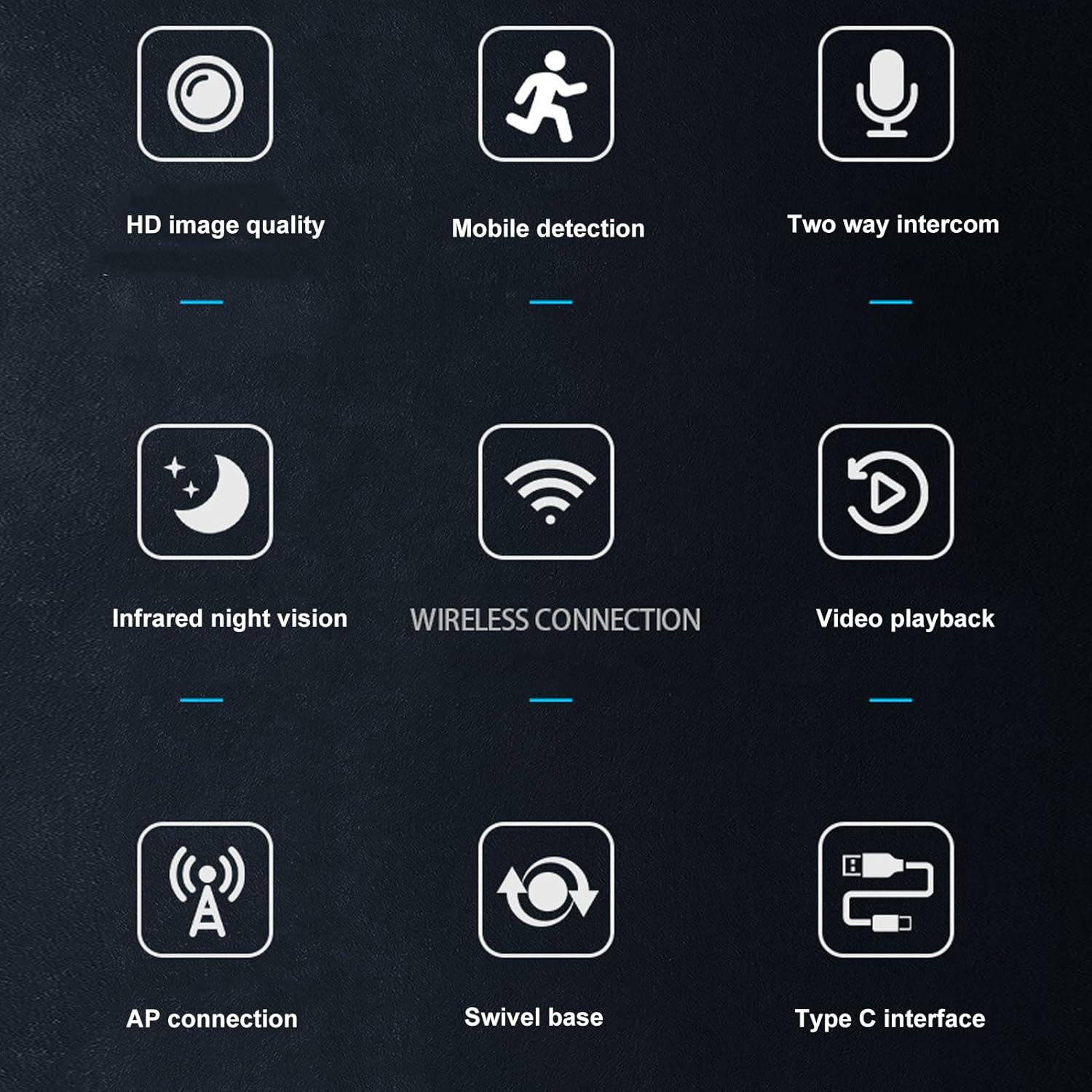
Image: A visual summary of the camera's key features, depicted through illustrative icons.
4. Засвар үйлчилгээ
Тохиромжтой засвар үйлчилгээ нь таны камерын урт наслалт, оновчтой гүйцэтгэлийг баталгаажуулдаг.
- Цэвэрлэгээ: Камерын линз болон их биеийг цэвэрлэхдээ зөөлөн, хуурай даавуу ашиглаарай. Гадаргуу эсвэл линзийг гэмтээж болзошгүй шингэн цэвэрлэгч эсвэл зүлгүүрийн материал хэрэглэхээс зайлсхий.
- Байршил: While suitable for indoor and outdoor use, avoid placing the camera in direct sunlight for extended periods or in areas with extreme temperatures or humidity.
- Програм хангамжийн шинэчлэлтүүд: Regularly check the mobile application for available firmware updates to ensure your camera has the latest features and security enhancements.
- Storage Card Management: If using a memory card, periodically review болон хадгалсан foo-г удирдахtage to prevent the card from becoming full, which could stop recording.
5. Алдаа засах
Хэрэв танд камертай холбоотой асуудал тулгарвал дараах нийтлэг шийдлүүдийг үзнэ үү.
- Камер Wi-Fi-д холбогдоогүй байна:
- Wi-Fi нууц үг зөв оруулсан эсэхийг шалгана уу.
- Check if the camera is within range of your Wi-Fi router.
- Wi-Fi чиглүүлэгч болон камераа дахин эхлүүлнэ үү.
- Verify that your Wi-Fi network is 2.4GHz, as most security cameras do not support 5GHz networks.
- Зургийн чанар муу:
- Камерын линзийг зөөлөн, хуурай даавуугаар цэвэрлэ.
- Ensure there is adequate lighting in the monitored area, especially for non-night vision footage.
- Check your internet connection speed, as a slow connection can affect streaming quality.
- Хөдөлгөөн илрүүлэх дохиолол байхгүй:
- Verify that motion detection is enabled in the camera's app settings.
- Check the sensitivity settings for motion detection; adjust if necessary.
- Ensure the app has permission to send notifications on your mobile device.
- Хоёр талын аудио ажиллахгүй байна:
- Check the volume settings on your mobile device and within the camera app.
- Камер дээрх микрофон болон чанга яригч саадгүй байгаа эсэхийг шалгаарай.
- Verify that the app has microphone permissions on your mobile device.
- Камер бичлэг хийхгүй байна:
- If using a memory card, ensure it is inserted correctly and not full.
- Check the recording settings in the app (e.g., continuous recording, motion-activated recording).
- If using cloud storage, verify your subscription status and internet connection.
6. Техникийн үзүүлэлтүүд
Detailed technical specifications for the Wedinard Dpofirs 1080P WiFi Security Camera:
| Онцлог | Дэлгэрэнгүй |
|---|---|
| Бүтээгдэхүүний загвар | KFI-GT-5.2lk-36824 (A3) |
| Зүйлийн төрөл | Ухаалаг камер |
| Бүтээгдэхүүний материал | ABS |
| Видеоны нягтрал | 1080P бүрэн HD |
| Холболтын технологи | Утасгүй (Wi-Fi) |
| Хэт улаан туяаны шөнийн хараа | Automatic Switching (5-10 meters range) |
| Хоёр талын дуу хоолой | Supported (Built-in microphone) |
| Цэнэглэх интерфейс | Type-C интерфэйс |
| Хадгалах горим | Supports up to 128GB Micro Memory Card (Not Included) |
| Жин | Ойролцоогоор 92гр / 3.2 унц |
| Бүтээгдэхүүний хэмжээ | Approx. 45x85mm / 1.8x3.3in |
| Дотор/гадаа ашиглах | Гадна, дотор |
| Эрчим хүчний эх үүсвэр | Утастай цахилгаан |
| Хянагчийн төрөл | Android (via APP) |
| Суурилуулах төрөл | Гадаргуугийн бэхэлгээ |

Image: Diagram showing the approximate dimensions of the camera: 45mm (1.8 inches) in width and 85mm (3.3 inches) in height.
7. Баталгаат хугацаа ба дэмжлэг
For information regarding warranty coverage and technical support, please refer to the warranty card included in your product packaging or visit the official Wedinard website. You may also contact customer service through the contact information provided on the product packaging or within the mobile application.
Худалдан авалтын баримтаа баталгаат нэхэмжлэлийн шаардлагад нийцүүлэн хадгална уу.
Холбогдох баримт бичиг - KFI-GT-5.2lk-36824
 |
GOLE1 Pro 5.5" Touchscreen Mini PC User Manual Comprehensive user manual for the GOLE1 Pro 5.5-inch Windows 11 Mini PC, featuring technical specifications, port layout, and usage instructions. |
 |
MESWAO MES-B3 хэрэглэгчийн гарын авлага MESWAO MES-B3 таблетын хэрэглэгчийн гарын авлага нь танилцуулга, техникийн үзүүлэлтүүд, эхлүүлэх, хэрэглэгчийн интерфэйс, үндсэн үйлдлүүд, програмууд болон функцууд, холболт, тохиргоо, аюулгүй байдал, баталгаа, татгалзах мэдэгдлийг багтаасан болно. |
 |
Focoway Dash Cam Quick Start Guide and Troubleshooting Essential guide for Focoway dash cams, covering memory card errors, setup, battery, and WiFi features. Includes troubleshooting tips and recommendations for optimal performance. |
 |
Smart GDO Wi-Fi Camera: Setup and Connection Manual A comprehensive guide to setting up and connecting your Smart GDO Wi-Fi camera, including app installation, device registration, and troubleshooting. |
 |
CUGUU Mini USB WiFi IP Camera 1080P HD - Features & Specifications Discover the CUGUU Mini USB WiFi IP Camera, a compact 1080P HD surveillance device. Features include motion detection, remote app viewing, 128GB TF card support, and versatile power options. Ideal for home, office, and personal security. |
 |
DUTRIEUX HD машины бичигч: Утасгүй WIFI ухаалаг гар утасны Dashcam хэрэглэгчийн гарын авлага Ухаалаг утсанд зориулсан утасгүй WIFI хяналтын камер болох DUTRIEUX HD Car Recorder-ийн хэрэглэгчийн дэлгэрэнгүй гарын авлага. 1080P видео бичлэгийн суурилуулалт, ажиллагаа, APP тохиргоо болон техникийн үзүүлэлтүүдийг хамарна. |
Ask a question about this manual
Ask about setup, troubleshooting, compatibility, parts, safety, or missing instructions. Manuals+ will review the question and use this page’s manual context to help answer it.