
Танилцуулга
Худалдан авалт хийсэнд баярлалааasing the Emerson EPD-1001 Portable 10-inch DVD Player. This manual provides essential information for setting up, operating, and maintaining your device. Please read these instructions carefully before use to ensure proper functionality and to maximize your viewтуршлага.
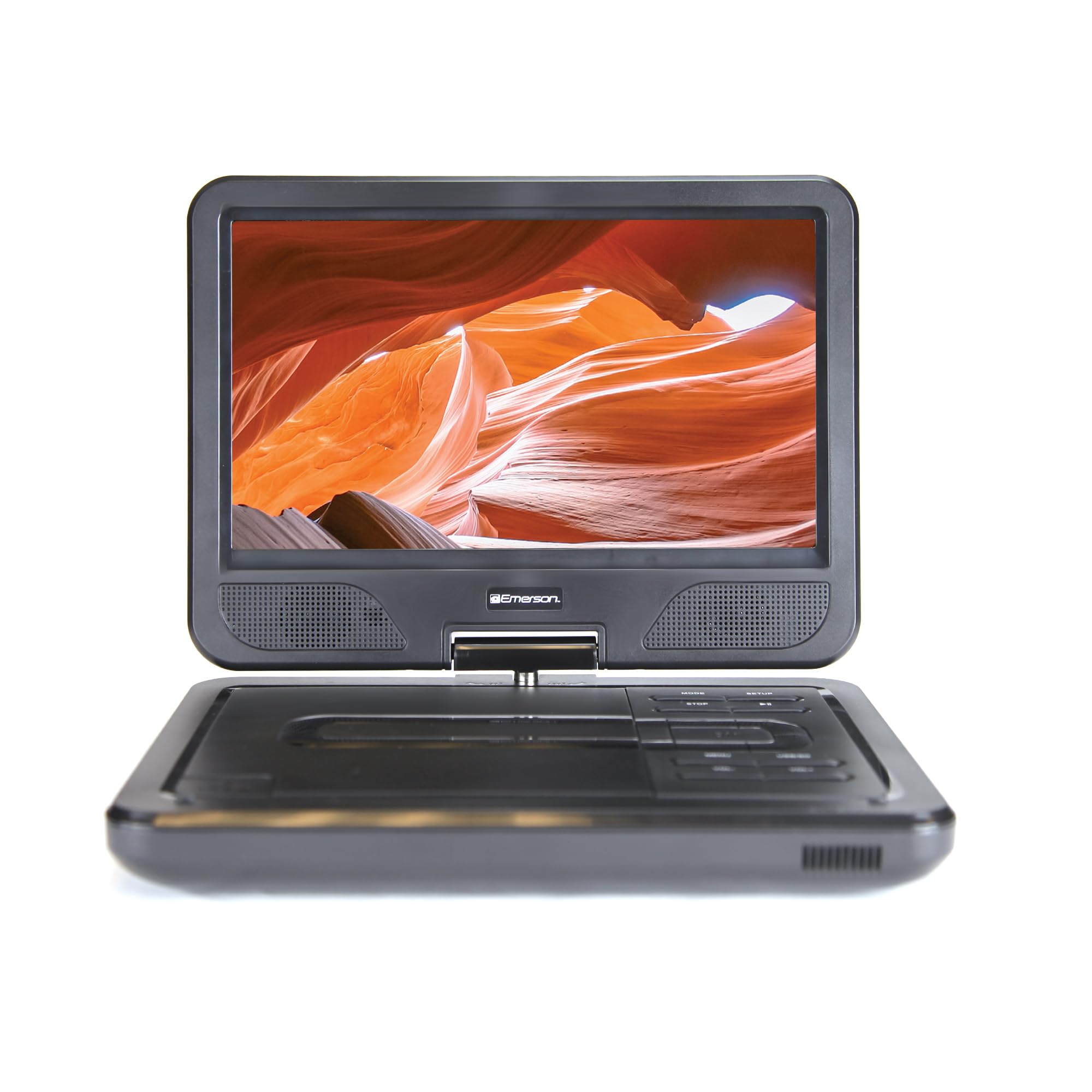
Image: The Emerson EPD-1001 Portable 10-inch DVD Player shown with its screen open, displaying a vibrant image.
Хайрцагт юу байна
Савлагаанд бүх зүйл байгаа эсэхийг шалгана уу:
- Emerson EPD-1001 Portable 10-inch DVD Player
- Алсын удирдлага
- АС тэжээлийн хувиргагч
- DC машины утас
- АВ кабель
- Хэрэглэгчийн гарын авлага (энэ баримт бичиг)
- Баталгаат карт

Image: The Emerson EPD-1001 Portable 10-inch DVD Player displayed alongside its remote control.
Бүтээгдэхүүний онцлог
- 10-inch Swivel Screen: The large 10-inch screen swivels 180 degrees, allowing for flexible viewөнцөг.
- Суулгасан чанга яригч: Integrated speaker provides clear audio for an immersive experience.
- Цэнэглэдэг батерей: Enjoy portable viewing with the built-in rechargeable battery, offering hours of playback.
- Алсын удирдлага: Navigate menus and control playback effortlessly with the included remote.
- Компакт дизайн: Lightweight and compact for easy transport during travel.
- Multi-Format Compatibility: Supports a wide range of DVD formats, as well as media from USB flash drives and SD cards.
Video: A 360-degree product overview of the Emerson EPD-1001 Portable DVD Player, showcasinтүүний дизайн болон онцлогуудыг янз бүрийн өнцгөөс харсан.
Тохиргоо
- Савлах: Савлагаанаас бүх эд ангиудыг болгоомжтой авч хаяна уу. Цаашид хадгалах эсвэл тээвэрлэхийн тулд савлагааг хадгална уу.
- Батерейг цэнэглэж байна: Before first use, fully charge the internal rechargeable battery. Connect the AC power adapter to the DC IN 9-12V port on the DVD player and plug it into a standard wall outlet. The charging indicator light will illuminate. A full charge typically takes several hours.
- Car Power (Optional): For in-car use, connect the DC car cord to the DC IN 9-12V port and plug the other end into your vehicle's 12V accessory socket.
- External Display Connection (Optional): To connect to an external display (e.g., TV), use the provided AV cable. Connect the AV OUT port on the DVD player to the corresponding AV IN ports on your television.

Image: A hand plugging a 12V car adapter into a vehicle's power outlet, demonstrating how to power the DVD player on the go.
Ашиглалтын заавар
Асаах/унтраах
- Асаахын тулд товчлуурыг удаан дарна уу ХҮЧ Дэлгэц гэрэлтэх хүртэл товчийг дарна уу.
- Унтраахын тулд the товчийг удаан дарна уу ХҮЧ дэлгэц унтрах хүртэл дахин товчлуурыг дарна уу.
Inserting and Playing a DVD
- Open the disc cover by gently lifting the НЭЭЛТТЭЙ түгжээ.
- Place a DVD disc onto the spindle with the label side facing up. Gently press the center of the disc to secure it.
- Дискний тагийг хаа.
- The player will automatically detect the disc and begin playback. If not, press the ТОГЛОХ/ЗОГСООХ товч.
Using the Swivel Screen
The screen can be rotated up to 180 degrees. Gently swivel the screen to your desired viewing angle. You can also fold the screen flat against the base for a tablet-like viewтуршлага.

Image: A woman using the Emerson EPD-1001 Portable DVD Player, demonstrating the swivel screen feature for comfortable viewing.
Media Playback (USB/SD Card)
- USB флаш дискийг дотор нь оруулна уу USB порт эсвэл SD карт руу SD КАРТ үүр.
- -г ашиглана уу MODE button on the player or remote to select the appropriate input (USB or SD).
- Хэвлэл мэдээллийн хэрэгслээр шилжинэ үү files using the arrow buttons and press ENTER тоглох.

Image: A hand inserting a USB flash drive into the side port of the portable DVD player, illustrating media playback from external storage.
Алсын удирдлага ашиглах
Point the remote control directly at the infrared sensor on the DVD player. The remote allows access to functions such as Play, Pause, Stop, Fast Forward, Rewind, Chapter Skip, Volume Control, Menu Navigation, and Input Selection.
Аудио гаралт
- Баригдсан чанга яригч: Audio will play automatically through the integrated speakers. Adjust volume using the VOL+ болон VOL- товчлуурууд.
- Чихэвчний Жак: For private listening, plug standard 3.5mm headphones into the чихэвч jack. This will mute the built-in speakers.
Засвар үйлчилгээ
- Цэвэрлэгээ: Use a soft, dry cloth to clean the exterior of the DVD player. For the screen, use a soft, lint-free cloth specifically designed for electronics screens. Do not use liquid cleaners or abrasive materials.
- Дискний арчилгаа: Handle discs by their edges. Keep discs clean and free of scratches. Use a soft, lint-free cloth to wipe discs from the center outwards if cleaning is necessary.
- Батерейны арчилгаа: To prolong battery life, avoid fully discharging the battery frequently. If storing the device for an extended period, charge the battery to approximately 50% and store in a cool, dry place. Recharge every few months to prevent deep discharge.
- Хадгалах: Store the DVD player in a cool, dry environment away from direct sunlight, extreme temperatures, and excessive dust.
Алдааг олж засварлах
| Асуудал | Боломжит шалтгаан | Шийдэл |
|---|---|---|
| Тоглогч асахгүй байна. | Батерей дууссан эсвэл тэжээлийн адаптер холбогдоогүй байна. | Connect the AC power adapter and allow the battery to charge. Ensure the power button is pressed and held. |
| Дэлгэц дээр зураг байхгүй. | Disc is dirty/scratched, incorrect input selected, or screen is folded incorrectly. | Clean the disc. Ensure the screen is properly opened and swiveled. If connected to an external display, verify AV cable connections and TV input selection. |
| Дуу алга. | Volume is too low, headphones are connected, or disc has no audio track. | Increase the volume. Disconnect headphones if using built-in speakers. Check disc for audio content. |
| Диск тоглохгүй эсвэл алгасахгүй. | Диск бохир, зураастай эсвэл формат таарахгүй байна. | Clean the disc thoroughly. Try a different disc. Ensure the disc format is supported by the player. |
| Алсын удирдлага ажиллахгүй байна. | Batteries are dead or remote is not pointed at sensor. | Replace remote control batteries. Ensure direct line of sight to the player's IR sensor. |
Үзүүлэлтүүд
| Онцлог | Дэлгэрэнгүй |
|---|---|
| Брэнд | Эмерсон |
| Загварын дугаар | EPD-1001 |
| Дэлгэцийн хэмжээ | 10 инч |
| Дэлгэцийн төрөл | LCD |
| Төрөлхийн тогтоол | 1280х720 |
| Холболтын технологи | USB |
| Тохиромжтой төхөөрөмжүүд | Mobile Phone, Television (via AV out) |
| Хэвлэл мэдээллийн төрөл | DVD, CD, MP3, USB, SD Card |
| Хэмжээ (L x W x H) | 10"L x 1.8"W x 7.35"H |
| Зүйлийн жин | 2.2 фунт |
| Өнгө | Хар |
| Эрчим хүчний сонголтууд | Built-in rechargeable battery, AC adapter, 12V car adapter |

Image: A diagram illustrating the dimensions (length, width, height) and weight of the Emerson EPD-1001 Portable DVD Player.
Баталгаат болон дэмжлэг
The Emerson EPD-1001 Portable 10-inch DVD Player comes with a warranty covering 1 Year for Parts болон 90 Days for Labor худалдан авсан өдрөөс.
For technical support, warranty claims, or service inquiries, please contact the manufacturer, Naxa Electronics, Inc. Refer to the warranty card included in your product packaging for specific contact details and procedures.
Баталгаат баталгааг баталгаажуулахын тулд худалдан авалтаа баталгаажуулна уу.