
1. Танилцуулга
This manual provides detailed instructions for the installation, operation, and maintenance of your Hikvision 2-Wire Video Intercom Kit, Model 38084. This system is designed for single-family homes, offering enhanced security and convenience through its 7-inch touchscreen monitor, FullHD outdoor camera, and seamless integration with the Hik-Connect mobile application. Please read this manual thoroughly before installation and use to ensure proper functioning and safety.
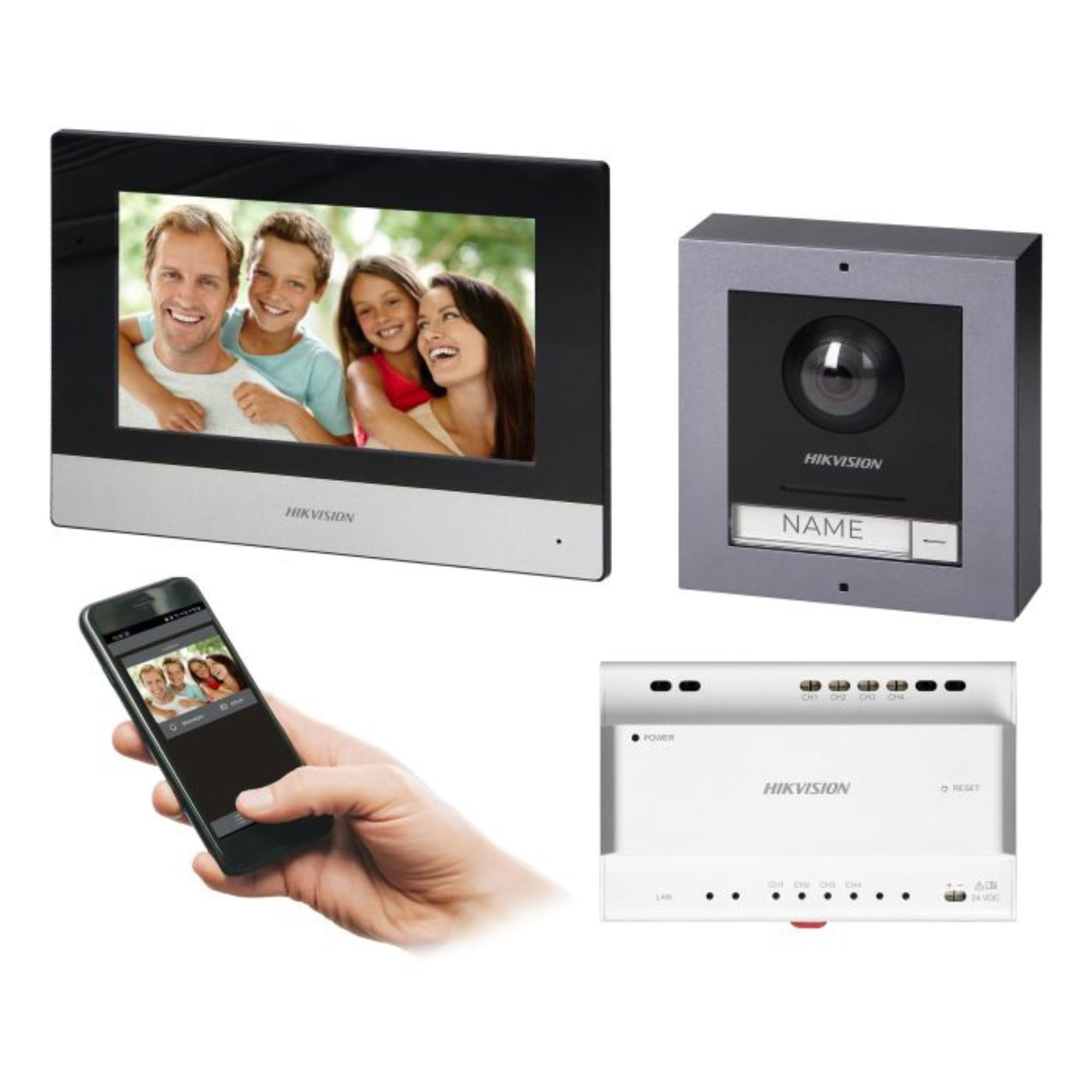
Figure 1: Hikvision 7-inch Video Intercom Monitor (Front View)
Зураг нь урд талыг харуулж байна view of the Hikvision 7-inch video intercom monitor, featuring a large screen and the Hikvision logo at the bottom.
2. Аюулгүй байдлын мэдээлэл
Гал түймэр, цахилгаанд цохиулах, хүний биед гэмтэл учруулах эрсдлийг бууруулахын тулд аюулгүй байдлын үндсэн арга хэмжээг үргэлж дагаж мөрдөөрэй.
- Цахилгааны аюулгүй байдал: Installation must be performed by qualified personnel in accordance with all local electrical codes. Disconnect power before installation or servicing.
- Ус ба чийг: Do not expose the indoor monitor to rain or moisture. The outdoor panel is IP65 rated for weather resistance but should not be submerged.
- Температур: Operate the device within the specified temperature range.
- Цэвэрлэгээ: Цэвэрлэхийн тулд зөөлөн, хуурай даавуу ашиглана уу. Шингэн болон аэрозол цэвэрлэгч хэрэглэж болохгүй.
- хөндлөнгийн оролцоо: Avoid installing near sources of strong electromagnetic interference.
3. Багцын агуулга
Бүх бүрэлдэхүүн хэсгүүд багцад байгаа эсэхийг шалгана уу:
- 7-inch Indoor Monitor (with WiFi)
- FullHD Outdoor Panel (with Camera and Night Vision)
- 4-Channel Distributor
- Холбох хэрэгслүүд (эрэг, ханын залгуур)
- Хэрэглэгчийн гарын авлага (энэ баримт бичиг)
- 16 GB MicroSD Card (pre-installed or included for video storage)

Figure 2: Hikvision Outdoor Panel and Mounting Accessories
This image shows the Hikvision outdoor panel alongside its rain shield and a flush-mount box, illustrating the various mounting options available.
4. Тохиргоо ба суурилуулалт
The Hikvision video intercom system utilizes a 2-wire installation method, simplifying wiring. Both the indoor monitor and outdoor panel are designed for surface mounting.
4.1 Outdoor Panel Installation
- Байршлыг сонгох: Select a suitable location near the entrance, ensuring the camera has a clear view of visitors. The panel is IP65 rated for outdoor use.
- Суурилуулалт: Use the provided mounting bracket to mark drill holes on the wall. Drill holes, insert wall plugs, and secure the bracket.
- Утас: Connect the 2-wire cable from the distributor to the outdoor panel terminals. Ensure correct polarity.
- Хамгаалалтын самбар: Attach the outdoor panel to the mounting bracket.

Figure 3: Hikvision Outdoor Panel (Front View)
This image shows the front of the Hikvision outdoor panel, featuring the FullHD camera, speaker grille, call button, and nameplate area.
4.2 Дотор монитор суурилуулах
- Байршлыг сонгох: Select an indoor location where the monitor is easily accessible and visible.
- Суурилуулалт: Use the provided mounting plate to mark and drill holes. Secure the mounting plate to the wall.
- Утас: Connect the 2-wire cable from the distributor to the indoor monitor terminals.
- Эрчим хүчний холболт: Connect the monitor to a power source (mains electricity).
- Аюулгүй монитор: Attach the indoor monitor to the mounting plate.

Figure 4: Hikvision Indoor Monitor (Back View) and Mounting Plate
The image displays the rear of the Hikvision indoor monitor, showing its connection ports and the separate mounting plate used for installation.
4.3 System Wiring Diagram (General)
The 2-wire system connects the outdoor panel, indoor monitor, and the 4-channel distributor. The distributor manages power and data communication between the devices.
- Connect the outdoor panel to the distributor using a 2-wire cable.
- Connect the indoor monitor to the distributor using a 2-wire cable.
- Ensure the distributor is powered.
- For electric lock control, additional power may be required for the lock itself, connected via the outdoor panel.
4.4 WiFi холболт
After physical installation, power on the monitor. Navigate to the network settings on the 7-inch touchscreen to connect to your 2.4 GHz Wi-Fi network (802.11 b/g/n standard). This enables smartphone communication via the Hik-Connect app.
5. Ашиглалтын заавар
5.1 Indoor Monitor Functions
- Мэдрэгчтэй дэлгэц: Navigate menus and control functions using the 7-inch touch screen.
- Дотуур холбооны функц: Communicate with visitors at the outdoor panel or other indoor monitors (if expanded).
- Санах ойн функц: The monitor supports a memory function, likely for capturing images or short video clips of visitors.
- SD карт уншигч: A 16GB MicroSD card is included for storing recorded video streams.
- Ringtone Management: Choose from 3 available ringtones. Adjust volume or mute the ringtone as needed.
- Хаалганы удирдлага: Use the monitor to remotely open an electric lock connected to the system.
- CCTV Camera Integration: The system can be expanded to integrate up to 16 CCTV cameras.
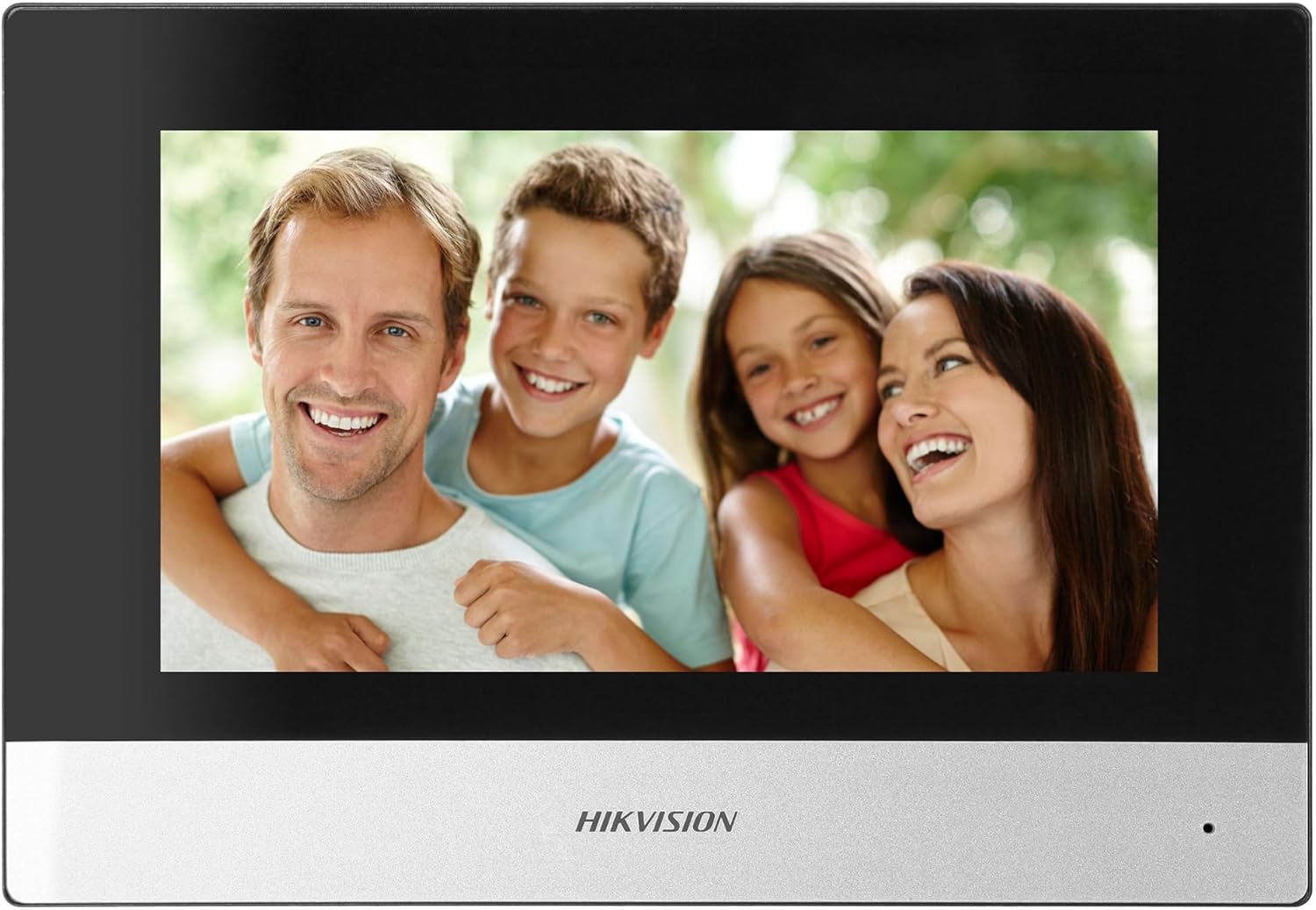
Figure 5: Hikvision Indoor Monitor (Front View)
This image shows the Hikvision 7-inch indoor monitor from the front, highlighting its sleek design and large display area.
5.2 Outdoor Panel Operation
- Дуудлагын товчлуур: Visitors press the single call button to initiate a call to the indoor monitor.
- FullHD Camera: Provides a 2MP (1920x1080p) video feed with a wide viewing angle (96°/180°).
- Шөнийн хараа: Integrated IR illumination ensures clear visibility even in low-light conditions.
- Нэрийн хавтан: A space is provided for a nameplate or label.

Figure 6: Hikvision Outdoor Panel (Angled View)
Өнцөг view of the Hikvision outdoor panel, showcasing its robust construction and integrated camera and call button.
5.3 Hik-Connect Mobile Application
Download the Hik-Connect app from your smartphone's app store. Once installed and configured with your system, you can:
- Receive calls from the outdoor panel on your smartphone.
- View live video from the outdoor camera.
- Remotely open the door.
- Бичигдсэн видео бичлэгт хандахtage.
6. Засвар үйлчилгээ
Тогтмол засвар үйлчилгээ нь таны дотуур холбооны системийн урт наслалт, оновчтой ажиллагааг баталгаажуулдаг.
- Цэвэрлэгээ: Wipe the monitor screen and outdoor panel with a soft, damp даавуу. Зүлгүүрийн цэвэрлэгчээс зайлсхий.
- Програм хангамжийн шинэчлэлтүүд: Periodically check for firmware updates via the Hik-Connect app or Hikvision's official webТаны систем хамгийн сүүлийн үеийн функцууд болон аюулгүй байдлын засваруудтай эсэхийг шалгахын тулд сайт.
- Кабелийн үзлэг: Periodically inspect all wiring for any signs of wear or damage.
- Outdoor Panel Lens: Keep the camera lens on the outdoor panel clean for clear video quality.
7. Алдаа засах
Хэрэв танд асуудал тулгарвал дараах нийтлэг алдааг олж засварлах алхмуудыг үзнэ үү.
- Эрчим хүчгүй: Check all power connections and ensure the distributor is receiving power.
- Видео/Аудио байхгүй: Verify the 2-wire connections between the outdoor panel, monitor, and distributor. Ensure correct polarity.
- WiFi холболтын асуудал: Ensure your router is operating on 2.4 GHz. Re-enter WiFi credentials on the monitor. Check signal strength.
- Door Lock Not Opening: Confirm the electric lock has its own power supply if required. Check wiring from the outdoor panel to the lock.
- Шөнийн хараа муу: Ensure the outdoor camera lens is clean and free from obstructions.
8. Техникийн үзүүлэлтүүд
| Төрөл | Single-family |
| Видео функц | Тиймээ |
| Эрчим хүчний хангамж | Сүлжээний цахилгаан |
| Дамжуулах төрөл | Утастай (2 утастай) |
| Smartphone Communication | Yes (via Hik-Connect app) |
| Wi-Fi давтамж | 2.4 GHz |
| Wi-Fi стандарт | 802.11 б/г/н |
| Суулгах арга | 2-wire, Surface Mount |
| Max. Monitors | 3 хүртэл өргөжүүлэх боломжтой |
| Max. Outdoor Panels | 1 хүртэл өргөжүүлэх боломжтой |
| Max. CCTV Cameras | 16 хүртэл өргөжүүлэх боломжтой |
| Цахилгаан түгжээний удирдлага | Yes (requires additional power for lock) |
| Өдөр / шөнийн функц | Тиймээ |
| Суулгах арга | Гадаргуугийн бэхэлгээ |
| Hands-free System | Тиймээ |
| Дэлгэцийн диагональ | 7 инч |
| Шийдвэр | 1024 x 600 |
| Мэдрэгчтэй дэлгэц | Тиймээ |
| Видео систем | PAL, Color |
| Санах ойн функц | Тиймээ |
| SD карт уншигч | Yes (16GB card included) |
| Дотоод холбооны функц | Тиймээ |
| Хонхны ая | 3 |
| Материал | Хуванцар |
| Өнгө | Хар |
| Хэмжээ (Ө x Ө x D) | 140 мм х 200 мм х 15 мм |
| Дуудлагын товчлуурууд | 1 |
| Суулгах арга | Гадаргуугийн бэхэлгээ |
| Камерын нягтрал | 2MP, 1920x1080 (FullHD) |
| Камер Viewing өнцөг | 96°/180° |
| Шөнийн гэрэлтүүлэг | IR (Хэт улаан туяа) |
| PTZ функц | Үгүй |
| Ойролцоох карт уншигч | Үгүй |
| Nameplate Space | Тиймээ |
| Эвдрэлд тэсвэртэй | Үгүй |
| Хамгаалалтын үнэлгээ | IP65 |
| Материал | Ган |
| Өнгө | Мөнгө |
| Хэмжээ (Ө x Ө x D) | 98 мм х 99.8 мм х 43.9 мм |
| Бүтээгдэхүүний хэмжээс | 20 x 15 x 10 см |
| Зүйлийн жин | 1 кг |
| Загварын дугаар | 38084 |
9. Баталгаат хугацаа ба дэмжлэг
Баталгаат мэдээлэл болон техникийн дэмжлэг авахыг хүсвэл албан ёсны Hikvision-с хандана уу webсайт эсвэл орон нутгийн дистрибьютертэй холбогдоно уу. Баталгаат зарга авахын тулд худалдан авалтын баримтаа хадгална уу.
- Онлайн дэмжлэг: зочилно уу www.hikvision.com for product documentation, FAQs, and support resources.
- Харилцагчийн үйлчилгээ: Contact your retailer or authorized Hikvision service center for assistance.