
Танилцуулга
Thank you for choosing the Verilux Wireless Mouse M103. This manual provides detailed instructions for setting up, operating, and maintaining your new mouse. Please read this manual carefully before use to ensure optimal performance and longevity of your device.
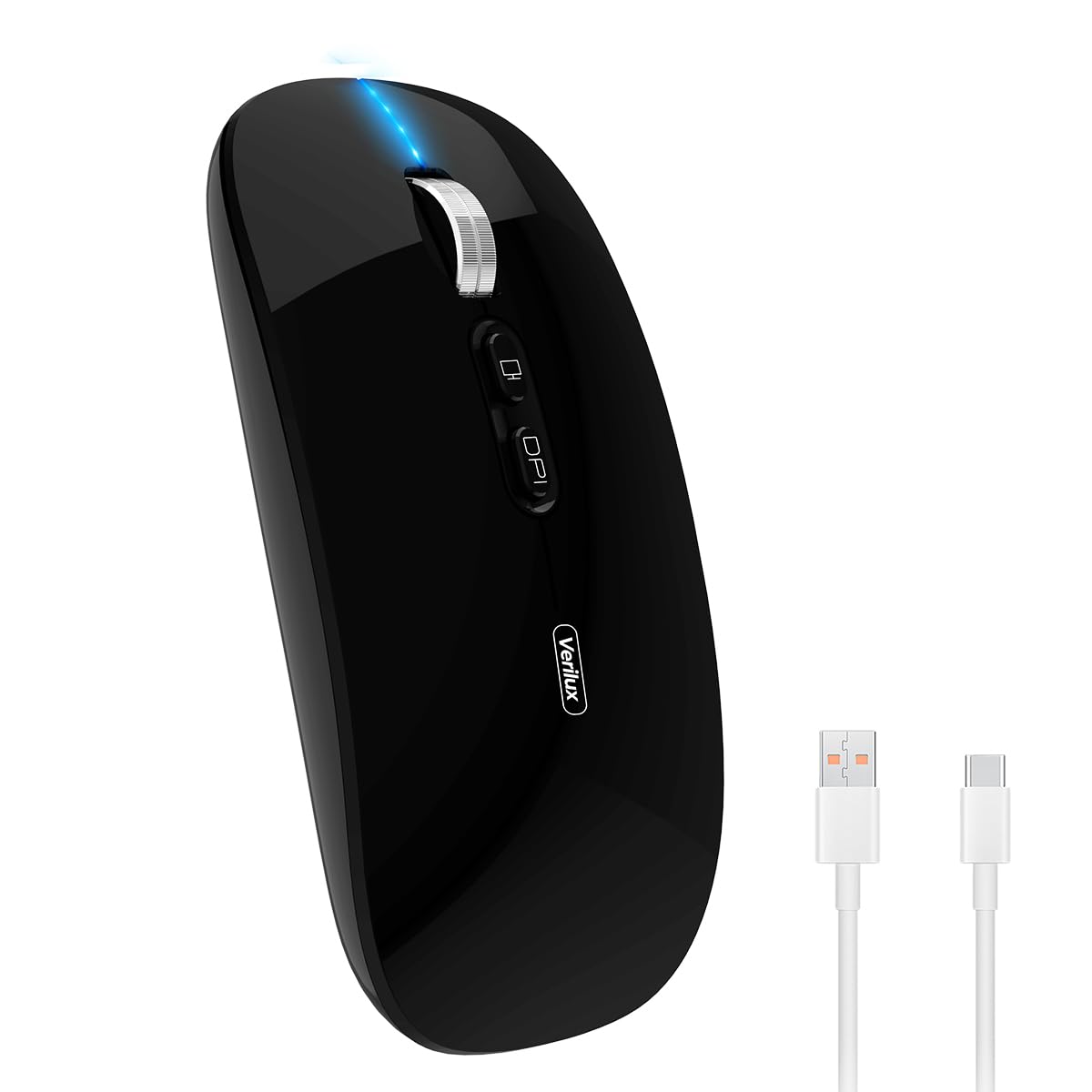
Image: Verilux Wireless Mouse M103 in black.
Бүтээгдэхүүн дууссанview
The Verilux M103 is a versatile wireless mouse offering dual-mode connectivity (2.4G USB and Bluetooth 5.1), a rechargeable battery, and an ergonomic, silent design. It is compatible with a wide range of devices and operating systems.

Image: The Verilux M103 mouse demonstrating its dual Bluetooth connectivity with a laptop and tablet.
Гол онцлогууд:
- Хос горимын холболт: Seamlessly switch between 2.4G USB and Bluetooth 5.1.
- Цэнэглэдэг батерей: Built-in 500mAh battery with 4-level power indicator.
- Ergonomic & Silent Design: Comfortable grip with silent clicks for a quiet working environment.
- Нийтэд нийцтэй байдал: Supports Android, Windows, MacOS, iOS 12 and above, PC, laptops, and tablets.
- Тохируулах DPI: Customize mouse sensitivity for precise control.
Тохиргоо
1. 2.4G Mode Setup:
- Locate the USB receiver stored in the mouse's bottom compartment.
- Plug the USB receiver into an available USB port on your device (laptop, PC).
- Доод талд байрлах асаах/унтраах товчлуурыг ашиглан хулганыг асаана уу.
- Хулгана таны төхөөрөмжид автоматаар холбогдох ёстой.
Video: Demonstrates unboxing, identifying the USB receiver, and connecting the mouse via 2.4G USB to a laptop.
2. Bluetooth Mode Setup:
The mouse supports two Bluetooth channels: Bluetooth 3.0 and Bluetooth 5.1.
- Доод талд байрлах асаах/унтраах товчлуурыг ашиглан хулганаа асаана уу.
- Switch the mode selector on the bottom of the mouse to either BT3.0 (center blue light) or BT5.1 (right blue light).
- Activate Bluetooth on your device (laptop, PC, iPad, phone).
- хайх available Bluetooth devices and select 'BT5.1 Mouse' to connect.
- If the indicator light blinks and the connection is unsuccessful, restart both your device and the mouse, then try again.
Ашиглалтын заавар
Хулганы товчлуурууд:
- Зүүн товшилт: Standard selection.
- Баруун товшино уу: Контекст цэс.
- Scroll Wheel (Middle Button/Roller): Scroll up/down, click for middle-click functions.
- DPI товчлуур: Хулганы мэдрэмжийг (DPI) тохируулна.
- One-Click Desktop Button: Ширээний компьютерийг харуулахын тулд бүх нээлттэй цонхыг хурдан багасгадаг.

Image: Close-up of the Verilux M103 mouse, highlighting the scroll wheel, DPI button, and one-click desktop button.
DPI тохируулга:
Press the DPI button (located behind the scroll wheel) to cycle through different sensitivity levels (e.g., 800, 1200, 1600 DPI). Choose the setting that best suits your preference and task.
Цэнэглэх ба батерей
The Verilux M103 mouse features a built-in 500mAh rechargeable battery. It is equipped with 4-level power indicator lights to show the remaining battery life.
Цэнэглэх заавар:
- Connect the mouse to a power source using the provided USB-C charging cable. The charging port is located at the front of the mouse.
- A flashing light on the mouse indicates normal charging.
- Charge the mouse using a 5V 1A, 5V 2A, or an adapter with no more than 10W of power. It can also be charged by connecting it to a computer's USB port.
- Цэнэглэх үед хулганыг ашиглаж болно.
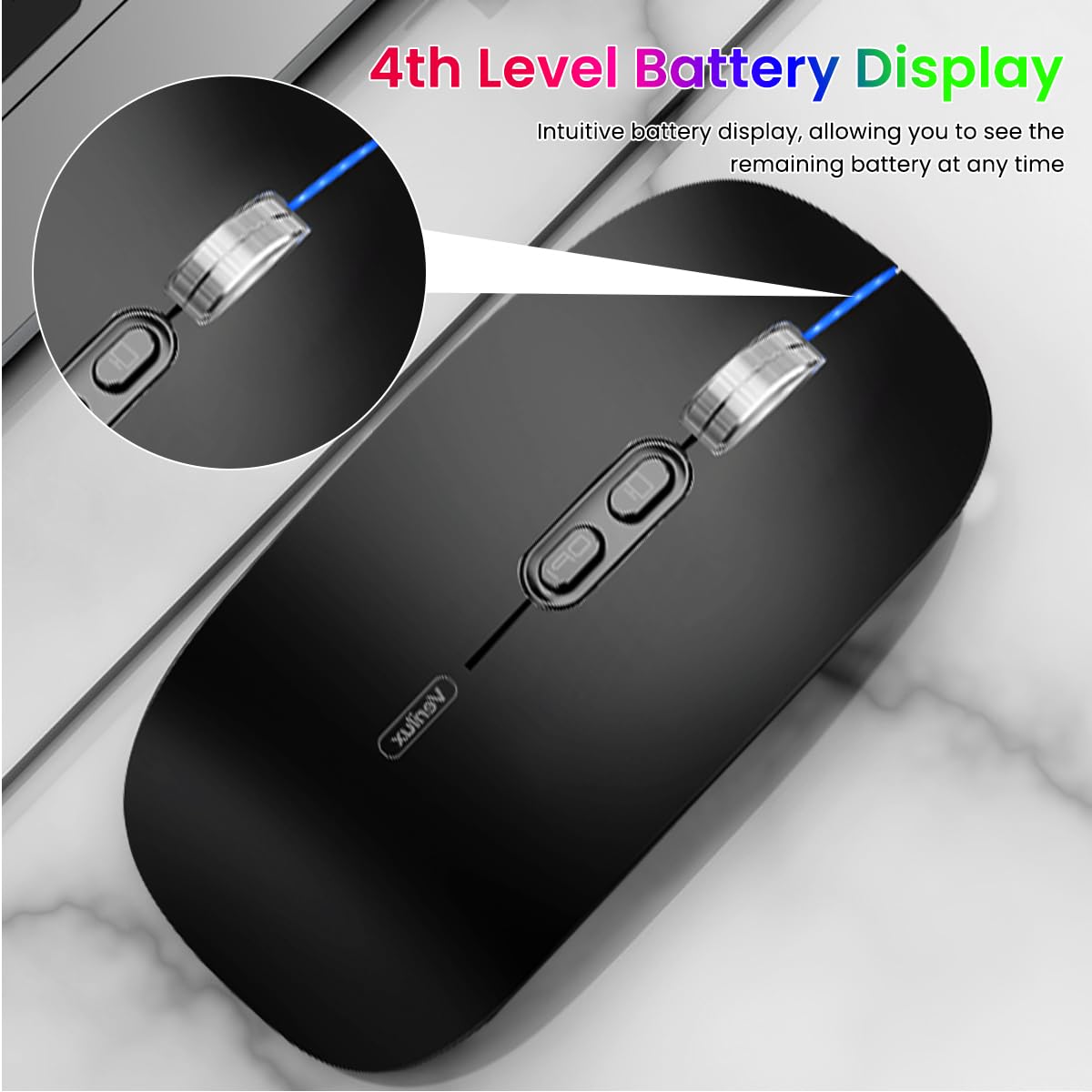
Image: The Verilux M103 mouse displaying its 4-level battery indicator lights.

Image: The Verilux M103 mouse connected to a laptop for charging via its USB-C port.
Тохиромжтой байдал
The Verilux M103 Wireless Mouse offers broad compatibility with various devices and operating systems:
- Үйлдлийн системүүд: Android, Windows (7, XP, 8, 10), MacOS, iOS 12 and above, Linux.
- Төхөөрөмжүүд: Laptops, Personal Computers, Tablets, iPads, MacBooks.

Image: The Verilux M103 mouse shown with a laptop, desktop monitor, iPad, and smartphone, illustrating its wide compatibility.
Засвар үйлчилгээ
To ensure the longevity and optimal performance of your Verilux Wireless Mouse M103, follow these maintenance guidelines:
- Цэвэрлэгээ: Хулганыг цэвэрлэхийн тулд зөөлөн, хуурай даавуу ашиглана уу. Зөрүүд шороонд бага зэрэг dampдаавууг ус эсвэл зөөлөн цэвэрлэх уусмалаар хийнэ. Хүчтэй химийн бодис, зүлгүүрийн материалаас зайлсхий.
- Хадгалах: When not in use, especially during travel, store the USB receiver in its designated compartment at the bottom of the mouse to prevent loss.
- Батерейны арчилгаа: Avoid fully discharging the battery frequently. Charge the mouse when the power indicator shows low battery. Do not expose the mouse to extreme temperatures.
- Байгаль орчны нөхцөл: Keep the mouse away from excessive dust, moisture, and direct sunlight.
Алдааг олж засварлах
If you encounter issues with your Verilux Wireless Mouse M103, please refer to the following common solutions:
| Асуудал | Шийдэл |
|---|---|
| Mouse not connecting (2.4G Mode) |
|
| Mouse not connecting (Bluetooth Mode) |
|
| Mouse cursor lagging or erratic movement |
|
| Хулгана цэнэглэхгүй байна |
|
Үзүүлэлтүүд
| Онцлог | Дэлгэрэнгүй |
|---|---|
| Брэнд | Verilux |
| Загварын дугаар | M103 (AZEM4-0K5FZ5C) |
| Холболтын технологи | Bluetooth (3.0 & 5.1), 2.4G Wireless |
| Хөдөлгөөнийг илрүүлэх технологи | Оптик |
| DPI тохиргоо | 1600 DPI хүртэл (тохируулж болно) |
| Батерей | 500mAh цэнэглэдэг |
| Эрчим хүчний эх үүсвэр | Батерейгаар ажилладаг (USB-C цэнэглэгч) |
| Товчлуур | 4 (Left, Right, Scroll Wheel/Middle, DPI, One-Click Desktop) |
| Гарын чиг баримжаа | Хоёр талт |
| Зүйлийн жин | 119 грамм |
| Хэмжээ (L x W) | 12л x 7Вт сантиметр |
| Өнгө | Black (Standard Black variant) |
Баталгаат болон дэмжлэг
For warranty information and customer support, please refer to the documentation included with your product packaging or visit the official Verilux webсайт. Мөн та худалдагчтай шууд холбогдож тусламж авах боломжтой.
Үйлдвэрлэгч: Verilux, Yiwu Kaiming Industrial Co., Ltd.
Импортлогч/савлагч: Verilux
For further information, you can visit the Verilux Store on Amazon.


