
Танилцуулга
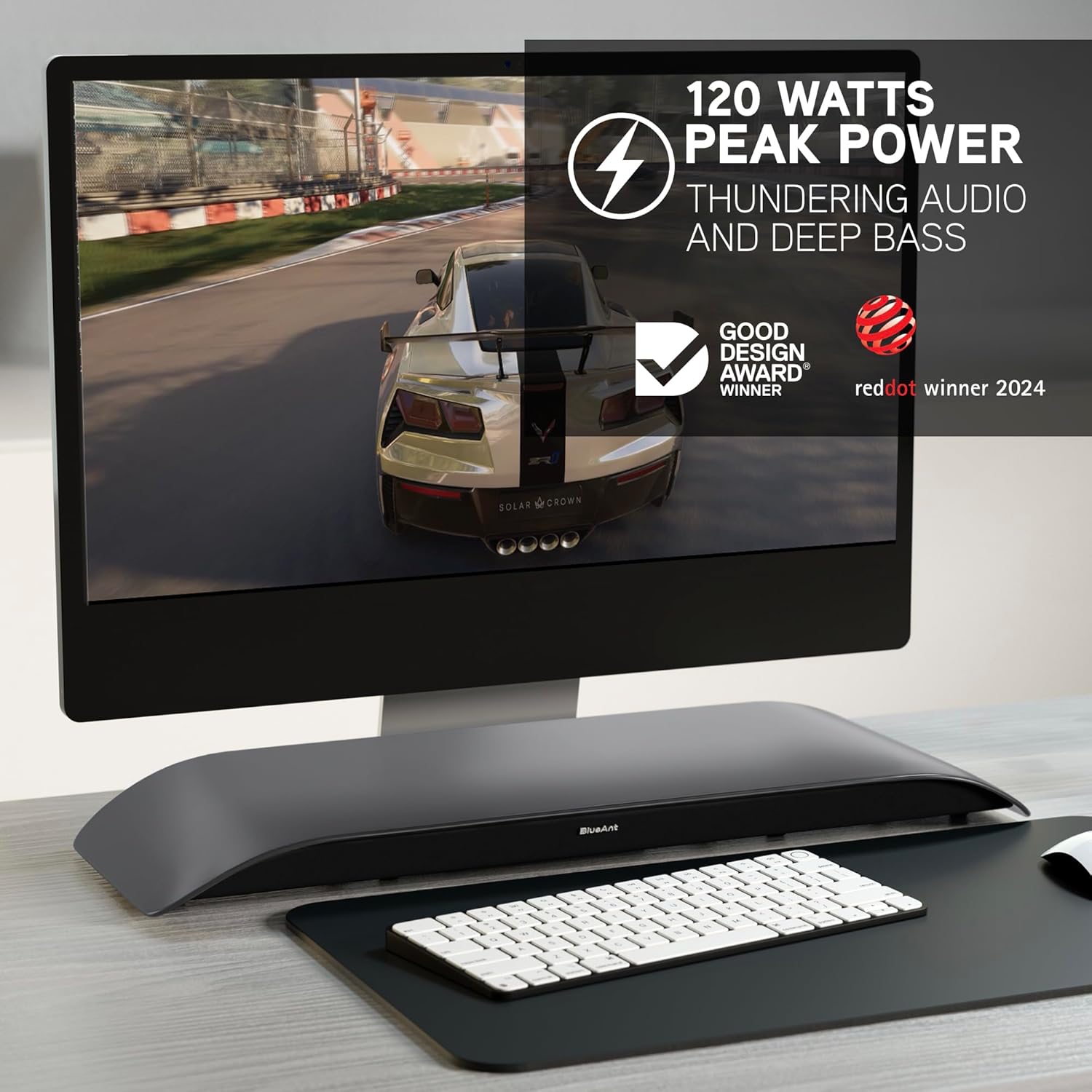
The BlueAnt Soundblade is a 120W 2.1 Channel Desktop Speaker designed to enhance your audio experience for PC, Mac, gaming, music, and streaming. Its sleek, low-profile design fits seamlessly under your monitor, providing powerful sound without clutter. This manual provides essential information for setting up, operating, and maintaining your Soundblade.

Хайрцагт юу байна
Upon unboxing your BlueAnt Soundblade, ensure all the following components are present:
- Soundblade Device
- Цахилгаан кабель
- Remote Control | x2 AAA Batteries
- 3.5 мм-ээс 3.5 мм AUX кабель
- USB-C to USB-C Cable | USB-C to USB-A Cable
Тохируулах гарын авлага
Follow these steps to set up your BlueAnt Soundblade:
- Place the Soundblade on a stable surface directly under your monitor.
- Connect the power cable to the Soundblade and a power outlet.
- Choose your preferred audio connection:
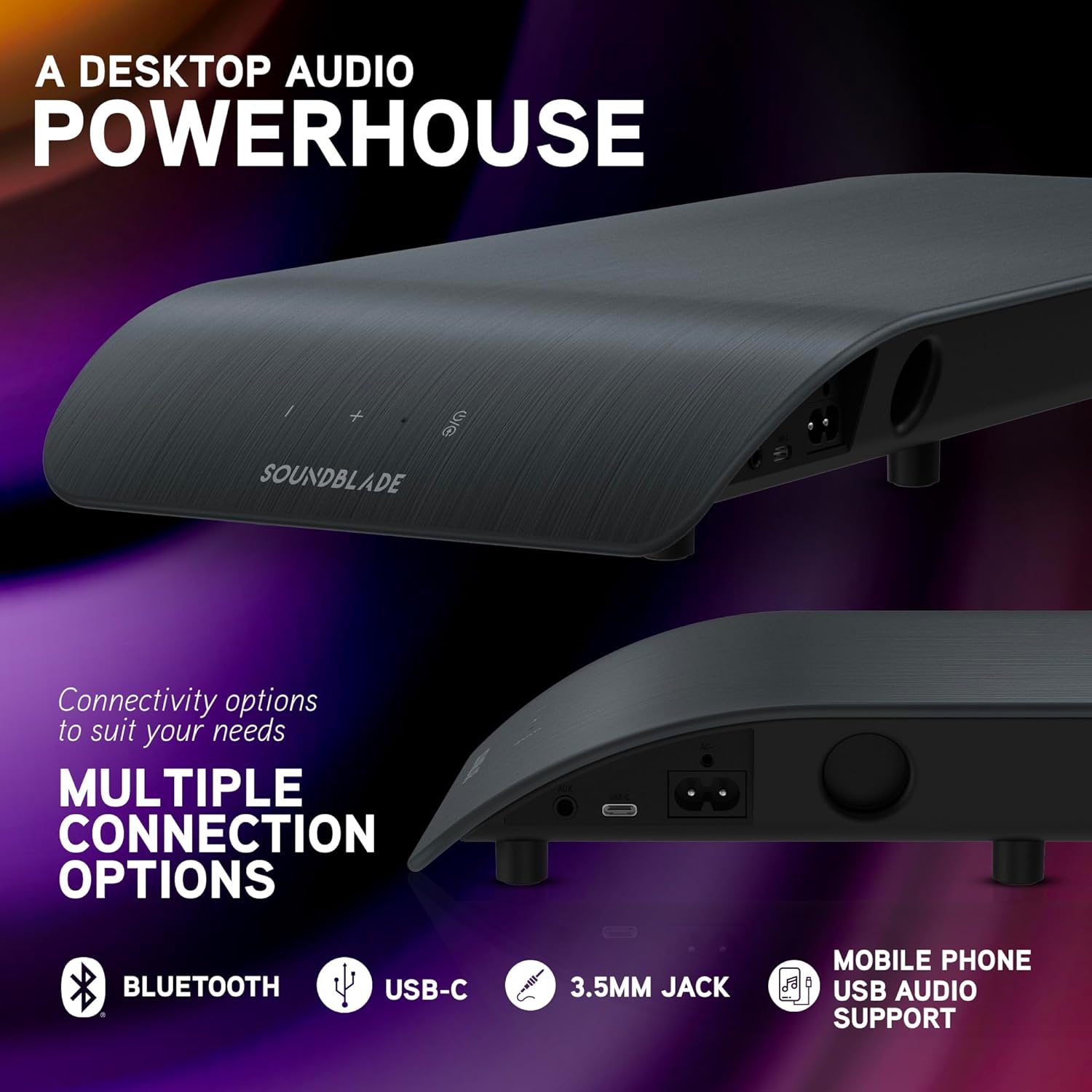
- USB-C: Connect the USB-C to USB-C cable from the Soundblade to your computer. If your computer only has USB-A, use the provided USB-C to USB-A cable.
- Bluetooth: Power on the Soundblade and activate Bluetooth pairing mode. хайх "Soundblade" on your device and connect.
- 3.5mm Auxiliary: Connect the 3.5mm to 3.5mm AUX cable from the Soundblade to your audio source.
- (Optional) Attach the extended feet pegs if additional height is required for your monitor stand.

Ашиглалтын заавар
Асаах/унтраах
Press the power button on the Soundblade or the remote control to turn the device on or off.
Дууны хяналт
Use the '+' and '-' buttons on the Soundblade or the remote control to adjust the volume.
Оролтын сонголт
Press the input selection button on the Soundblade or the remote control to cycle through available inputs: USB-C, Bluetooth, and 3.5mm Auxiliary.
EQ горимууд
The Soundblade features three dedicated EQ modes: Music, Movies, and Game. Use the EQ button on the remote to switch between these modes for optimized audio.


Холболтын сонголтууд
The Soundblade offers versatile connectivity to suit various devices:
- USB-C: For direct digital audio connection to PCs, Macs, and compatible mobile devices. Supports auto-switching.
- Bluetooth 5.3: Ухаалаг утас, таблет болон бусад Bluetooth-тэй төхөөрөмжүүдээс утасгүй аудио дамжуулахад зориулагдсан.
- 3.5мм туслах оролт: For connecting devices via a standard audio jack.
Аудио горимууд
Optimize your listening experience with the Soundblade's three specialized EQ modes:
- Хөгжмийн горим: Enhances clarity and bass for a rich musical experience.
- Киноны горим: Provides crystal-clear dialogue and dynamic sound effects for cinematic immersion.
- Тоглоомын горим: Delivers heightened realism and auditory detail for an immersive gaming experience.
Засвар үйлчилгээ
To ensure the longevity and optimal performance of your Soundblade:
- Зөөлөн, хуурай даавуугаар арчиж төхөөрөмжийг цэвэр байлга.
- Avoid exposing the Soundblade to water or excessive moisture.
- Do not block the speaker grilles or ventilation openings.
- Удаан хугацаагаар ашиглахгүй бол сэрүүн, хуурай газар хадгална.
Алдааг олж засварлах
- Эрчим хүчгүй:
- Ensure the power cable is securely connected to both the Soundblade and a working power outlet. Check if the power adapter is functioning correctly.
- Дуугүй:
- Verify that the correct input source (USB-C, Bluetooth, or AUX) is selected. Check the volume levels on both the Soundblade and your connected device. Ensure all audio cables are properly connected.
- Bluetooth холболтын асуудал:
- Make sure the Soundblade is in Bluetooth pairing mode. Disable and re-enable Bluetooth on your device, then try pairing again. Ensure no other devices are actively connected to the Soundblade via Bluetooth.
- Гажуудсан аудио:
- Reduce the volume on both the Soundblade and your connected device. Check for any loose cable connections. Try a different audio source or cable.
Техникийн үзүүлэлтүүд
| Онцлог | Дэлгэрэнгүй |
|---|---|
| Брэнд | BlueAnt |
| Загварын дугаар | SOUNDBLADE |
| Чанга яригчийн хамгийн их гаралтын чадал | 120 ватт |
| Холболтын технологи | Туслах төхөөрөмж, Bluetooth 5.3, USB |
| Аудио гаралтын горим | Стерео |
| Суурилуулах төрөл | Ширээний тавиур |
| Хаалтны материал | Plastic Or Metal |
| Чанга яригчийн төрөл | Компьютер |
| Нэмэлт онцлогууд | Built-In Subwoofer, 3-EQ's, Remote Control |
| Сабвуферийн диаметр | 80 миллиметр |
| Хяналтын арга | Алсын удирдлага |
| Өнгө | Нүүрс |
| Хэмжээ D x W x H | 8.58"D x 23"W x 2.13"H |
| Зүйлийн жин | 1.7 кг |
| Тохиромжтой төхөөрөмжүүд | Gaming Console, Mac, PC, PS5 |
| Аудио сувгийн тоо | 2.1 |
| Эрчим хүчний эх үүсвэр | Утастай цахилгаан |
| UPC | 878049008048 |

Баталгаат болон дэмжлэг
Баталгаат хугацаа: The BlueAnt Soundblade comes with a 1-Year Limited Warranty. Please refer to the warranty card included in your package for full terms and conditions.
Үйлдвэрлэгч: BlueAnt
For further assistance or support, please visit the official BlueAnt webсайт эсвэл харилцагчийн үйлчилгээтэй холбогдоно уу.