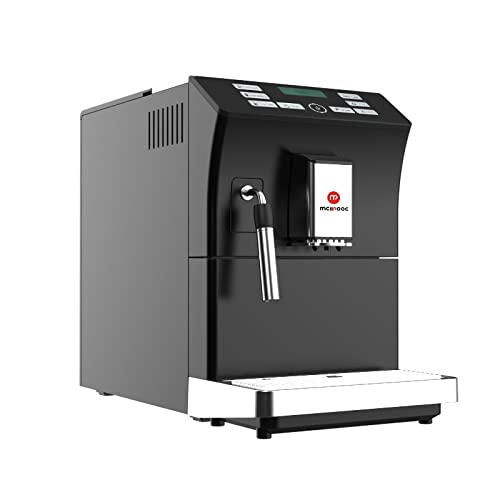
Mcilpoog WS-201 Automatic Espresso Machine User Manual
Model: WS-201 | Brand: Mcilpoog
1. Бүтээгдэхүүн дууссанview
The Mcilpoog WS-201 is a fully automatic espresso machine designed for convenience and versatility. It supports both whole coffee beans and pre-ground coffee powder, offering a wide range of beverage options through its intuitive touch screen interface. Key features include an adjustable grinding thickness, automatic cleaning functions, and a manual steam wand for milk frothing.
Image 1: Product Features. This image highlights the main functionalities of the Mcilpoog WS-201, including the steam pipe, soy flour dual-purpose, adjustable brewing dose, bean/water shortage alarm, automatic cleaning, adjustable grinding thickness, and adjustable coffee outlet height.Image 2: Touch Screen Interface. Ойрын зураг view of the machine's full touch screen, showing various beverage options and control buttons for easy operation.
2. Components and Parts Diagram
Familiarize yourself with the various parts of your Mcilpoog WS-201 espresso machine.
Image 3: Product Parts Diagram. This diagram illustrates the main components of the WS-201 machine, including the Water Tank, Warm Cup area, Touch Screen, Water Pans, Manual Steam Pipe, Bean Box, Main Power Switch (Machine Back), Brewing Door, and Coffee Grounds Box.
Усны сав: Located at the side, holds water for brewing.
Warm Cup Area: Top surface for pre-warming cups.
Мэдрэгчтэй дэлгэц: Front-facing display for selecting beverages and settings.
Water Pans: Collects excess water and drips.
Manual Steam Pipe: For frothing milk manually.
Bean Box: Top compartment for whole coffee beans.
Үндсэн цахилгаан унтраалга: Машины ар талд байрладаг.
Brewing Door: Side access panel for the brewing unit.
Анхны зайлах: Turn on the machine. It will perform an automatic rinse cycle. Follow any on-screen prompts.
Усны хатуулгийн туршилт: Perform a water hardness test using the provided strip (if included) and adjust the machine's settings accordingly for optimal performance and descaling reminders.
4. Ашиглалтын заавар
4.1. Эспрессо хийх
The machine offers various espresso options. Select your desired espresso type (e.g., Espresso, Double Espresso) from the touch screen. You can customize coffee strength and volume before brewing.
Image 4: Espresso Brewing. This image shows the machine dispensing a double espresso into a cup, demonstrating the brewing process.
4.2. Using Whole Beans or Ground Coffee
The Mcilpoog WS-201 supports both whole beans and pre-ground coffee. For whole beans, simply fill the bean box. For ground coffee, use the dedicated powder warehouse.
Image 5: Bean Tank and Powder Warehouse. This image displays the top compartments of the machine, showing the Bean Tank filled with whole coffee beans and the separate Powder Warehouse for pre-ground coffee.
Adjust the grinding thickness using the knob inside the bean box. Turn towards 'Fine' for high roast or cinnamon roast coffee beans, suitable for brewing fancy coffee. Turn towards 'Coarse' for full-city roast or high roast coffee beans, suitable for brewing black coffee.
4.3. Manual Milk Frothing
Utilize the manual steam pipe to froth milk for lattes, cappuccinos, or other milk-based beverages. Ensure the milk container is properly connected and the steam function is selected on the touch screen.
Кофе өгөхгүй: Check water tank level, coffee bean level, and ensure the brew group is correctly inserted.
Сул кофе: Adjust coffee strength settings, check grinding thickness (finer grind for stronger coffee), and ensure fresh beans are used.
Машин асахгүй байна: Verify power connection and check the main power switch at the back.
Алдааны мессежүүд: Follow on-screen instructions for specific error codes. Common issues include low water, full grounds box, or descaling required.
7. Техникийн үзүүлэлтүүд
Онцлог
Дэлгэрэнгүй
Брэнд
Мчилпог
Загварын нэр
WS-201 дугаартай
Өнгө
Хар
Бүтээгдэхүүний хэмжээс
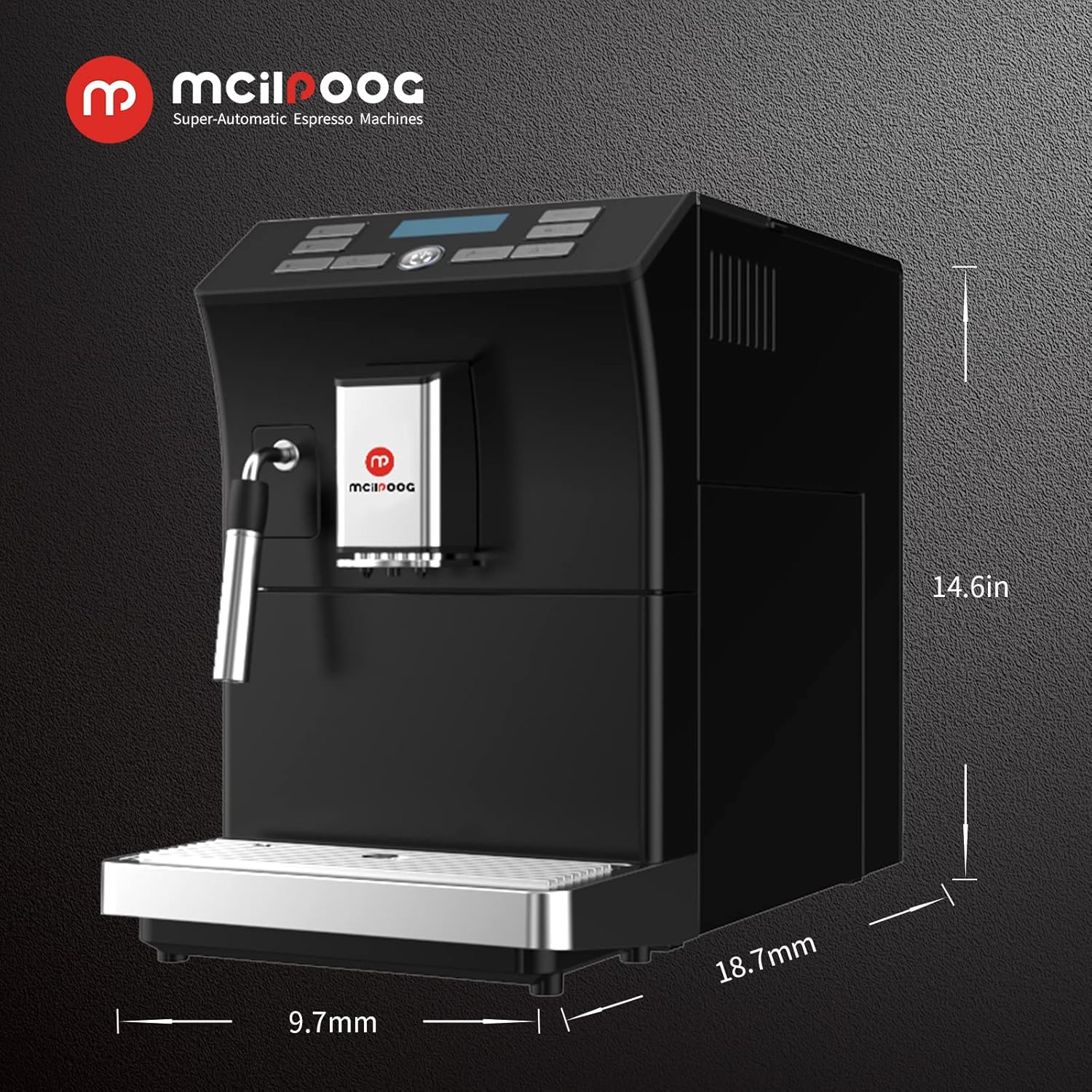
18.7"D x 9.7"W x 14.6"H
Зүйлийн жин
28 фунт
Онцлог шинж чанар
Авто цэвэрлэх функц
Кофе чанагч төрөл
Эспрессо машин
Бүтээгдэхүүний тусгай хэрэглээ
Эспрессо
Оруулсан бүрэлдэхүүн хэсгүүд
Сүү Frother
Зүйлүүдийн тоо
1
Хүчин чадал
1.8 литр
Зураг 6: Бүтээгдэхүүний хэмжээс. This image provides a visual representation of the machine's dimensions: 18.7 inches deep, 9.7 inches wide, and 14.6 inches high.
8. Баталгаат хугацаа ба дэмжлэг
For warranty information, technical support, or service inquiries, please refer to the documentation included with your product or contact Mcilpoog customer service directly. Keep your purchase receipt as proof of purchase.
Ask a question about this manual
Ask about setup, troubleshooting, compatibility, parts, safety, or missing instructions. Manuals+ will review the question and use this page’s manual context to help answer it.