
Танилцуулга
This manual provides essential information for the setup, operation, and maintenance of your PowerA Enhanced Wireless Controller, featuring the unique Pikachu vs. Gengar design. This officially licensed controller is designed to enhance your gaming experience on Nintendo Switch, Nintendo Switch Lite, and Nintendo Switch (OLED Model) consoles.
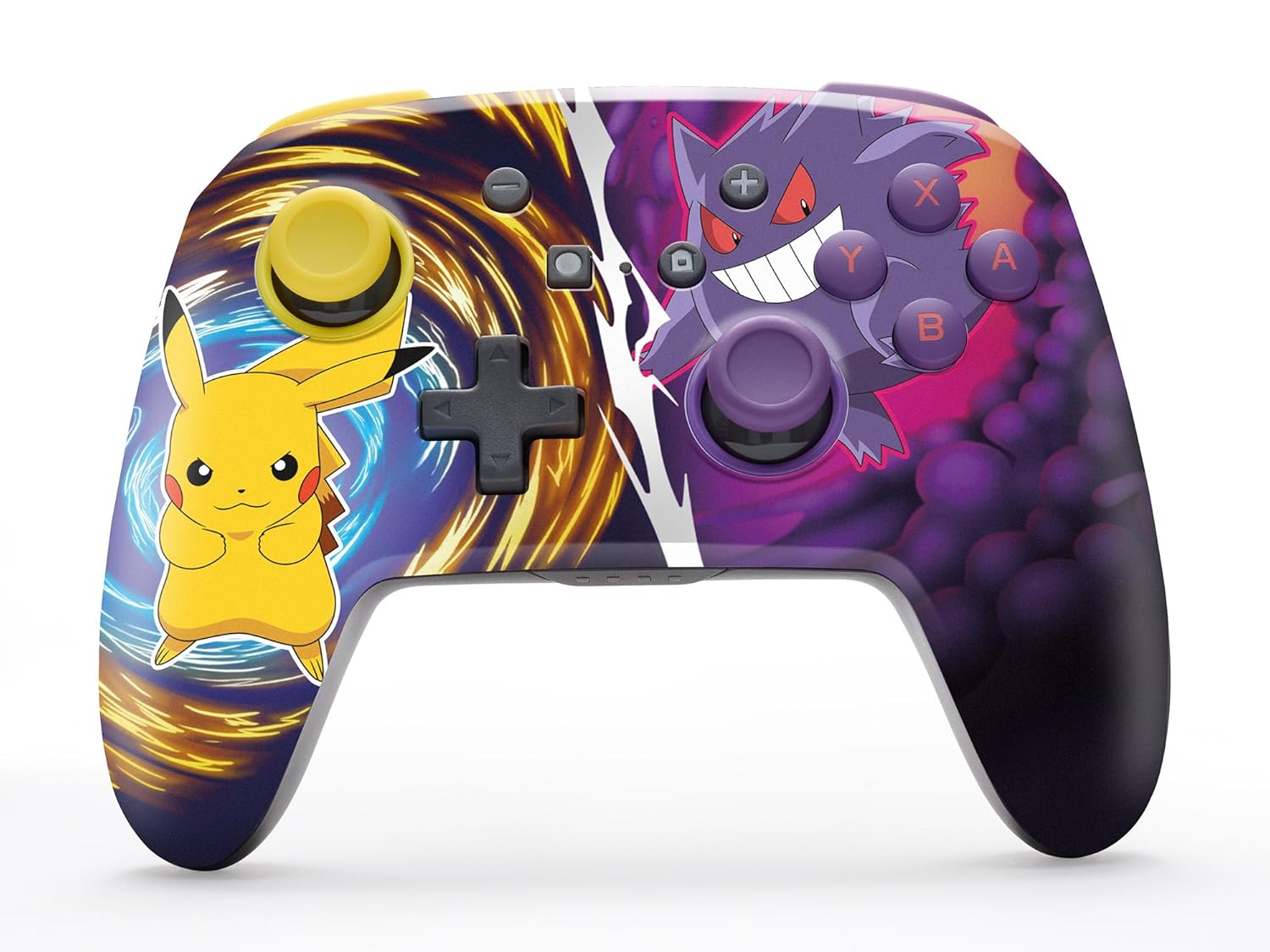
The PowerA Enhanced Wireless Controller with Pikachu vs. Gengar artwork.
Гол онцлогууд
- Утасгүй холболт: Utilizes Bluetooth 5.0 technology for a stable connection.
- Цэнэглэдэг батерей: Integrated lithium-ion battery provides up to 30 hours of gameplay per charge.
- Зураглах боломжтой дэвшилтэт тоглоомын товчлуурууд: Two programmable buttons on the back for custom control.
- Эргономик дизайн: Удаан хугацааны турш тав тухтай тоглоом тоглоход зориулсан дээд зэргийн эргономик.
- Smooth Thumbstick Control: Embedded anti-friction rings ensure precise and fluid movement.
- Хөдөлгөөний удирдлага: Supports intuitive motion controls for compatible games.

Тав тухтай тоглоом тоглоход зориулсан эргономик дизайн.
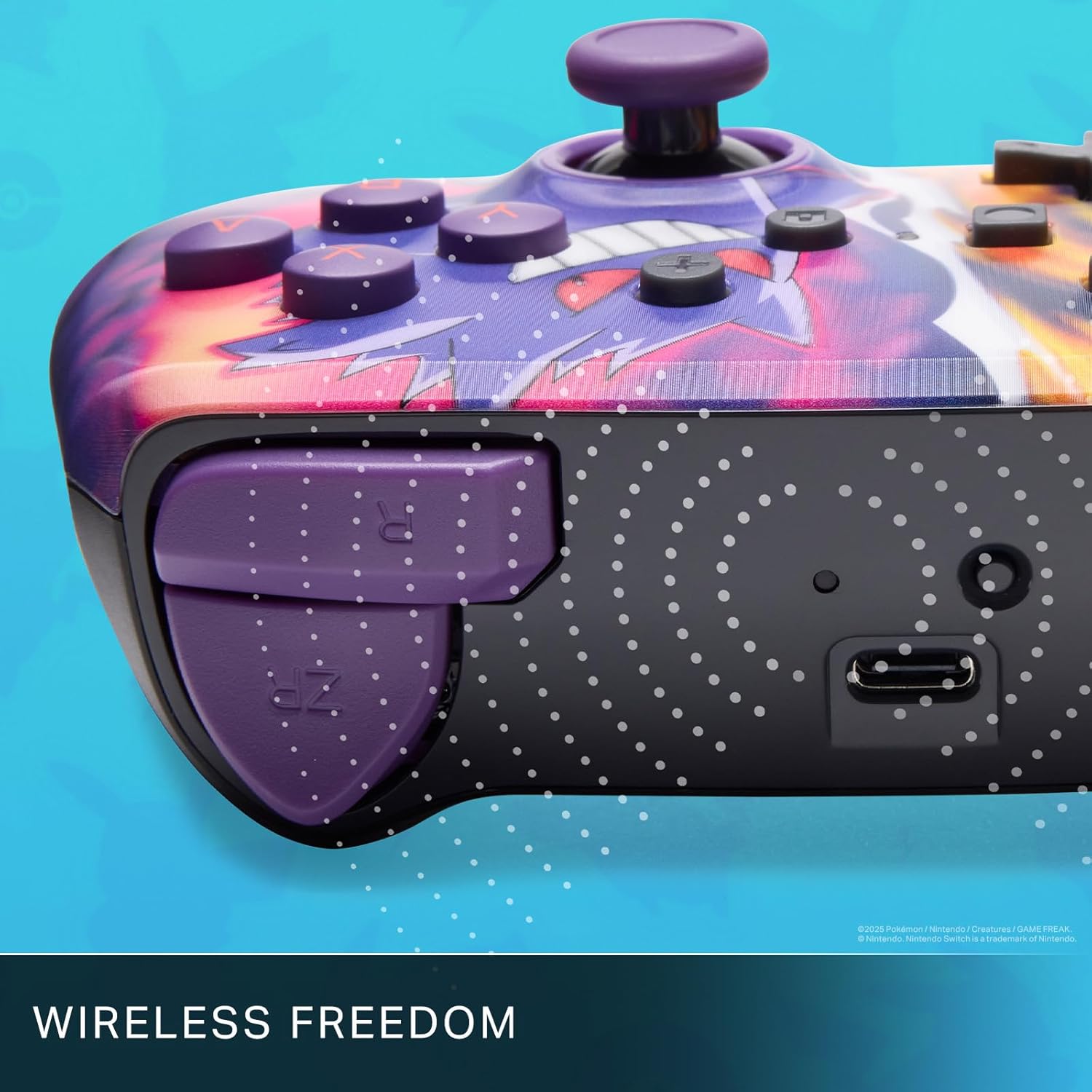
Enjoy wireless freedom with Bluetooth 5.0 technology.
Тохируулга ба хослуулах
- Nintendo Switch консолоо асааж, хамгийн сүүлийн үеийн системийн програм хангамж руу шинэчилсэн эсэхээ шалгаарай.
- HOME цэснээс сонгоно уу Хянагч нар, дараа нь Бариул/Захиалга өөрчлөх.
- -г удаан дар SYNC товчлуур on the top edge of your PowerA Enhanced Wireless Controller for at least one second. The Player LED(s) will flash.
- Once paired, the Player LED(s) corresponding to the controller number will remain lit.
- дээр дарна уу Товч to confirm and exit the menu. Your controller is now ready for use.
Хянагчийг цэнэглэж байна
The controller features an internal 900mAh lithium-ion rechargeable battery, providing up to 30 hours of gameplay on a single charge. To charge your controller:
- Connect the included 10ft (3m) USB-C charge cable to the USB-C port on the top of the controller.
- Connect the other end of the USB-C cable to a USB power source (e.g., Nintendo Switch dock, USB wall adapter, or computer USB port).
- The LED indicator on the controller will show charging status. It will typically turn off or change color when fully charged.

Connect the USB-C cable to charge your controller.
Тоглоомын дэвшилтэт товчлуурууд
Your PowerA Enhanced Wireless Controller includes two mappable Advanced Gaming Buttons (AGBs) on the back, allowing you to assign specific button functions for quick access during gameplay.
Programming AGBs:
- дээр дарна уу Програмын товчлуур on the back of the controller. The Program LED will flash, indicating programming mode.
- Press the button you wish to map (A/B/X/Y/L/R/ZL/ZR/Left Stick Click/Right Stick Click/D-Pad). The Program LED will flash rapidly.
- Press the Advanced Gaming Button (AGB L or AGB R) you want to assign the function to. The Program LED will stop flashing, indicating the AGB is now programmed.
Resetting AGBs:
To reset all Advanced Gaming Buttons to their default (no function) state, press and hold the Програмын товчлуур for five seconds. The Program LED will flash slowly, then turn off, confirming the reset.
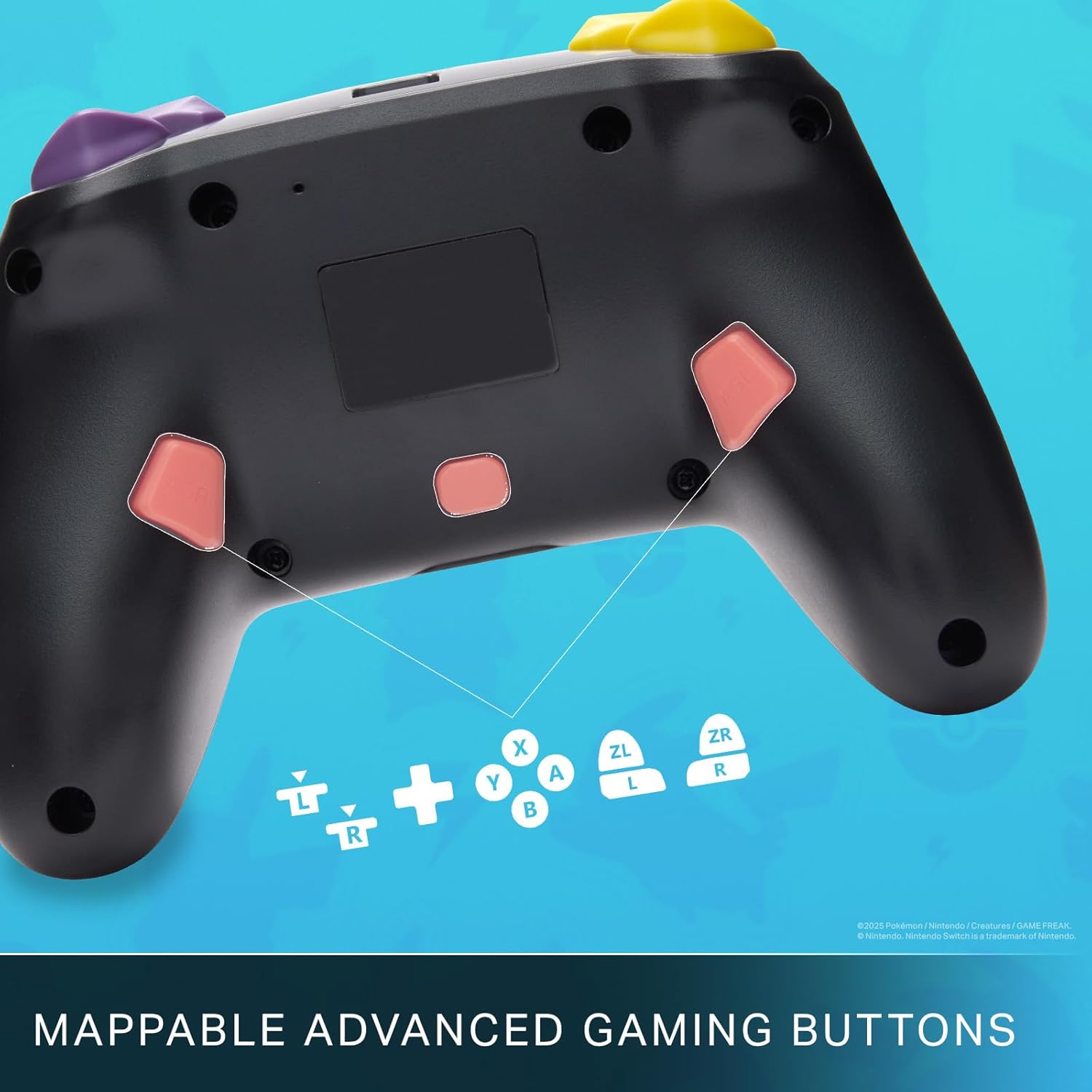
Mappable Advanced Gaming Buttons for personalized control.
Тохиромжтой байдал
This PowerA Enhanced Wireless Controller is compatible with the following Nintendo consoles:
- Nintendo Switch
- Nintendo Switch Lite
- Nintendo Switch (OLED Model)
- Nintendo Switch 2 (Note: C button not available)

The controller is compatible with Nintendo Switch 2, though the C button functionality is not available.
Үзүүлэлтүүд
| Онцлог | Дэлгэрэнгүй |
|---|---|
| Тохиромжтой төхөөрөмжүүд | Nintendo Switch |
| Хянагчийн төрөл | Тоглоомын самбар |
| Холболтын технологи | Bluetooth, USB |
| Нэмэлт онцлогууд | Ergonomic, Wireless |
| Товчлуурын тоо | 12 |
| Техник хангамжийн платформ | Тоглоомын консол |
| Эрчим хүчний эх үүсвэр | Батерейгаар ажилладаг (Цэнэглэдэг Лити-ион) |
| Тохирох видео тоглоомын консолын загварууд | Nintendo Switch, Nintendo Switch Lite |
| Зүйлийн жин | 0.68 фунт |
| Зүйлийн хэмжээ | 6.02 x 4.41 x 2.48 инч |
| Өнгө | Pikachu vs Gengar |
| Загварын нэр | Pikachu vs. Gengar |
| Загварын дугаар | NSGP0420-01R |
Арчилгаа, засвар үйлчилгээ
- Keep the controller dry. Avoid exposure to moisture or extreme temperatures.
- Удирдлагыг зөөлөн, хуурай даавуугаар цэвэрлээрэй. Хүчтэй химийн бодис эсвэл зүлгүүрийн материал бүү ашиглаарай.
- Хянагчийг ашиглаагүй үедээ гэмтээхээс сэргийлж аюулгүй газар хадгална уу.
Алдааг олж засварлах
Хянагч холбогдоогүй байна:
- Хянагч бүрэн цэнэглэгдсэн эсэхийг шалгаарай.
- Verify the controller is within the Bluetooth range of your Nintendo Switch console.
- Attempt to re-pair the controller following the "Setup and Pairing" instructions.
Хариу өгөхгүй байгаа товчлуурууд/жойстикууд:
- Товчлуур эсвэл удирдлагын товчлуурын эргэн тойронд ямар нэгэн физик саад тотгор эсвэл хог хаягдал байгаа эсэхийг шалгана уу.
- Perform a hard reset by holding the SYNC button for 10 seconds, then attempt to re-pair.
- Удирдлагын программыг шинэчилсэн эсэхийг шалгана уу (PowerA-ийн албан ёсны мэдээллийг шалгана уу webшинэчлэлтийн сайт).
Баталгаат болон дэмжлэг
This PowerA Enhanced Wireless Controller comes with a Хоёр жилийн хязгаарлагдмал баталгаа. For detailed warranty information, product support, and troubleshooting assistance, please visit the official PowerA support webсайт: