
1. Танилцуулга
Thank you for choosing the SURFOU Wireless Doorbell Kit N128. This kit provides a reliable and convenient solution for your home or office, ensuring you never miss a visitor. With an impressive 400-meter range, 55 selectable melodies, and 5 adjustable volume levels, this doorbell is designed for flexibility and ease of use. Its durable, weatherproof construction ensures performance in various conditions.
2. Багцын агуулга
Таны багцад бүх бүрэлдэхүүн хэсгүүд байгаа эсэхийг шалгана уу:
- 1 x Залгуурын хүлээн авагч
- 1 x Battery-powered Transmitter
- 1 x Doorbell Plate
- 1 x 12V 23A Battery (for transmitter)
- 1 х халив
- 2 багц шураг
- 2 x Double-sided Adhesive Tapes
- 1 х хэрэглэгчийн гарын авлага
3. Тохиргоо ба суурилуулалт
3.1 Transmitter Installation (Outdoor Unit)
The transmitter is designed for outdoor use and is weatherproof. Ensure the installation location is free from direct metal obstructions for optimal signal range.
- Prepare the Transmitter: Open the transmitter casing to insert the provided 12V 23A battery. Ensure correct polarity.
- Байршил сонгоно уу: Select a flat, vertical surface near your door. Avoid placing it directly on metal surfaces, which can reduce signal range.
- Суулгах сонголтууд:
- Наалдамхай тууз ашиглах нь: Clean the mounting surface thoroughly. Peel off one side of the double-sided adhesive tape and apply it to the back of the transmitter. Peel off the other side and firmly press the transmitter onto the desired location for at least 30 seconds.
- Шураг ашиглах: Mark the screw holes on the wall using the transmitter as a template. Drill pilot holes if necessary. Secure the transmitter to the wall using the provided screws and screwdriver.
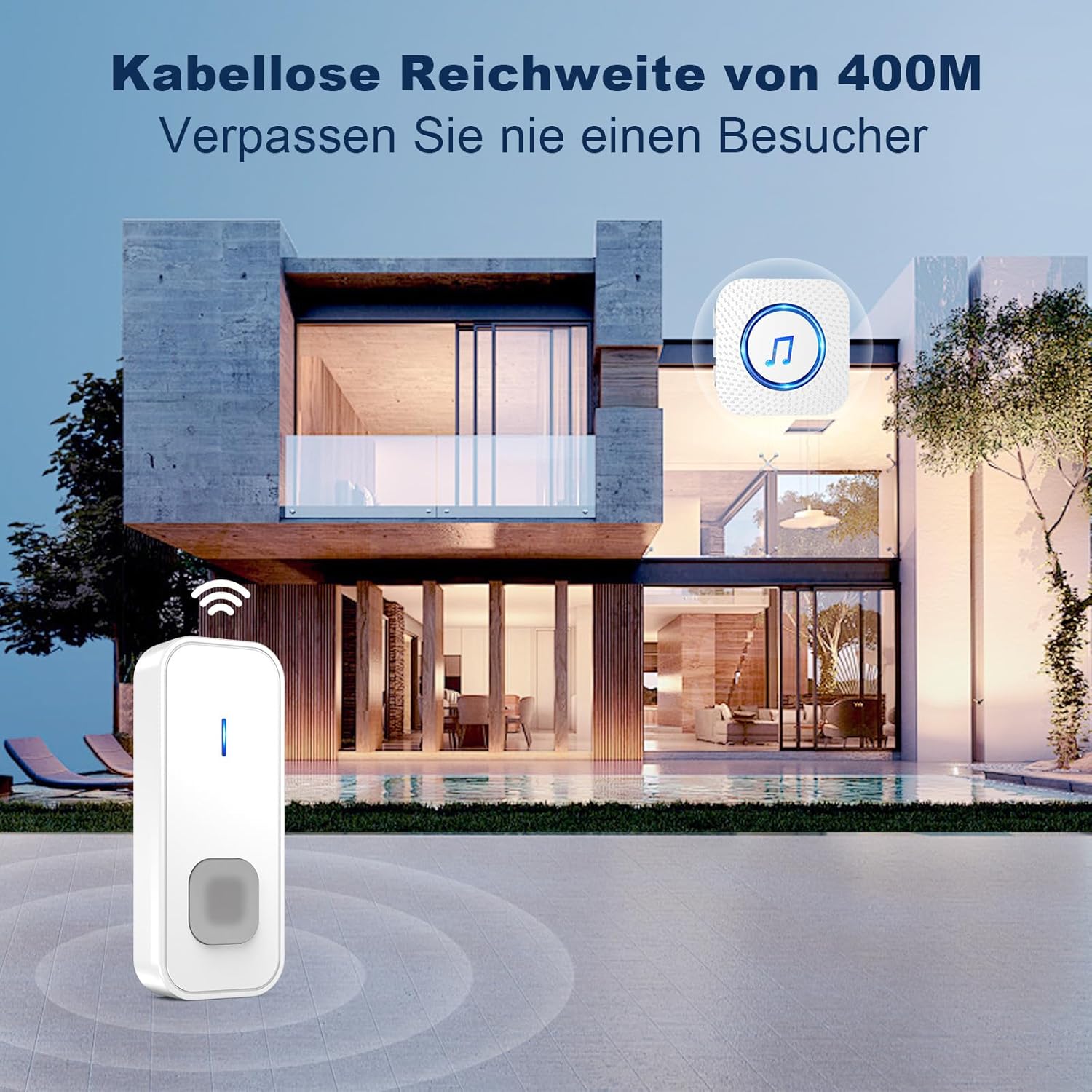
Image: The doorbell transmitter installed outside a house, illustrating its long-range capability.
3.2 Receiver Installation (Indoor Unit)
The receiver is a plug-in unit.
- Залгаас: Insert the receiver into any standard European electrical outlet (5 volts).
- Байршил: Place the receiver in a central location within your home or office to ensure the chime is audible throughout the desired area.

Image: Detailed diagram of the receiver and transmitter, showing dimensions and button functions.
4. Ашиглалтын заавар
4.1 Аяыг солих нь
The doorbell offers 55 different melodies.
- Press the 'Melody Selection' button on the side of the receiver to cycle through the available tunes.
- Once you hear a melody you like, stop pressing the button. The receiver will automatically save your selection.
4.2 Дууны хэмжээг тохируулах
There are 5 volume levels, up to 110 dB.
- Press the 'Volume Control' button on the side of the receiver to adjust the volume. Each press will cycle through the levels.
- The highest volume setting is ideal for individuals with hearing impairments or for noisy environments.
4.3 Mode Selection (LED Only / LED + Sound)
The receiver supports two operating modes:
- LED Only Mode: In this mode, the receiver will only flash its LED indicator when the doorbell is pressed, without producing any sound. This is useful for quiet environments or when you do not wish to disturb others.
- LED + Sound Mode: The receiver will both flash its LED indicator and play the selected melody.
- To switch between modes, refer to the specific instructions in the full manual or experiment with the mode button on the receiver.

Image: Receiver and transmitter showcasing melody, volume, and mode options.

Image: Receiver in LED-only mode, indicating its suitability for quiet environments.
4.4 Санах ойн функц
The doorbell receiver retains your last selected melody and volume settings even after a power outage or being unplugged.
5. Засвар үйлчилгээ
5.1 Battery Replacement (Transmitter)
The transmitter is powered by a 12V 23A battery, designed for long life (1-3 years depending on usage).
- When the transmitter's signal weakens or stops working, it's time to replace the battery.
- Дамжуулагч c-г болгоомжтой нээнэ үүasing Өгөгдсөн халив эсвэл жижиг хавтгай толгойтой халив ашиглана уу.
- Remove the old 12V 23A battery and insert a new one, ensuring the correct positive (+) and negative (-) orientation.
- c-г хаахasing найдвартай.
5.2 Цэвэрлэгээ
Wipe the doorbell units with a soft, dry cloth. Do not use abrasive cleaners or solvents, as these can damage the surface or internal components.
5.3 Цаг агаарын эсэргүүцэл
The outdoor transmitter is dustproof and waterproof, designed to withstand temperatures from -30 °C to 70 °C (-22 °F to 158 °F).

Image: Transmitter demonstrating its robust, all-weather performance.
6. Алдаа засах
| Асуудал | Боломжит шалтгаан | Шийдэл |
|---|---|---|
| Doorbell does not ring | Transmitter battery is dead or low. Receiver is unplugged or not powered. Units are out of range. | Replace transmitter battery. Ensure receiver is plugged into a working outlet. Move receiver closer to transmitter. |
| Short signal range | Obstructions (thick walls, metal structures). Interference from other wireless devices. | Relocate transmitter or receiver to minimize obstructions. Avoid placing near large metal objects. Ensure no other strong wireless signals are interfering. |
| Receiver LED flashes but no sound | Receiver is in 'LED Only' mode. Volume is set to minimum (0 dB). | Switch to 'LED + Sound' mode. Increase the volume using the volume control button. |
| Melody or volume settings reset | This should not happen due to the memory function. If it does, re-pair the units. | Re-select your preferred melody and volume. If the issue persists, contact customer support. |
7. Техникийн үзүүлэлтүүд
| Онцлог | Дэлгэрэнгүй |
|---|---|
| Загварын дугаар | N128 |
| Брэнд | СУРФОУ |
| Утасгүй сүлжээ | 400 метр хүртэл (нээлттэй талбай) |
| Аялгуу | Сонгох боломжтой 55 ая |
| Дууны түвшин | 5 levels (up to 110 dB) |
| Үйлдлийн горимууд | LED Only, LED + Sound |
| Дамжуулагчийн хүч | 1 x 12V 23A Alkaline Battery |
| Хүлээн авагчийн хүч | AC 5V (Plug-in, European standard) |
| Ашиглалтын температур | -30 °C-аас 70 °C (-22 °F - 158 °F) |
| Усны хамгаалалттай үнэлгээ | Dustproof and Waterproof (Transmitter) |
| Бүтээгдэхүүний хэмжээс | 7 x 7 x 6.5 cm (approximate, for kit) |
| Бүтээгдэхүүний жин | 92.2 grams (approximate, for kit) |
8. Баталгаат хугацаа ба дэмжлэг
SURFOU is committed to providing reliable products and exceptional customer service. While specific warranty details are not provided in this manual, please refer to your purchase documentation or contact SURFOU customer support for warranty information.
For any questions, technical assistance, or support needs, please contact our customer service team. We are available 24/7 to assist you.
Холбоо барих мэдээлэл: Refer to the contact details provided with your product packaging or on the official SURFOU webсайт.