
Танилцуулга
Худалдан авалт хийсэнд баярлалааasing the SWOFY 128GB MP3 Player with Bluetooth. This manual provides detailed instructions on how to set up, operate, and maintain your device. Please read this manual thoroughly before use to ensure proper functionality and to maximize your listening experience.
Бүтээгдэхүүний онцлог
- Өндөр хүчин чадалтай хадгалах: 128GB built-in memory, expandable up to 512GB via Micro SD card.
- HiFi Lossless Sound: Supports MP3, OGG, FLAC, AAC, WMA, WAV, APE audio formats.
- Bluetooth 5.3 холболт: Enhanced speed and stable connection for wireless audio.
- Батерейны урт наслалт: Up to 50 hours of usage time on a full charge (approximately 2 hours charging time).
- 2.4-Inch Sensitive Touchscreen: Intuitive navigation and control.
- Олон функцууд: Includes Music Player, FM Radio, Voice Recorder, Video Player, Picture Viewer, E-Book Reader, Calendar, and Settings.

Image: The SWOFY MP3 Player highlighting its 128GB built-in storage, expandable to 512GB, with charging and usage times.

Image: A person enjoying music with headphones, representing the HiFi Lossless Sound quality and supported audio formats.
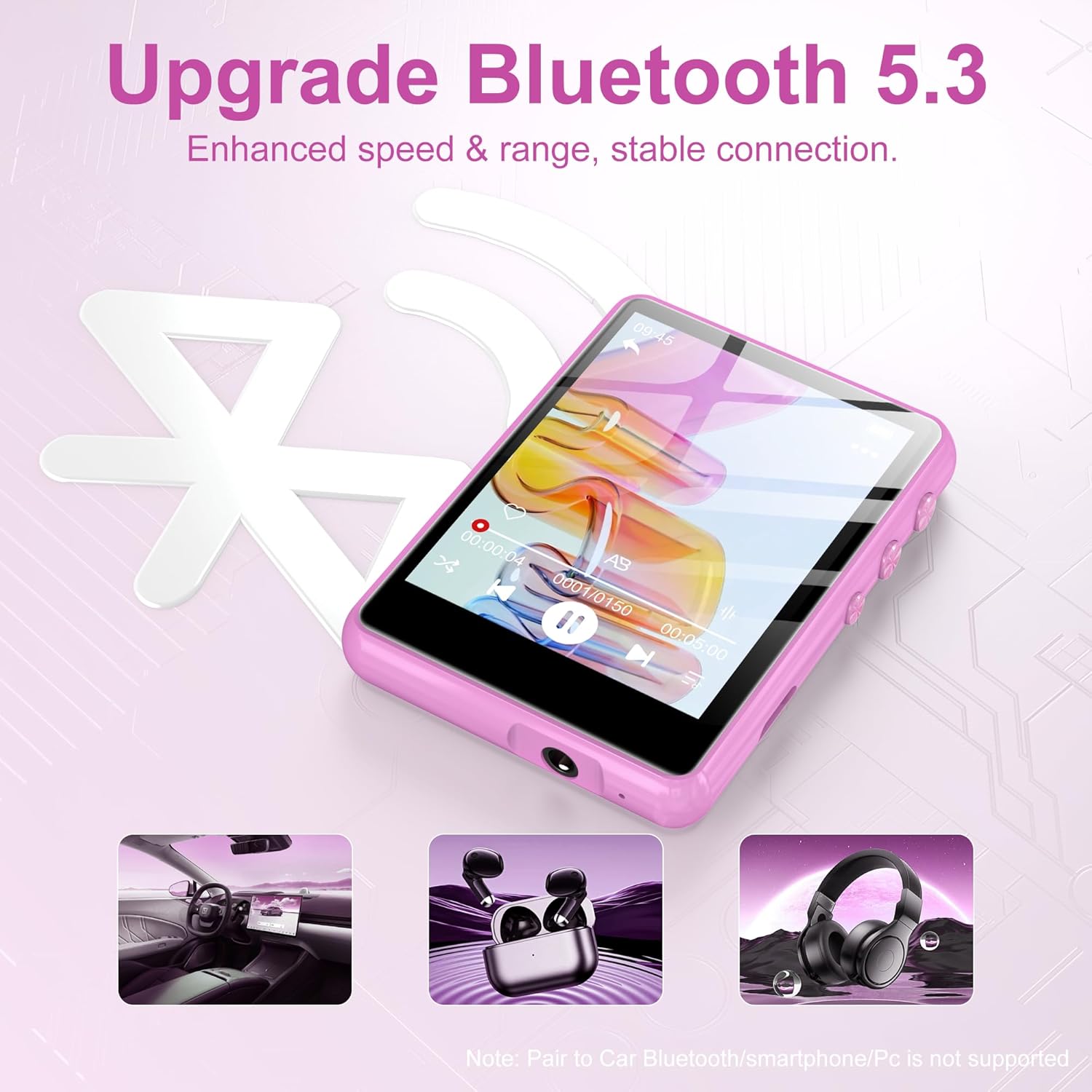
Image: The MP3 player displaying the Bluetooth 5.3 feature, indicating enhanced speed and stable connection. Note: Direct pairing to car Bluetooth, smartphones, or PCs is not supported for audio streaming.

Image: The MP3 player screen indicating a long battery life of up to 50 hours of continuous music playback after a 2-hour charge.
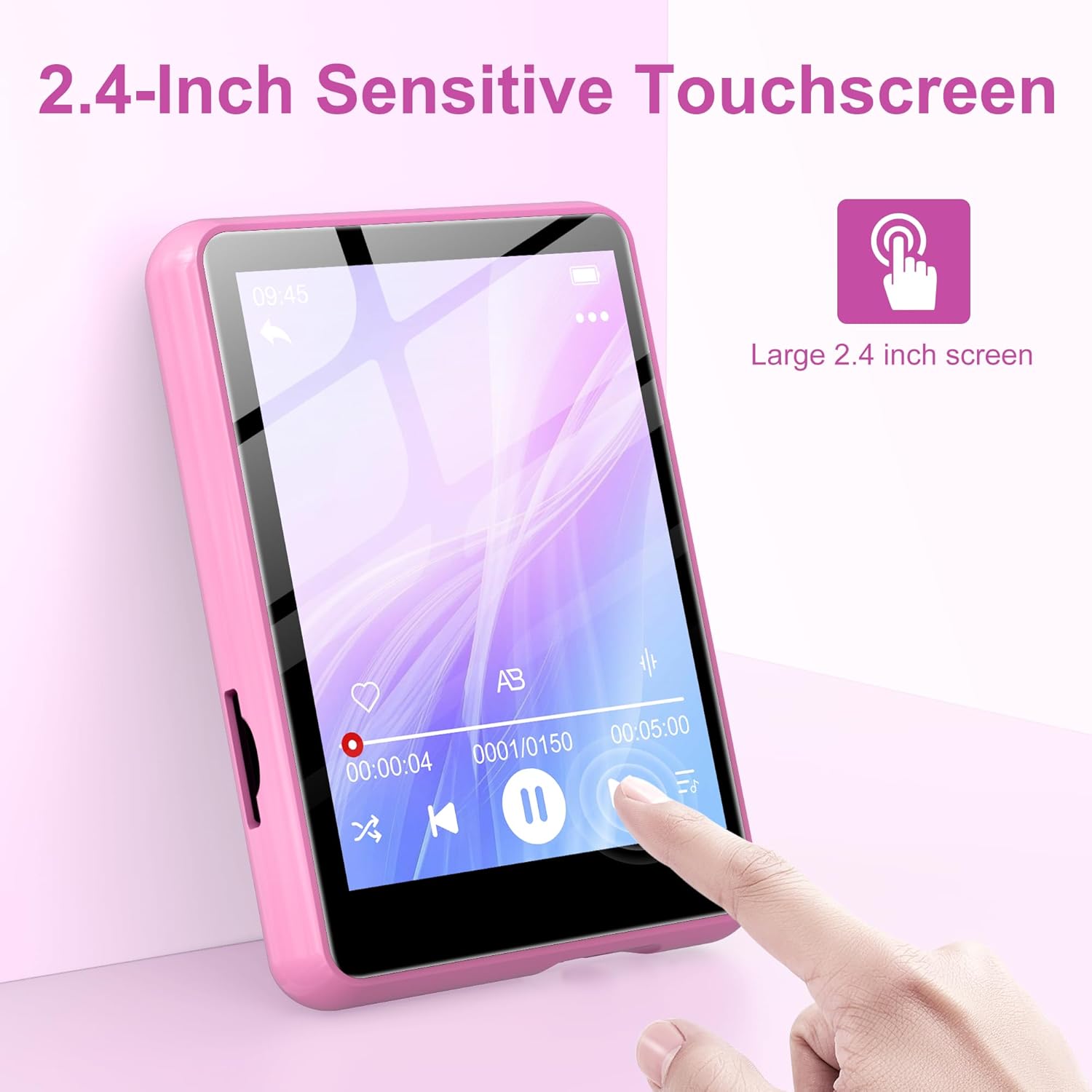
Image: A hand interacting with the 2.4-inch sensitive touchscreen of the MP3 player, demonstrating its touch interface.

Зураг: MP3 тоглуулагчийн шоуasing its various functions through icons, including Music, FM Radio, Folder, Bluetooth, Recording, Picture, Video, Calendar, EBook, and Settings.
Багцын агуулга
Дараах зүйлсийн багцад байгаа эсэхийг шалгана уу.
- SWOFY 128GB MP3 Player
- USB цэнэглэгч кабель
- Утастай чихэвч
- Protective Case (silicone)
- Хэрэглэгчийн гарын авлага
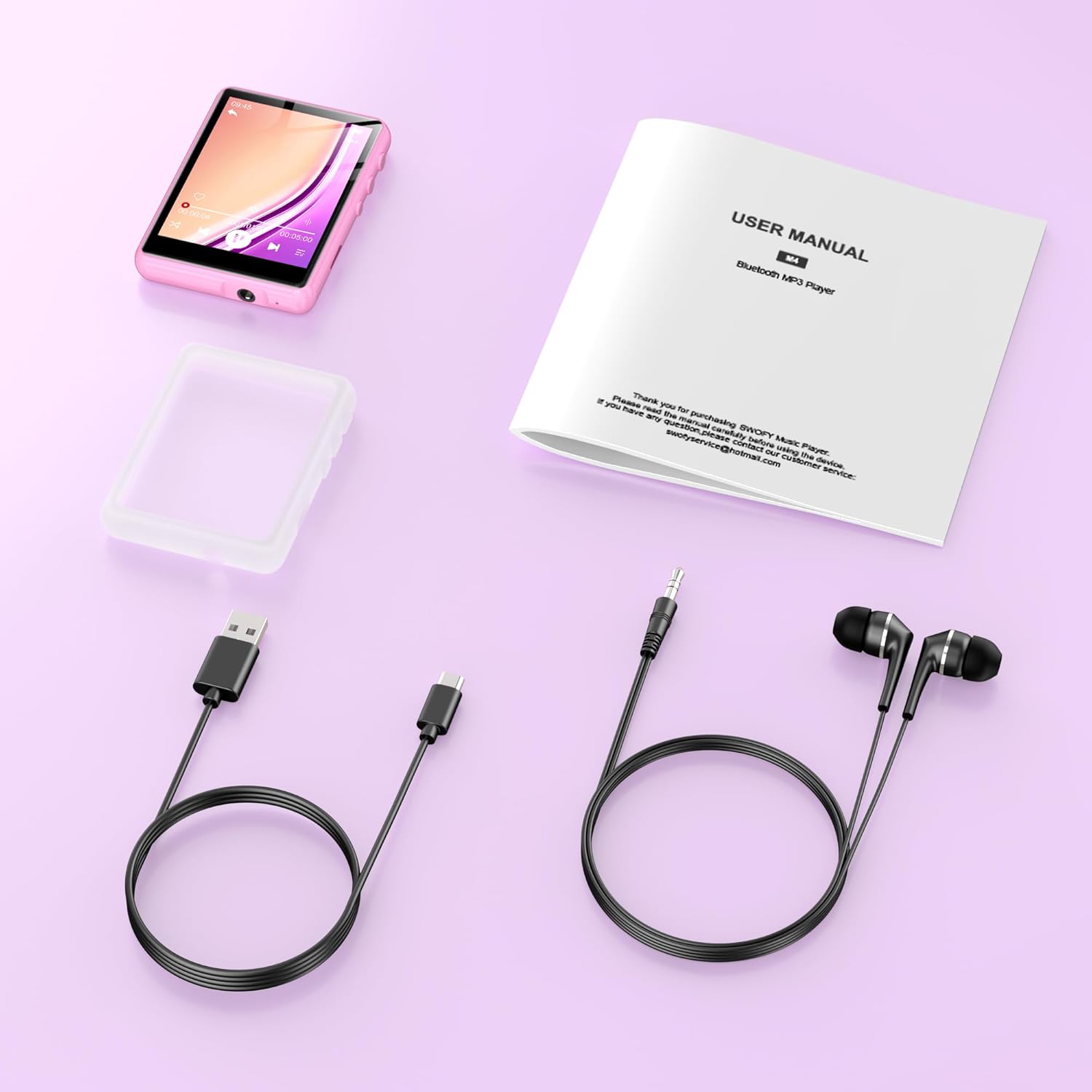
Image: All items included in the product package: the MP3 player, USB charging cable, wired earphones, a protective case, and the user manual.
Тохиргоо
1. Төхөөрөмжийг цэнэглэж байна
- Connect the small end of the USB charging cable to the MP3 player's charging port.
- USB кабелийн том үзүүрийг USB тэжээлийн адаптер (дагаагүй) эсвэл компьютерийн USB порт руу холбоно уу.
- The device will indicate charging status. A full charge takes approximately 2 hours.
2. Микро SD карт оруулах (заавал биш)
To expand storage beyond the built-in 128GB, you can insert a Micro SD card (up to 512GB).
- Locate the Micro SD card slot on the side of the MP3 player.
- Gently insert the Micro SD card into the slot until it clicks into place. Ensure the card is oriented correctly.
- Авахын тулд картыг гарч иртэл дотогшоо зөөлөн түлхэнэ үү.
3. Дамжуулах Files
To transfer music, videos, pictures, or e-books to your MP3 player:
- Оруулсан USB кабелийг ашиглан MP3 тоглуулагчийг компьютерт холбоно уу.
- Төхөөрөмж таны компьютер дээр зөөврийн диск хэлбэрээр гарч ирнэ.
- Хүссэн зүйлээ чирж буулгана уу fileMP3 тоглуулагч дээрх тохирох хавтаснууд руу (жишээ нь, аудионы хувьд 'Хөгжим') оруулна уу. files, 'Video' for videos).
- Нэг удаа fileфайлуудыг шилжүүлсэн тохиолдолд USB кабелийг салгахаасаа өмнө төхөөрөмжийг компьютерээсээ аюулгүй салга.
Ашиглалтын заавар
1. Асаах/унтраах
- Асаахын тулд: Дэлгэц асах хүртэл асаах товчийг удаан дар.
- Унтраахын тулд: Дэлгэц дээр унтраах сонголт гарч иртэл асаах товчийг удаан дараад баталгаажуулна уу.
2. Үндсэн навигаци
- The device features a 2.4-inch sensitive touchscreen. Tap icons to select functions or options.
- Swipe left/right or up/down to navigate through menus or lists.
- Use the physical buttons on the side for volume control and screen lock/unlock.
3. Хөгжим тоглуулах
- From the main menu, tap the 'Music' icon.
- Browse your music by Artist, Album, Songs, or Folder.
- Тоглуулж эхлэхийн тулд дууг товшино уу.
- On the playback screen, you can pause/play, skip tracks, adjust volume, and access playback settings.
4. Bluetooth холболт
Bluetooth чихэвч эсвэл чанга яригчтай холбогдохын тулд:
- From the main menu, tap the 'Bluetooth' icon.
- MP3 тоглуулагч дээр Bluetooth асаана уу.
- Bluetooth аудио төхөөрөмжөө хослуулах горимд байгаа эсэхийг шалгаарай.
- The MP3 player will scan for available devices. Select your device from the list to pair.
- Once paired, audio will be routed to your Bluetooth device.
5. FM радио
- Connect wired earphones to the 3.5mm audio jack; they act as the antenna.
- From the main menu, tap the 'FM Radio' icon.
- Use the on-screen controls to scan for stations or manually tune to a frequency.
6. Бусад функцууд
- Бичлэг: Tap the 'Recording' icon to access the voice recorder.
- Video/Picture: Tap 'Video' or 'Picture' to browse and view таны хэвлэл мэдээллийн хэрэгсэл files.
- EBook: Tap 'EBook' to read supported text files.
- Тохиргоо: Access device settings such as display, date/time, language, and system information.
Засвар үйлчилгээ
- Цэвэрлэгээ: Төхөөрөмжийг цэвэрлэхдээ зөөлөн, хуурай даавуу ашиглаарай. Шингэн цэвэрлэгч эсвэл зүлгүүрийн материалаас зайлсхий.
- Хадгалах: MP3 тоглуулагчийг сэрүүн, хуурай газар, нарны шууд тусгал болон хэт өндөр температураас хол хадгална уу.
- Батерейны арчилгаа: Батерейны ашиглалтын хугацааг уртасгахын тулд төхөөрөмжийг байнга бүрэн цэнэглэхээс зайлсхий. Удаан хугацаагаар ашиглаагүй байсан ч тогтмол цэнэглээрэй.
- Програм хангамжийн шинэчлэлтүүд: Үйлдвэрлэгчийг шалгана уу webБоломжтой програм хангамжийн шинэчлэлтүүдийг үе үе сайтаас авна уу.
Алдааг олж засварлах
- Төхөөрөмж асахгүй байна: Батерейг цэнэглэсэн эсэхийг шалгаарай. Эрчим хүчний эх үүсвэрт холбогдоод дахин оролдоно уу.
- Шилжүүлэх боломжгүй files: Ensure the USB cable is securely connected and the device is recognized by your computer. Try a different USB port or cable.
- Дуу алга: Check the volume level. Ensure headphones or Bluetooth devices are properly connected and functioning.
- Bluetooth төхөөрөмжийг холбохгүй байна: Ensure both devices are in pairing mode and within range. Disconnect and reconnect Bluetooth on the MP3 player.
- Дэлгэц хариу өгөхгүй байна: Төхөөрөмжийг дахин асааж үзнэ үү. Хэрэв асуудал арилахгүй бол хэрэглэгчийн дэмжлэгтэй холбогдоно уу.
Үзүүлэлтүүд
| Онцлог | Тодорхойлолт |
|---|---|
| Брэнд | SWOFY |
| Загварын дугаар | M4-128GB |
| Холболтын технологи | Bluetooth 5.3, USB |
| Санах ойн хадгалах багтаамж | 128 ГБ (Micro SD-ээр дамжуулан 512 ГБ хүртэл өргөтгөх боломжтой) |
| Дэлгэцийн хэмжээ | 2.4 инч |
| Дэлгэцийн технологи | LCD |
| Тохиромжтой төхөөрөмжүүд | Headphones, Personal Computer, Speaker |
| Дэмжигдсэн медиа төрөл | Микро SD |
| Дэмжигдсэн аудио форматууд | MP3, OGG, FLAC, AAC, WMA, WAV, APE |
| Цэнэглэх хугацаа | Ойролцоогоор 2 цаг |
| Хэрэглэх хугацаа | 50 цаг хүртэл |
| Зүйлийн жин | 0.18 кг |
Баталгаат болон дэмжлэг
This product comes with a standard manufacturer's warranty. For detailed warranty information, please refer to the warranty card included in your package or visit the official SWOFY website. For technical support, troubleshooting assistance, or any other inquiries, please contact SWOFY customer service through the contact information provided on the product packaging or webсайт.