
Танилцуулга
This manual provides detailed instructions for the installation, operation, and maintenance of your Enbrighten Vibe Smart Plug-in Outlet with Motion Sensor, Model 62721. This device integrates a smart plug with a wireless motion sensor, offering Matter-compatible smart home control for various indoor appliances and lighting.

Image: The Enbrighten Vibe Smart Plug-in Outlet and its accompanying wireless motion sensor. The plug features a polarized outlet and a Matter QR code for easy setup.
Аюулгүй байдлын мэдээлэл
- Зөвхөн дотор ашиглах: This device is designed for indoor use in dry locations. Do not expose to water or moisture.
- Цахилгааны үнэлгээ: Do not exceed the electrical ratings of 120VAC, 12A, 1440W.
- Туйлширсан гаралтын хэсэг: Ensure proper insertion into a polarized outlet.
- Батерейны аюулгүй байдал: The motion sensor requires three AAA batteries (not included). Follow battery polarity markings and dispose of used batteries responsibly.
- Хүүхдүүд: Хүүхдийн гар хүрэхгүй газар хадгална.
Багцын агуулга
- Enbrighten Vibe Smart Plug-in Outlet (1)
- Wireless Motion Sensor (1)
- Хэрэглэгчийн гарын авлага (Энэ баримт бичиг)
Тохиргоо
1. Download the Enbrighten App
Download the free Enbrighten app from the Apple App Store or Google Play Store. This app is required for initial setup and advanced features.
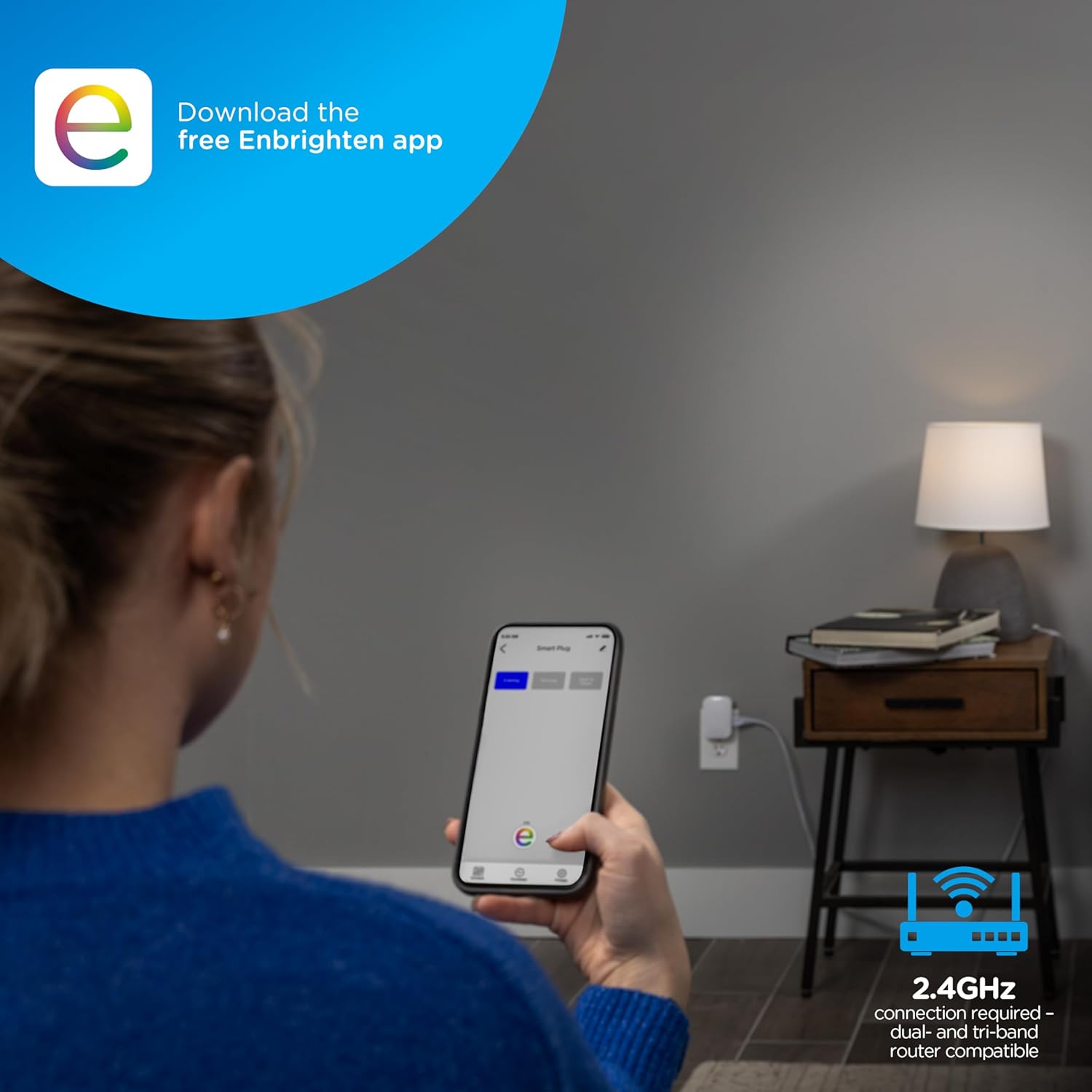
Image: A person using a smartphone to download the Enbrighten app while the smart plug is plugged into a wall outlet.
2. Wi-Fi-д холбогдоно уу
Ensure your home Wi-Fi network is 2.4GHz. The smart plug requires a 2.4GHz connection for proper operation. Dual-band and tri-band routers are compatible.
3. Pair the Smart Plug
- Plug the Enbrighten Vibe Smart Plug into a standard indoor wall outlet.
- Open the Enbrighten app and follow the on-screen instructions to add a new device.
- Scan the Matter QR code located on the side of the smart plug or manually enter the Matter pairing code (MT:8ETB70D-035S8V3NP10) when prompted.
- Апп доторх хослуулах үйл явцыг дуусгана уу.
4. Install Motion Sensor Batteries
- Open the battery compartment on the wireless motion sensor.
- Insert three AAA batteries (not included), observing the correct polarity.
- Зайны тасалгааг найдвартай хаа.
5. Position the Motion Sensor
Place the motion sensor in an area where it can effectively detect movement within a 20ft. range. Avoid placing it near heat sources or in direct sunlight, which can affect performance.
Ашиглалтын заавар
1. Basic Plug Operation
Once paired, you can control the smart plug directly through the Enbrighten app. Tap the device icon to turn the connected appliance ON or OFF. The plug also features a manual ON/OFF button.
2. Using the Motion Sensor
The wireless motion sensor automatically activates connected items when movement is detected within its 20ft. range. The connected device will turn off approximately 10 minutes after movement ceases. This feature can be configured within the Enbrighten app.
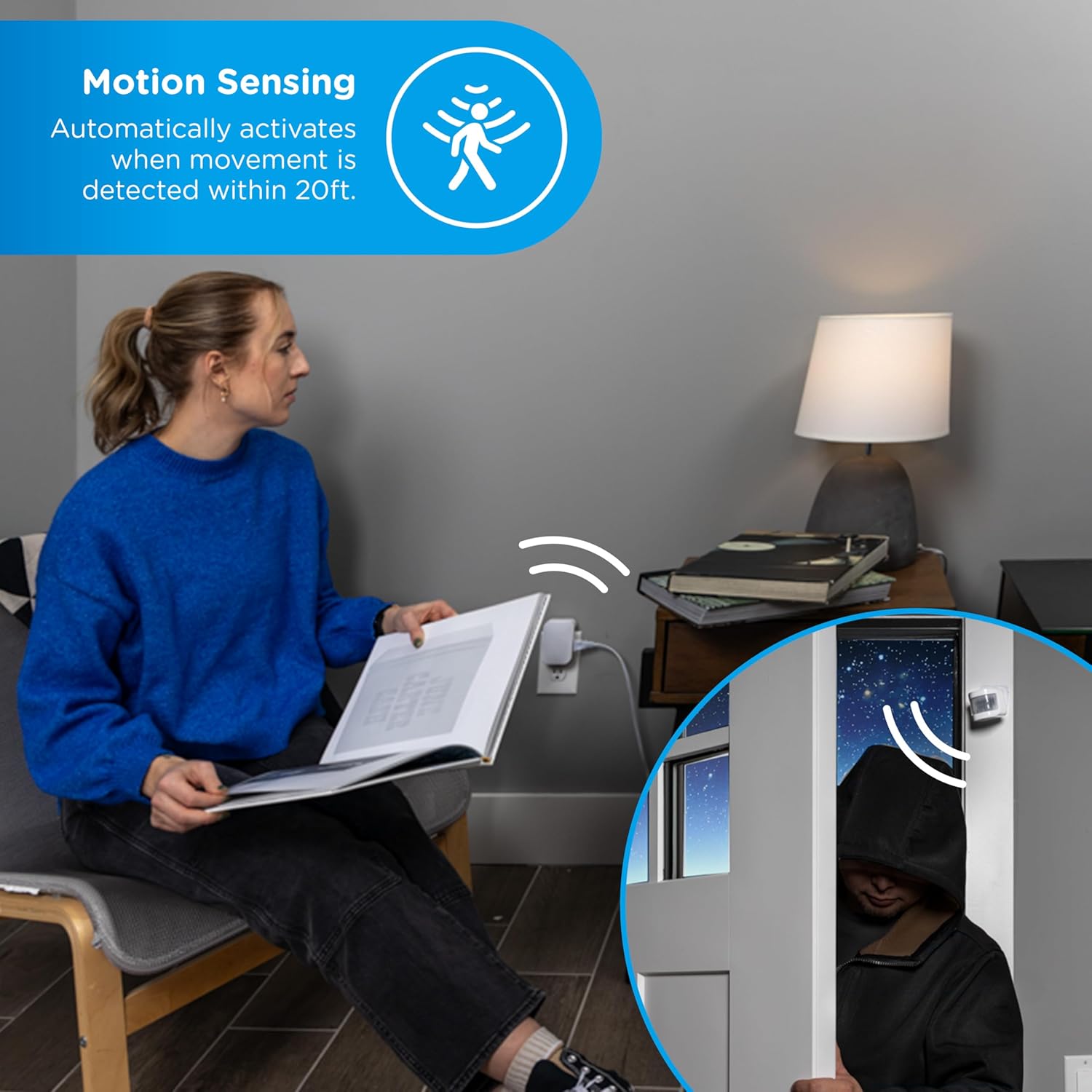
Image: A visual representation of the motion sensor detecting movement, automatically activating a connected device. The image shows a person reading and a separate scene of a person entering a room, triggering the sensor.
3. Дуут удирдлага
The Enbrighten Vibe Smart Plug is compatible with Amazon Alexa and Google Assistant. Once integrated with your preferred voice assistant (no hub required for basic voice commands), you can control the plug using voice commands such as "Alexa, turn on the reading light" or "Hey Google, turn off the fan."

Image: A woman relaxing on a couch, using voice commands to control a smart device. Logos for Matter, Alexa, and Google Home indicate compatibility.
4. Schedules and Automations
Utilize the Enbrighten app to create custom schedules and automations. You can set devices to turn ON/OFF at specific times, days, or based on other factors like weather or location. This allows for personalized control of your lighting and appliances.
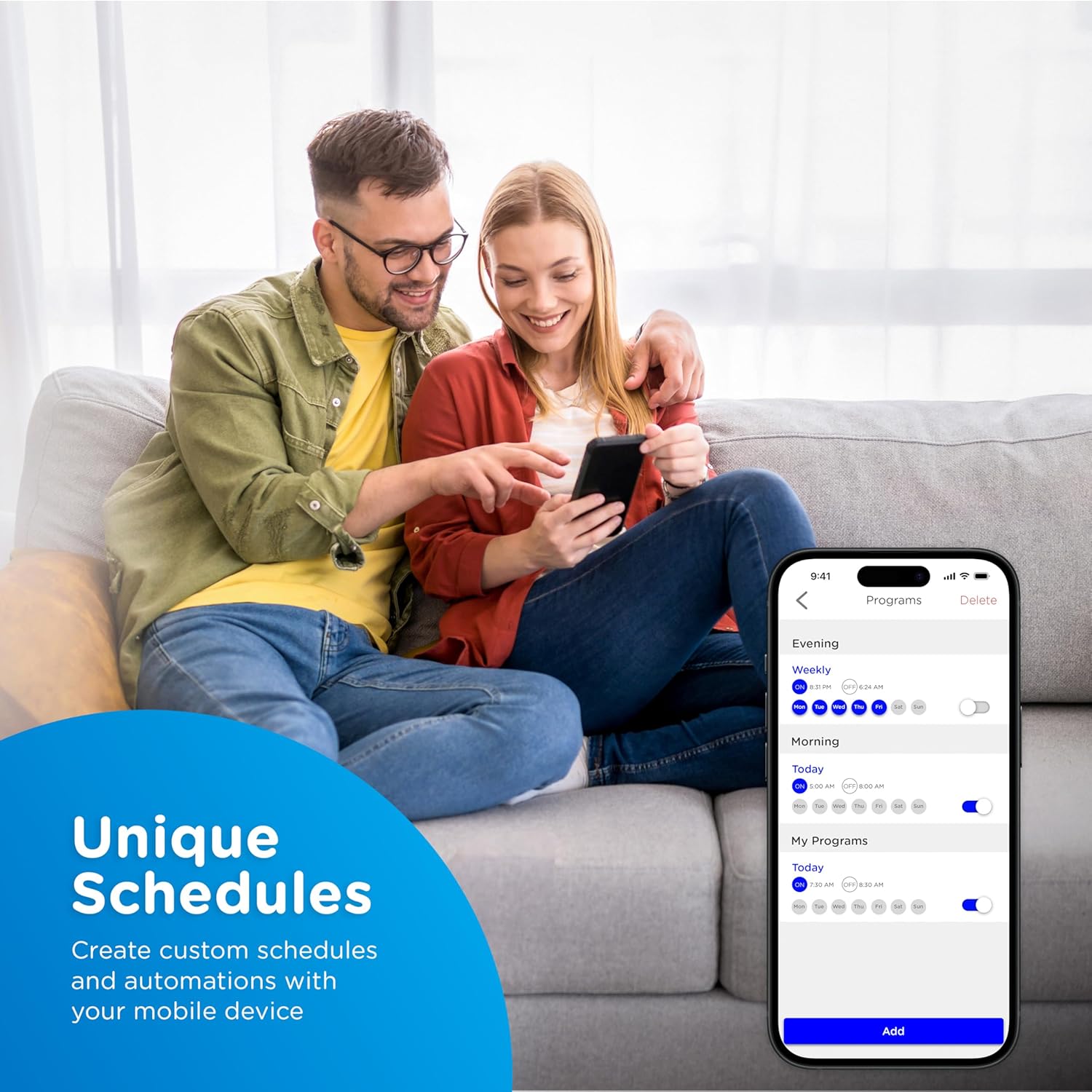
Зураг: Хосууд viewing a mobile app interface displaying options for creating custom schedules and automations for smart devices.
Image: A woman using her smartphone to control holiday decorations connected to a smart plug, demonstrating enhanced control.
Засвар үйлчилгээ
Цэвэрлэгээ
Wipe the smart plug and motion sensor with a soft, dry cloth. Do not use harsh chemicals or abrasive cleaners.
Хөдөлгөөн мэдрэгч батерейг солих
When the motion sensor's battery level is low, you may receive a notification in the Enbrighten app. Replace the three AAA batteries by opening the battery compartment and inserting new batteries with correct polarity. Dispose of old batteries according to local regulations.
Алдааг олж засварлах
- Төхөөрөмж холбогдоогүй байна:
- Таны Wi-Fi сүлжээ 2.4GHz байгаа эсэхийг шалгаарай.
- Ухаалаг залгуур нь таны Wi-Fi чиглүүлэгчийн хүрээнд байгаа эсэхийг шалгана уу.
- Чиглүүлэгчээ дахин асаагаад дахин хослуулахыг оролдоно уу.
- Confirm correct Matter QR code or pairing code entry.
- Хөдөлгөөн мэдрэгч илрүүлэхгүй байна:
- Check if the AAA batteries are correctly installed and have sufficient charge.
- Ensure the sensor is placed in an optimal location, free from obstructions and not facing direct heat sources.
- Verify the motion detection settings within the Enbrighten app.
- Дууны хяналтын асуудлууд:
- Confirm the smart plug is properly linked to your Amazon Alexa or Google Home account.
- Интернет холболтоо шалгана уу.
- Ensure your voice commands are clear and match the device name in your smart home app.
- Төхөөрөмжийг дахин тохируулах:
- Refer to the Enbrighten app or the product's support page for specific factory reset instructions, as this may vary.
Үзүүлэлтүүд
| Онцлог | Тодорхойлолт |
|---|---|
| Загварын дугаар | 62721 |
| Үйлдлийн горим | АСААХ, УНТРААХ |
| Одоогийн үнэлгээ | 12 Amps |
| Үйл ажиллагааны ботьtage | 120 вольт (AC) |
| Холбоо барих төрөл | Ер нь нээлттэй |
| Холбогч төрөл | Plug In |
| Шилжүүлэгчийн төрөл | Товчлуур |
| Терминал | Шураг |
| Материал | Хуванцар |
| Item dimensions (L x W x H) | 4.13 x 4.57 x 3.32 инч |
| Хөдөлгөөн мэдрэгчийн хүрээ | 20 фут хүртэл. |
| Motion Sensor Batteries | 3х AAA (оруулаагүй) |
| Утасгүй холболт | 2.4GHz Wi-Fi, Matter |
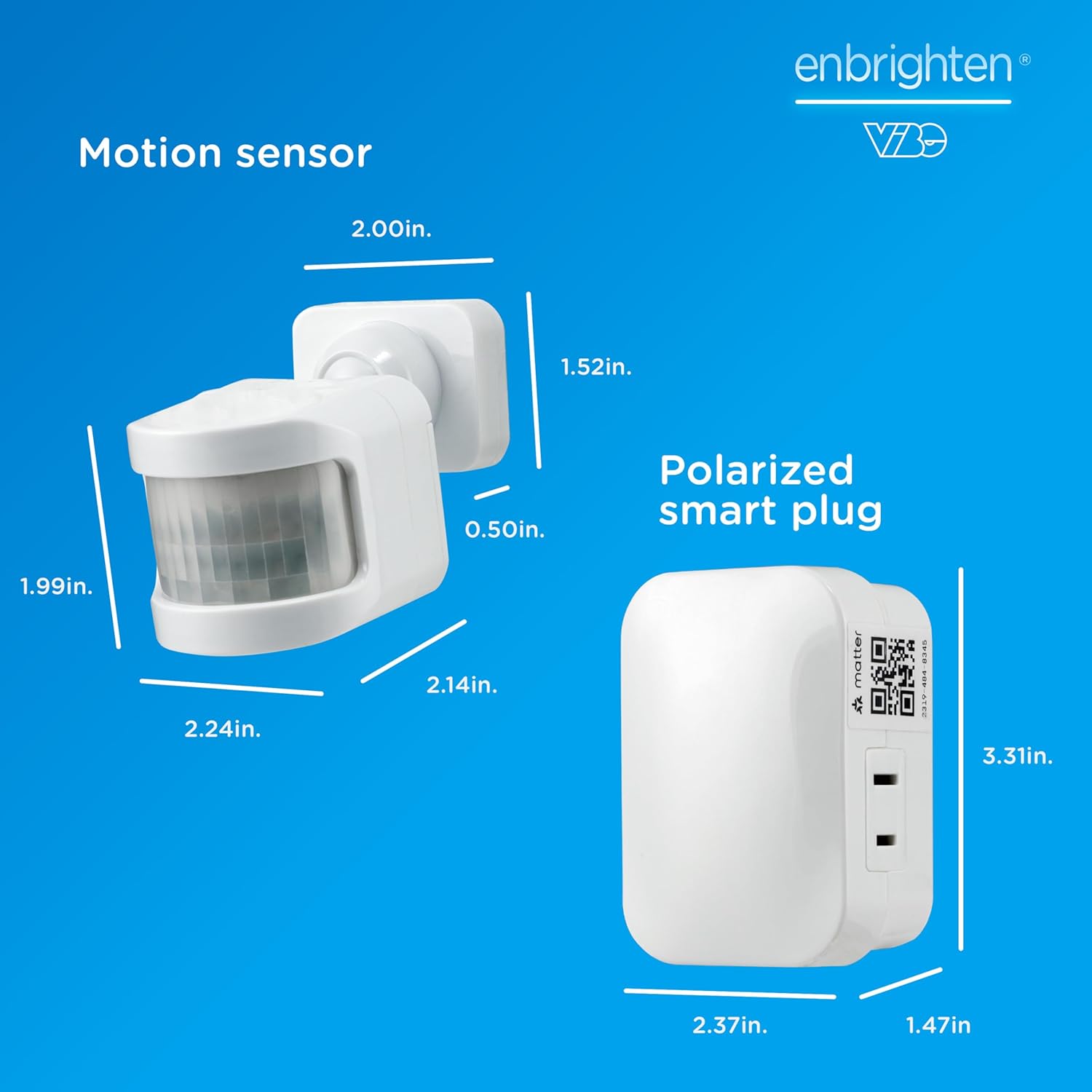
Image: Detailed dimensions for both the Enbrighten Vibe Smart Plug and the wireless motion sensor.
Баталгаат хугацаа
Enbrighten products are backed by a limited warranty. For specific warranty terms and conditions, please refer to the warranty information provided with your purchase or visit the official Enbrighten webсайт.
Дэмжлэг
For technical support, troubleshooting assistance, or to access additional resources, please visit the Enbrighten support website or contact customer service. You can find contact information on the Enbrighten webсайт: Enbrighten Store on Amazon.