
1. Бүтээгдэхүүн дууссанview
The AJAZZ AJ139 V2 MC is a versatile tri-mode gaming mouse designed for precision and responsiveness. It features a PAW3311 sensor for accurate tracking, a 1000Hz return rate for smooth performance, and a long-lasting 500mAh battery. Its compact and lightweight design makes it suitable for extended use and portability.
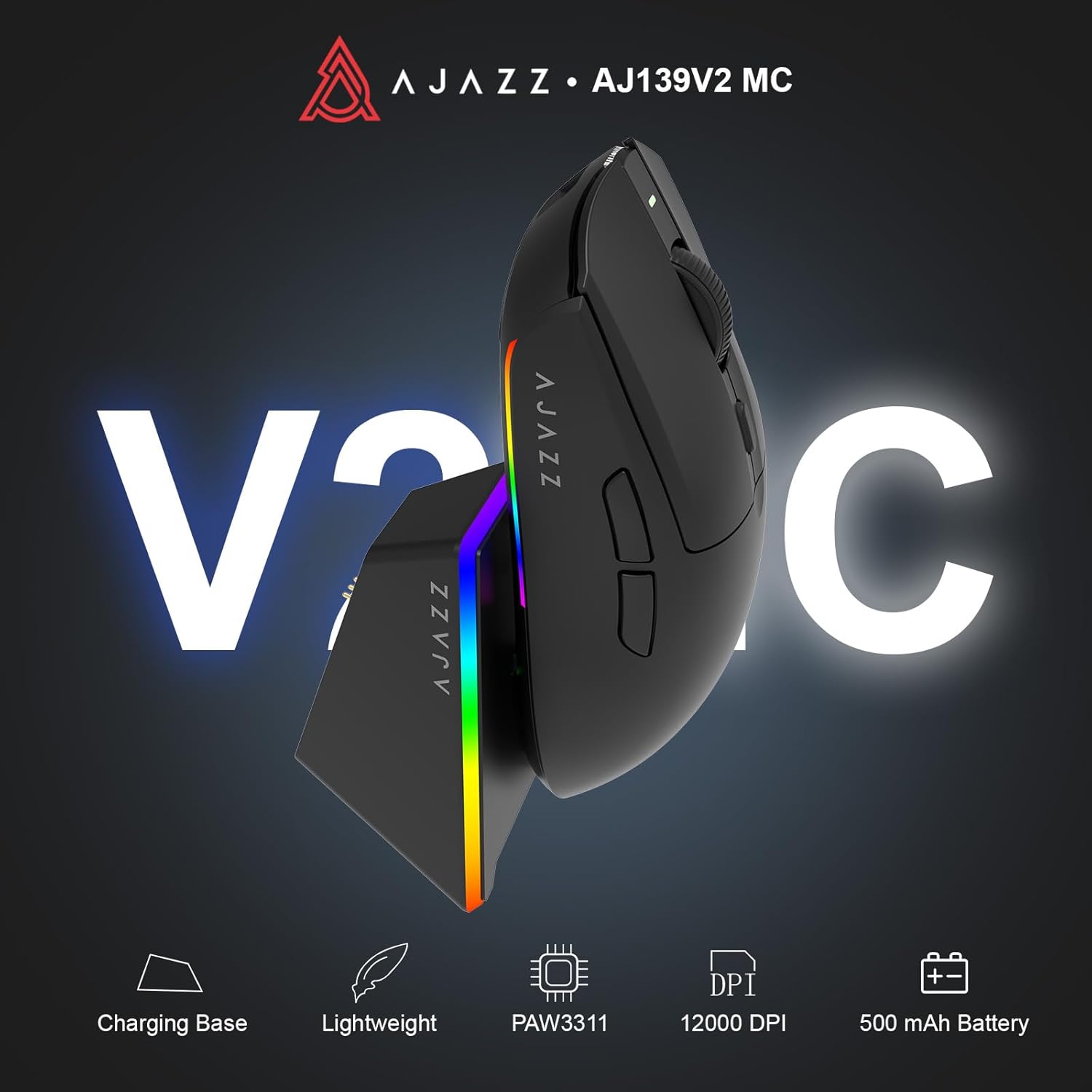
Figure 1.1: AJAZZ AJ139 V2 MC Gaming Mouse and Charging Dock.
Видео 1.1: Дууслааview of the AJAZZ AJ139 V2 MC Gaming Mouse, highlighting its features and design.
2. Багцын агуулга
Бүх зүйл багцад байгаа эсэхийг шалгаарай:
- AJAZZ AJ139 V2 MC Gaming Mouse
- Цэнэглэх цэг
- USB-C цэнэглэгч кабель
- 2.4G USB Receiver (Dongle)
- Хэрэглэгчийн гарын авлага
3. Үндсэн шинж чанарууд
- PAW3311 Sensor Technology: Equipped with the PAW3311 sensor, this mouse ensures precise tracking and accurate cursor control for optimal performance.
- High 1000Hz Return Rate: Experience smooth and responsive performance with a 1000Hz return rate, enhancing your gaming or work experience.
- Удаан ажиллах 500 мАч батерей: The integrated 500mAh battery provides extended power, ensuring uninterrupted use for prolonged periods.
- Гурван горимын холболт: Supports versatile connectivity options including Wired, 2.4G Wireless, and Bluetooth, adapting to various devices and setups.
- Компакт, хөнгөн дизайн: Weighing approximately 66 grams, the mouse features a compact design for easy portability and comfortable use during long sessions.
- Тохируулах боломжтой RGB гэрэлтүүлэг: Features integrated RGB lighting for personalized aesthetics.
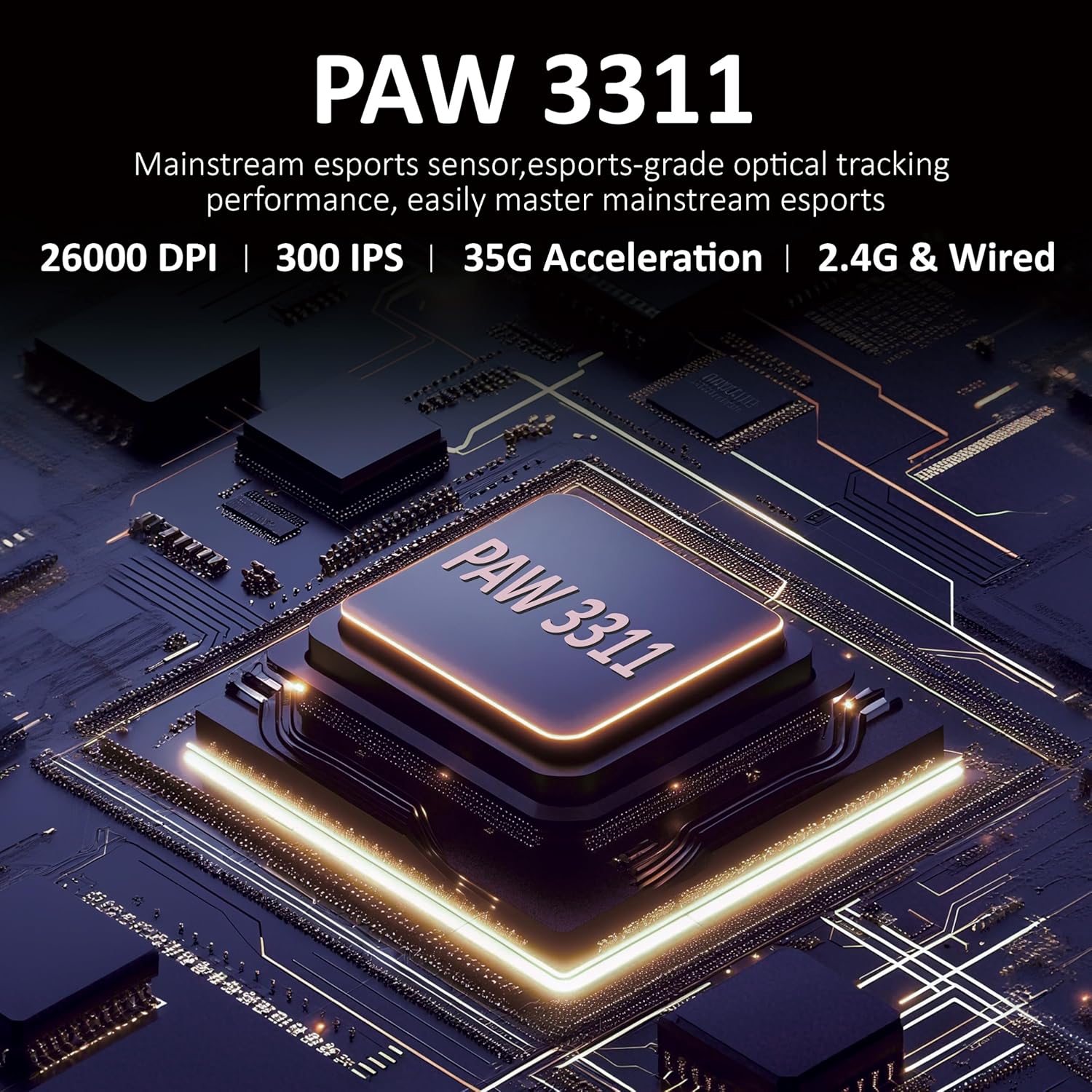
Зураг 3.1: Нарийвчилсан view of the PAW3311 sensor technology.
Video 3.1: Demonstration of the mouse's 500mAh battery life.
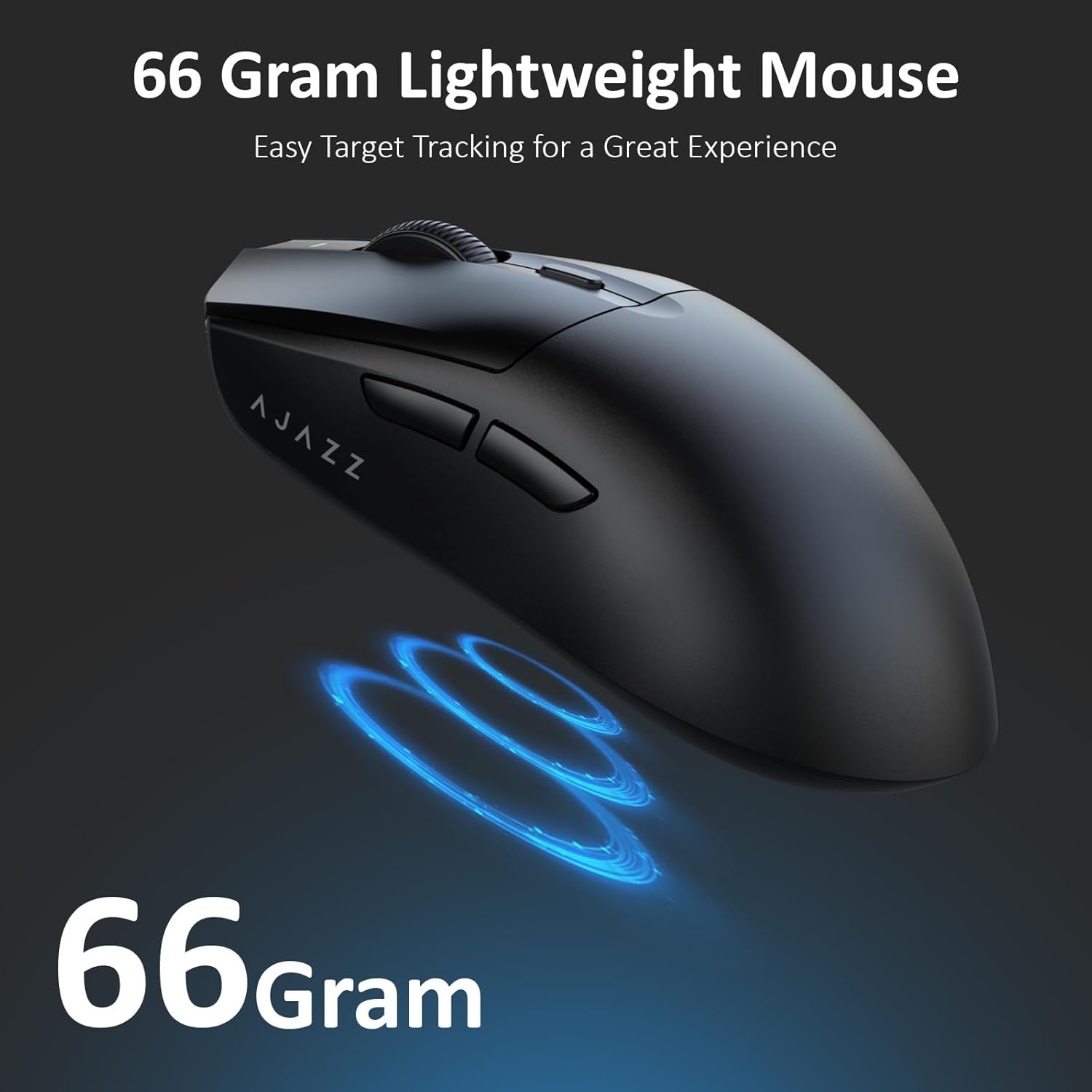
Figure 3.2: The lightweight design of the AJAZZ AJ139 V2 MC mouse.
4. Тохируулах гарын авлага
4.1. Хулгана холбох
The AJAZZ AJ139 V2 MC offers three connection modes:
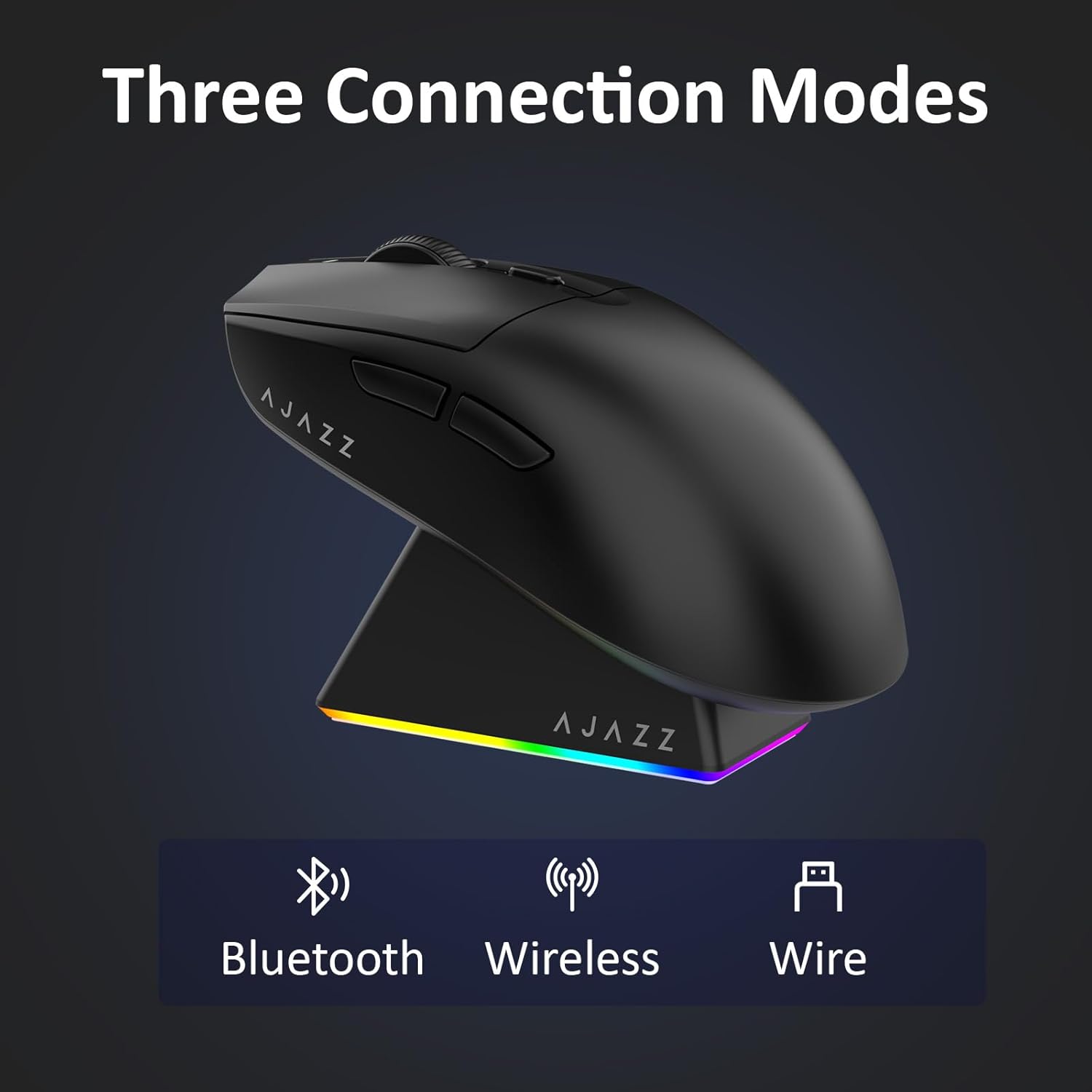
Figure 4.1: Visual representation of the three connection modes.
- 2.4G утасгүй горим:
- Хулганы доод талд байрлах тасалгаанд хадгалагдсан 2.4G USB хүлээн авагчийг олоорой.
- USB хүлээн авагчийг компьютер дээрээ байгаа USB порт руу холбоно уу.
- Slide the switch on the bottom of the mouse to the '2.4G' position. The mouse will automatically connect.
- Bluetooth горим:
- Хулганы доод хэсэгт байрлах шилжүүлэгчийг 'BT' байрлал руу гулсуулна уу.
- Төхөөрөмж дээрээ Bluetooth тохиргоог нээгээд шинэ төхөөрөмжүүдийг хайгаарай.
- Select 'AJAZZ AJ139 V2 MC' from the list to pair.
- Утастай горим:
- Connect the USB-C charging cable to the mouse and the other end to your computer's USB port.
- The mouse will function as a wired device and charge simultaneously.
4.2. Хулгана цэнэглэж байна
The mouse can be charged using the included charging dock or directly via the USB-C cable.
- Цэнэглэх цэгийг ашиглах нь:
- Connect the USB-C charging cable to the charging dock and then to a power source (e.g., computer USB port, USB wall adapter).
- Place the mouse onto the charging dock, aligning the magnetic contacts. The RGB lighting on the dock and mouse will indicate charging status.
- Шууд USB-C цэнэглэх:
- Connect the USB-C charging cable directly to the mouse and a power source.
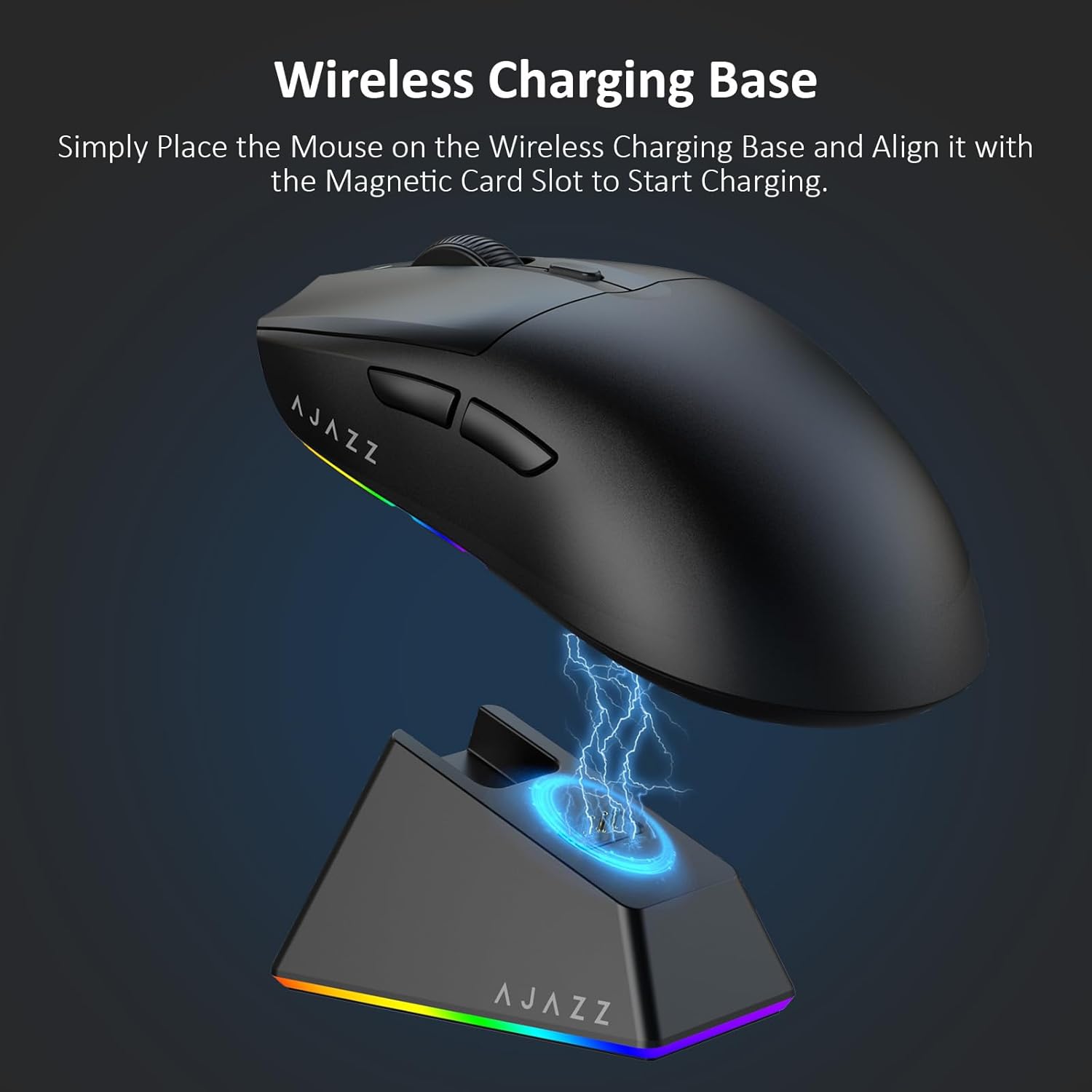
Figure 4.2: The mouse being charged on its wireless charging base.
5. Ашиглалтын заавар
5.1. DPI тохируулга
The mouse features a dedicated DPI adjustment button on its underside, allowing you to cycle through different sensitivity levels. Press the button to change the DPI setting to suit your preference.
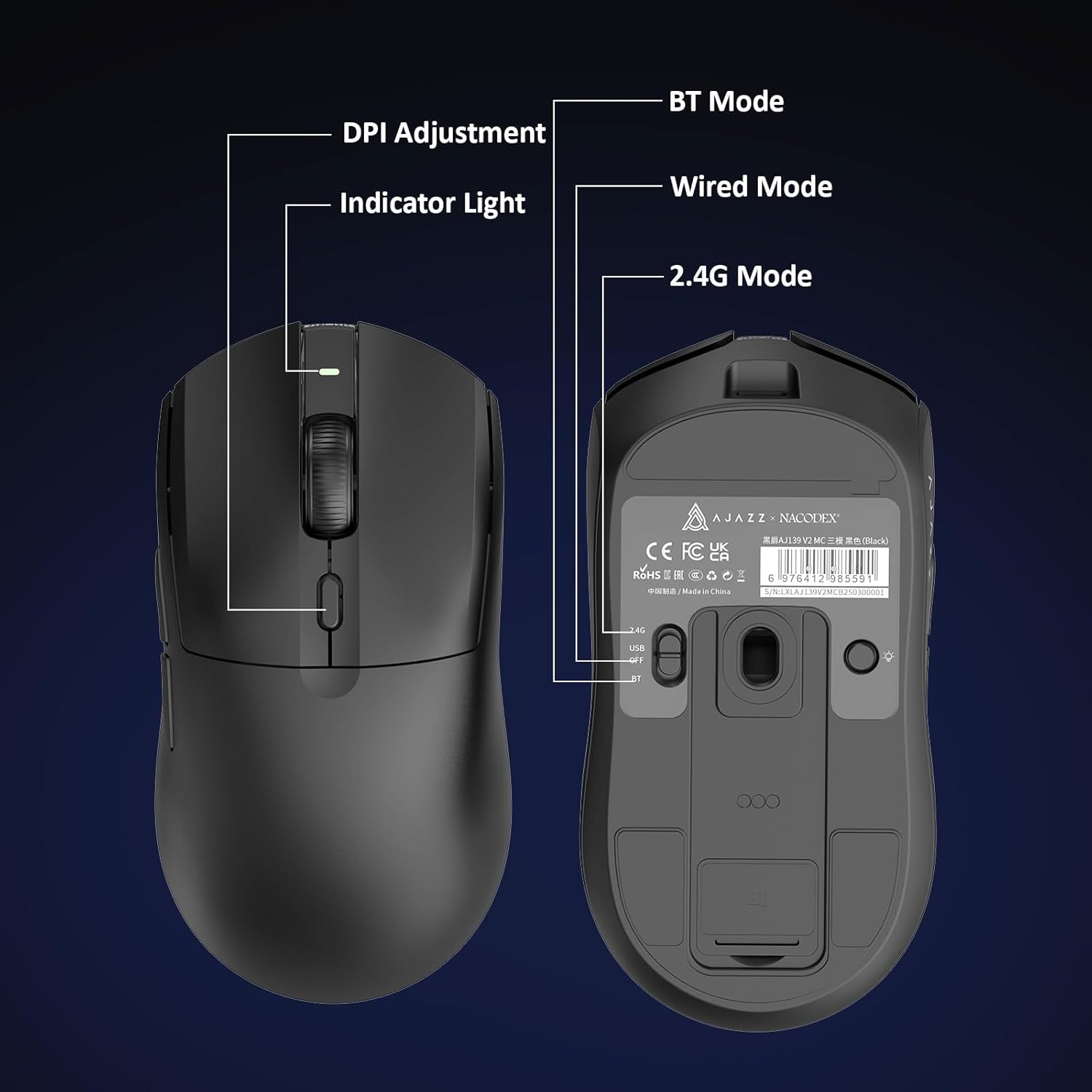
Figure 5.1: Location of the DPI adjustment button and connection mode switch on the mouse underside.
5.2. Товчлуурын функцууд
The mouse is equipped with 6 programmable buttons:
- Зүүн товчийг дарна уу
- Баруун товчийг дарна уу
- Гүйлгэх дугуй (товших боломжтой)
- DPI Adjustment Button (on underside)
- Two Side Buttons (typically for forward/backward navigation)
For advanced customization of button functions and macros, please refer to the official AJAZZ software (downloadable from the manufacturer's webсайт).
5.3. RGB гэрэлтүүлгийн удирдлага
The mouse and charging dock feature customizable RGB lighting. Specific controls for lighting modes and colors are typically managed through the official AJAZZ software. A dedicated light button on the underside of the mouse allows for basic cycling or turning off the lighting.
6. Засвар үйлчилгээ
- Цэвэрлэгээ: Хулганы гадаргууг цэвэрлэхийн тулд зөөлөн, хуурай даавуу ашиглаарай. Зөрүүд бохирдлыг бага зэрэг арчина.amp даавуу ашиглаж болох бөгөөд ингэснээр чийг нь дотоод эд ангиудад орохгүй байх болно.
- Мэдрэгчийн арчилгаа: Keep the optical sensor on the underside of the mouse clean and free from dust or debris to maintain tracking accuracy.
- Батерейны ашиглалтын хугацаа: Батерейны ашиглалтын хугацааг уртасгахын тулд хулганаа байнга бүрэн цэнэггүй болгохоос зайлсхий. Батерейны индикатор бага байх үед цэнэглээрэй.
7. Алдаа засах
| Асуудал | Боломжит шийдэл |
|---|---|
| Mouse not responding in 2.4G Wireless mode. | Ensure the 2.4G USB receiver is securely plugged into a USB port and the mouse switch is set to '2.4G'. Try a different USB port. |
| Mouse not pairing via Bluetooth. | Ensure the mouse switch is set to 'BT' and your device's Bluetooth is enabled and discoverable. Try unpairing and re-pairing the device. |
| Хулгана цэнэглэхгүй байна. | Verify the USB-C cable is properly connected to both the dock/mouse and the power source. Ensure the mouse is correctly seated on the charging dock's magnetic contacts. |
| Inconsistent tracking or cursor movement. | Хулганы доод талд байрлах оптик мэдрэгчийг цэвэрлэ. Хулганаа тохиромжтой гадаргуу дээр (жишээ нь, хулганы дэвсгэр) ашиглаж байгаа эсэхээ шалгаарай. |
| RGB гэрэлтүүлэг ажиллахгүй байна. | Check the mouse's software settings for lighting control. Ensure the mouse has sufficient battery charge. |
8. Техникийн үзүүлэлтүүд
| Онцлог | Тодорхойлолт |
|---|---|
| Брэнд | АЖАЗ |
| Загварын нэр | Aj139 V2 MC |
| Өнгө | V2 MC Black |
| Холболтын технологи | Bluetooth, USB, 2.4G Wireless |
| Хөдөлгөөнийг илрүүлэх технологи | Оптик (PAW3311 мэдрэгч) |
| Mouse Maximum Sensitivity | 12000 Dots per Inch (DPI) |
| Буцаах хувь | 1000 Гц |
| Зайны багтаамж | 500 мАч |
| Товчлуурын тоо | 6 |
| Гарын чиг баримжаа | Зөв |
| Тохиромжтой төхөөрөмжүүд | Ширээний компьютер |
| Үйлдлийн систем | Windows |
| Хүрээ | 10 метр |
| Зүйлийн жин | 4 унц (ойролцоогоор 113 грамм) |
| Зүйлийн хэмжээ L x W | 5"L x 2.5"W (approx. 12.7cm x 6.35cm) |
| Чимэглэлийн онцлог | RGB гэрэлтүүлэг |
| Хаалтны материал | Хуванцар |
| Дуусга | Матт |
9. Баталгаат хугацаа ба дэмжлэг
This product comes with a standard manufacturer's warranty. For detailed warranty information, please refer to the official AJAZZ webсайт эсвэл худалдагчтайгаа холбогдоно уу.
For technical support, troubleshooting assistance, or any product-related inquiries, please visit the AJAZZ official support page or contact their customer service team.
Онлайн нөөцүүд:
AJAZZ Official Store


