
1. Танилцуулга
The NICGIGA 24 Port 2.5Gb Ethernet Switch (Model S25-2400) is an unmanaged network switch designed to provide high-speed connectivity for your home or office network. Featuring 24 2.5 Gigabit Ethernet ports, this switch offers a robust solution for expanding your network capacity and enhancing data transfer rates. Its plug-and-play design ensures easy installation without complex configuration, making it suitable for various environments, including desktop and 19-inch rack mount setups. The fanless metal design ensures quiet operation and efficient heat dissipation, contributing to device stability and longevity.
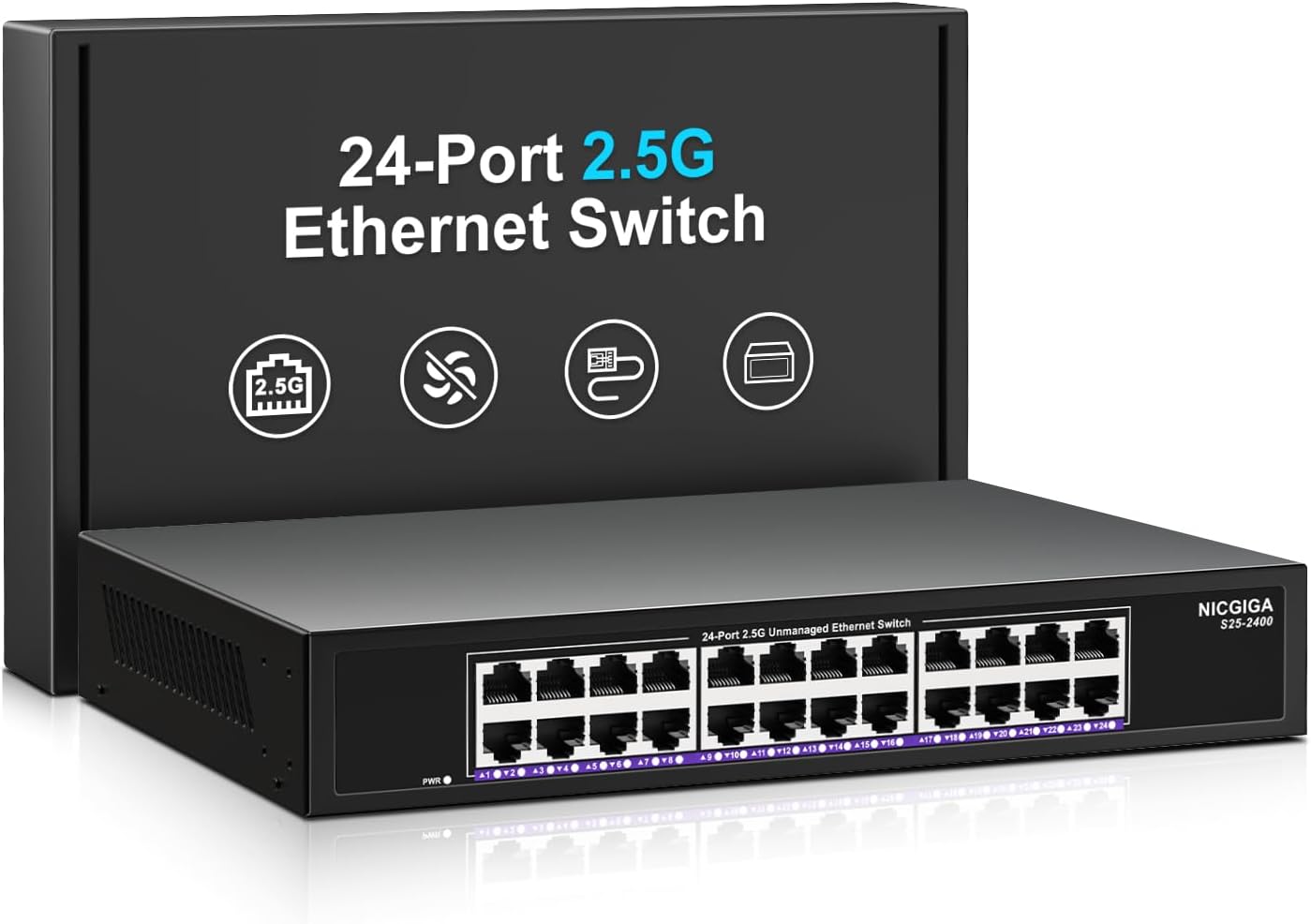
Зураг 1.1: Урд view of the NICGIGA 24 Port 2.5Gb Ethernet Switch, showcasing its 24 RJ45 ports and LED indicators.
2. Багцын агуулга
Таны багцад дараах зүйлс багтсан эсэхийг шалгана уу.
- NICGIGA 24 Port 2.5Gb Ethernet Switch (Model S25-2400)
- Эрчим хүчний адаптер
- Rack Mount Kit (for 19-inch rack installation)
- Хэрэглэгчийн гарын авлага (энэ баримт бичиг)
3. Бүтээгдэхүүн дууссанview
3.1 Урд самбар
The front panel of the NICGIGA 24 Port 2.5Gb Ethernet Switch features 24 RJ45 ports and LED indicators for monitoring network activity.
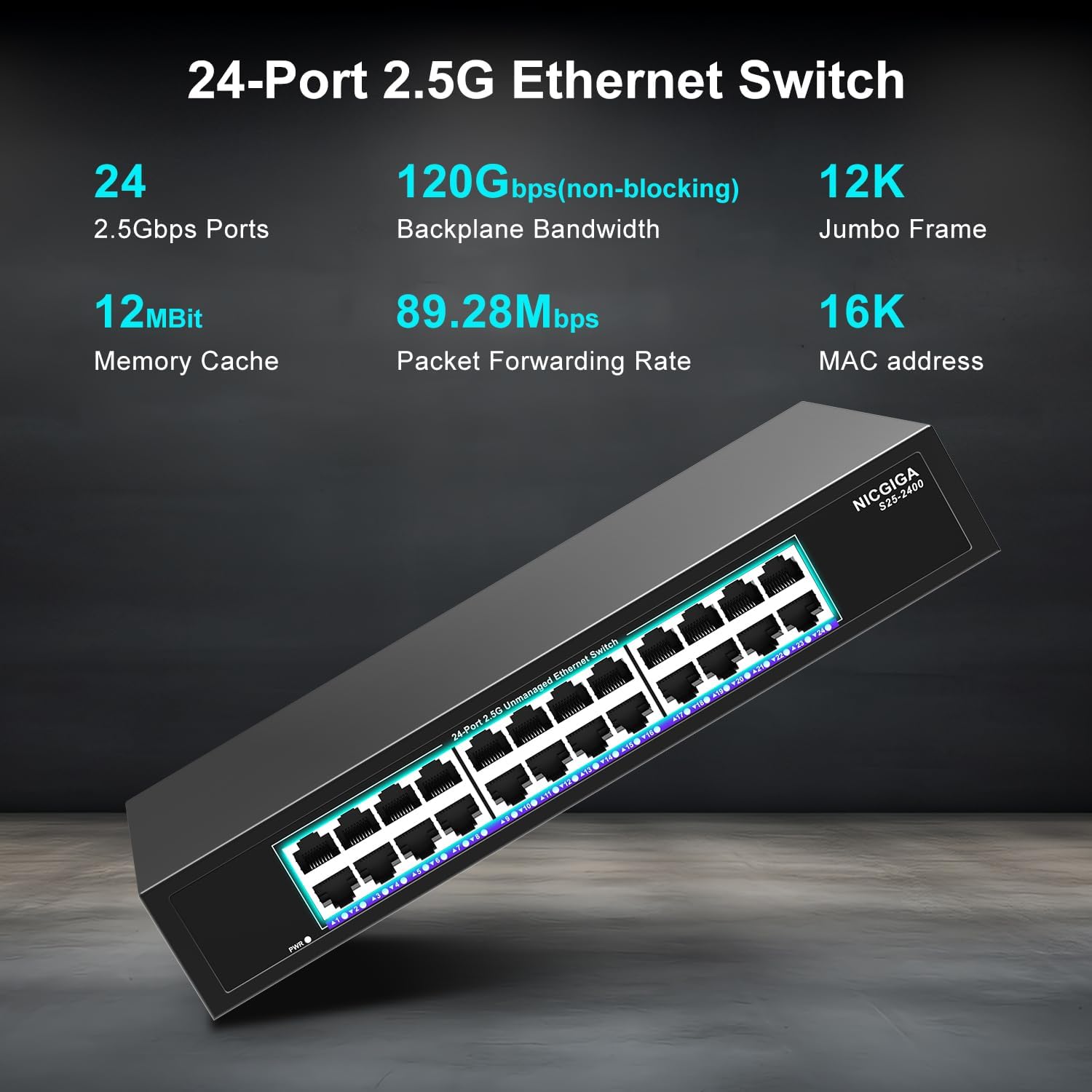
Зураг 3.1: Нарийвчилсан view of the switch's front panel, highlighting the 24 RJ45 ports and power input.
- RJ45 портууд (1-24): These ports support 100/1000/2500Mbps Ethernet connections. They automatically detect and adjust to the speed of the connected device.
- LED үзүүлэлтүүд: Each port has an associated LED that indicates link status and activity.
- Тод ногоон: 2.5Gbps хурдаар тогтвортой холболт тогтоогдсон.
- Тод шар: 1Gbps хурдаар тогтвортой холболт тогтоогдсон.
- Хатуу улбар шар: A stable link is established at 100Mbps.
- Анивчих: Порт дээр өгөгдлийн үйл ажиллагаа явагдаж байна.
- Унтраах: No link is established or the device is not connected.
- Эрчим хүчний LED: Шилжүүлэгчийн тэжээлийн төлөвийг заана.
- Тод ногоон: Шилжүүлэгч асаалттай байна.
- Унтраах: Шилжүүлэгч унтарсан байна.
3.2 Арын самбар
The rear panel typically contains the power input and ventilation openings.
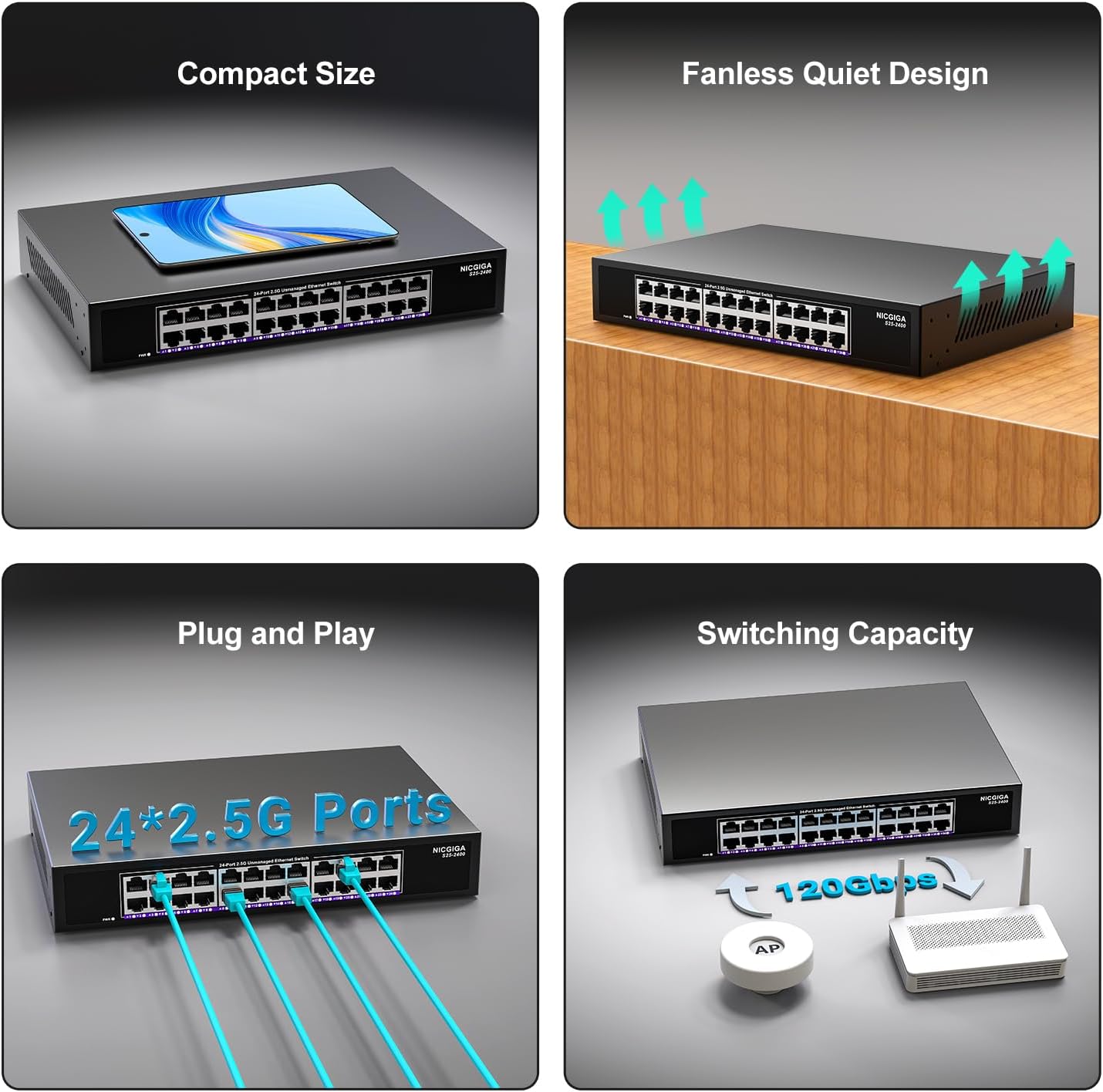
Зураг 3.2: Ар талд view of the switch, showing the power input and fanless design.
4. Тохиргоо
The NICGIGA 24 Port 2.5Gb Ethernet Switch is designed for simple plug-and-play operation, requiring no software installation or complex configuration.
4.1 Ширээний компьютер суурилуулах
- Place the switch on a stable, flat surface, ensuring adequate ventilation around the device.
- Цахилгаан хувиргагчийг шилжүүлэгчийн тэжээлийн оролтод, дараа нь цахилгаан залгуурт холбоно.
- Connect your network devices (e.g., computers, NAS, Wi-Fi 6 APs, routers) to any of the 24 RJ45 ports using standard Ethernet cables. The switch will automatically detect the link speed.

Зураг 4.1: Жишээ ньample of desktop setup, showing the switch connected to a laptop and a Wi-Fi router.
4.2 19-inch Rack Mount Installation
The switch can be installed in a standard 19-inch equipment rack using the included rack mount kit.
- Attach the two rack-mount brackets to the sides of the switch using the provided screws.
- Secure the switch into an available slot in your 19-inch rack using appropriate rack screws (not included).
- Connect the power adapter and network cables as described in the desktop installation.

Image 4.2: Diagram illustrating the dimensions for rack mounting and an example of the switch installed in a 19-inch rack.
5. Ашиглалтын заавар
Once the switch is powered on and devices are connected, it operates automatically.
- Автомат хэлэлцээр: Each port automatically detects the speed (100Mbps, 1Gbps, or 2.5Gbps) and duplex mode (half/full) of the connected device and adjusts accordingly. This ensures optimal performance and compatibility across various network devices.
- Блокгүй архитектур: The switch provides full wire-speed forwarding on all ports simultaneously, ensuring maximum throughput for all connected devices without bottlenecks.
- Удирдлагагүй үйл ажиллагаа: No configuration or software is required. Simply connect your devices, and the switch will manage data traffic efficiently.

Image 5.1: Illustration of the auto-negotiation feature, showing how the switch adapts to different link speeds.
6. Засвар үйлчилгээ
The NICGIGA 24 Port 2.5Gb Ethernet Switch is designed for minimal maintenance.
- Цэвэрлэгээ: Шилжүүлэгчийн гадна талыг зөөлөн, хуурай даавуугаар цэвэрлэ. Шингэн болон аэрозол цэвэрлэгч хэрэглэж болохгүй.
- Агааржуулалт: Ensure that the ventilation openings are not blocked to allow for proper airflow and heat dissipation. The fanless design relies on natural convection.
- Байгаль орчин: Operate the switch within its specified environmental conditions (temperature, humidity) to ensure optimal performance and longevity.
7. Алдаа засах
If you encounter issues with your NICGIGA 24 Port 2.5Gb Ethernet Switch, refer to the following common troubleshooting steps:
- Эрчим хүчгүй:
- Цахилгаан адаптер нь унтраалга болон ажиллаж байгаа цахилгааны залгуурт найдвартай холбогдсон эсэхийг шалгаарай.
- Өөр төхөөрөмжийг залгах замаар цахилгааны залгуур ажиллаж байгаа эсэхийг шалгана уу.
- Check the Power LED on the switch; it should be solid green when powered on.
- Порт дээр холбоос/үйл ажиллагаа байхгүй:
- Ethernet кабель нь шилжүүлэгчийн порт болон холбогдсон төхөөрөмж хоёуланд нь найдвартай холбогдсон эсэхийг шалгана уу.
- Холбогдсон төхөөрөмж асаалттай, сүлжээний адаптер зөв ажиллаж байгаа эсэхийг шалгаарай.
- Try a different Ethernet cable to rule out cable issues.
- Test with a different port on the switch.
- Check the LED indicator for the specific port; if it's off, there's no link.
- Сүлжээний хурд удаан:
- Ensure all connected devices and network adapters support 2.5Gbps speeds for optimal performance. The switch will auto-negotiate to the highest common speed.
- Use Cat5e or higher-rated Ethernet cables for 2.5Gbps connections.
- Check for excessive network traffic or bottlenecks on other network devices.
- Завсарлагатай холболт:
- Ethernet кабель гэмтсэн эсэхийг шалгана уу.
- Ensure the switch is placed in a well-ventilated area to prevent overheating, although it has a fanless design.
- Бусад электрон төхөөрөмжүүдийн боломжит цахилгаан соронзон хөндлөнгийн оролцоог шалгана уу.
8. Техникийн үзүүлэлтүүд
| Онцлог | Тодорхойлолт |
|---|---|
| Загвар | S25-2400 |
| Портын тоо | 24 x 2.5Gbps RJ45 Ports |
| Интерфейсийн төрөл | RJ45 |
| Өгөгдөл дамжуулах хурд | 100/1000/2500Mbps (Auto-Negotiation) |
| Шилжүүлэгч хүчин чадал | 160 Гбит/с |
| Jumbo хүрээ | 12 мянга |
| MAC хаягийн хүснэгтийн хэмжээ | 16 мянга |
| Санах ойн кэш | 12 Мбит |
| Пакет дамжуулах хурд | 89.28 Mpps |
| Дизайн | Fanless Metal Design |
| Аянга хамгаалалт | 4 кВ |
| Суурилуулалт | Desktop or 19-inch Rack Mount |
| Хэмжээ (L x W x H) | 270.5 x 181 x 44.5 мм (10.6 x 7.1 x 1.7 инч) |
| Зүйлийн жин | 1.9 килограмм (4.18 фунт) |
| Тохиромжтой төхөөрөмжүүд | Ширээний компьютер, Тоглоомын консол, Зөөврийн компьютер |
| UPC | 790885830235 |
Тэмдэглэл: Техникийн үзүүлэлтүүдийг мэдэгдэлгүйгээр өөрчлөх боломжтой.
9. Баталгаат хугацаа ба дэмжлэг
NICGIGA provides a one-year warranty for this product, ensuring reliability, quality, and performance. Additionally, lifetime technical support is available for the entire product lifecycle.
For technical assistance or warranty claims, please contact NICGIGA customer support through the official webсайт эсвэл таны худалдан авах платформ.