
1. Танилцуулга
This user manual provides detailed instructions for the Generic Wireless CarPlay and Android Auto Adapter, model KA-1132. This device is designed to convert your vehicle's existing wired CarPlay or Android Auto system into a wireless connection, offering enhanced convenience and a clutter-free driving experience. Please read this manual thoroughly before using the product to ensure proper installation and operation.
2. Бүтээгдэхүүн дууссанview
The KA-1132 adapter enables a seamless transition from wired to wireless CarPlay and Android Auto. It is a compact, plug-and-play device that connects to your car's USB port, allowing your smartphone to connect wirelessly to the vehicle's infotainment system.
Гол онцлогууд:
- Утасгүй хөрвүүлэлт: Transforms wired CarPlay/Android Auto into wireless functionality.
- Автомат холболт: Connects automatically to your paired smartphone upon vehicle startup.
- Plug & Play: Simple installation without the need for additional apps or complex setup.
- High Speed & Low Latency: Utilizes 5.0-5.8 GHz transmission for stable audio and media streaming.
- Бага эрчим хүчний хэрэглээ: Efficient and stable operation.
- Анхны функцийг хадгалах: Supports original microphone, steering wheel controls, and central unit functions.
- Компакт дизайн: Discreet and easy to conceal within the vehicle.
- Updatable Firmware: Ensures the device remains optimized with the latest versions.
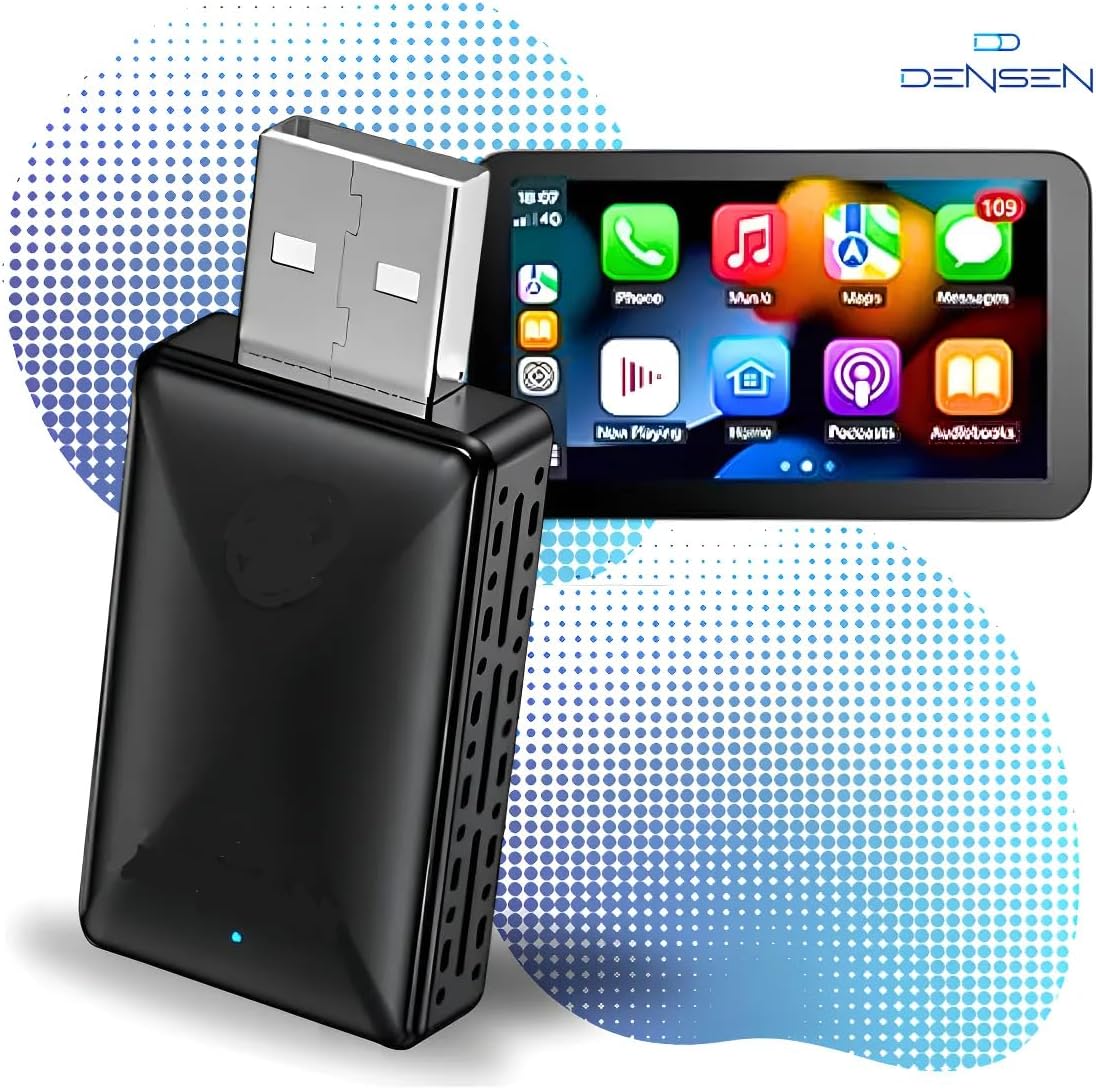
Чухал тэмдэглэл:
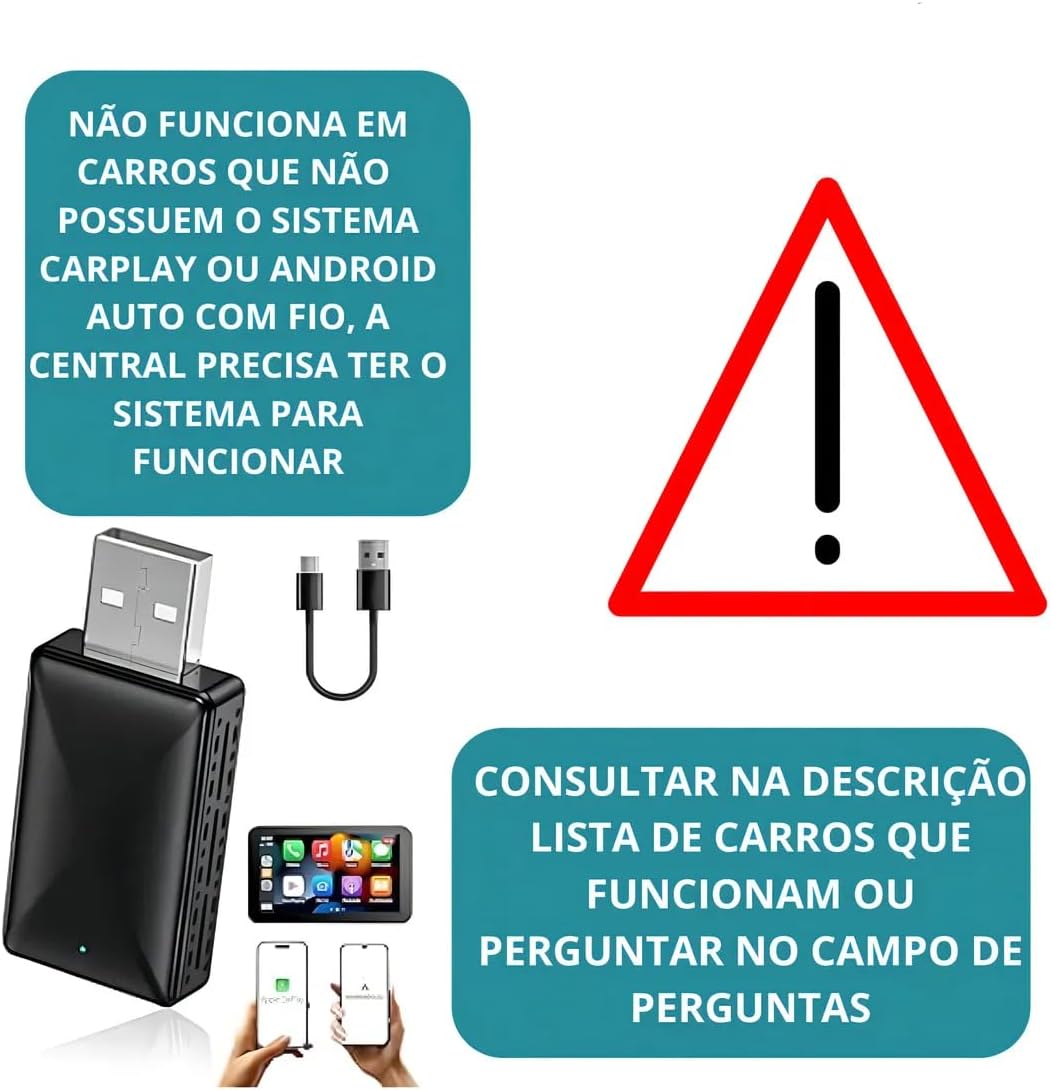
This adapter does үгүй add CarPlay or Android Auto functionality to vehicles that do not already have it. It only converts an existing wired connection to wireless.
3. Багцын агуулга
Дараах зүйлсийн багцад байгаа эсэхийг шалгана уу.
- 1x Wireless CarPlay/Android Auto Adapter (KA-1132)
- 1x USB Converter Cable (USB-A to USB-C or USB-C to USB-C, depending on model variant)
- 1x хэрэглэгчийн гарын авлага
4. Техникийн үзүүлэлтүүд
| Онцлог | Дэлгэрэнгүй |
|---|---|
| Загварын дугаар | КА-1132 |
| Брэнд | Ерөнхий |
| Тохиромжтой төхөөрөмжүүд | Apple (iOS), Android |
| Холбогч төрөл | USB Type-A, USB Type-C |
| Утасгүй дамжуулалт | 5.0-5.8 GHz |
| Бүтээгдэхүүний жин | 400 грамм |
| Үйлдвэрлэгч | КАПБОМ |
| Гарал үүслийн улс | Бразил |
5. Тохиромжтой байдал
To use the KA-1132 adapter, your vehicle and smartphone must meet the following requirements:
Vehicle Requirements:
- The vehicle's infotainment system must have factory-installed wired CarPlay or Android Auto.
- Compatible with factory head units from: Audi, Chery, Chevrolet (except MyLink3), GM, Citroën, Fiat, Ford, Hyundai, Jeep, Land Rover, Mercedes, Mitsubishi, Nissan, Peugeot, Porsche, Dodge, Renault, Toyota, Troller, Volkswagen, Volvo.
- нийцэхгүй байна: Tracker, Onix, and Montana 2023 (MyLink3), and some generic Android multimedia centers.
Smartphone Requirements:
- Apple CarPlay-ийн хувьд: iPhone 6 or newer, running iOS 10 or higher.
- Android Auto-д: Android phone running Android 11.0 or higher.

6. Тохиргоо ба суурилуулалт
The KA-1132 adapter features a simple Plug & Play setup. Follow these steps for installation:
- USB портыг олох: Identify the USB port in your vehicle that supports wired CarPlay or Android Auto.
- Адаптерийг холбох: Plug the KA-1132 adapter into the vehicle's USB port. Use the provided converter cable if necessary (e.g., if your car has a USB-C port).
- Заагчийг хүлээнэ үү: The adapter will power on, and an indicator light (usually blue or green) will illuminate.
- Bluetooth-ээр хослуулах: On your smartphone, enable Bluetooth and search for the adapter's Bluetooth name (refer to the device label or packaging if unsure). Select it to pair.
- Холболтыг баталгаажуулах: Once paired, your car's infotainment screen should display the CarPlay or Android Auto interface wirelessly.


7. Ашиглалтын заавар
Автомат холболт:
After the initial pairing, the adapter will automatically connect to your smartphone each time you start your vehicle, provided your phone's Bluetooth is enabled and within range.
Програм хангамжийн шинэчлэлтүүд:
The adapter's firmware can be updated to ensure optimal performance and compatibility. Instructions for firmware updates are typically provided via a QR code or a specific website mentioned in the packaging or on the manufacturer's support page. It is recommended to keep the firmware updated for the best user experience.
CarPlay/Android Auto ашиглах:
Once connected, operate CarPlay or Android Auto as you normally would with a wired connection. All functions, including navigation, music, calls, and voice commands, will be available wirelessly through your car's infotainment system.
8. Алдаа засах
If you encounter issues with your KA-1132 adapter, please refer to the following common problems and solutions:
- Холболт байхгүй:
- Ensure your vehicle has factory-installed wired CarPlay or Android Auto. The adapter does not add these functions.
- Verify the adapter is securely plugged into the correct USB port.
- Check if your phone's Bluetooth is enabled and paired with the adapter.
- Утас болон машиныхаа мэдээллийн системийг дахин асаана уу.
- Завсарлагатай холболт:
- Ensure there are no other strong wireless interference sources nearby.
- Check for available firmware updates for the adapter.
- Try using a different USB port in your vehicle, if available.
- Audio/Video Lag:
- This adapter operates on 5.0-5.8 GHz for high speed and low latency. If you experience lag, ensure your phone's Wi-Fi is not being heavily utilized by other applications.
- Програм хангамжийн шинэчлэлт байгаа эсэхийг шалгана уу.
- Адаптер танигдаагүй:
- Confirm your vehicle model is not listed under "Not compatible" in Section 5.
- Ensure the car's infotainment system is fully booted before plugging in the adapter.
9. Засвар үйлчилгээ
To ensure the longevity and optimal performance of your KA-1132 adapter, follow these simple maintenance guidelines:
- Цэвэрлэгээ: Адаптерийг цэвэрлэхдээ зөөлөн, хуурай даавуу ашиглаарай. Шингэн цэвэрлэгч эсвэл уусгагч хэрэглэж болохгүй.
- Хадгалах: Удаан хугацаагаар ашиглаагүй үед адаптерийг сэрүүн, хуурай газар, нарны шууд тусгал болон хэт өндөр температураас хол хадгална уу.
- Харьцуулах: Төхөөрөмжийг унагах эсвэл хүчтэй цохилтод оруулахаас зайлсхий.
- Чийг: Адаптерийг ус, өндөр чийгшилээс хол байлга.
10. Баталгаат хугацаа ба дэмжлэг
Энэ бүтээгдэхүүн нь хамт ирдэг 30 хоногийн баталгаат хугацаа худалдан авсан өдрөөс. Энэхүү баталгаа нь ердийн ашиглалтын үеийн үйлдвэрлэлийн согог, доголдлыг хамарна. Энэ нь буруу ашиглалт, осол аваар, зөвшөөрөлгүй өөрчлөлт, буруу суурилуулалтын улмаас учирсан хохирлыг хамрахгүй.
For technical support or warranty claims, please contact your retailer or the manufacturer (KAPBOM) through their official support channels. Please have your purchase receipt and product model number (KA-1132) ready when contacting support.