
1. Бүтээгдэхүүн дууссанview
The Cuifati 50000mAh Solar Power Bank is a robust and versatile portable charging solution designed for outdoor enthusiasts and emergency preparedness. Featuring a high-capacity battery and solar charging capabilities, it ensures your devices remain powered in various environments.
Гол онцлогууд:
- Их хэмжээний 50,000 мАч хүчин чадал: Provides multiple recharges for smartphones, tablets, and other USB-powered devices.
- Нарны зайгаар цэнэглэх чадвар: Allows for emergency recharging using sunlight, ideal for off-grid situations.
- Crush-Proof Aluminum Alloy Casing: Durable exterior offers protection against impacts and aids in heat dissipation.
- Integrated LED CampГэрэл: Features high-brightness LED with constant, breathing, and SOS flashing modes for illumination and emergency signaling.
- Олон талт хурдан цэнэглэгч: Supports USB-A, Type-C, and QC Fast Charging protocols for efficient power delivery to a wide range of digital devices.
- Олон хамгаалалтын систем: Built-in safeguards against overcharge, overvoltage, overcurrent, overpower, overdischarge, and temperature fluctuations.

Зураг 1.1: Урд view of the Cuifati Solar Power Bank, showcasing the integrated solar panel.

Зураг 1.2: Хажуу тал view displaying the various charging ports and the LED light panel.
2. Тохиргоо ба анхны хэрэглээ
2.1 Power Bank цэнэглэх
Before first use, fully charge the power bank using a wall adapter to ensure optimal battery performance. Solar charging is primarily for emergency use and maintaining charge, not for rapid full charging.
- Via USB Wall Adapter: Connect the included USB charging cable (or a compatible Type-C cable) to the power bank's input port and plug the other end into a USB wall adapter (not included). The indicator lights will show charging progress.
- Нарны хавтангаар дамжуулан: Place the power bank in direct sunlight. The solar indicator light will illuminate, indicating that solar charging is active. For best results, ensure the solar panel is clean and unobstructed.

Зураг 2.1: Дээд талд view of the power bank, showing the solar panel and a USB charging cable.
2.2 Батерейны түвшинг шалгах
Үүнийг хийхийн тулд цахилгаан товчийг нэг удаа дарна уу view LED гэрлээр заасан батерейны одоогийн түвшин.
3. Ашиглалтын заавар
3.1 Гадаад төхөөрөмжийг цэнэглэх
Connect your device's charging cable to one of the power bank's output ports (USB-A or Type-C). The power bank will automatically begin charging your device. If charging does not start, press the power button once.
3.2 Using the LED CampГэрэл
The integrated LED light offers multiple modes for various situations.
- Асаах/унтраах: Long press the power button to turn the LED light on or off.
- Циклийн горимууд: Once the light is on, short press the power button to cycle through the modes: Constant Brightness > Breathing Light > SOS Flashing > Burst Flash.

Image 3.1: The power bank demonstrating its LED bright light feature, useful for camping буюу онцгой байдал.
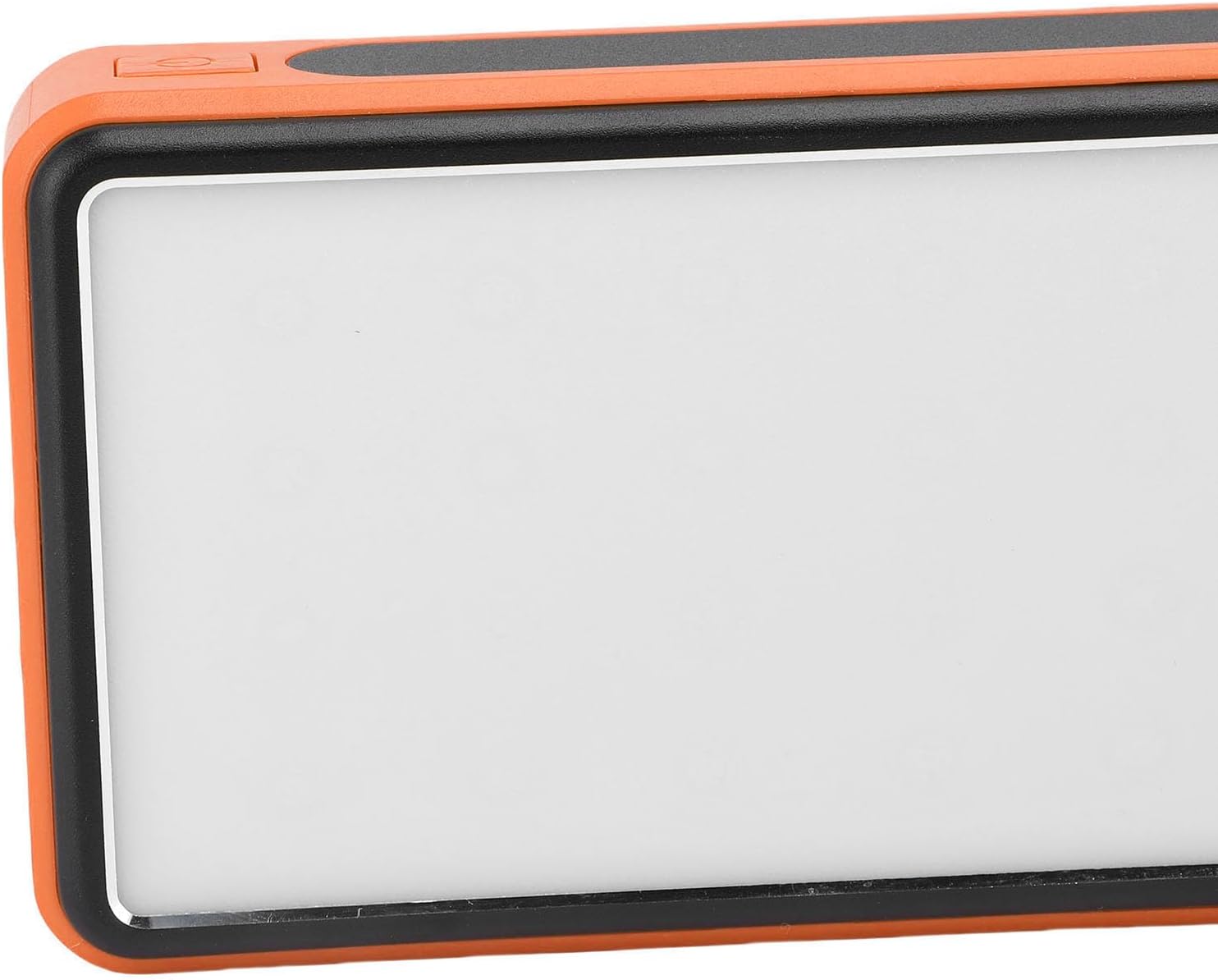
Зураг 3.2: Хажуу тал view highlighting the power button used for operating the device and LED light.
4. Засвар үйлчилгээ, арчилгаа
- Цэвэрлэгээ: Wipe the power bank with a soft, dry cloth. Avoid using harsh chemicals or abrasive materials. Ensure the solar panel is clean for efficient charging.
- Хадгалах: Store the power bank in a cool, dry place away from direct sunlight and extreme temperatures. For long-term storage, charge the power bank to about 50-75% every 3-6 months to preserve battery health.
- Байгаль орчны нөхцөл: While crush-proof, avoid intentional drops or impacts. Do not expose to water or high humidity.

Image 4.1: Icons representing the power bank's multiple protection features, including overcharge, overvoltage, and temperature prevention.
5. Алдаа засах
- Power bank цэнэглэхгүй байна: Ensure the charging cable is securely connected to both the power bank and the power source. Try a different cable or wall adapter. For solar charging, ensure direct sunlight and a clean solar panel.
- Төхөөрөмжийг цахилгаан банкнаас цэнэглэхгүй байна: Ensure the power bank has sufficient charge. Press the power button once to activate output. Try a different USB port or charging cable.
- LED гэрэл ажиллахгүй байна: Long press the power button to turn it on. If it still doesn't work, ensure the power bank has sufficient charge.
- Удаан цэнэглэх: Ensure you are using a fast-charging compatible cable and your device supports fast charging. Solar charging is inherently slower than wall charging.
6. Техникийн үзүүлэлтүүд
| Онцлог | Тодорхойлолт |
|---|---|
| Зайны багтаамж | 50,000 мАч |
| Тохиромжтой төхөөрөмжүүд | Smartphones, Tablets, USB-powered devices (including some laptops) |
| Цэнэглэх протоколууд | USB-A, Type-C, QC Fast Charging |
| LED гэрлийн горимууд | Constant, Breathing, SOS Flashing, Burst Flash |
| Casing Материал | Хөнгөн цагааны хайлш |
| Өнгө | Улбар шар |
| Багцын хэмжээ | 19 x 13 x 5 см |
| Жин | 552 грамм |
| Гарал үүслийн улс | Хятад |
7. Баталгаат хугацааны мэдээлэл
This Cuifati Solar Power Bank comes with a Үйлдвэрлэгчийн 2 жилийн баталгаат хугацаа Худалдан авсан өдрөөс эхлэн. Энэхүү баталгаа нь хэвийн ашиглалтын үед материал болон хийцийн согогийг хамарна. Энэ нь буруу ашиглалт, осол, зөвшөөрөлгүй өөрчлөлт, эсвэл хэвийн элэгдэл, урагдалтаас үүдэлтэй хохирлыг хамрахгүй. Баталгаат хугацааны нэхэмжлэл гаргахын тулд худалдан авалтын баримтаа хадгална уу.
8. Дэмжлэг
For technical support, warranty claims, or further inquiries, please contact Cuifati customer service. Refer to the product packaging or the retailer's webхамгийн сүүлийн үеийн холбоо барих мэдээллийг авах сайт.
We recommend visiting the official Cuifati website for product registration, FAQs, and additional support resources.