
1. Тохиргоо
Хайрцагнаас задлах, анхны үзлэг
Carefully unpack your Luoran N2 Android MP3 Player. Ensure all components are present and in good condition.
- Luoran N2 MP3 Player
- USB-C кабель
- Утастай чихэвч
- Зааварчилгааны гарын авлага
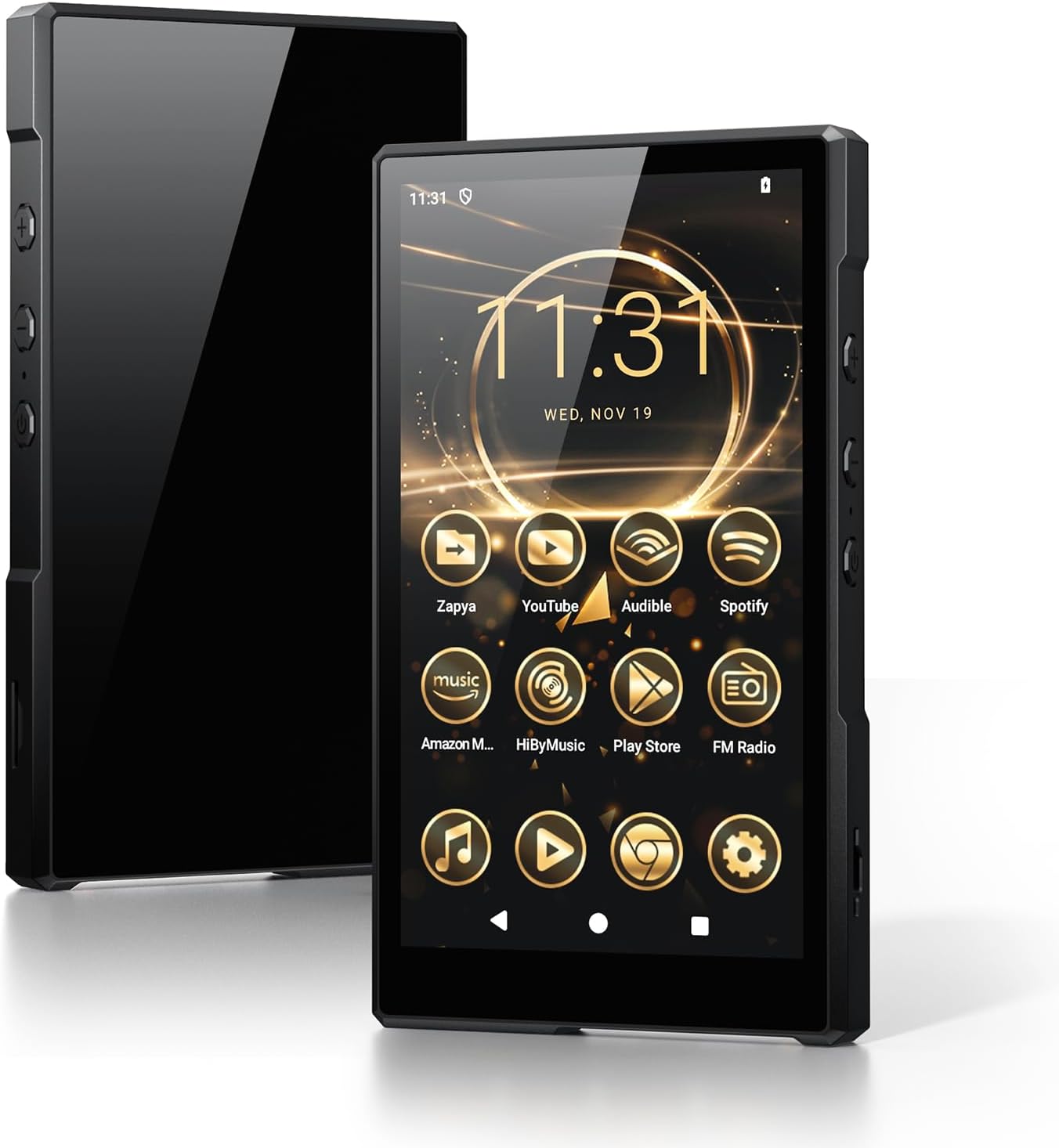
Image: Luoran N2 MP3 Player with included accessories.
Асаалт ба анхны тохиргоо
To power on the device, press and hold the power button located on the side until the Luoran logo appears on the screen. Follow the on-screen prompts to select your language and region.
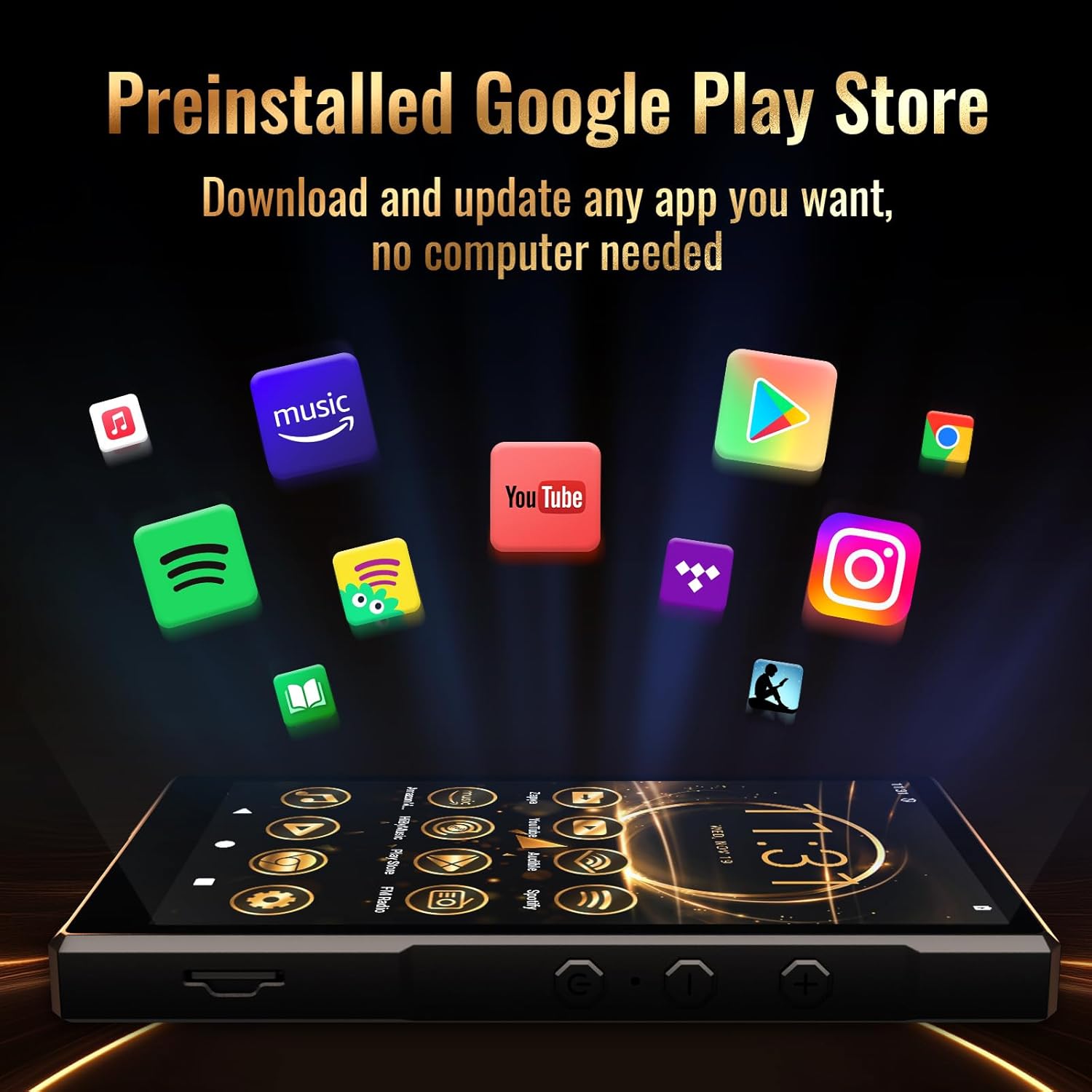
Image: The Luoran N2 MP3 Player's vibrant home screen with pre-installed applications.
Wi-Fi холболт
Connect your device to a Wi-Fi network to access online features, download apps, and receive updates. The N2 supports dual-band Wi-Fi (2.4G & 5G) for stable connections.
- руу оч Тохиргоо.
- Сонго Сүлжээ ба интернет.
- Товш Wi-Fi мөн асаана уу.
- Жагсаалтаас хүссэн сүлжээгээ сонгоно уу.
- Хэрэв асуувал нууц үгээ оруулаад товш Холбох.
Video: Demonstrates connecting the MP3 player to a Wi-Fi network.
Google акаунтын тохиргоо
To fully utilize the Google Play Store and other Google services, you may sign in with your Google Account. This step is optional but recommended for app downloads.
Аюулгүй байдлын сануулагч
Please remember any password or PIN codes you set on the MP3 player. Losing these credentials may prevent access to your device.
2. Төхөөрөмжөө ажиллуулах
Үндсэн навигаци
The Luoran N2 features a 5.0" HD IPS touch screen for intuitive navigation. Swipe left or right to browse applications and tap icons to open them. Physical buttons on the side control power and volume.

Image: The Luoran N2 MP3 Player highlighting its upgraded Android 14 system and security.
Програм суулгах
The device comes with Android 14 and the Google Play Store pre-installed, allowing you to freely download and install various applications. Popular apps like Spotify, Spotify Kids, Audible, Amazon Music, Apple Music, and YouTube are supported.

Image: The Google Play Store interface on the Luoran N2, ready for app downloads.
Хөгжим тоглуулах
Enjoy your music collection with support for various audio formats including MP3, FLAC, APE, OGG, M4A, AAC, WMA, and MP2. The player offers different playback modes for both offline and online music.
- Bluetooth 5.0: Connect wirelessly to Bluetooth headphones, speakers, or car audio systems for a stable and fast connection.
- Утастай холболт: Use the included wired earphones or your preferred 3.5mm jack headphones.

Image: The Luoran N2 MP3 Player demonstrating its versatile Bluetooth connectivity options.
Видео тоглуулна
The 5.0" HD IPS screen with 720x1280 pixels resolution provides a clear and vivid viewing experience for videos. The powerful Octa-core processor ensures smooth operation.

Image: The Luoran N2 MP3 Player showcasing video playback on its high-definition screen.
Хадгалалтын менежмент
The device comes with 64GB of built-in storage and supports up to 1TB memory card expansion via the microSD card slot. This allows for extensive storage of music, videos, and other files.

Image: The Luoran N2 MP3 Player demonstrating its expandable memory feature with a microSD card.
3. Засвар үйлчилгээ
Батерейны удирдлага
The Luoran N2 is equipped with a 3000 mAh long-lasting battery. To ensure optimal battery life:
- Өгөгдсөн USB-C кабелийг ашиглан төхөөрөмжийг цэнэглэ.
- Цэнэглэх, ажиллуулах явцад хэт өндөр температураас зайлсхий.
- For prolonged storage, charge the battery to approximately 50% to prevent deep discharge.
Цэвэрлэх заавар
To clean your device, use a soft, lint-free cloth. For the screen, a screen cleaner designed for electronics can be used. Avoid harsh chemicals or abrasive materials.
Програм хангамжийн шинэчлэлтүүд
Regularly check for and install software updates to ensure your device has the latest features, security patches, and performance improvements. Connect to Wi-Fi to download updates.
4. Алдаа засах
If you encounter issues with your Luoran N2 MP3 Player, try the following steps:
- Төхөөрөмж асахгүй байна: Батерей цэнэглэгдсэн эсэхийг шалгаарай. Дахин асаахаасаа өмнө төхөөрөмжийг цэнэглэгчтэй дор хаяж 30 минут холбоно уу.
- Wi-Fi холболтын асуудал: Verify your Wi-Fi password and ensure the device is within range of the router. Try restarting both the device and your router.
- Апп гацах/хөлдөх: Close the problematic app and reopen it. If the issue persists, try clearing the app's cache or reinstalling it.
- Удаан гүйцэтгэл: Close unused applications. Consider freeing up storage space by deleting unnecessary files эсвэл програмууд.
- Үйлдвэрийн анхны байдал: As a last resort, you can perform a factory reset through the Settings menu. This will erase all data on the device, so back up important fileөмнө нь.
Video: A user demonstrating the setup and basic functions of a similar Android MP3 player, which may offer insights into troubleshooting.
5. Техникийн үзүүлэлтүүд
| Онцлог | Тодорхойлолт |
|---|---|
| Загварын нэр | N2 |
| Бүтээгдэхүүний хэмжээс | 5.07 x 0.47 x 2.9 инч |
| Зүйлийн жин | 8.5 унц |
| Дэлгэцийн хэмжээ | 5 инч |
| Дэлгэцийн нягтрал | 720x1280 pixels (HD IPS) |
| Үйлдлийн систем | Android 14 |
| Процессор | Окта цөмт |
| Дотоод санах ой | 64 ГБ |
| Өргөтгөх санах ой | microSD картаар дамжуулан 1TB хүртэл |
| Холболтын технологи | Bluetooth V5.0, Wi-Fi (2.4G & 5G) |
| Зайны багтаамж | 3000 мАч лити ион |
| Оруулсан бүрэлдэхүүн хэсгүүд | USB-C Cable, Wired Earphone, Instruction Manual |
6. Баталгаат хугацаа ба дэмжлэг
Баталгаат хугацааны мэдээлэл
The Luoran N2 MP3 Player comes with a manufacturer's warranty. For specific details regarding warranty coverage, duration, and terms, please refer to the warranty card included in your product packaging or visit the official Luoran webсайт.
Хэрэглэгчийн дэмжлэг
If you require further assistance, technical support, or have questions not covered in this manual, please contact Luoran customer service. Contact details can typically be found on the manufacturer's webсайт эсвэл бүтээгдэхүүний баримт бичигт.