
1. Танилцуулга
The Generic S80 Pro AI Translation Device is a portable, multi-functional smart translator designed to facilitate communication across language barriers. It supports real-time voice translation, photo translation, and offline translation, making it an ideal companion for travel, business, and language learning. This manual provides detailed instructions on how to set up, operate, and maintain your device.
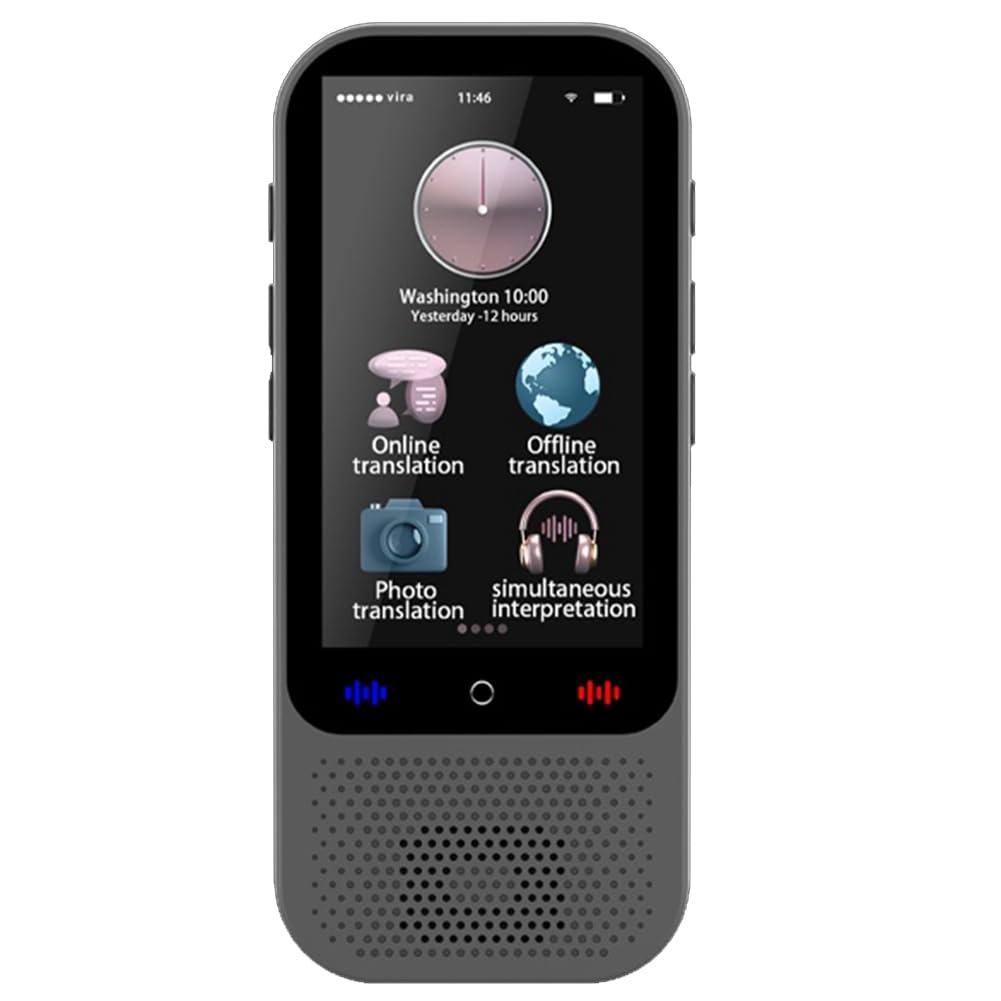
Зураг 1.1: Дууслааview of the S80 Pro AI Translation Device's main features.
2. Багцын агуулга
Дараах зүйлсийн багцад байгаа эсэхийг шалгана уу.
- 1 x S80 Pro AI Translation Device
- 1 x USB цэнэглэгч кабель
- 1 х англи хэлний зааварчилгаа
3. Төхөөрөмжийн зохион байгуулалт
Familiarize yourself with the physical components of your S80 Pro device.
Зураг 3.1: Урд view of the S80 Pro device.
4. Тохиргоо
4.1. Төхөөрөмжийг цэнэглэж байна
Before first use, fully charge the device. Connect the provided USB cable to the device's charging port and a compatible USB power adapter (not included). The charging indicator will show the charging status.
4.2. Асаах/унтраах
- Асаахын тулд: Дэлгэц асах хүртэл асаах товчийг удаан дар.
- Унтраахын тулд: Асаах товчийг удаан дараад дэлгэцэн дээрх 'Унтраах' гэснийг сонгоно уу.
4.3. Анхны тохиргоо болон Wi-Fi холболт
- Upon first power-on, follow the on-screen prompts to select your preferred system language.
- руу шилжих Тохиргоо > Wi-Fi.
- Select your Wi-Fi network and enter the password to connect. A stable internet connection is required for online translation features.
5. Ашиглалтын заавар
5.1. Online Voice Translation (138 Languages)
This feature allows real-time voice translation with an internet connection.
- From the main screen, tap on Онлайн орчуулга.
- Эх болон зорилтот хэлийг сонгоно уу.
- Press and hold the designated button (usually indicated by a microphone icon) and speak clearly into the device. Release the button to hear the translation.
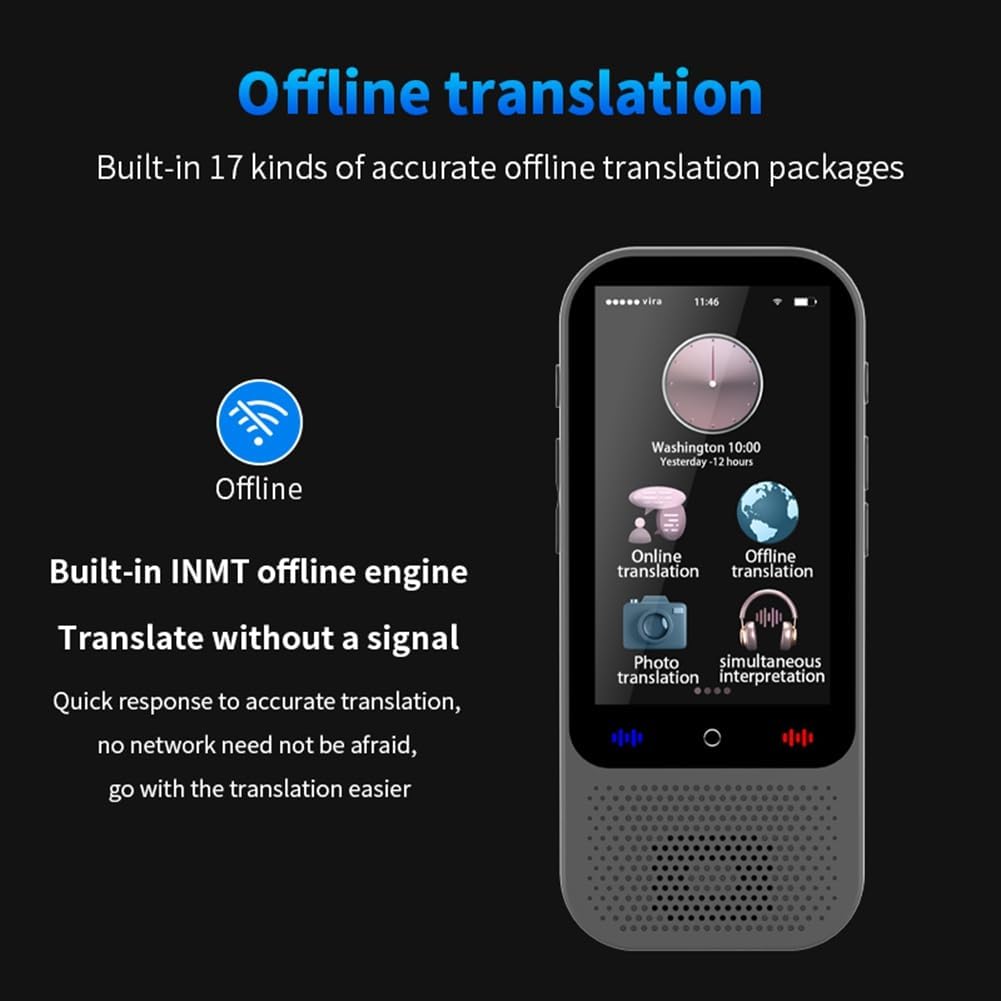
5.2. Offline Voice Translation (17 Languages)
The device supports offline translation for 17 languages, allowing use without an internet connection.

Зураг 5.1: Offline translation interface.
- Товшино уу Офлайн орчуулга үндсэн цэснээс.
- Ensure the required language packages are downloaded. If not, connect to Wi-Fi and download them via Тохиргоо > Offline Packages.
- Эх болон зорилтот хэлээ сонгоно уу.
- Press and hold the microphone button and speak. Release to translate.
5.3. Photo Translation (40 Languages)
Translate text from images using the device's camera.

Зураг 5.2: Photo translation in action.
- Товшино уу Фото орчуулга.
- Point the camera at the text you wish to translate.
- Зураг авах товчийг дарна уу. Төхөөрөмж зургийг боловсруулж, орчуулсан текстийг харуулах болно.
5.4. Бүлгийн орчуулга
Engage in multi-person, multi-language group conversations.

Зураг 5.3: Group translation interface.
- Сонго Бүлгийн орчуулга.
- Create a new group or join an existing one using a provided code.
- Participants can speak in their native language, and the device will translate for others in the group.
5.5. Smart Recording and Transcription
Record audio and transcribe it into text, with support for translation.
- Товшино уу Ухаалаг бичлэг.
- Бичлэг хийж эхлэхийн тулд бичих товчийг дарна уу.
- Once finished, the device can transcribe the audio into text and translate it into selected languages.
5.6. Хэл сурах
The device includes features for learning Chinese and English.
- Хандалт Хэл сурах үндсэн цэснээс.
- Follow the interactive lessons and exercises provided.
5.7. Bluetooth холболт
Connect wireless Bluetooth headsets or speakers for private listening or louder output.
- руу оч Тохиргоо > Bluetooth.
- Bluetooth-г асаагаад боломжтой төхөөрөмжүүдийг скан хийнэ үү.
- Select your desired device to pair.
5.8. Бусад онцлог
- Нэгж хувиргалт: Хэмжлийн янз бүрийн нэгжийг хөрвүүлэх.
- Валютын ханшийн хөрвүүлэлт: Get real-time currency exchange rates.
- Mobile Translation: Connect to a mobile phone via scan code for enhanced communication and translation.

Зураг 5.4: Mobile translation feature.
6. Засвар үйлчилгээ
- Цэвэрлэгээ: Төхөөрөмжийг цэвэрлэхдээ зөөлөн, хуурай даавуу ашиглаарай. Шингэн цэвэрлэгч эсвэл зүлгүүрийн материал бүү ашиглаарай.
- Хадгалах: Төхөөрөмжийг нарны шууд тусгал, хэт температураас хол, сэрүүн, хуурай газар хадгална.
- Батерейны арчилгаа: Батерейны ашиглалтын хугацааг уртасгахын тулд төхөөрөмжийг байнга бүрэн цэнэглэхээс зайлсхий. Үүнийг тогтмол цэнэглэ.
- Програм хангамжийн шинэчлэлтүүд: Хамгийн сайн гүйцэтгэл болон шинэ функцуудад хандах эрхийг хангахын тулд төхөөрөмжийн тохиргоонд програм хангамжийн шинэчлэлтүүдийг үе үе шалгаж байгаарай.
7. Алдаа засах
- Төхөөрөмж асахгүй байна: Төхөөрөмж цэнэглэгдсэн эсэхийг шалгана уу. Үүнийг тэжээлийн эх үүсвэрт холбоод дахин оролдоно уу.
- Чанга яригчаас дуу гарахгүй: Check the volume settings. Ensure no Bluetooth device is connected if you intend to use the internal speaker.
- Translation not accurate: Ensure a stable internet connection for online translation. Speak clearly and at a moderate pace. For offline translation, ensure language packages are fully downloaded.
- Wi-Fi холболтын асуудал: Verify your Wi-Fi password. Try restarting your router and the translation device.
- Зургийн орчуулга ажиллахгүй байна: Ensure good lighting and that the text is clear and within the camera's focus.
8. Техникийн үзүүлэлтүүд
| Онцлог | Дэлгэрэнгүй |
|---|---|
| Загвар | S80 Pro |
| Хадгалах | 1 ГБ RAM + 8 ГБ дотоод санах ой |
| Санах ойн өргөтгөл | Supports up to 32GB memory card (not included) |
| Сүлжээ | Wi-Fi, Offline Networking |
| Дэлгэцийн хэмжээ | 3-inch Full Touch Screen |
| Дэлгэцийн нягтрал | 480х854 |
| Зайны төрөл | Лити-ион полимер |
| Зайны багтаамж | 1500 мАч |
| Зогсоолын цаг | 10 хоног хүртэл |
| Ажлын цаг | 16 цаг хүртэл |
| Онлайн орчуулга | 138 Хэл |
| Offline Voice Translation | 17 Хэл |
| Offline Photo Translation | 40 Хэл |
| Bluetooth | Supports wireless headsets and speakers |
| Нэгж жин | 86.5 гр |
| Өнгө | Хар |
| Материал | Металл |
| Төхөөрөмжийн хэмжээсүүд | 116.5 x 50 x 12.6 мм |
| Үйлдвэрлэгч | NJRGJNERDJKEW |
| ASIN | B0G7YSPC7C |
9. Баталгаат хугацаа ба дэмжлэг
9.1. Баталгаат хугацааны мэдээлэл
This device comes with a 3 сарын баталгаат хугацаа from the date of purchase. The warranty covers manufacturing defects. It does not cover damage caused by misuse, accidents, unauthorized repairs, or normal wear and tear.
9.2. Хэрэглэгчийн дэмжлэг
For technical assistance, troubleshooting, or warranty claims, please contact your retailer or the manufacturer directly. Refer to the contact information provided with your purchase documentation.