
Introduction to Your Samsung Galaxy Tab A9+
This guide is designed to help you effectively use your Samsung Galaxy Tab A9+. It provides clear, step-by-step instructions to ensure you can operate your tablet safely and efficiently from the very first day, even if you are new to Samsung devices.
The manual focuses on practical application, helping you configure your device, personalize settings, and leverage every feature without frustration. Explanations are presented in simple language, catering to everyday users rather than technology experts.
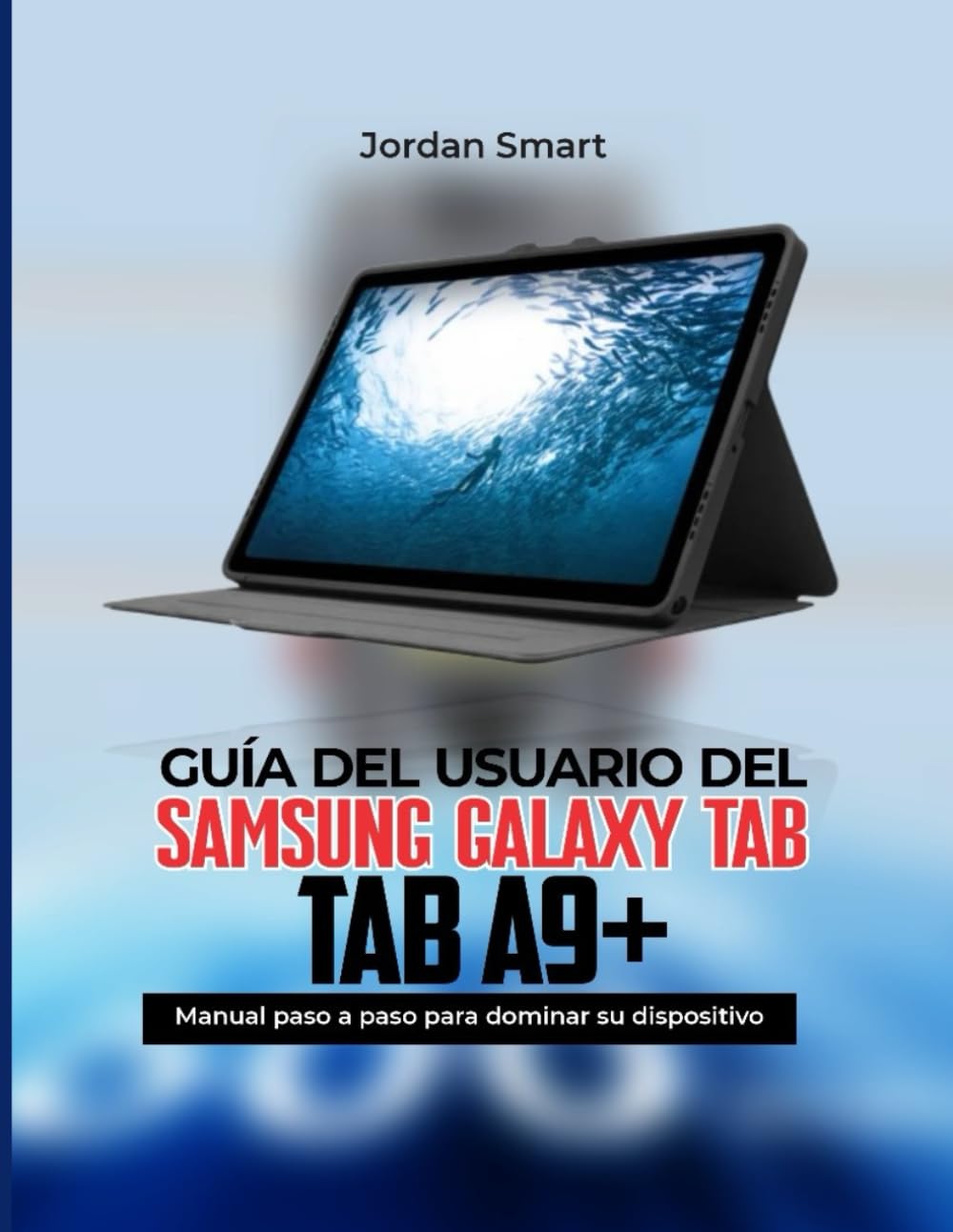
Image: Front cover of the official user guide for the Samsung Galaxy Tab A9+.
Энэхүү гарын авлагын тухай
This instruction manual serves as your essential companion to unlock all the functions of the Galaxy Tab A9+. It provides clear and simple steps designed for all users, ensuring you can maximize your device's potential.
Image: Back cover of the user guide, highlighting its purpose and user-friendly approach.
Төхөөрөмжийн тохиргоо
Setting up your Samsung Galaxy Tab A9+ correctly is the first step to a seamless experience. This section guides you through the initial configuration process, allowing you to get your device ready for use in minutes.
Initial Configuration Steps:
- Асаах: Press and hold the power button until the Samsung logo appears.
- Хэлний сонголт: Жагсаалтаас дуртай хэлээ сонгоно уу.
- Wi-Fi холболт: Connect to a stable Wi-Fi network to proceed with setup and updates.
- Нөхцөл: Review мөн Эцсийн Хэрэглэгчийн Лицензийн Гэрээ болон Нууцлалын Бодлогыг хүлээн зөвшөөрнө үү.
- Google Бүртгэлийн тохиргоо: Google бүртгэлээрээ нэвтэрч эсвэл шинээр үүсгэнэ үү. Энэ нь Google Play Store болон Google-ийн бусад үйлчилгээнд нэвтрэхэд зайлшгүй шаардлагатай.
- Samsung Account Setup (Optional): Sign in or create a Samsung account to access exclusive Samsung features and services.
- Өгөгдөл дамжуулах: If you are upgrading from another device, follow the on-screen prompts to transfer your data.
- Аюулгүй байдлын тохиргоо: Set up a screen lock (PIN, pattern, password, or biometric options like face recognition).
- Тохиргоог дуусгах: Complete the remaining steps, such as setting up Bixby or other personalized settings.
Once these steps are completed, your Samsung Galaxy Tab A9+ will be ready for use.
Төхөөрөмжөө ажиллуулж байна
This section covers the daily operation of your Samsung Galaxy Tab A9+, helping you to utilize its full range of features for various tasks, including work, study, entertainment, and general daily use. Discover how to navigate the interface, manage applications, and personalize your tablet to suit your preferences.
Үйл ажиллагааны гол талууд:
- Навигац: Understand gestures and button functions for smooth interaction.
- Апп менежмент: Аппликейшнуудыг үр дүнтэй суулгах, устгах, зохион байгуулах.
- Тохируулга: Personalize your home screen, widgets, themes, and notification settings.
- Холболт: Learn to connect to Wi-Fi, Bluetooth devices, and manage mobile data (if applicable).
- Мультимедиа: Use your tablet for photos, videos, music, and streaming content.
- Бүтээмжийн онцлогууд: Explore multi-window functionality, Samsung DeX (if supported by model), and S Pen features (if applicable).
- Нууцлагдсан шинж чанарууд: Uncover advanced settings and functionalities that enhance your user experience.
Performance and Maintenance Tips
To ensure your Samsung Galaxy Tab A9+ performs optimally and maintains its longevity, regular maintenance and adherence to best practices are crucial. This section provides essential tips to improve performance, extend battery life, and enhance device security.
Optimizing Your Tablet:
- Зайны хугацаа:
- Дэлгэцийн тод байдал болон хугацаа дуусах тохиргоог тохируулна уу.
- Close background apps and disable unnecessary features like GPS or Bluetooth when not in use.
- Эрчим хүч хэмнэх горимуудыг ашиглаарай.
- Гүйцэтгэл:
- Regularly clear cache and temporary files.
- Keep your software updated to the latest version.
- Avoid overloading storage with unnecessary files.
- Аюулгүй байдал:
- Use strong, unique passwords and enable two-factor authentication.
- Install apps only from trusted sources like the Google Play Store.
- Regularly back up your data.
- Enable "Find My Mobile" for remote device tracking and wiping.
Нийтлэг асуудлуудыг олж засварлах
This section provides clear solutions to common problems you might encounter with your Samsung Galaxy Tab A9+, helping you resolve issues without the immediate need for technical support.
Нийтлэг асуудал ба шийдэл:
- Төхөөрөмж хариу өгөхгүй байна:
Perform a force restart by holding the power button and volume down button simultaneously for about 7-10 seconds.
- Wi-Fi холболтын асуудал:
Toggle Wi-Fi off and on. Restart your router. Forget the network and reconnect. Ensure your tablet's software is updated.
- Батерейг хурдан шавхах:
Review apps consuming the most battery in settings. Reduce screen brightness. Disable always-on display. Check for rogue apps.
- Аппликейшнүүд гацаж эсвэл хөлдөж байна:
Clear the app's cache and data in settings. Uninstall and reinstall the app. Ensure the app and device software are updated.
- Хадгалах сан дүүрсэн:
Шаардлагагүй устга files, photos, and videos. Uninstall unused apps. Move media to cloud storage or an SD card (if supported).
Product Specifications (Samsung Galaxy Tab A9+)
This section outlines general specifications for the Samsung Galaxy Tab A9+. For detailed and model-specific technical data, please refer to Samsung's official webсайт эсвэл таны төхөөрөмжтэй хамт ирсэн баримт бичиг.
| Онцлог | Тодорхойлолт |
|---|---|
| Дэлгэц | Typically an LCD or AMOLED display, size varies by specific model (e.g., 8.7-inch or 11-inch). |
| Процессор | Octa-core processor, specific model may vary by region. |
| RAM | 4GB or 8GB, depending on the configuration. |
| Хадгалах | 64GB or 128GB internal storage, expandable via microSD card. |
| Камерууд | Rear camera (e.g., 8MP autofocus), Front camera (e.g., 5MP). |
| Батерей | Non-removable Li-Po battery, capacity varies by model. |
| Үйлдлийн систем | Android with Samsung's One UI overlay. |
| Холболт | Wi-Fi, Bluetooth, USB-C, optional LTE/5G. |
Note: These specifications are general and may vary based on the specific model and region of your Samsung Galaxy Tab A9+. Always consult official Samsung resources for the most accurate and up-to-date information.
Баталгаат болон дэмжлэг
For detailed information regarding the warranty of your Samsung Galaxy Tab A9+, including coverage, terms, and conditions, please refer to the warranty card included with your device or visit the official Samsung support webтанай бүс нутагт зориулсан сайт.
If you require technical assistance, service, or have questions not covered in this manual, please contact Samsung Customer Service directly. Official support channels typically include:
- Samsung албан ёсны Webсайт: www.samsung.com/support/
- Харилцагчийн үйлчилгээний лавлах утас: Check your regional Samsung webорон нутгийн холбоо барих утасны сайт.
- Эрх бүхий үйлчилгээний төвүүд: Locate a service center near you through the Samsung webсайт.
Always ensure you are consulting official Samsung resources for the most accurate and reliable support information.


