
1. Тохиргоо
1.1 Багцын агуулга
Угсрахаасаа өмнө багцад бүх бүрэлдэхүүн хэсгүүд байгаа эсэхийг шалгана уу.
- KTC H24F7 24 Inch 240Hz Monitor
- Хяналтын суурь
- Хяналтын зогсоол
- Эрчим хүчний адаптер
- HDMI кабель
- Түргэн эхлэх гарын авлага (QSG)
1.2 Угсрах заавар
Дэлгэцээ угсарахын тулд дараах алхмуудыг дагана уу.
- Монитор болон бүх эд ангиудыг савлагаанаас болгоомжтой салга.
- Attach the monitor stand to the monitor base. Ensure it clicks securely into place.
- Connect the assembled stand and base to the back of the monitor. The stand is designed for easy snap-in installation.
- Мониторыг тогтвортой, тэгш гадаргуу дээр байрлуул.

1.3 VESA бэхэлгээний суурилуулалт
The KTC H24F7 monitor supports VESA 100mm x 100mm mounting for alternative stand or wall mount solutions. Ensure you use M4-0.7 x 10mm screws (not included) for secure installation.

1.4 Төхөөрөмжүүдэд холбогдох
Тохирох кабелийг ашиглан компьютер эсвэл бусад төхөөрөмжөө монитортой холбоно уу.
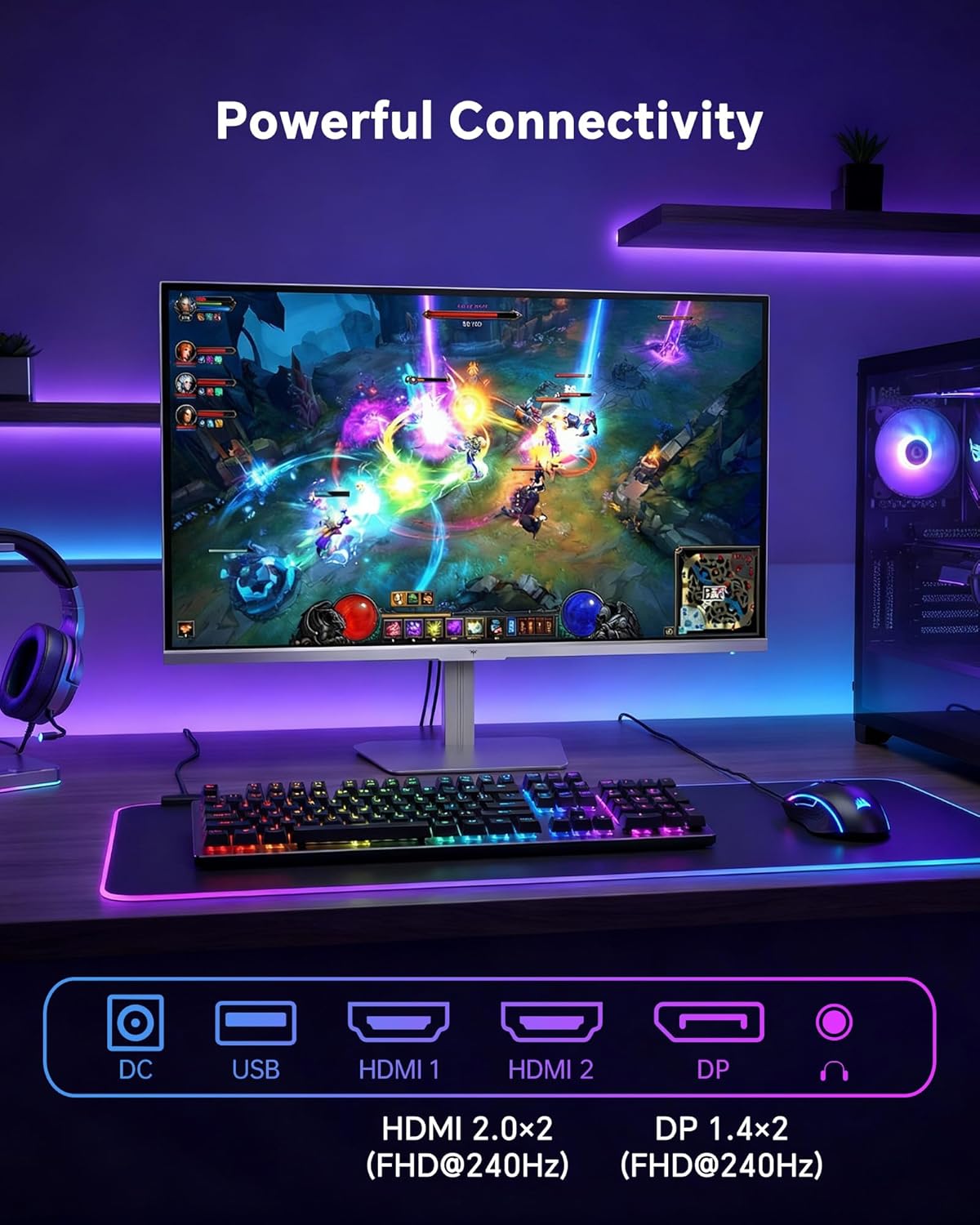
- HDMI: Use an HDMI cable to connect to devices with HDMI output. The monitor has two HDMI 2.0 ports, supporting FHD at 240Hz.
- DisplayPort: Use a DisplayPort cable for devices with DisplayPort output. The monitor has one DisplayPort 1.4, supporting FHD at 240Hz.
- Эрчим хүч: Connect the power adaptor to the DC input on the monitor and then to a power outlet.
- USB: A USB 2.0 port is available for connecting peripherals.
- Аудио гаралт: A 3.5mm audio jack is available for connecting headphones or external speakers.
2. Ашиглалтын заавар
2.1 Асаах/унтраах
Дэлгэц дээр байрлах цахилгаан товчийг дарж асаах эсвэл унтраана уу. Дэлгэц идэвхтэй байх үед цахилгаан заагч гэрэл асна.
2.2 Дэлгэц дээрх дэлгэц (OSD) цэс
The OSD menu allows you to adjust various monitor settings. Use the control buttons (typically located on the back or bottom of the monitor) to navigate the menu and select options. Refer to the Quick Start Guide for specific button functions.
2.3 Дэлгэцийн тохиргоо
Өөрийгөө оновчтой болго viewДараах тохиргоог тохируулах замаар туршлагыг сайжруулна уу:
- Сэргээх хурд: The monitor supports a 240Hz refresh rate for smooth motion. Ensure your graphics card settings are configured to utilize this rate.

- Дасан зохицох синк: This technology synchronizes the monitor's refresh rate with your graphics card's frame rate to eliminate screen tearing and stuttering. Enable Adaptive Sync in the OSD menu and ensure it is also enabled in your graphics card control panel (FreeSync/G-Sync compatible).

- HDR 400: High Dynamic Range 400 provides enhanced contrast and color accuracy, delivering brighter highlights and deeper shadows. Activate HDR in the OSD menu and your operating system display settings for compatible content.

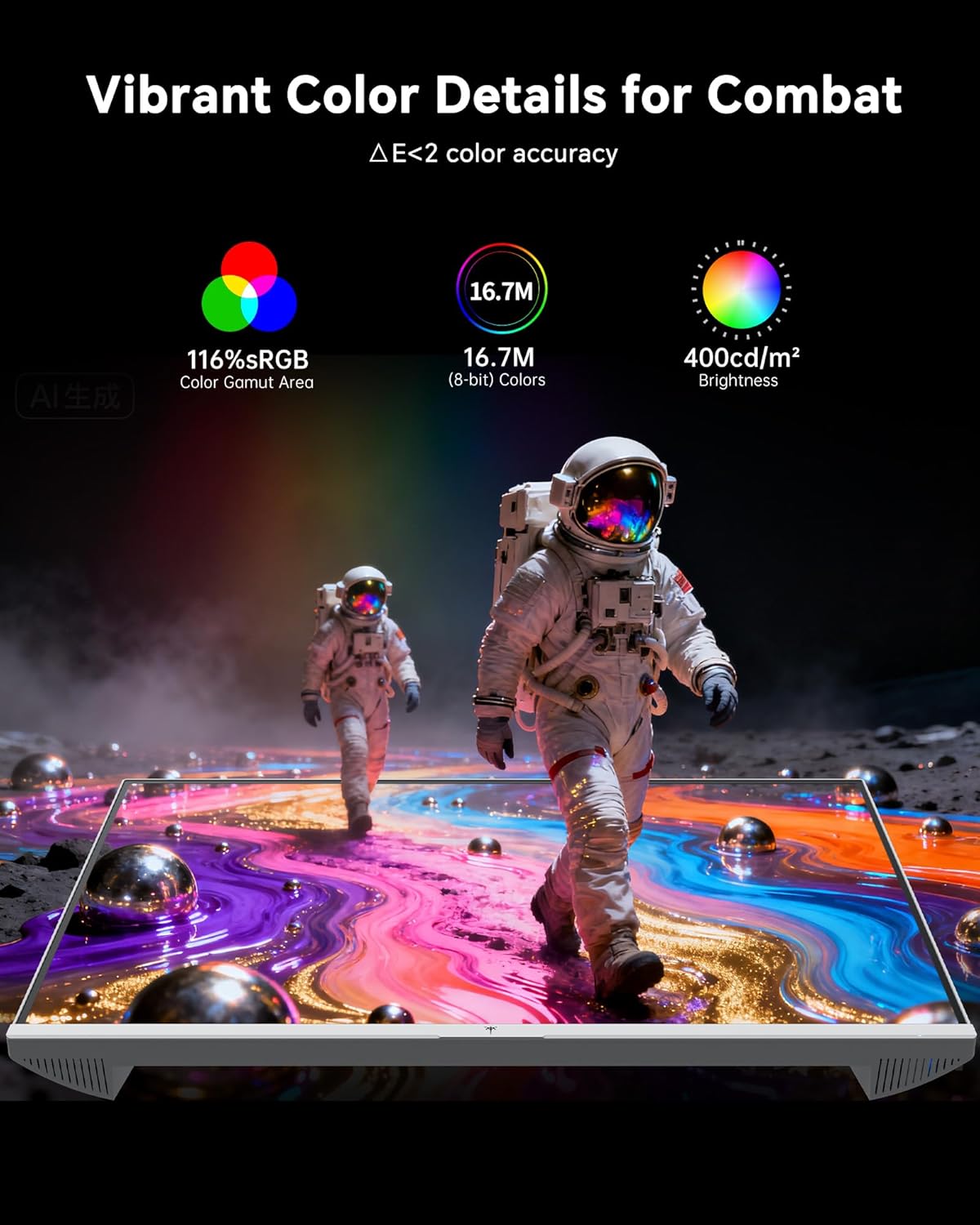
- Өнгөний тохиргоо: The monitor offers 116% sRGB color gamut and 16.7 million colors. Adjust brightness (up to 400 cd/m²) and color temperature through the OSD menu to suit your preference.
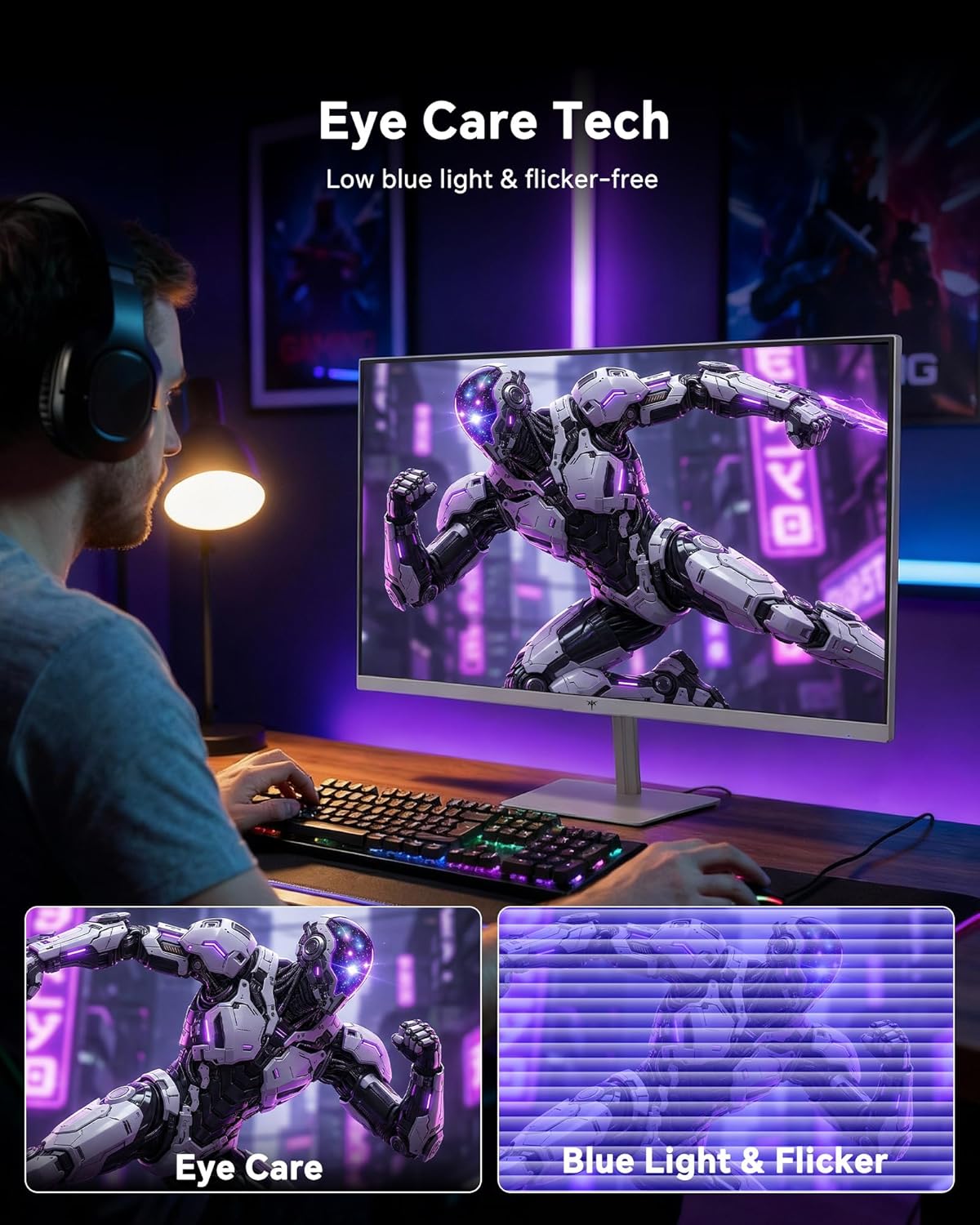
- Нүд арчилгааны технологи: The monitor features low blue light and flicker-free technology to reduce eye strain during prolonged use. These settings can typically be adjusted or enabled within the OSD menu.
2.4 Monitor Tilt Adjustment
The monitor supports tilt adjustment from -5° to 15° (±3°). Gently adjust the monitor panel to your desired viewөнцөг.
3. Засвар үйлчилгээ
3.1 Мониторыг цэвэрлэх
Хяналтын дэлгэцийг цэвэрлэх ба casing:
- Цэвэрлэхийн өмнө дэлгэцээ үргэлж унтрааж, цахилгааны утсыг салга.
- Зөөлөн, хөвөнгүй даавууг бага зэрэг хэрэглээрэй dampусаар эсвэл зөөлөн, зүлгүүргүй дэлгэц цэвэрлэгчээр дүүргэнэ.
- Wipe the screen gently to remove dust and smudges. Avoid applying excessive pressure.
- c-ийн хувьдasing, use a dry, soft cloth. Do not use alcohol, ammonia, or abrasive cleaners, as these can damage the surface.
3.2 Ерөнхий арчилгаа
- Монитор болон түүний кабель дээр хүнд зүйл байрлуулахаас зайлсхий.
- Мониторыг нарны шууд тусгал, хэт халуун, хэт хүйтэнд бүү тавь.
- Keep the monitor away from liquids and high humidity.
- Хэт халалтаас сэргийлэхийн тулд мониторын эргэн тойронд агааржуулалтыг сайтар хангана уу.
4. Алдаа засах
If you encounter issues with your KTC H24F7 monitor, refer to the following common problems and solutions:
| Асуудал | Боломжит шалтгаан | Шийдэл |
|---|---|---|
| Дэлгэц дээр зураг алга | Power cable disconnected; Video cable disconnected or loose; Incorrect input source selected; Monitor is off. | Ensure power cable is securely connected and monitor is on. Check video cable connections (HDMI/DisplayPort) at both the monitor and computer. Press the input source button on the monitor to cycle through inputs. |
| Зураг анивчих эсвэл урагдах | Adaptive Sync not enabled; Graphics card driver issues; Faulty video cable. | Enable Adaptive Sync in the OSD menu and your graphics card control panel. Update graphics card drivers. Try a different video cable. If using DisplayPort 1, try DisplayPort 2 or HDMI if available, as some units may experience issues with specific ports. |
| Өнгө нь буруу эсвэл угаасан харагдаж байна | Color settings incorrect; HDR not properly configured; Faulty video cable. | Adjust color settings (brightness, contrast, color temperature) in the OSD menu. Ensure HDR is enabled in both the OSD and your operating system for HDR content. Try a different video cable. |
| Monitor not reaching 240Hz | Graphics card limitations; Incorrect display settings in OS; Cable bandwidth limitations. | Ensure your graphics card supports 240Hz at 1080p. Verify display settings in your operating system (e.g., Windows Display Settings or NVIDIA/AMD control panel) are set to 240Hz. Use the provided HDMI cable or a certified DisplayPort 1.4 cable. |
| Stuck or dead pixels | Үйлдвэрлэлийн гэмтэл. | A small number of stuck or dead pixels (typically 1-3) may be considered normal for LCD panels. If the issue is severe or persistent, contact customer support. |
5. Техникийн үзүүлэлтүүд
| Онцлог | Дэлгэрэнгүй |
|---|---|
| Брэнд | CTC |
| Загварын дугаар | H24F7 |
| Дэлгэцийн хэмжээ | 24 инч |
| Шийдвэр | FHD 1080p (1920 x 1080 пиксел) |
| Самбарын төрөл | Хурдан IPS |
| Сэргээх хурд | 240 Гц |
| Хариу өгөх хугацаа | 1 Millisecond (MPRT) |
| Харьцаа | 16:9 |
| Гэрэлтүүлэг | Нэг метр квадрат тутамд 400 кандела |
| Ялгаатай харьцаа | 1000:1 |
| Өнгөний хүрээ | 116% sRGB |
| HDR дэмжлэг | HDR 400 |
| Дасан зохицох синк | FreeSync, G-Sync Compatible |
| Холболт | 2x HDMI 2.0, 1x DisplayPort 1.4, 1x USB 2.0, 1x Audio Out (3.5mm) |
| Нүдний арчилгааны онцлог | Low Blue Light, Flicker-Free, Anti-Glare Screen |
| Тохируулга | Tilt (-5° to 15°) |
| VESA уул | 100 мм x 100 мм |
| Хэмжээ (D x W x H) | 5.39"D x 21.25"W x 15.74"H |
| Зүйлийн жин | 3.2 кг |
| Өнгө | Цагаан |
6. Баталгаат хугацаа ба дэмжлэг
6.1 Баталгаат хугацааны мэдээлэл
The KTC H24F7 monitor comes with a three-year manufacturer warranty. Энэхүү баталгаа нь ердийн ашиглалтын үед хийгдсэн материал, хийцийн согогийг хамарна.
Баталгаат заргад зориулж худалдан авалтаа нотлох баримтаа үлдээнэ үү.
6.2 Хэрэглэгчийн дэмжлэг
For technical assistance, warranty claims, or any questions regarding your KTC H24F7 monitor, please contact KTC customer support. KTC aims to provide responsive customer support and typically responds within 12 hours.
You can usually find contact information on the official KTC website or through the retailer where you purchased the product. When contacting support, please have your monitor model number (H24F7) and purchase details ready.