1. Бүтээгдэхүүн дууссанview
The Bespeco Ground Series Microphone Stand MS30NE is designed for stable and adjustable microphone placement. It features a boom arm, a loaded nylon tripod base, and a clutch-style height adjustment mechanism for versatile use in various audio applications.

Figure 1: Bespeco Ground Series Microphone Stand with boom arm and tripod base.
2. Тохируулах заавар
Follow these steps to assemble your microphone stand:
- Бүрэлдэхүүн хэсгүүдийг задлах: Carefully remove all parts from the packaging. Verify that all components are present: main shaft, tripod base, and boom arm.
- Attach Tripod Base: Extend the legs of the tripod base. Secure the legs in position using the locking knob located at the top of the base. Ensure the legs are fully spread for maximum stability.
- Insert Main Shaft: Insert the lower section of the main shaft into the tripod base. Tighten the ergonomic knob on the tripod base to secure the shaft firmly.
- Adjust Main Shaft Height: Loosen the clutch-style height adjustment knob on the main shaft. Extend the shaft to the desired height and then tighten the knob securely to lock it in place.
- Attach Boom Arm: Insert the boom arm into the top of the main shaft. Adjust the angle and extension of the boom arm using its dedicated ergonomic knob. Ensure it is tightened to prevent movement.
- Микрофон суурилуулах: Attach your microphone clip or shock mount to the threaded end of the boom arm.
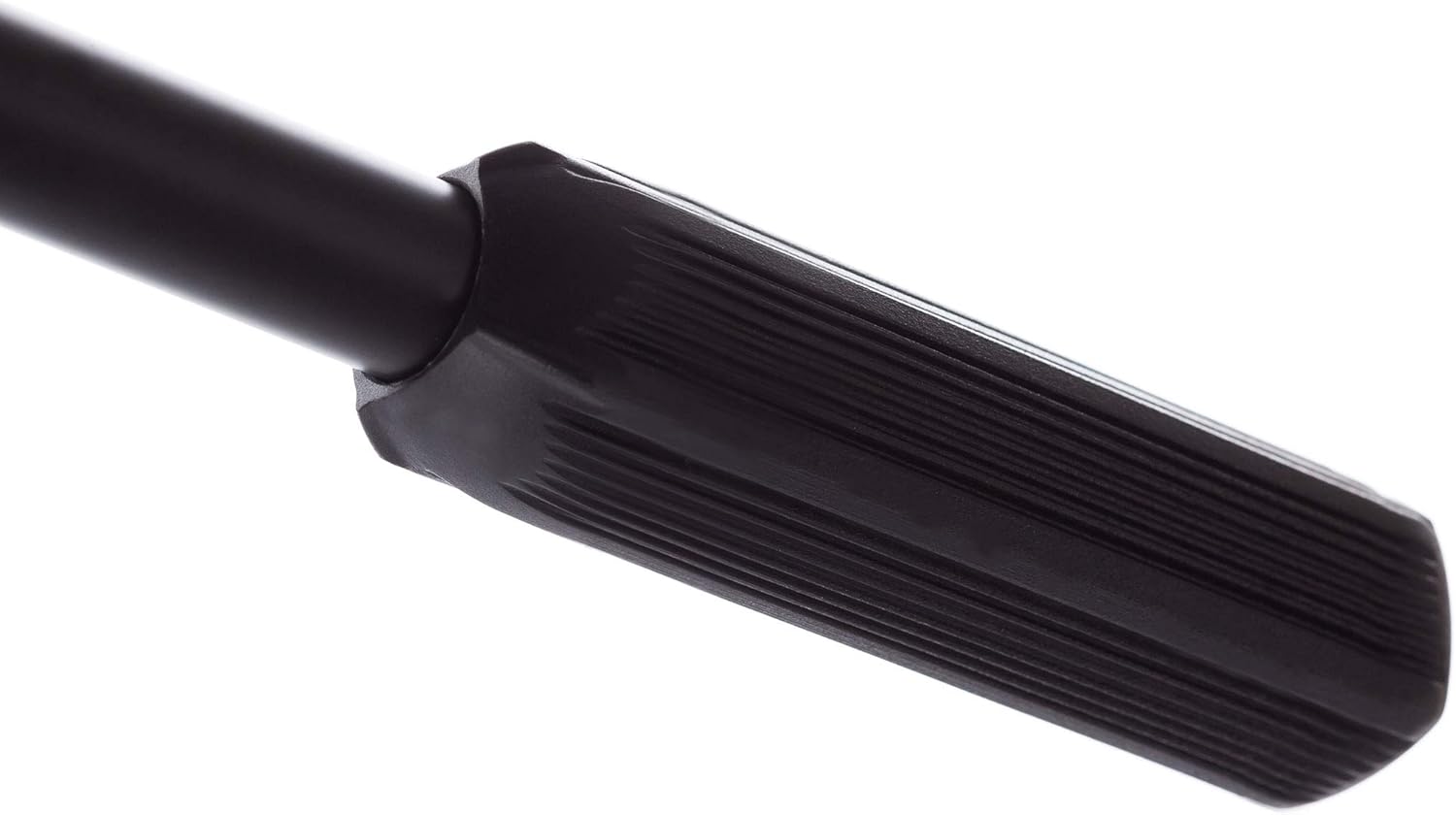
Figure 2: Tripod base locking knob.
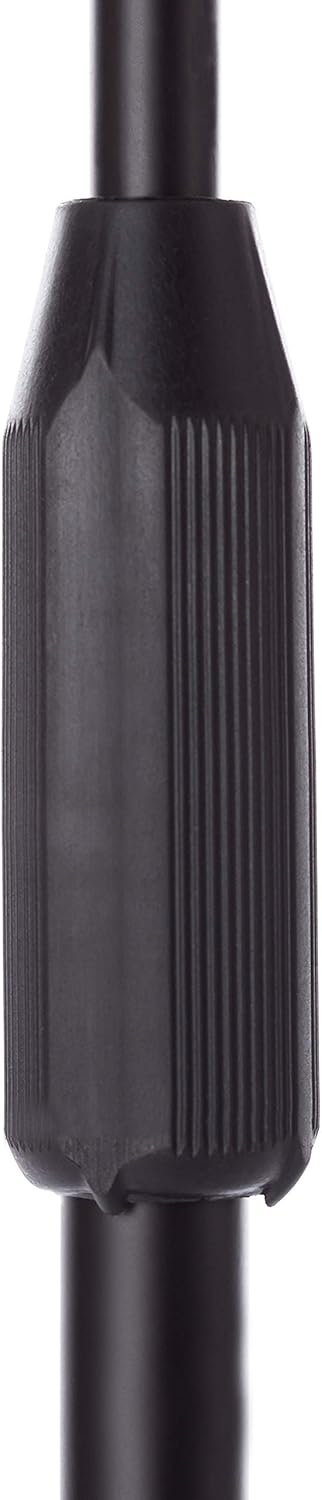
Figure 3: Clutch-style height adjustment.

Figure 4: Boom arm adjustment knob.
3. Ашиглалтын заавар
To use your Bespeco microphone stand effectively:
- Өндөр тохируулга: To change the height of the microphone, loosen the clutch-style knob on the main shaft, adjust to the desired height, and then firmly retighten the knob.
- Бумны гарны тохируулга: The boom arm allows for both angle and extension adjustments. Loosen the ergonomic knob on the boom arm, position the microphone as needed, and then tighten the knob to secure it.
- Тогтвортой байдал: Always ensure all knobs are securely tightened before placing a microphone on the stand. For heavy microphones, ensure the boom arm is not overextended to maintain balance. The loaded nylon tripod base provides enhanced stability.

Figure 5: Ergonomic boom arm adjustment.
4. Засвар үйлчилгээ
Proper maintenance ensures the longevity and performance of your microphone stand:
- Цэвэрлэгээ: Тавиурыг зөөлөн арчиж тогтмол арчиж, damp Тоос шороо, бохирдлыг арилгахын тулд даавуу хэрэглэнэ. Зүлгүүрийн цэвэрлэгч эсвэл уусгагч бодисоос зайлсхий.
- Бэхэлгээний шалгалт: Periodically check all knobs and fasteners to ensure they are tight. Loose components can affect stability and safety.
- Хадгалах: When not in use, collapse the stand to its most compact form and store it in a dry, clean environment to prevent damage.

Figure 6: Boom arm end cap.
5. Алдаа засах
If you encounter issues with your microphone stand, consider the following:
- Зогсоолын тогтворгүй байдал:
- Ensure the tripod legs are fully extended and the base locking knob is tightened.
- Verify that the main shaft and boom arm adjustment knobs are securely fastened.
- If using a heavy microphone, ensure the boom arm is not overextended. Consider repositioning the microphone closer to the main shaft or adding a counterweight if necessary.
- Difficulty Adjusting Height/Boom:
- Ensure the relevant adjustment knob (clutch-style for height, ergonomic for boom) is sufficiently loosened before attempting to adjust.
- Check for any obstructions or debris in the adjustment mechanisms.
6. Техникийн үзүүлэлтүүд
| Онцлог | Дэлгэрэнгүй |
|---|---|
| Загварын дугаар | MS30NE |
| Зүйлийн жин | 2.44 фунт (1.11 кг) |
| Бүтээгдэхүүний хэмжээ (L x W x H) | 38.58 x 3.5 x 3.54 инч (98 x 8.9 x 9 см) |
| Материалын төрөл | Steel construction with epoxy powder paint, Nylon base |
| Өнгө | Хар |
| Үндсэн төрөл | Loaded Nylon Tripod Base |
| Өндөр тохируулга | Clutch style |
7. Баталгаат хугацааны мэдээлэл
Specific warranty details for the Bespeco Ground Series Microphone Stand MS30NE may vary by region and retailer. Please retain your proof of purchase. For comprehensive warranty information, it is recommended to consult the official Bespeco webсайт эсвэл эрх бүхий дилертэйгээ холбогдоно уу.
8. Дэмжлэг
For further assistance, technical support, or inquiries regarding your Bespeco Ground Series Microphone Stand MS30NE, please visit the official Bespeco webсайт эсвэл харилцагчийн үйлчилгээний хэлтэстэй холбогдоно уу. Холбоо барих мэдээллийг ихэвчлэн үйлдвэрлэгчээс олж болно webсайт эсвэл бүтээгдэхүүний сав баглаа боодол.


