Танилцуулга
The Korg SH-CS100 Sledgehammer Clip-on Guitar Tuner is designed for precise and reliable instrument tuning. This device offers ultra-high tuning accuracy of +/- 0.1 cents and an extended battery life of approximately 100 hours, powered by a single AAA battery. Its clip-on design allows for easy attachment to instrument headstocks, utilizing vibration sensing for accurate tuning in various environments.
Аюулгүй байдлын урьдчилан сэргийлэх арга хэмжээ
- Төхөөрөмжийг хэт өндөр температур, чийгшил, нарны шууд тусгалд бүү тавь.
- Нэгжийг унагах эсвэл хүчтэй цохилтонд оруулахаас зайлсхий.
- Төхөөрөмжийг задлах, өөрчлөхийг бүү оролдоорой. Бүх үйлчилгээг мэргэшсэн боловсон хүчинд шилжүүлээрэй.
- Бага насны хүүхдээс хол байлга.
- Remove the battery if the unit will not be used for an extended period to prevent leakage.
Багцын агуулга
Таны багц дараах зүйлсийг агуулж байгаа эсэхийг шалгана уу.
- Korg SH-CS100 Sledgehammer Clip-on Guitar Tuner (1 unit)
- AAA Battery (pre-installed or included separately)
Тохиргоо
- Батерей суурилуулах:
The Korg SH-CS100 uses one AAA battery. If not pre-installed, open the battery compartment, insert the AAA battery according to the polarity markings, and close the compartment securely.

Зураг: хажуу тал view of the Korg SH-CS100 tuner, illustrating the location of the battery compartment and the control wheel.
- Тохируулагчийг холбох нь:
Clip the tuner securely onto the headstock of your guitar or bass. Ensure the clip makes firm contact with the instrument to effectively pick up vibrations. The display can be rotated for optimal viewөнцөг.
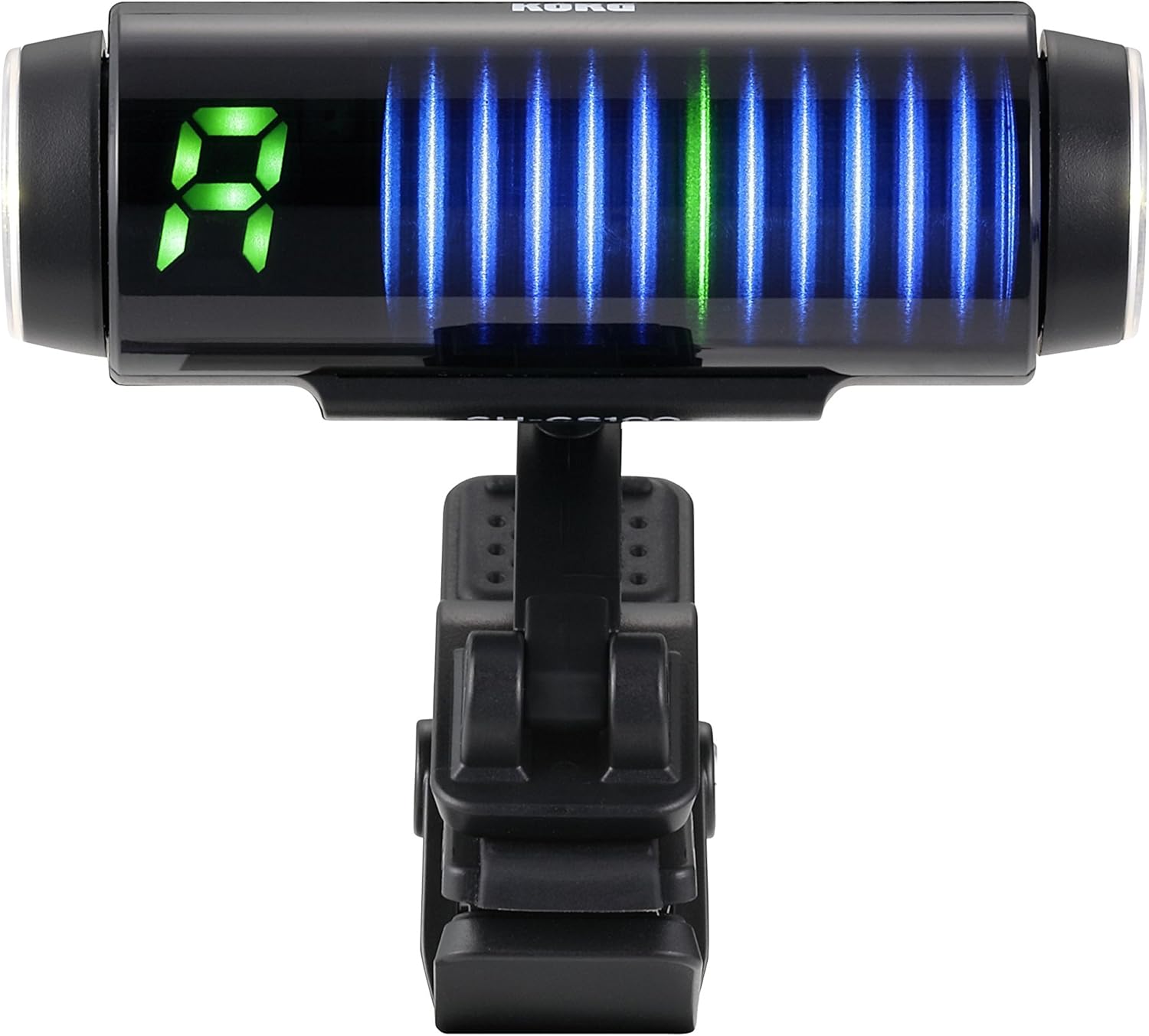
Image: The Korg SH-CS100 tuner attached to an instrument headstock, displaying the tuning interface.
- Асаах/унтраах:
Locate the power/mode wheel on the side of the tuner. Rotate the wheel to turn the unit on or off. A brief press or rotation may also cycle through display modes.
Ашиглалтын заавар
- Тохируулах горимыг сонгох:
The SH-CS100 typically operates in a chromatic mode, automatically detecting the note played. Some models may offer specific guitar or bass modes. Use the control wheel to cycle through available modes if applicable.
- Хөгжмийн зэмсгээ тохируулах нь:
Pluck a single string on your instrument. The tuner's display will show the detected note and indicate whether it is sharp, flat, or in tune. Adjust the tuning peg until the display shows the correct note and the indicator is centered, signifying accurate pitch.
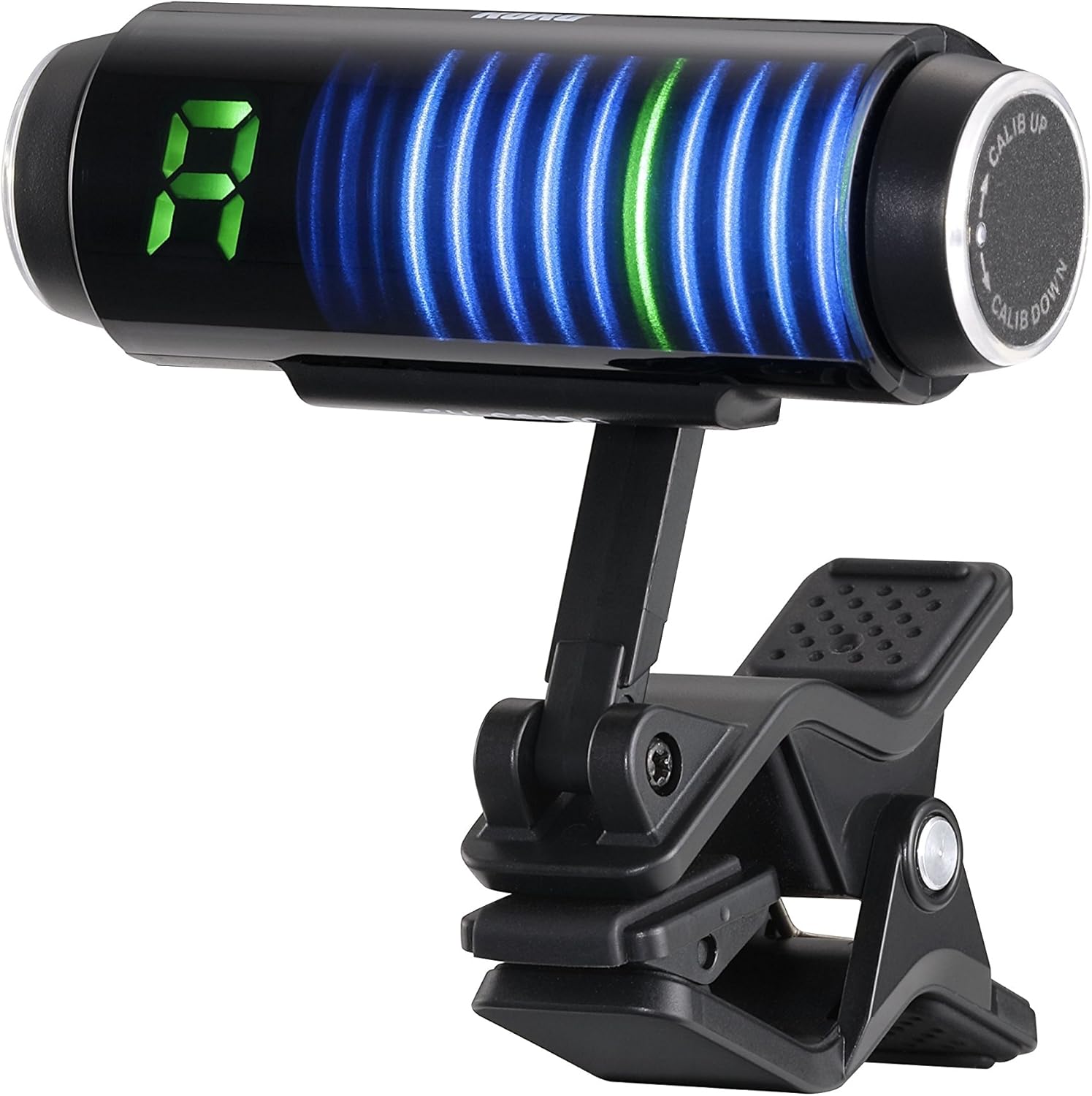
Зураг: Урд view of the Korg SH-CS100 tuner display, showing a detected note and visual indicators for tuning accuracy.
- Display Interpretation:
The large LED display shows the note name (e.g., A, E, G). The vertical bar graph or strobe-like display indicates pitch deviation. When the bars are centered and stable, the note is in tune. Bars moving to the left indicate flat, and to the right indicate sharp.
- Calibrating Pitch (A4 Reference):
The standard concert pitch (A4) is typically 440 Hz. If you need to adjust this reference pitch, use the "CALIB UP" or "CALIB DOWN" functions, usually accessible via the control wheel, to set the desired A4 frequency.
Засвар үйлчилгээ
- Цэвэрлэгээ: Use a soft, dry cloth to wipe the tuner's surface. Do not use abrasive cleaners or solvents.
- Зай солих: When the display dims or the tuner becomes unresponsive, replace the AAA battery. Ensure correct polarity during installation.
- Хадгалах: Store the tuner in a cool, dry place away from direct sunlight when not in use.
Алдааг олж засварлах
- Тохируулагч асахгүй байна:
Check if the AAA battery is correctly installed with the proper polarity. Replace the battery if it is depleted.
- Inaccurate or unstable tuning:
Ensure the tuner is securely clipped to the instrument's headstock. The clip must make good contact to pick up vibrations effectively. Avoid tuning in noisy environments that might interfere with vibration detection.
- Дэлгэц бүдэг эсвэл анивчих:
This usually indicates a low battery. Replace the AAA battery.
- Difficulty operating the control wheel:
The control wheel may require a firm grip. Ensure your fingers are dry and clean for better traction. If the wheel is excessively stiff or loose, contact support.
Үзүүлэлтүүд
| Загварын дугаар | SH-CS100 |
| Тохируулах нарийвчлал | +/- 0.1 цент |
| Зайны ашиглалт | Ойролцоогоор 100 цаг |
| Зайны төрөл | 1 x AAA (Lithium Metal or Alkaline) |
| Хэмжээ (L x W x H) | 2.52 x 1.93 x 2.6 инч (64 x 49 x 66 мм) |
| Жин | 1.06 унц (30 грамм) |
| Биеийн материал | Acrylnitril-Butadien-Styrol (ABS) |
| Өнгө | Хар |
Баталгаат хугацааны мэдээлэл
Korg products are typically covered by a limited manufacturer's warranty against defects in materials and workmanship. The specific terms and duration of the warranty may vary by region and product. Please retain your proof of purchase for warranty claims. For detailed warranty information, refer to the official Korg website or contact Korg customer support.
Дэмжлэг
For further assistance, technical support, or inquiries regarding your Korg SH-CS100 Sledgehammer Clip-on Guitar Tuner, please visit the official Korg webсайт эсвэл харилцагчийн үйлчилгээний хэлтэстэй холбогдоно уу. Та дэлгэрэнгүй мэдээлэл, эх сурвалжийг хаягаас авах боломжтой KORG Store on Amazon.


