1. Танилцуулга
The HyperX Cloud Pro Gaming Headset is engineered for serious console and PC gamers, offering superior comfort and audio performance. Featuring a durable aluminum frame, memory foam ear cushions, and 53mm drivers, this headset delivers crystal clear highs, mids, and lows. The convenient in-line audio control provides easy access to volume adjustments and microphone muting, ensuring an immersive gaming experience.
2. Багцын агуулга
- HyperX Cloud Pro Gaming Headset
- Салдаг дуу чимээг арилгах микрофон
- In-line Audio Control Box
- PC Extension Cable (2M) with Stereo and Mic Plugs
- Зөөх уут

Image: All components included with the HyperX Cloud Pro Gaming Headset.
3. Бүтээгдэхүүн дууссанview
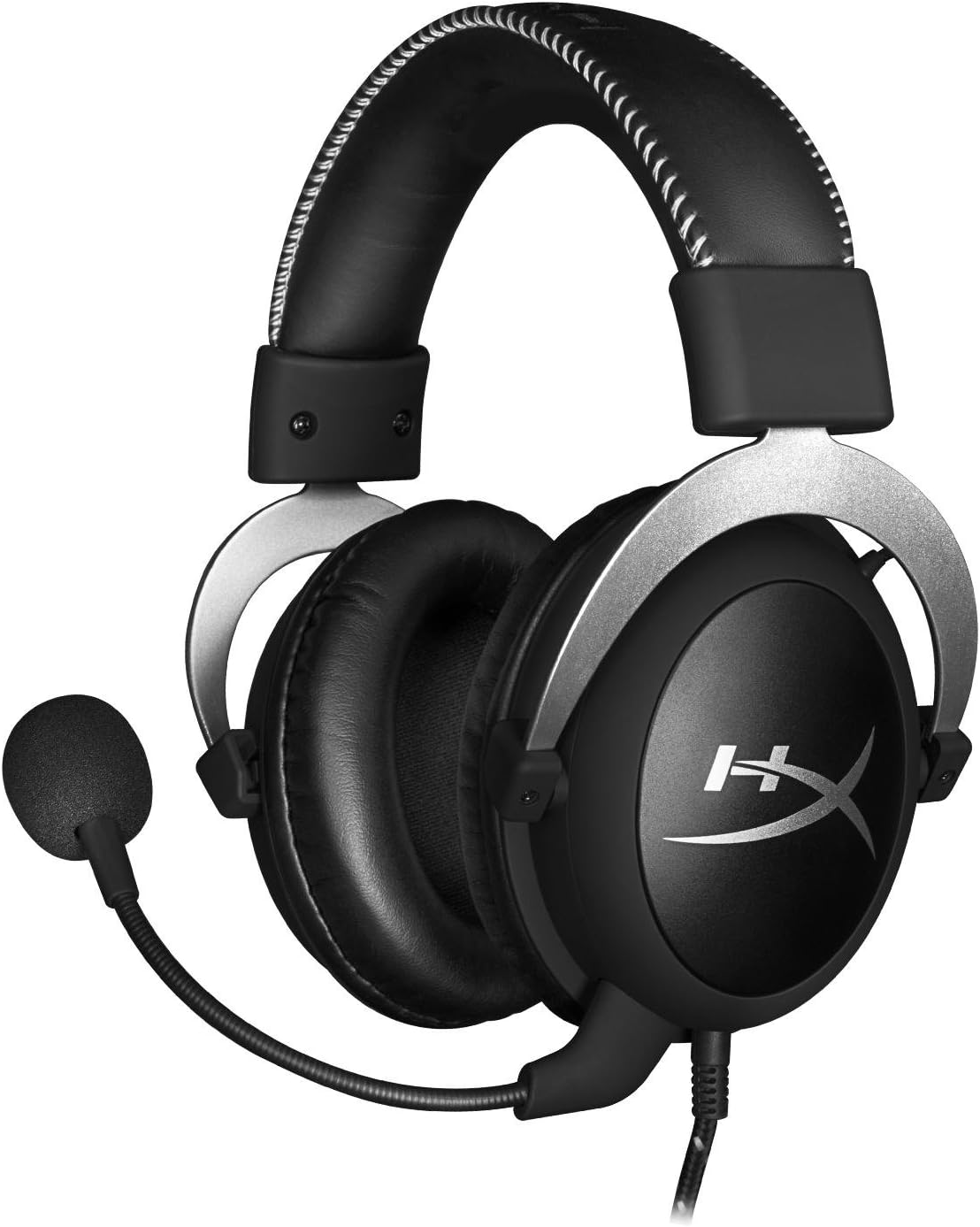
Урд view of the headset with microphone.
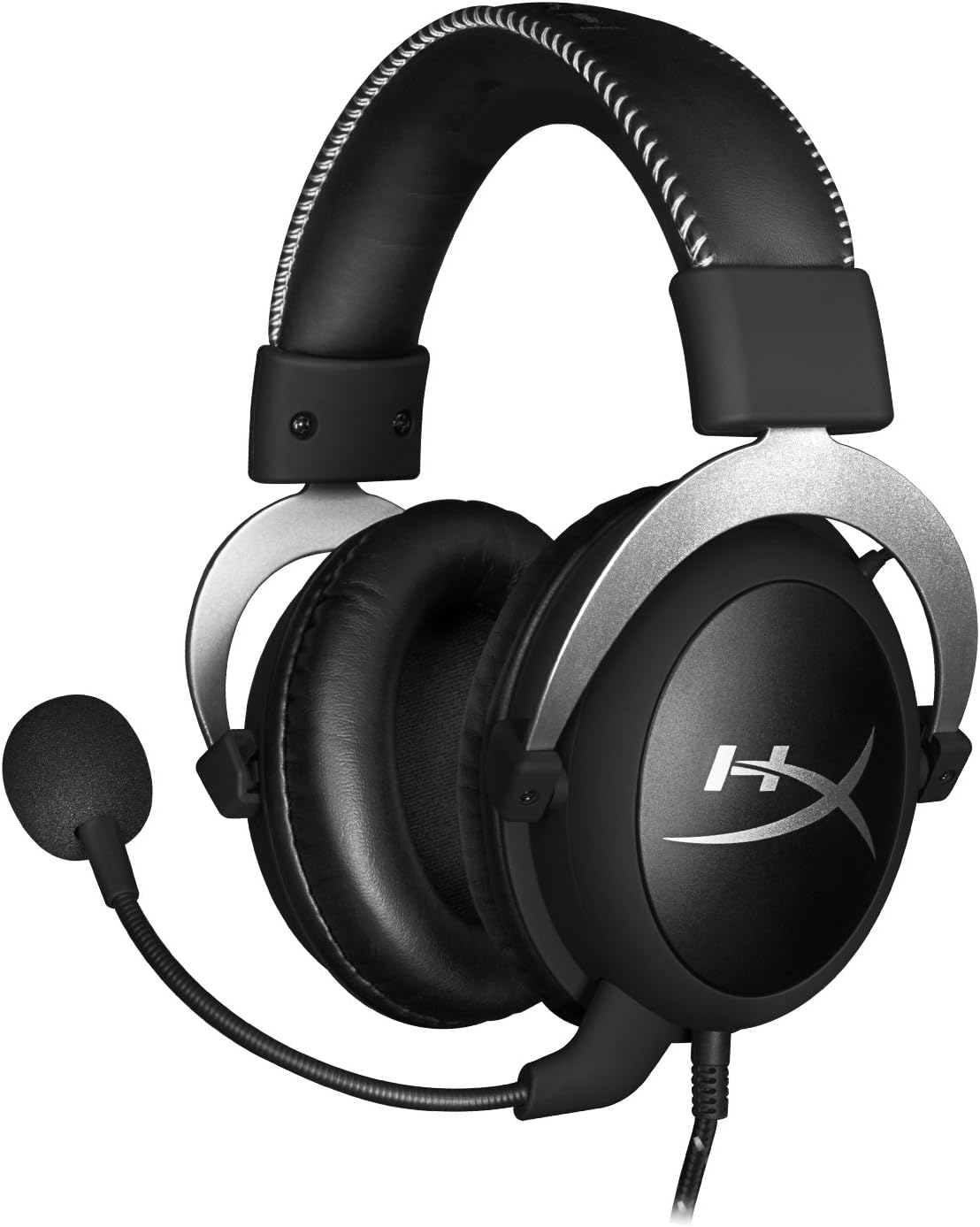
Хажуу тал view чихэвчний.

Headset folded flat for storage.

Топ view of the headband.
Гол бүрэлдэхүүн хэсгүүд:
- Толгойн тууз: Padded with leatherette for comfort during extended use.
- Чихний аяга: Over-ear design with memory foam cushions, providing passive noise isolation.
- Салдаг микрофон: Flexible, noise-cancelling microphone for clear communication.
- In-line Audio Control: Integrated unit on the cable for volume adjustment and microphone mute.
4. Тохиргоо ба холболт
4.1 Компьютерийн холболт
- Connect the headset's 3.5mm plug to the in-line audio control box.
- Attach the PC extension cable to the in-line audio control box.
- Plug the green audio jack of the extension cable into your PC's audio output (headphone) port.
- Plug the pink microphone jack of the extension cable into your PC's microphone input port.
- Ensure the detachable microphone is securely inserted into the headset's microphone port.
4.2 Console Connection (PS4, Xbox One, Wii U)
- Connect the headset's 3.5mm plug directly into your console controller's 3.5mm port.
- Ensure the detachable microphone is securely inserted into the headset's microphone port.
- Adjust audio settings on your console as needed to route chat and game audio through the headset.
4.3 Гар утасны төхөөрөмжийн холболт
- Connect the headset's 3.5mm plug directly into your mobile device's 3.5mm audio jack.
- The microphone can be attached for calls or detached if not needed.

Image: In-line audio control unit.
5. Ашиглалтын заавар
5.1 Дууны хяналт
The in-line audio control features a rotary volume wheel. Rotate the wheel upwards to increase volume and downwards to decrease volume. This adjusts the headset's output volume independently of your device's master volume.
5.2 Микрофоны дууг хаах
A switch on the in-line audio control allows you to quickly mute or unmute the microphone. Slide the switch to the 'Mute' position to disable the microphone, and slide it back to enable it. This is useful for privacy or when you do not wish your voice to be transmitted.
6. Засвар үйлчилгээ, арчилгаа
- Цэвэрлэгээ: Чихэвчийг зөөлөн, хуурай даавуугаар арчина. Чихний дэрний хувьд бага зэрэг арчина.amp даавуу хэрэглэж болох ч хэрэглэхийн өмнө бүрэн хуурай байгаа эсэхийг шалгаарай. Хүчтэй химийн бодис эсвэл зүлгүүрийн цэвэрлэгчээс зайлсхий.
- Хадгалах: When not in use, store the headset in the provided carrying pouch to protect it from dust and scratches. Avoid extreme temperatures and humidity.
- Кабель арчилгаа: Do not excessively bend or pull the cables. Store them neatly to prevent tangling and damage.
7. Алдаа засах
| Асуудал | Боломжит шалтгаан | Шийдэл |
|---|---|---|
| Чихэвчнээс аудио байхгүй | Incorrect connection; Volume too low; Device audio settings. | Ensure all cables are securely connected. Increase volume using the in-line control and device settings. Verify audio output settings on your PC/console. |
| Микрофон ажиллахгүй байна | Microphone muted; Incorrect connection; Device microphone settings. | Check the microphone mute switch on the in-line control. Ensure the microphone is fully inserted. Verify microphone input settings on your PC/console. |
| Дууны чанар муу / Статик | Loose connection; Interference; Damaged cable. | Reconnect all cables. Test on another device to rule out interference. If issues persist, the cable may be damaged. |
| Headset uncomfortable | Зохисгүй тохироо. | Adjust the headband for a comfortable fit. The memory foam ear cushions are designed for extended comfort. |
8. Техникийн үзүүлэлтүүд
- Загварын нэр: HyperX Cloud Pro Gaming Headset - Silver - with In-Line Audio Control
- Загварын дугаар: HX-HSCL-SR/NA
- Холболт: Утастай (3.5 мм залгуур)
- Жолооч нар: 53 мм динамик драйверууд
- Давтамжийн хариу: 15 Гц - 25 кГц
- Материал: Foam, Aluminum, Leather
- Барааны жин: 0.6 килограмм (1.32 фунт)
- Тохиромжтой төхөөрөмжүүд: PS5, PS4, Xbox One, Wii U, Mac, Mobile Devices, PC
- Хяналтын төрөл: Дууны хяналт, Микрофоныг хаах
- Дуу чимээний хяналт: Идэвхтэй дуу чимээг арилгах (микрофон)
9. Баталгаат хугацаа ба дэмжлэг
The HyperX Cloud Pro Gaming Headset is backed by a 2 жилийн баталгаат хугацаа. For technical support or warranty claims, please contact HyperX customer service. You can also refer to the official Хэрэглэгчийн гарын авлага (PDF) нэмэлт мэдээлэл авахыг хүсвэл.


