Танилцуулга
Thank you for choosing the Billboard Bluetooth Wireless Hook Over Earbuds. This manual provides essential information for setting up, operating, and maintaining your new earbuds. Please read these instructions carefully before use to ensure optimal performance and longevity of your device. Keep this manual for future reference.
Багцын агуулга
Бүх зүйл багцад байгаа эсэхийг шалгаарай:
- Billboard Bluetooth Wireless Hook Over Earbuds
- Микро USB цэнэглэгч кабель
- Хэрэглэгчийн гарын авлага (энэ баримт бичиг)
Бүтээгдэхүүн дууссанview
The Billboard Bluetooth Wireless Hook Over Earbuds are designed for comfortable and secure fit, featuring a tangle-free flat cord and integrated controls for music and calls.
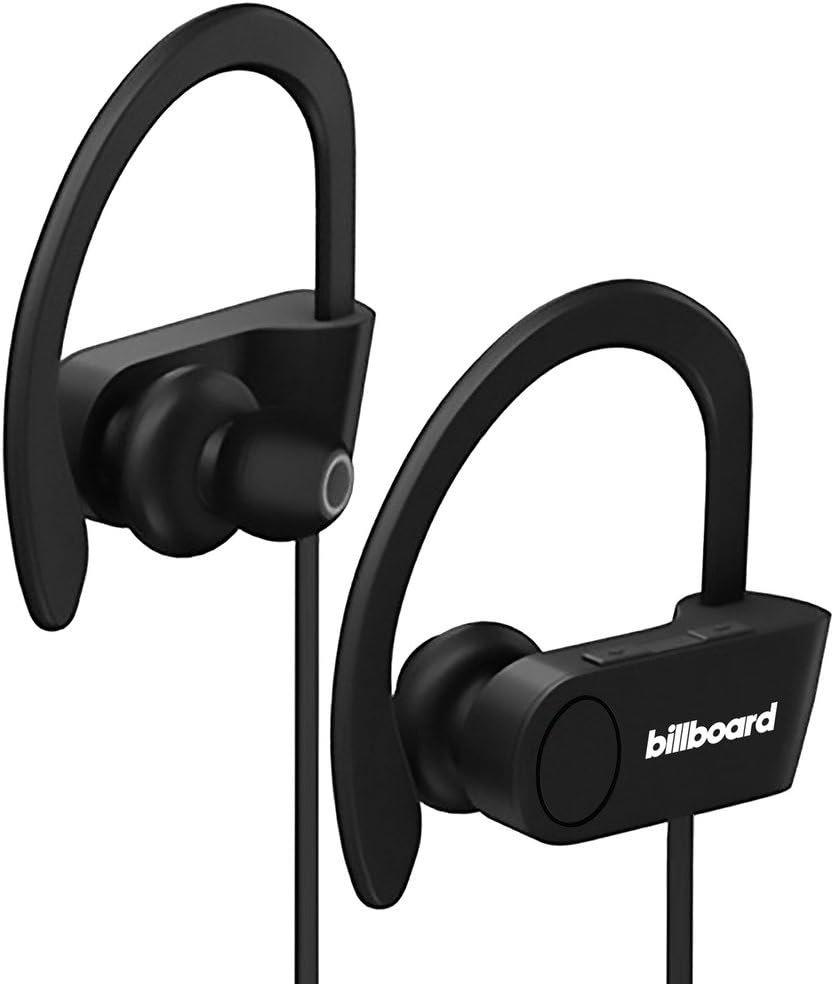
Image: Billboard Bluetooth Wireless Hook Over Earbuds, front view. These black earbuds feature an over-ear hook design for secure placement and a flat cord connecting the two earpieces.

Image: Billboard Bluetooth Wireless Hook Over Earbuds, showing the flat tangle-free cord. The design emphasizes a comfortable fit with the ear hooks and the practical flat cable.
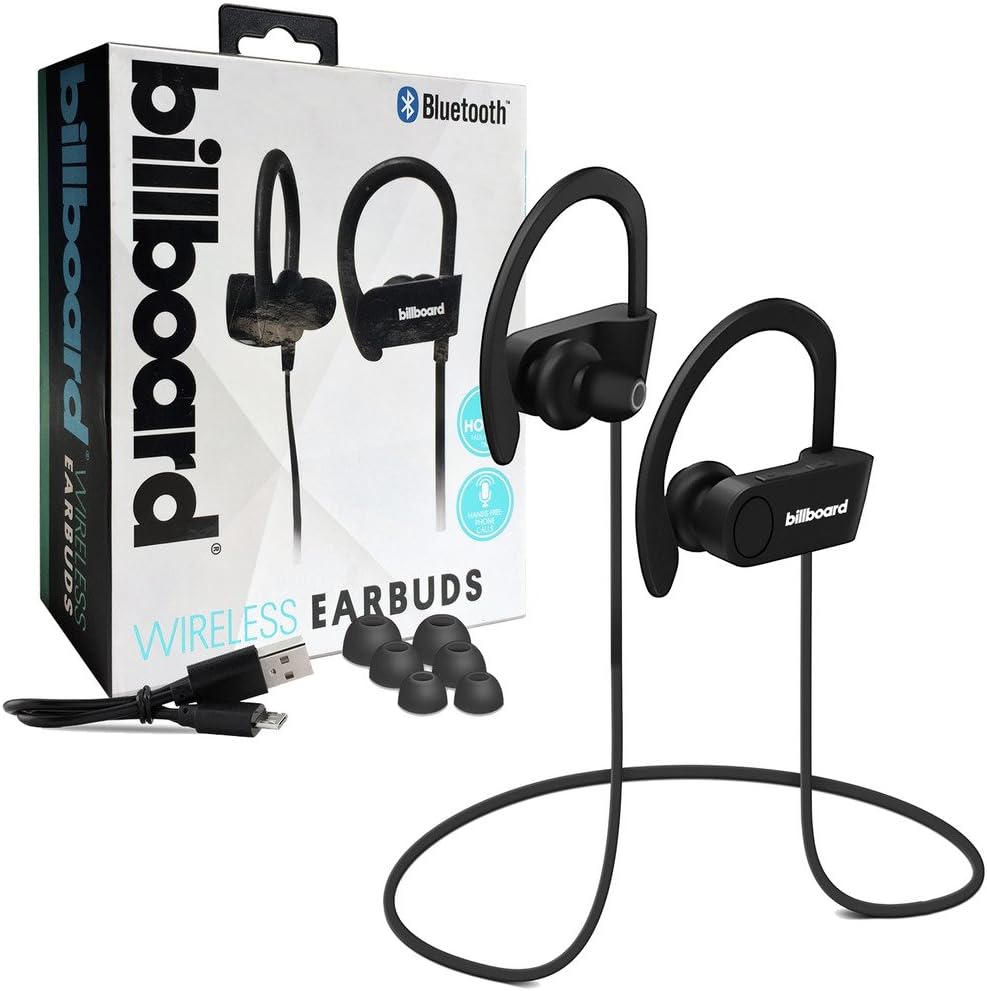
Image: Billboard Bluetooth Wireless Hook Over Earbuds packaging with included accessories. The box displays the earbuds, a charging cable, and additional ear tips, highlighting the product's features.
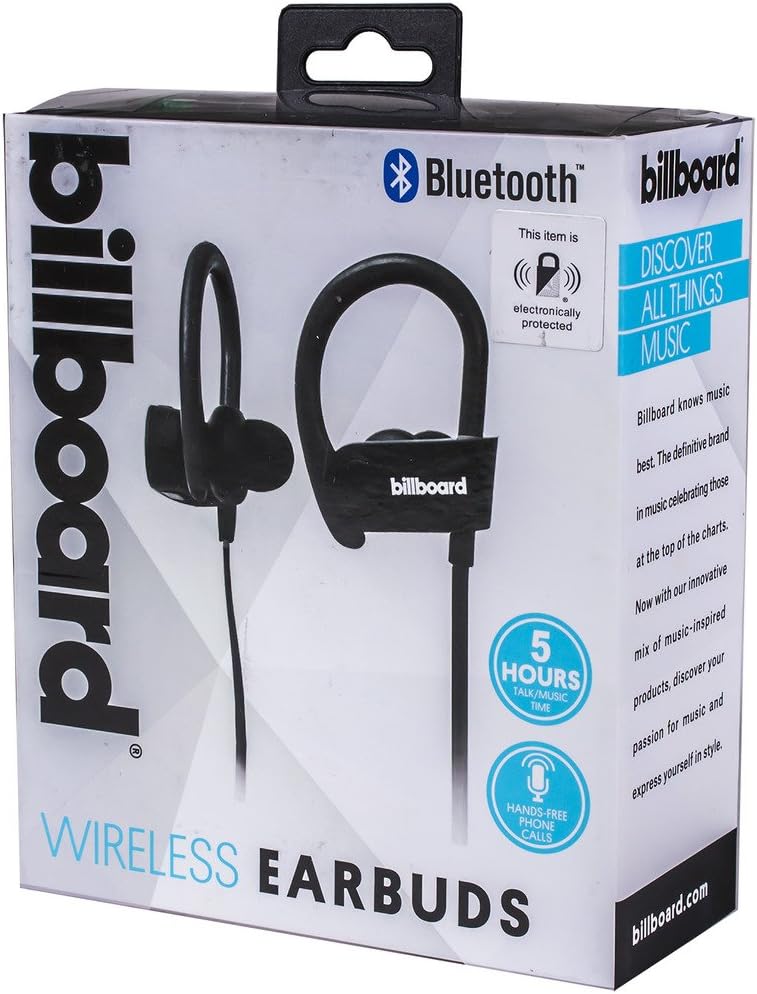
Image: Close-up of Billboard Bluetooth Wireless Hook Over Earbuds packaging, detailing features. The packaging highlights key features such as Bluetooth connectivity, 5 hours of talk/music time, and hands-free phone calls.
Тохиргоо
1. Чихэвчийг цэнэглэж байна
- Locate the Micro USB charging port on one of the earbuds (typically on the control module).
- Connect the provided Micro USB charging cable to the earbud's charging port.
- Plug the other end of the USB cable into a USB power source (e.g., computer USB port, wall adapter).
- The LED indicator light will illuminate, typically red, to show that the earbuds are charging.
- Once fully charged, the LED indicator light will change color (e.g., turn blue or off). A full charge usually takes approximately 1-2 hours.
Жич: Ensure the earbuds are fully charged before first use for optimal battery life.
2. Bluetooth хослол
- Асаах: Press and hold the Multi-function button (usually the center button on the control module) for a few seconds until the LED indicator light flashes blue and red alternately, indicating pairing mode.
- Bluetooth-г идэвхжүүлэх: Ухаалаг утас эсвэл бусад Bluetooth идэвхжүүлсэн төхөөрөмж дээрээ Bluetooth тохиргоо руу очоод Bluetooth асаалттай байгаа эсэхийг шалгана уу.
- хайх Төхөөрөмжүүд: Your device will automatically search for nearby Bluetooth devices.
- Чихэвч сонгох: From the list of available devices, select "Billboard Earbuds" or a similar name.
- Хослолтыг баталгаажуулах: Once successfully paired, the LED indicator light on the earbuds will typically flash blue slowly or turn off, and you will hear an audible confirmation.
- Хэрэв нууц үг асуувал "0000" (дөрвөн тэг) оруулна уу.
Жич: The earbuds will automatically attempt to reconnect to the last paired device when powered on, if that device's Bluetooth is active and within range.
Ашиглалтын заавар
Хяналтview
The control module on the earbud cord typically includes a Multi-function button (MFB) and Volume Up/Down buttons.
- Олон үйлдэлт товчлуур (MFB): Power On/Off, Play/Pause, Answer/End Call, Reject Call.
- Дууны хэмжээг нэмэгдүүлэх (+): Increase volume, Next track.
- Дууг багасгах (-): Decrease volume, Previous track.
Асаах/унтраах
- Асаах: Press and hold the MFB for approximately 3 seconds until the LED flashes blue and you hear a power-on prompt.
- Унтраах: Press and hold the MFB for approximately 3-5 seconds until the LED flashes red and you hear a power-off prompt.
Хөгжим тоглуулах
- Тоглуулах/түр зогсоох: MFB дээр нэг удаа дарна уу.
- Дараагийн дуу: Дууг нэмэгдүүлэх (+) товчийг удаан дар.
- Өмнөх бичлэг: Дууг багасгах (-) товчийг удаан дар.
Дуудлага удирдах
- Дуудлагад хариулах/дуусах: Press the MFB once during an incoming call or during an active call.
- Дуудлагаас татгалзах: Press and hold the MFB for approximately 2 seconds during an incoming call.
- Сүүлийн дугаарыг дахин залгах: Double-press the MFB when no call is active.
Дууны хяналт
- Эзлэхүүнийг нэмэгдүүлэх: Press the Volume Up (+) button repeatedly.
- Эзлэхүүнийг бууруулах: Press the Volume Down (-) button repeatedly.
Засвар үйлчилгээ
- Цэвэрлэгээ: Use a soft, dry cloth to clean the earbuds. Do not use abrasive cleaners or solvents.
- Хадгалах: Store the earbuds in a cool, dry place away from direct sunlight and extreme temperatures.
- Батерейны арчилгаа: To preserve battery life, charge the earbuds regularly, even if not in frequent use. Avoid fully discharging the battery for extended periods.
- Усанд өртөх: These earbuds are not waterproof. Avoid exposure to water or excessive moisture.
Алдааг олж засварлах
| Асуудал | Шийдэл |
|---|---|
| Earbuds will not power on. | Ensure the earbuds are fully charged. Connect to a power source and check the charging indicator light. |
| Төхөөрөмжтэй хослуулах боломжгүй. | Make sure the earbuds are in pairing mode (flashing blue and red). Ensure Bluetooth is enabled on your device and it is within range (typically 10 meters). Try turning both devices off and on again. |
| Дуу байхгүй эсвэл дуу багатай. | Check the volume levels on both the earbuds and your connected device. Ensure the earbuds are properly paired and connected. Try playing different audio sources. |
| Тасралтгүй холболт. | Move closer to your connected device. Avoid obstacles between the earbuds and the device. Ensure there is no interference from other wireless devices. |
Үзүүлэлтүүд
- Брэнд: Зар сурталчилгааны самбар
- Загвар: B073CCBSLL
- Өнгө: Хар
- Чихний байрлал: In Ear (with Over-Ear Hook)
- Формат хүчин зүйл: Хоёр чихтэй
- Холболт: Bluetooth утасгүй
- Цэнэглэх порт: Микро USB
- Battery Life (Talk/Music Time): Ойролцоогоор 5 цаг
- Тохиромжтой төхөөрөмжүүд: Universal/Smartphones
- Онцлогууд: Tangle-Free Flat Cord, Built-in Microphone, Integrated Controls
Баталгаат болон дэмжлэг
For warranty information and customer support, please refer to the documentation included with your purchase or visit the official Billboard product support webсайт. Аливаа баталгаат нэхэмжлэлийн хувьд худалдан авалтаа нотлох баримтаа хадгалаарай.
If you encounter issues not covered in this manual, please contact customer service for assistance.


