1. Танилцуулга
This manual provides detailed instructions for the installation, operation, and maintenance of your CP Plus CP-UVR-0401E1-S 4 Channel Digital Video Recorder (DVR). This device is designed for surveillance applications, allowing you to record and manage video footage from up to four cameras. Please read this manual thoroughly before using the product to ensure proper and safe operation.
2. Аюулгүй байдлын мэдээлэл
- Эрчим хүчний хангамж: Use only the specified power adapter. Incorrect voltage нь төхөөрөмжийг гэмтээж, баталгааг хүчингүй болгож болзошгүй.
- Агааржуулалт: Ensure adequate ventilation around the DVR. Do not block ventilation openings.
- Байгаль орчин: Avoid exposing the DVR to extreme temperatures, humidity, dust, or direct sunlight.
- Харьцуулах: Handle the device with care. Avoid dropping or subjecting it to strong vibrations.
- Үйлчилгээ: Do not attempt to open or service the DVR yourself. Refer all servicing to qualified personnel.
3. Багцын агуулга
Бүх зүйл багцад байгаа эсэхийг шалгана уу:
- CP Plus CP-UVR-0401E1-S 4 Channel DVR Unit
- Эрчим хүчний адаптер
- USB хулгана
- Screws for Hard Disk Drive (HDD) Installation
- Түргэн эхлүүлэх гарын авлага
4. Тохиргоо
4.1. Хатуу диск (HDD) суурилуулах
The CP-UVR-0401E1-S DVR is supplied without a pre-installed hard disk drive. An HDD is required for recording video footage.
- Unscrew and remove the top cover of the DVR unit.
- Connect the SATA data cable and power cable from the DVR to the corresponding ports on your 3.5-inch SATA HDD.
- Secure the HDD to the bottom of the DVR chassis using the provided screws.
- Дээд талын тагийг сольж, боолтоор бэхлэнэ.
4.2. Камеруудыг холбох
Connect your analog surveillance cameras to the BNC video input ports on the rear panel of the DVR. The DVR supports up to 4 cameras.
4.3. Connecting a Monitor
Connect a monitor to the DVR using either the VGA or HDMI output port on the rear panel. This allows you to view the live feed and configure settings.
4.4. Сүлжээний холболт
Алсын хувьд viewing and network features, connect an Ethernet cable from your router or network switch to the LAN port on the DVR's rear panel.
4.5. Эрчим хүчний холболт
Connect the provided power adapter to the DC 12V input port on the DVR, then plug the adapter into a power outlet. The DVR will power on automatically.
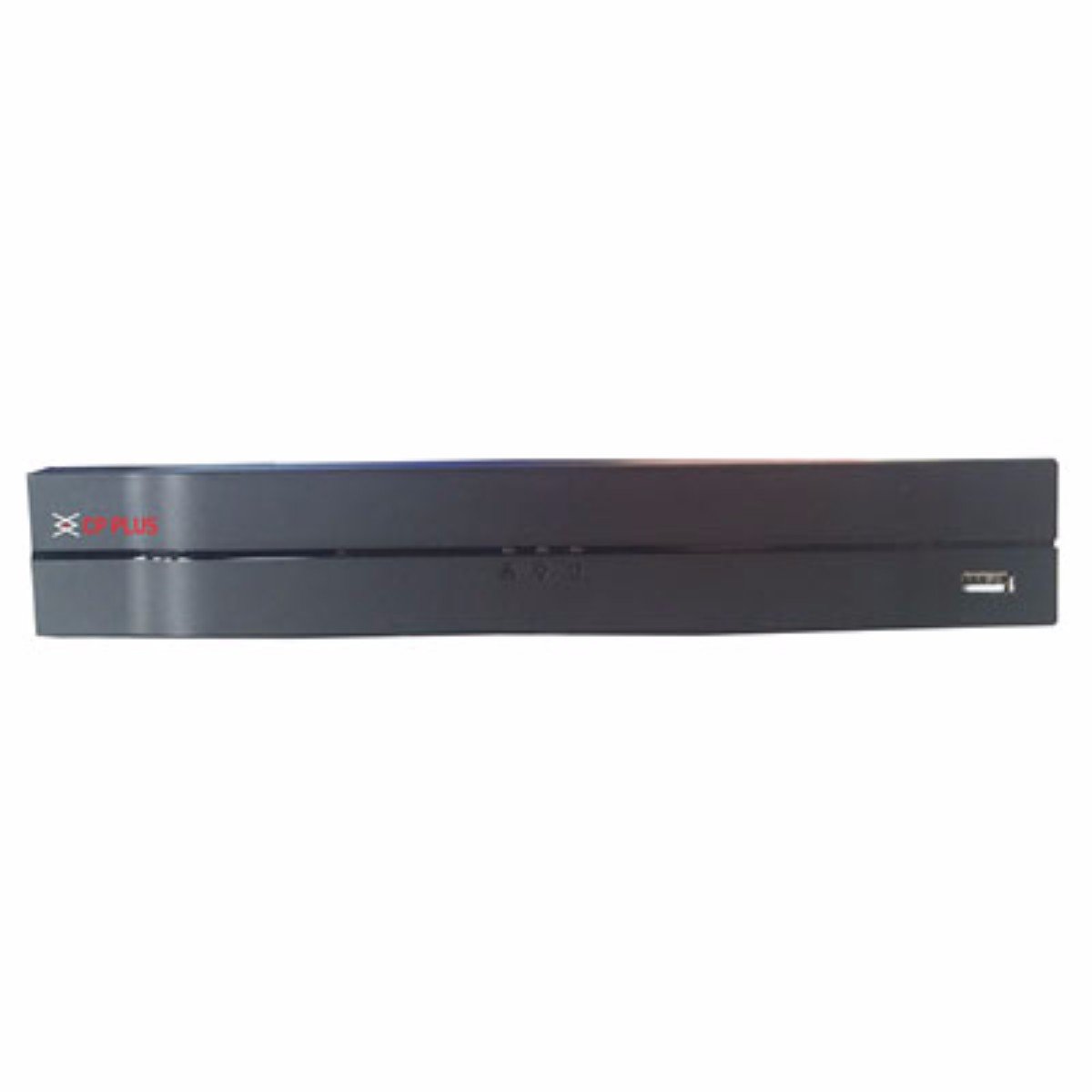
Зураг: Урд view of the CP Plus CP-UVR-0401E1-S 4 Channel DVR unit, showing its compact black design and front panel indicators.
5. Ажиллаж байгаа
5.1. Initial Boot and Setup Wizard
Upon first power-on, the DVR will guide you through an initial setup wizard. This typically includes setting the date/time, network configuration, and creating an administrator password. Follow the on-screen prompts.
5.2. Хэрэглэгчийн интерфейсийн навигаци
Use the included USB mouse to navigate the DVR's graphical user interface (GUI). Right-click to access the main menu, and left-click to select options.
5.3. Амьд View
After setup, the DVR will display the live view холбогдсон камеруудаас. Та нэг камерын хооронд шилжих боломжтой view болон олон камерын сүлжээ views.
5.4. Бичлэгийн тохиргоо
Access the 'Record' settings from the main menu to configure recording schedules, motion detection, and other recording parameters for each camera. Ensure your HDD is formatted and recognized by the system.
5.5. Дахин тоглуулах
Дахин хэлэхэдview foo бүртгэгдсэнtage, select 'Playback' from the main menu. You can search for recordings by date, time, and camera channel. Use the playback controls to fast forward, rewind, and pause.
5.6. Network Access / Remote Viewing
Configure network settings (IP address, port forwarding, or P2P cloud service) to enable remote access to your DVR via a web browser or mobile application. Refer to the DVR's network settings menu for specific options.
6. Засвар үйлчилгээ
6.1. Тогтмол цэвэрлэгээ
Periodically clean the exterior of the DVR with a soft, dry cloth. Ensure ventilation openings are free from dust and debris to prevent overheating.
6.2. HDD Management
Regularly check the status of your Hard Disk Drive (HDD) through the DVR's system settings. Ensure there is sufficient storage space and that the HDD is functioning correctly. The DVR may automatically overwrite older footage when the disk is full, depending on your settings.
6.3. Програм хангамжийн шинэчлэлтүүд
Үйлдвэрлэгчийн албан ёсны мэдээллийг шалгана уу website for available firmware updates. Firmware updates can improve performance, add new features, or fix bugs. Follow the provided instructions carefully when performing an update.
7. Алдаа засах
7.1. Эрчим хүчгүй
- Цахилгаан адаптер нь DVR болон ажиллаж байгаа цахилгаан залгуурт найдвартай холбогдсон эсэхийг шалгаарай.
- Өөр төхөөрөмжийг залгах замаар цахилгааны залгуур ажиллаж байгаа эсэхийг шалгана уу.
7.2. No Video Signal on Monitor
- Check the VGA or HDMI cable connection between the DVR and the monitor.
- Дэлгэц асаалттай, зөв оролтын эх үүсвэрт тохируулагдсан эсэхийг шалгаарай.
- Verify that cameras are properly connected and powered.
7.3. Бичлэгийн асуудал
- Confirm that an HDD is installed and properly formatted within the DVR's settings.
- Check the recording schedule and ensure it is enabled for the desired channels.
- Verify that the HDD has sufficient free space.
7.4. Сүлжээний холболтын асуудал
- Ensure the Ethernet cable is securely connected to the DVR and your router/switch.
- Check the network settings in the DVR to confirm correct IP address configuration (DHCP or static IP).
- Verify your router is functioning correctly and providing network access.
8. Техникийн үзүүлэлтүүд
| Онцлог | Тодорхойлолт |
|---|---|
| Загварын дугаар | CP-UVR-0401E1-S |
| Сувгийн тоо | 4 |
| Холболтын технологи | USB-Ethernet |
| Нийт USB портууд | 4 |
| Медиа формат Дижитал видео | HDD (Hard Disk Drive, not included) |
| Багцын хэмжээ | 33.6 x 30.6 x 8.6 см |
| Зүйлийн жин | 1.44 кг |
| Батерей шаардлагатай | Үгүй |
9. Баталгаат хугацааны мэдээлэл
This product is covered by a manufacturer's warranty. For specific warranty terms, conditions, and duration, please refer to the warranty card included with your product or visit the official CP Plus webсайт. Худалдан авалтын баримтаа баталгаат нэхэмжлэлд зориулж худалдан авалтын баталгаа болгон хадгална уу.
10. Дэмжлэг
For technical assistance, troubleshooting beyond this manual, or service inquiries, please contact CP Plus customer support. Contact details can typically be found on the manufacturer's webсайт эсвэл бүтээгдэхүүний савлагаанд .


