1. Танилцуулга
Thank you for choosing the ZEALOT B21 Wireless Bluetooth Over-Ear Headphones. This manual provides essential information for the proper use, maintenance, and troubleshooting of your device. Please read it carefully before use and retain it for future reference.
2. Багцын агуулга
Upon opening your ZEALOT B21 package, please verify that all the following items are included:
- ZEALOT B21 Wireless Bluetooth Over-Ear Headphones
- Микро USB цэнэглэгч кабель
- 3.5 мм-ийн аудио кабель (AUX)
- Хэрэглэгчийн гарын авлага
- Хадгалах уут
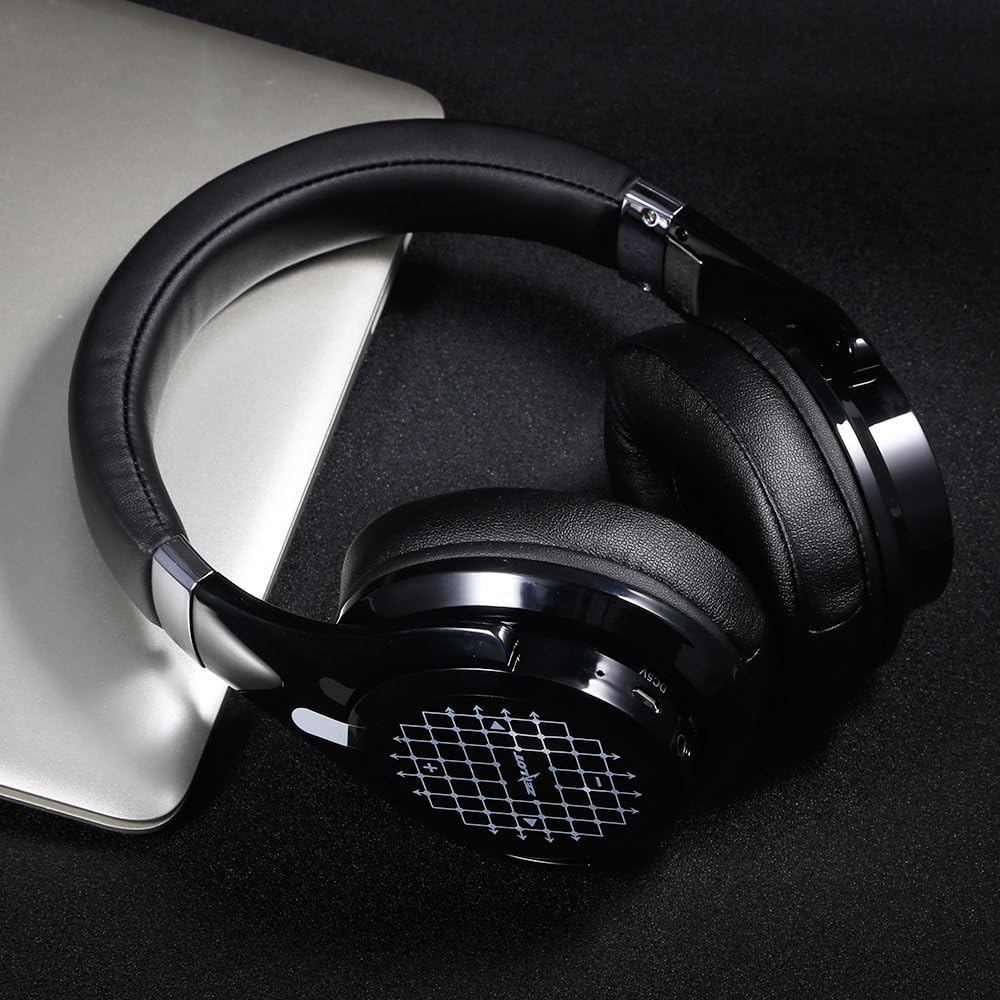
Image: Contents of the ZEALOT B21 package, including headphones, cables, and manual.
3. Тохиргоо ба анхны хэрэглээ
3.1 Чихэвчийг цэнэглэх
Before first use, fully charge your ZEALOT B21 headphones. Connect the micro USB charging cable to the charging port on the headphones and the other end to a USB power source (e.g., computer USB port, USB wall adapter). The LED indicator will show charging status and turn off or change color when fully charged.
Жич: Бүрэн цэнэглэлт нь ойролцоогоор 20 цаг тоглох боломжийг олгоно.
3.2 Асаах/унтраах
- Асаах: Press and hold the Power button until the LED indicator flashes.
- Унтраах: LED индикатор унтрах хүртэл Power товчийг дараад барина уу.
3.3 Bluetooth холболт
- Чихэвч унтарсан эсэхийг шалгаарай.
- LED индикатор улаан, цэнхэр өнгөөр ээлжлэн анивчих хүртэл асаах товчийг ойролцоогоор 5-7 секундын турш дарж, хослуулах горимыг заана.
- Төхөөрөмж дээрээ (ухаалаг утас, таблет, компьютер) Bluetooth-г идэвхжүүлж, боломжтой төхөөрөмжүүдийг хайж олоорой.
- Select "ZEALOT B21" from the list of found devices.
- Хосолсоны дараа LED заагч аажмаар цэнхэр анивчина.
Жич: Bluetooth-ийн хүрээ ойролцоогоор 10 метр (33 фут) байна.
3.4 Утастай холболт (AUX горим)
You can use the ZEALOT B21 headphones in wired mode even if the battery is depleted. Connect one end of the 3.5mm audio cable to the AUX port on the headphones and the other end to your audio source's 3.5mm jack.
Жич: The microphone functionality is only available in Bluetooth mode when connected via AUX cable.

Image: ZEALOT B21 headphones demonstrating the use of the AUX cable for passive listening.
4. Чихэвчийг ажиллуулах
4.1 Touch Control Interface
The ZEALOT B21 features an intuitive touch control interface on the right earcup for managing audio playback and calls.
- Дууг нэмэгдүүлэх: Мэдрэгч самбарыг дээш шударна уу.
- Дууг багасгах: Мэдрэгч самбарыг доош шудар.
- Дараагийн дуу: Swipe the touch panel forward (right).
- Өмнөх бичлэг: Swipe the touch panel backward (left).
- Тоглуулах/түр зогсоох: Tap the center of the touch panel once when listening to music.
- Дуут залгах: Press and hold the center of the touch panel when in standby.

Image: Visual guide to the touch control gestures for volume, track selection, and play/pause on the right earcup.

Image: The ZEALOT B21 headphones displaying the touch-sensitive control panel on the earcup.
4.2 Дуудлагын удирдлага
- Дуудлагад хариулах: Tap the center of the touch panel once.
- Дуудлага дуусгах: Tap the center of the touch panel once during a call.
- Дуудлагаас татгалзах: Press and hold the center of the touch panel for approximately 2 seconds.
4.3 Эвхэгддэг загвар
The ZEALOT B21 headphones feature a foldable design for enhanced portability and easy storage. Gently fold the earcups inwards towards the headband when not in use.

Image: The ZEALOT B21 headphones in their compact, folded state, highlighting their portability.
5. Comfort and Design Features
The ZEALOT B21 headphones are designed for extended listening comfort and durability.
- Тав тухтай чихний дэвсгэр: Equipped with super soft, circumaural earcups and memory foam padding for lasting comfort and sound isolation.
- Solid Steel Headband: Features a durable steel headband for a secure and adjustable fit.

Зураг: Нарийвчилсан view of the soft, memory foam earpads designed for comfort and sound isolation.
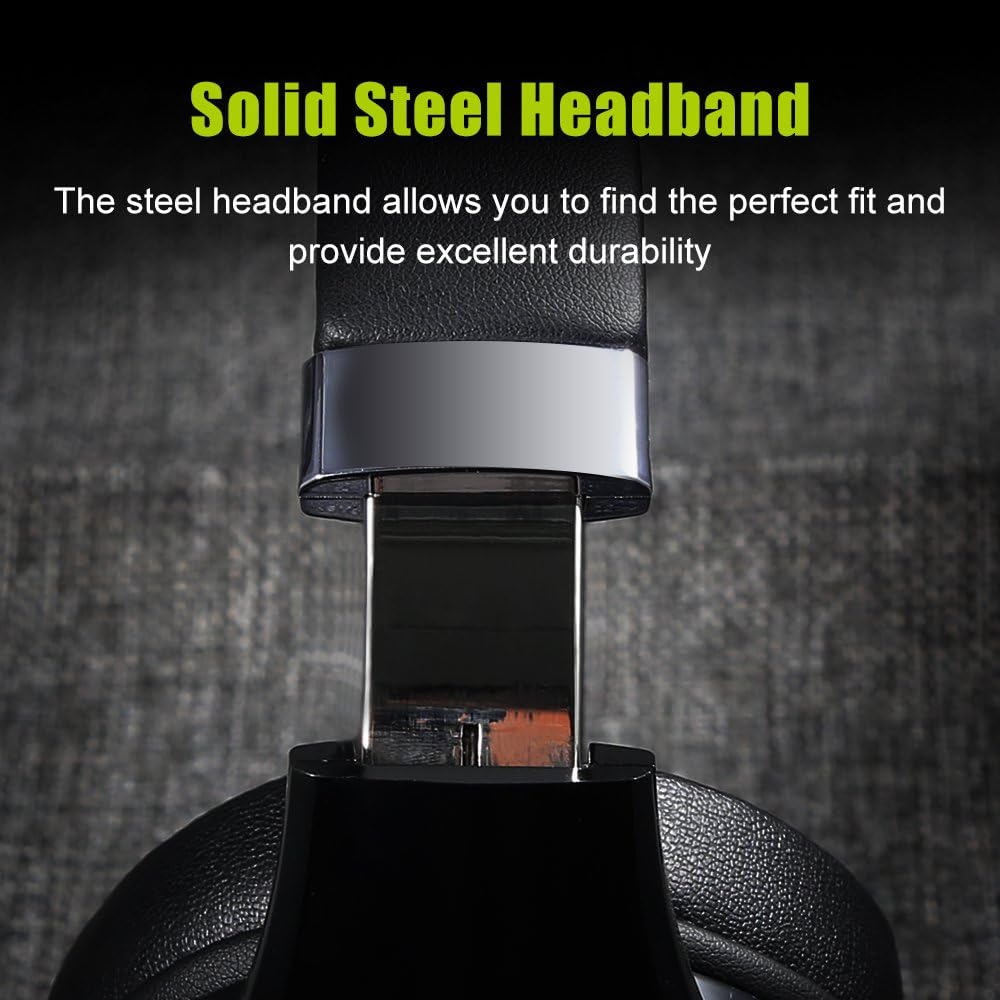
Image: A close-up of the adjustable solid steel headband, emphasizing durability and fit.
6. Засвар үйлчилгээ
To ensure the longevity and optimal performance of your ZEALOT B21 headphones, follow these maintenance guidelines:
- Цэвэрлэгээ: Use a soft, dry cloth to wipe the headphones. Avoid using abrasive cleaners, solvents, or harsh chemicals.
- Хадгалах: When not in use, store the headphones in the provided storage pouch to protect them from dust and scratches. Store in a cool, dry place.
- Батерейны арчилгаа: Avoid fully discharging the battery frequently. For long-term storage, charge the headphones to about 50% every few months.
- Чийгнээс зайлсхийх: Чихэвчийг ус эсвэл хэт их чийгэнд бүү тавь.
7. Алдаа засах
If you encounter issues with your ZEALOT B21 headphones, refer to the following common solutions:
| Асуудал | Боломжит шийдэл |
|---|---|
| Чихэвч асахгүй байна. | Ensure the headphones are charged. Connect to a power source using the micro USB cable. |
| Bluetooth-ээр холбох боломжгүй. |
|
| Дуу байхгүй эсвэл дуу багатай. |
|
| Мэдрэгчийн удирдлага хариу өгөхгүй байна. |
|
| Микрофон ажиллахгүй байна. | Ensure headphones are connected via Bluetooth. Microphone functionality is not available in AUX mode. |
8. Техникийн үзүүлэлтүүд
| Онцлог | Дэлгэрэнгүй |
|---|---|
| Загварын нэр | В21 |
| Холболтын технологи | Bluetooth |
| Bluetooth хувилбар | 5.0 |
| Bluetooth хүрээ | 10 метр (33 фут) |
| Зайны ашиглалт | 20 цаг хүртэл |
| Давтамжийн хариу үйлдэл | 20 Гц - 20000 Гц |
| Чихэвчний хэлбэр | Дээд чих (тойрог) |
| Хяналтын төрөл | Дохио зангаа |
| Онцлог шинж чанар | Суурилагдсан микрофон |
| Жин | Ойролцоогоор 2.05 фунт (0.93 кг) |
| Материал | Leather (earpads) |
| UPC | 191094172220 |
9. Баталгаат хугацаа ба дэмжлэг
ZEALOT products are designed for reliability and performance. Your ZEALOT B21 headphones are covered by a manufacturer's warranty, typically for one year from the date of purchase, against defects in materials and workmanship.
For warranty claims, technical support, or further assistance, please contact ZEALOT customer service through the official website or your retailer. Please retain your proof of purchase for warranty validation.
Анхааруулга: Specifications and product appearance are subject to change without prior notice. This manual is for informational purposes only.


