1. Танилцуулга
This manual provides instructions for setting up, operating, and maintaining your Plantronics Blackwire 3215 USB-A Headset. Please read this manual thoroughly before using your headset to ensure optimal performance and longevity.
2. Багцын агуулга
- Plantronics Blackwire 3215 USB-A Headset
- Inline Controller (integrated)
- Зөөврийн цүнх (бүс нутгаас хамаарч өөр өөр байж болно)
3. Тохиргоо
3.1 Чихэвчний тохиргоо ба тохируулга
For optimal comfort and audio performance, adjust the headset to fit your head. The headband can be lengthened or shortened by sliding the earcups up or down.
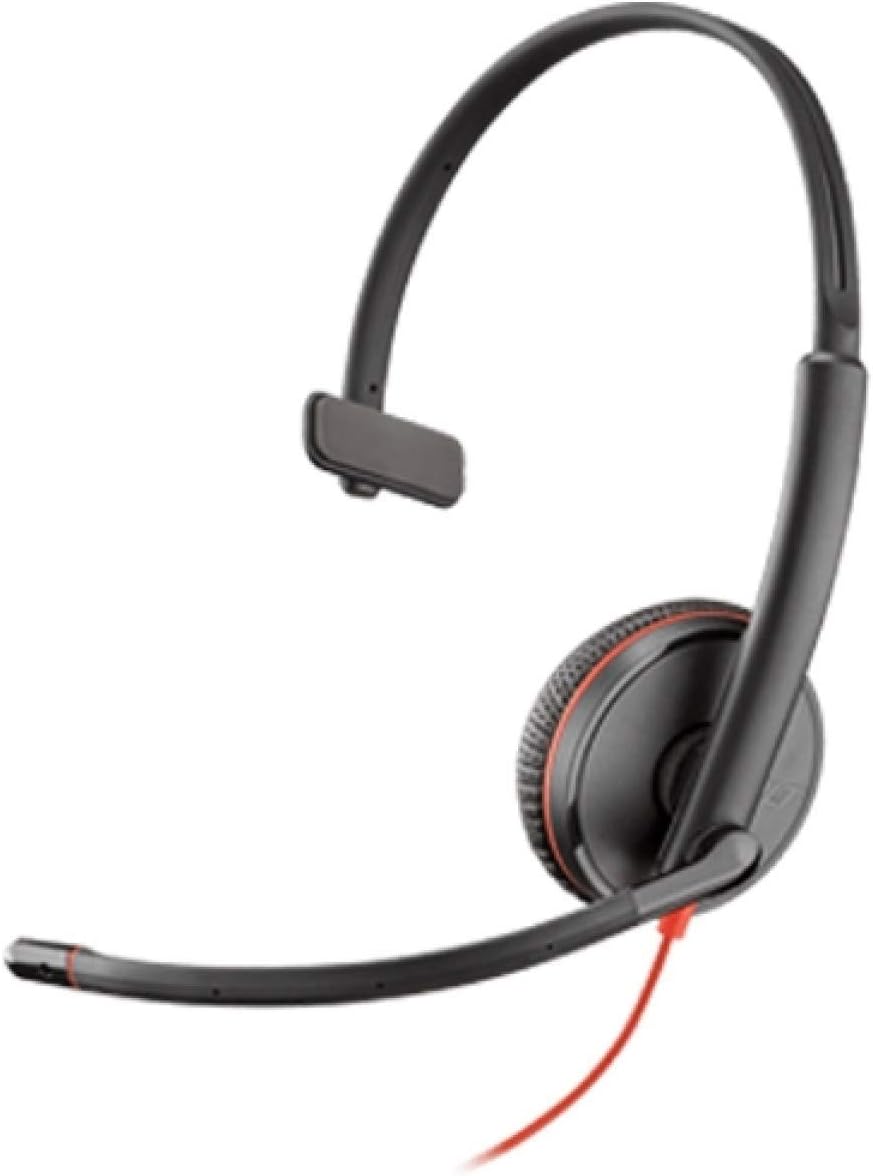
Image: Plantronics Blackwire 3215 headset with adjustable headband and boom microphone.
The flexible boom microphone can be worn on either your left or right side. Rotate and adjust the boom so that the microphone is positioned approximately two fingers' width from the corner of your mouth. This ensures clear voice pickup.
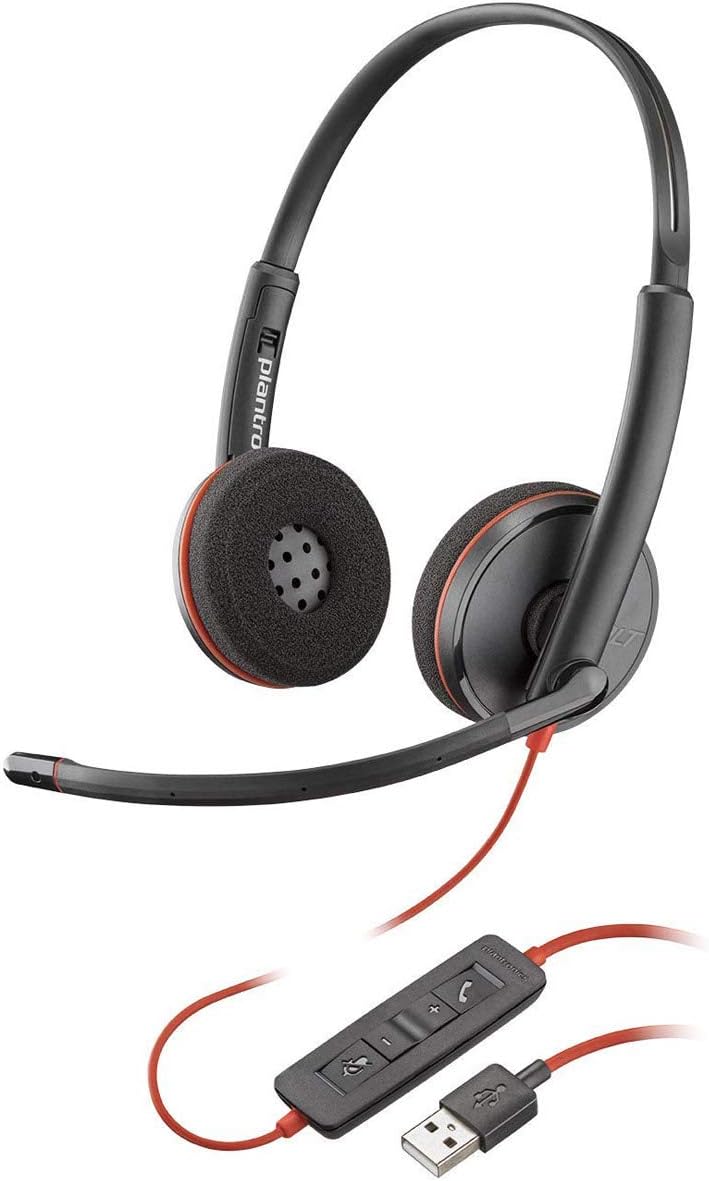
Image: Proper positioning of the boom microphone for the Blackwire 3215 headset.
3.2 Connecting to Your Computer (USB-A)
Plug the USB-A connector of your headset's inline controller directly into an available USB-A port on your computer (PC or Mac). The headset is plug-and-play, and your computer should automatically recognize it.
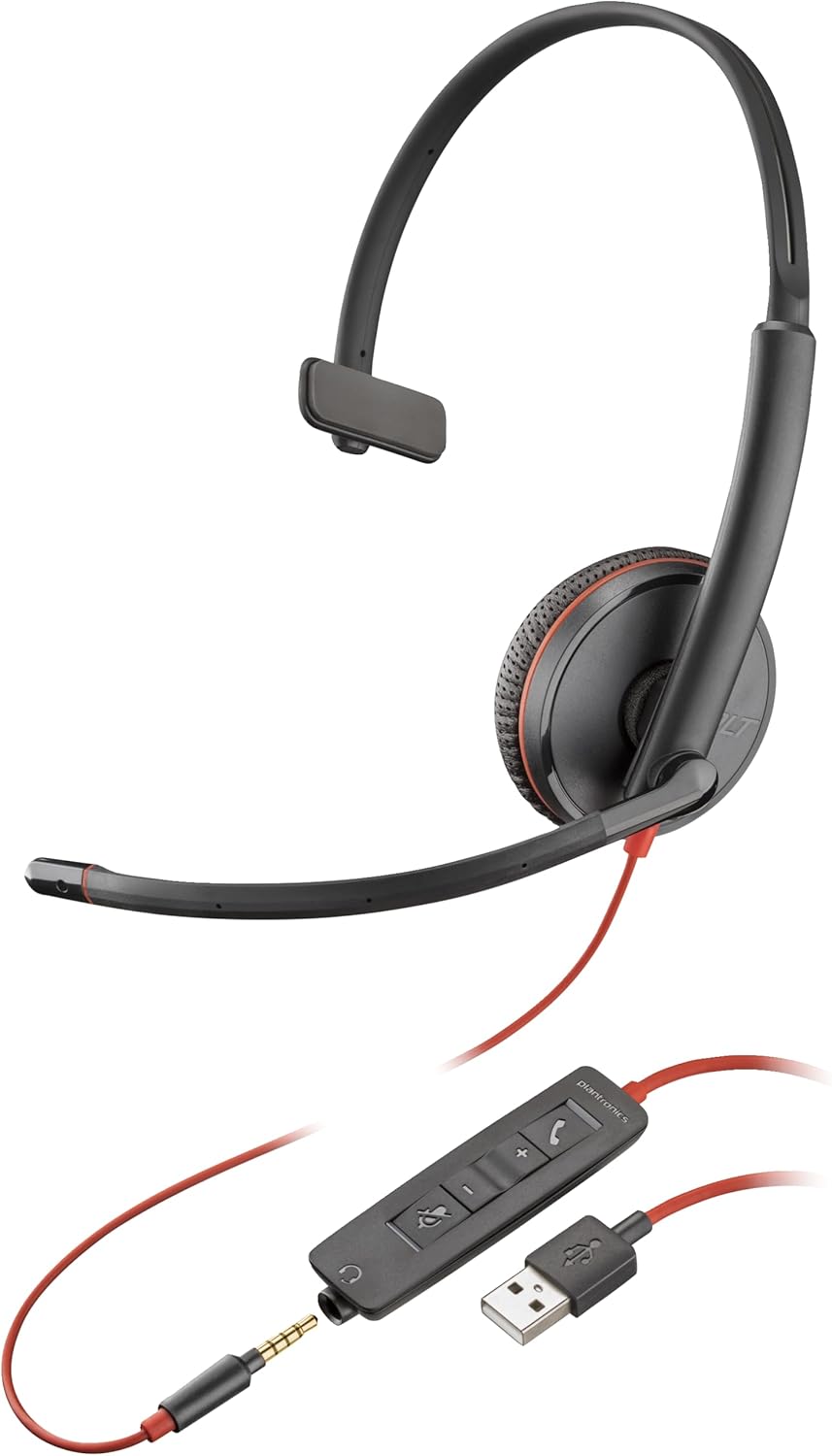
Image: The Blackwire 3215 headset showing the inline controller and USB-A connection.
3.3 Connecting to Mobile/Tablet (3.5mm)
For models Blackwire 3215 and 3225, you can connect directly to a smartphone or tablet using the 3.5mm jack. Unplug the headset from the inline controller and plug the 3.5mm cable directly into your mobile device's audio jack.
3.4 Software Installation (Optional but Recommended)
For advanced features and settings, download the Plantronics Hub desktop software for Windows or Mac from www.plantronics.com/software. This software allows you to configure settings such as call control, firmware updates, and more.
Video: This video demonstrates how to use Plantronics USB Headphones, specifically the Blackwire 3200 Series, covering setup and basic call controls.
4. Чихэвчээ ажиллуулах
4.1 Call Control (via Inline Controller)
- Дуудлагад хариулах/дуусах: Дуудлага товчийг дарна уу (📞) once to answer an incoming call. Press it again to end an active call.
- Дуудлага барих: Дуудлагын товчийг хоёр удаа дарна уу (📞) to place an active call on hold. Double-press again to resume the call.
- Дахин залгах: If not on an active call, double-pressing the Call button (📞) will redial the last outgoing call.
4.2 Volume and Mute Control
- Дууг нэмэгдүүлэх: Дууг нэмэгдүүлэх товчийг дарна уу (+) on the inline controller to increase listening volume.
- Дууг багасгах: Дууг багасгах товчийг дарна уу (-) on the inline controller to decrease listening volume.
- Дууг хаах/Асаах: Дууг хаах товчийг дарна уу (🔇) on the inline controller to mute your microphone during a call. Press it again to unmute.
When connected via 3.5mm jack to a mobile device, call controls will typically be managed directly from your mobile device.
5. Засвар үйлчилгээ
To ensure the longevity and optimal performance of your Plantronics Blackwire 3215 headset, follow these maintenance guidelines:
- Цэвэрлэгээ: Gently wipe the headset with a soft, dry cloth. For stubborn dirt, a slightly damp cloth can be used, but ensure no moisture enters the earcup or microphone openings. Do not use harsh chemicals or abrasive cleaners.
- Хадгалах: When not in use, store the headset in its provided carrying case to protect it from dust and physical damage. Avoid extreme temperatures.
- Кабель арчилгаа: Утас огцом муруйх эсвэл муруйхаас зайлсхий. Чихэвчийг салгахын тулд кабелийг татаж болохгүй; залгуураас нь үргэлж барь.
6. Алдаа засах
| Асуудал | Боломжит шалтгаан | Шийдэл |
|---|---|---|
| Чихэвчнээс аудио байхгүй | Headset not selected as default audio device; Volume too low; Muted. | Check audio settings in your computer/softphone; Increase volume; Unmute headset. |
| Микрофон ажиллахгүй байна | Microphone muted; Incorrect microphone selected; Boom mic not positioned correctly. | Unmute microphone; Check microphone settings in your computer/softphone; Adjust boom mic position. |
| Дуудлагын удирдлагын товчлуурууд ажиллахгүй байна | Plantronics Hub software not installed or updated; Softphone compatibility issue. | Install/update Plantronics Hub; Ensure your softphone is supported. |
| Аудио гажуудсан | Volume too high; Poor connection. | Lower volume; Reconnect headset; Try a different USB port. |
7. Техникийн үзүүлэлтүүд
- Загварын дугаар: 209746-101
- Холболт: USB-A (also 3.5mm for 3215/3225 models)
- Чихний байрлал: Чихэн дээр
- Дуу чимээний хяналт: Active Noise Cancellation (microphone)
- Өнгө: Хар
- Бүтээгдэхүүний хэмжээ: 4.33 x 4.33 x 1.97 инч
- Жин: 3.39 унц
8. Баталгаат хугацаа ба дэмжлэг
8.1 Баталгаат хугацааны мэдээлэл
The Plantronics Blackwire 3215 headset comes with a 2-year global warranty. Please retain your proof of purchase for warranty claims.
8.2 Цаашдын дэмжлэг
For additional support, frequently asked questions, or to download the full user guide in PDF format, please visit the official Poly website or refer to the following resources:
- Албан ёсны хэрэглэгчийн гарын авлага (PDF): PDF татаж авах
- Poly Store on Amazon: Visit Poly Store