Танилцуулга
This manual provides essential information for setting up, operating, and maintaining your Gigaset A170 digital cordless phone. Please read these instructions carefully to ensure proper use and to benefit from all features.

Image: The Gigaset A170 cordless phone, showing the handset docked in its base station.
Тохиргоо
Follow these steps to set up your Gigaset A170 phone for the first time.
1. Сав баглаа боодол ба эд ангиуд
Эхлэхээсээ өмнө багцад бүх бүрэлдэхүүн хэсгүүд байгаа эсэхийг шалгаарай:
- 1 Gigaset A170 base station
- 1 Gigaset A170H handset
- 1 plug-in power adapter
- 1 telephone connection cable
- 2 rechargeable AAA batteries
- 1 battery compartment cover
- 1 хэрэглэгчийн гарын авлага (энэ баримт бичиг)
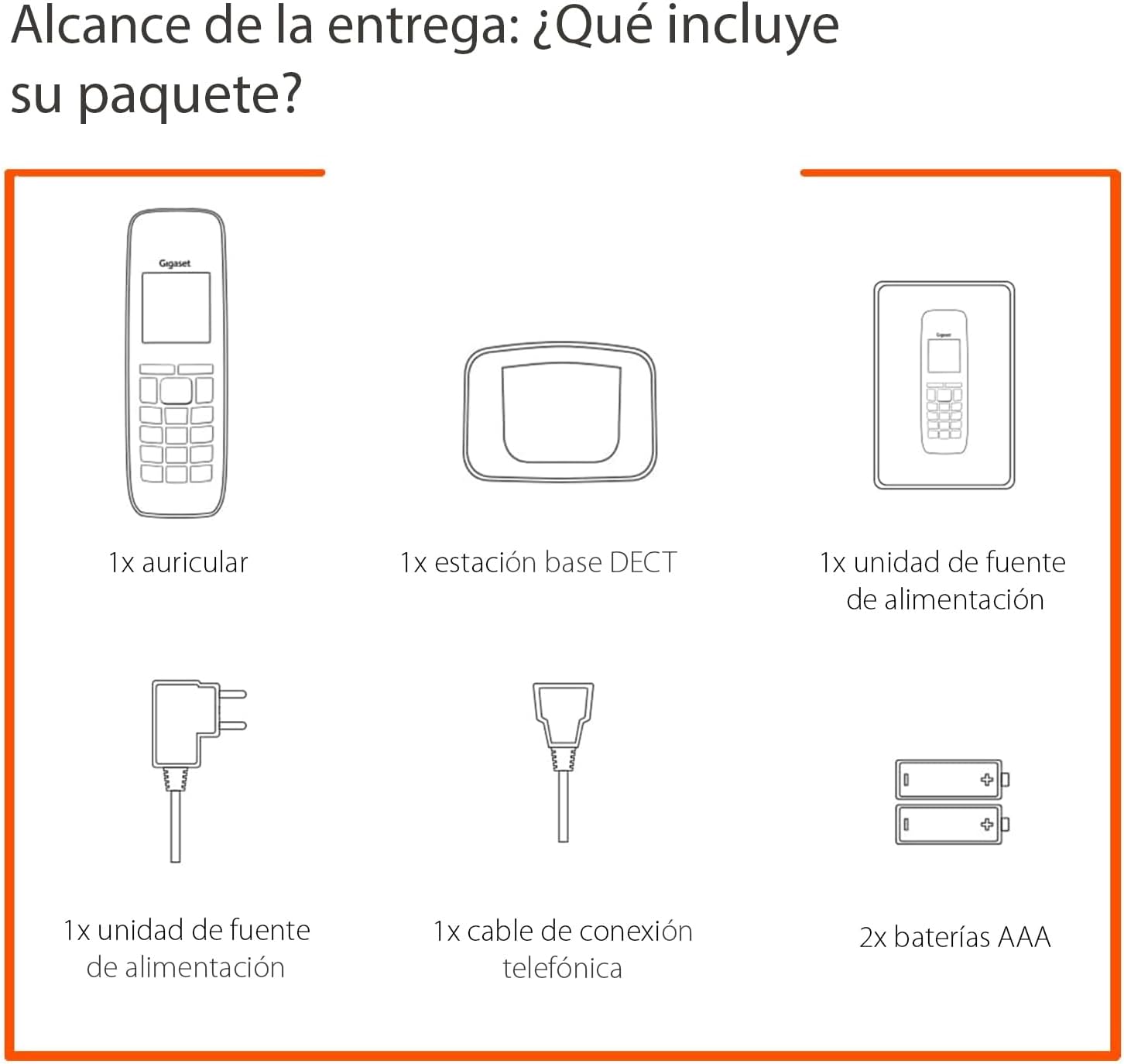
Image: Diagram illustrating the components included in the Gigaset A170 package, such as the handset, base, power adapter, phone cable, and batteries.
2. Суурь станцыг холбох
- Цахилгаан адаптерийг холбоно уу: Plug the power adapter into the base station and then into a wall outlet.
- Connect the telephone cable: Plug the telephone cable into the base station and then into your telephone wall socket.
3. Inserting Batteries into the Handset
- Remove the battery compartment cover on the back of the handset.
- Зөв туйлшралыг (+/-) хангаж, хоёр дагалдах AAA цэнэглэдэг батерейг оруулна уу.
- Зайны тасалгааны тагийг солих.
- Place the handset on the base station to charge. The handset display will indicate charging. Allow the batteries to charge for at least 6 hours before first use.
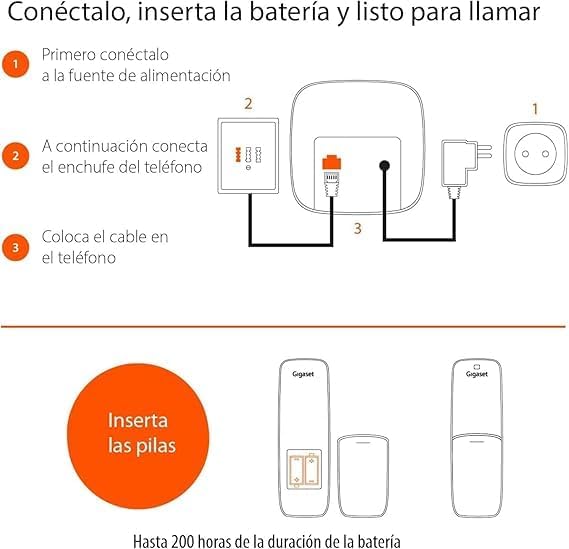
Image: A diagram showing the steps to connect the base station to power and the phone line, and how to insert batteries into the handset.
Ашиглалтын заавар
This section covers basic functions and how to navigate your Gigaset A170 phone.
1. Дуудлага хийх, хүлээн авах
- Дуудлага хийж байна: Ногоон дуудлагын товчийг дарна уу ☎, then dial the number. Alternatively, dial the number first and then press the call key.
- Дуудлага хүлээн авах: When the phone rings, press the green call key ☎ хариулах.
- Дуудлага хийж дуусгах: Улаан дуудлагыг дуусгах товчийг дарна уу ☒.
2. Adjusting Handset Volume
During a call, you can adjust the handset volume using the navigation keys. The A170 offers up to 5 adjustable volume levels.
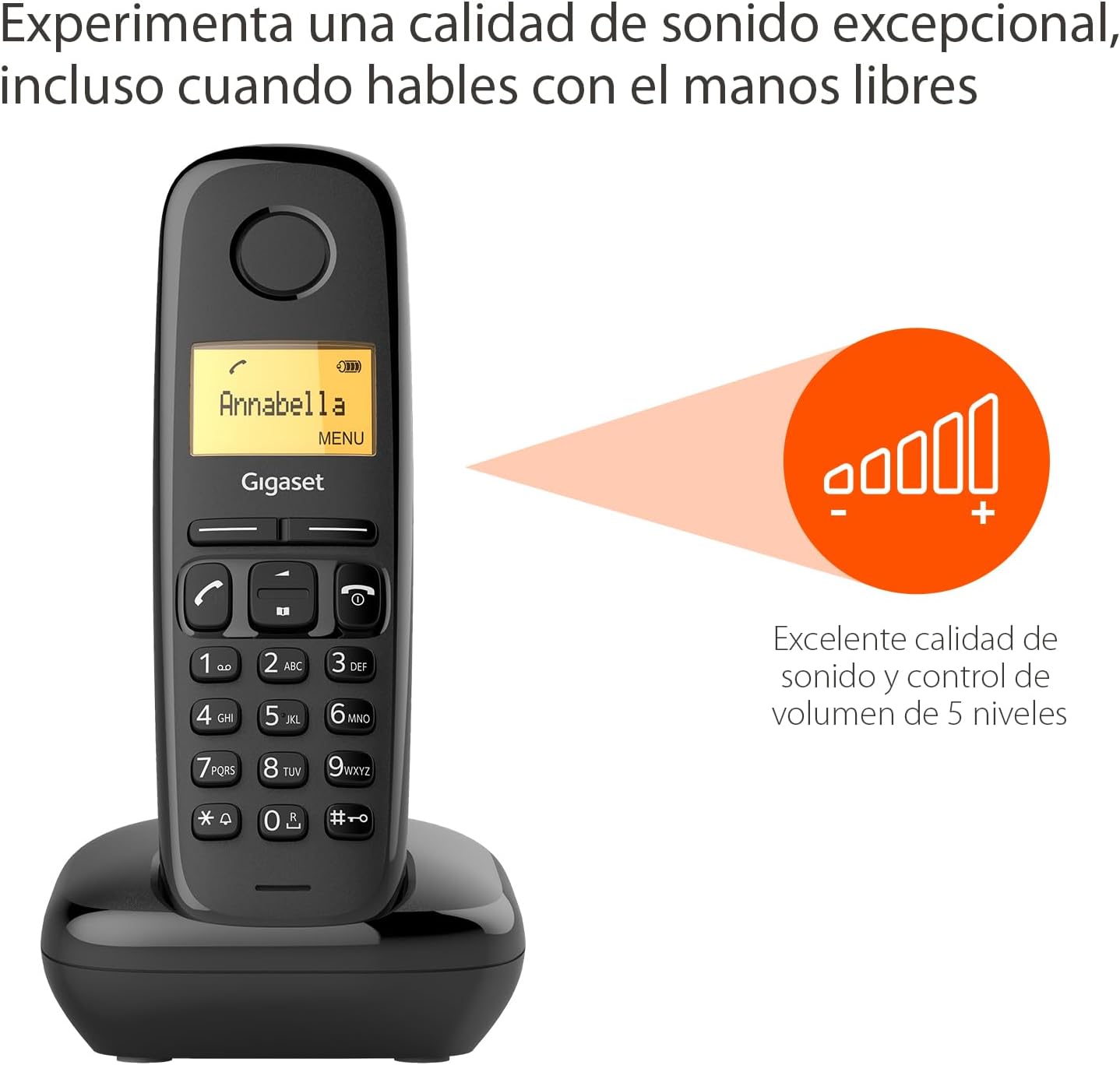
Image: The Gigaset A170 handset displaying an indicator for excellent sound quality and 5-level volume control.
3. Цэсийн навигаци
The Gigaset A170 features an intuitive icon-based menu. Use the navigation keys to scroll through menu options and the central key to select.
- Цэс рүү нэвтрэх: Press the 'MENU' key (usually the central key when not in a call).
- Гүйлгэж байна: Use the up/down navigation keys to move through menu items.
- Сонгож байна: Press the central key to confirm a selection.
- Гарч байна: Улаан дуудлагыг дуусгах товчийг дарна уу ☒ цэснээс гарахын тулд.
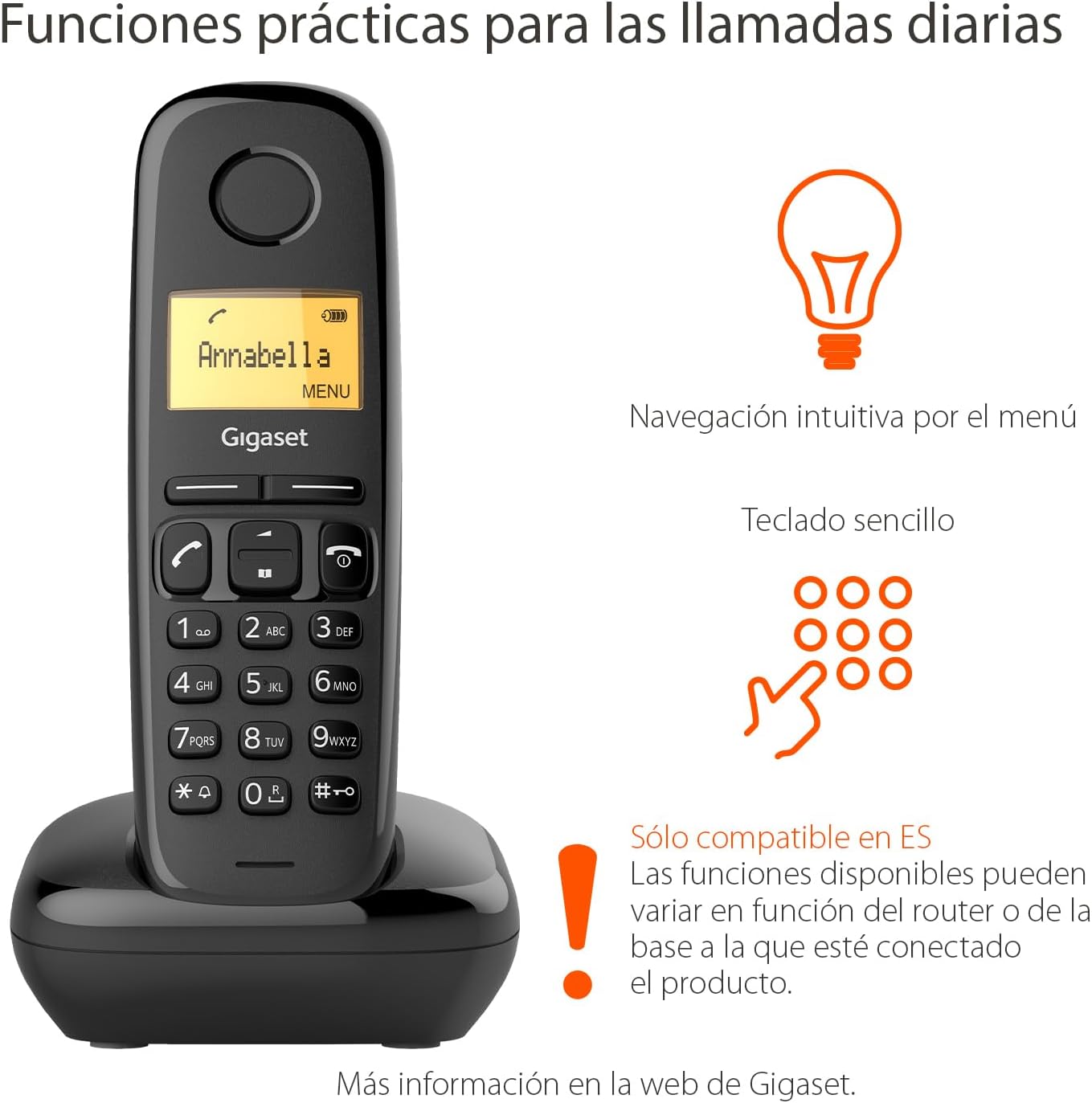
Image: The Gigaset A170 handset highlighting intuitive menu navigation and a simple keypad for practical daily calls.
4. Утасны дэвтэр
The phonebook can store up to 50 contacts. To add a contact:
- Go to the 'Phonebook' menu.
- Select 'New Entry'.
- Гарын товчлуурыг ашиглан нэр болон дугаараа оруулна уу.
- Бичлэгийг хадгална уу.
5. Speed Dial Keys
The Gigaset A170 supports programmable speed dial keys for quick access to frequently called numbers. Refer to the on-screen menu for programming instructions.
Засвар үйлчилгээ
Proper care ensures the longevity of your Gigaset A170 phone.
1. Цэвэрлэгээ
- Wipe the handset and base station with a damp даавуу.
- Do not use cleaning agents or solvents that could damage the surfaces.
2. Зайны арчилгаа
- Only use the recommended rechargeable AAA batteries.
- Хэрэв утсыг удаан хугацаагаар ашиглахгүй бол батерейг нь гар утсан дээрээс нь салга.
- Хуучин батерейг орон нутгийн дүрэм журмын дагуу устгана уу.
Алдааг олж засварлах
If you encounter issues with your Gigaset A170, try these solutions:
| Асуудал | Боломжит шалтгаан | Шийдэл |
|---|---|---|
| No display on handset | Батерей хоосон эсвэл буруу оруулсан байна. | Check battery insertion and charge the handset on the base station. |
| Залгах ая байхгүй | Telephone cable not connected or faulty. | Ensure the telephone cable is securely connected to the base station and the wall socket. Test with another phone if possible. |
| Дуудлага хийх/хүлээн авах боломжгүй | Base station not powered or out of range. | Check power connection to the base station. Ensure handset is within range of the base. |
| Дууны чанар муу | Interference or handset too far from base. | Move closer to the base station. Avoid placing the base near other electronic devices. |
Техникийн үзүүлэлтүүд
- Брэнд: Гигасет
- Загварын дугаар: A170
- Утасны төрөл: DECT (Digital Enhanced Cordless Telecommunications)
- Өнгө: Хар
- Материал: Хуванцар
- Эрчим хүчний эх үүсвэр: Corded Electric (for base station)
- Батерей: 2 ширхэг AAA цэнэглэдэг батерей (багцад багтсан)
- Утасны дэвтрийн багтаамж: 50 хүртэлх харилцагч
- Залгагчийн төрөл: Ганц товчлуур
- Хариулах системийн төрөл: Дижитал
- Product Dimensions (Handset): 48 x 32 x 156 мм (L x W x H)
- Item Weight (Handset): 108 грамм
- Онцлог шинж чанарууд: Adjustable handset volume (5 levels), DTMF/Pulse dialing, ECO DECT technology for reduced energy consumption.
Баталгаат болон дэмжлэг
Gigaset products are designed and manufactured in Germany, ensuring high quality and durability.
Харилцагчийн үйлчилгээ
For product inquiries or technical assistance, please contact Gigaset customer service at 02871-912 912. Standard landline rates may apply depending on your service provider.
Баталгаат заргад зориулж худалдан авалтаа нотлох баримтаа үлдээнэ үү.


