Танилцуулга
The AfterShokz Air Open Ear Wireless Bone Conduction Headphones (Model AS650CR) utilize patented bone conduction technology to deliver audio through your cheekbones, leaving your ears open to your surroundings. This design enhances situational awareness, making them ideal for outdoor activities and daily use where hearing ambient sounds is crucial for safety and connection.
These headphones are designed for comfort, durability, and a reliable wireless experience, featuring a lightweight titanium frame and IP55 sweat resistance.
Багцын агуулга
Эхлэхээсээ өмнө бүх зүйл таны багцад байгаа эсэхийг шалгана уу:
- AfterShokz Air Wireless Bone Conduction Headphones
- Соронзон цэнэглэх кабель
- Зөөврийн цүнх
- Earplugs (for enhanced audio in quiet environments)

Image: Contents of the AfterShokz Air package, showing the headphones, charging cable, carrying case, and a pair of earplugs.
Тохиргоо
1. Чихэвчээ цэнэглэж байна
Before first use, fully charge your AfterShokz Air headphones. Connect the magnetic charging cable to the charging port on the headphones and plug the USB end into a compatible USB power adapter or computer USB port. The LED indicator will show charging status.
- Цэнэглэж байна: Хатуу улаан LED
- Бүрэн цэнэглэгдсэн: Хатуу цэнхэр LED
A full charge provides approximately 6 hours of continuous music and calls.

Image: The AfterShokz Air headphones, highlighting their 6-hour battery life for music and calls, and Bluetooth V4.2 connectivity.
2. Bluetooth төхөөрөмжтэй хослуулах
The AfterShokz Air headphones use Bluetooth for wireless connectivity. Follow these steps to pair them with your smartphone, tablet, or computer:
- Асаах: Press and hold the power button (usually the multifunction button) for 3-5 seconds until the LED indicator flashes red and blue, and you hear "pairing."
- Bluetooth-г идэвхжүүлэх: On your device (smartphone, tablet, etc.), go to the Bluetooth settings and ensure Bluetooth is turned on.
- Төхөөрөмж сонгох: Look for "AfterShokz Air" or "AS650CR" in the list of available Bluetooth devices and select it.
- Хослолтыг баталгаажуулах: Once successfully paired, the LED indicator will flash blue once, and you will hear "connected."
The headphones have a Bluetooth range of approximately 10 meters (33 feet).
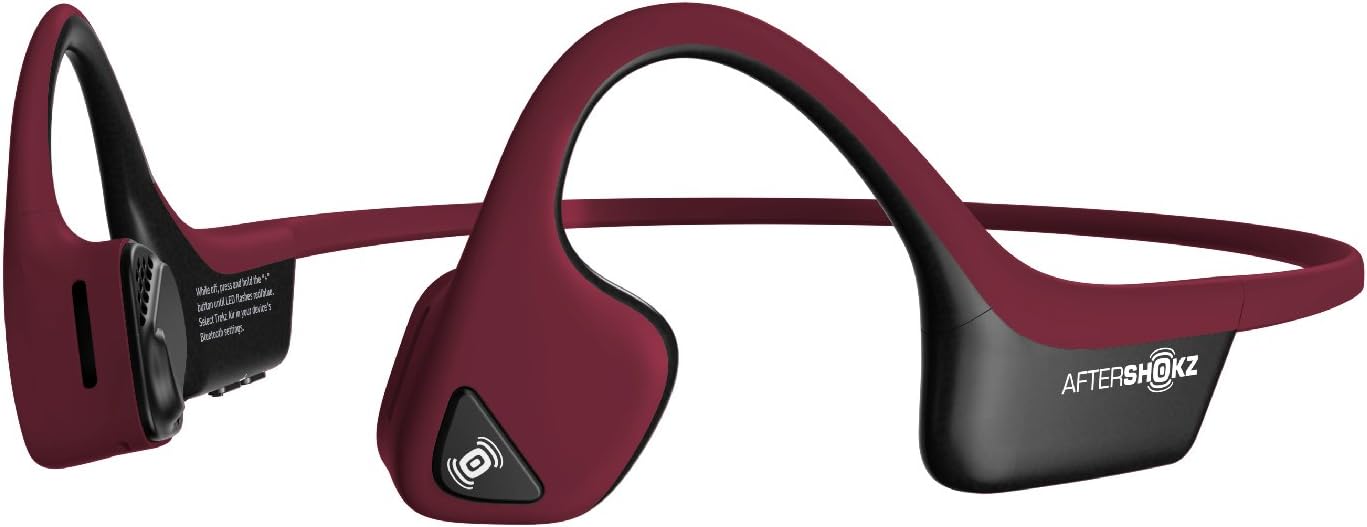
Image: The AfterShokz Air headphones, showcasing their open-ear design and flexible frame, ready for pairing.
Ашиглалтын заавар
Чихэвч зүүж байна
Place the headphones so that the transducers rest on your cheekbones, just in front of your ears. The band should wrap around the back of your head. Adjust for a comfortable and secure fit.

Image: A user wearing the AfterShokz Air headphones, illustrating how the open-ear design allows awareness of surroundings.
Олон үйлдэлт товчлуурын удирдлага
The multifunction button provides easy control over audio playback and calls:
- Тоглуулах/түр зогсоох: Нэг удаа дар.
- Урагш алгасах: Давхар дарна уу.
- Дуудлагад хариулах/дуусах: Нэг удаа дар.
- Дуудлагаас татгалзах: 2 секундын турш дарна уу.
- Дуут туслахыг идэвхжүүлэх (Siri/Google Assistant): Press and hold for 2 seconds (when not on a call).
Дууны хяналт
Dedicated volume buttons allow you to adjust the audio level:
- Дууг нэмэгдүүлэх: '+' товчийг дарна уу.
- Дууг багасгах: '-' товчийг дарна уу.
Нөхцөл байдлын ухамсар
The open-ear design allows you to hear ambient sounds, which is crucial for safety during outdoor activities like running or cycling. This feature ensures you remain aware of traffic and other environmental noises.

Image: A man cycling while wearing AfterShokz Air headphones, emphasizing the ability to hear both music and surrounding traffic for safer outdoor activities.
Засвар үйлчилгээ
Цэвэрлэгээ
Чихэвчийг зөөлөн арчих, damp cloth after each use, especially after workouts, to remove sweat and dirt. Do not use harsh chemicals or abrasive cleaners.
Усны эсэргүүцэл
The AfterShokz Air headphones are IP55 certified, meaning they are sweatproof and resistant to light splashes of water. They are not designed for submersion in water. Ensure the charging port is dry before charging.
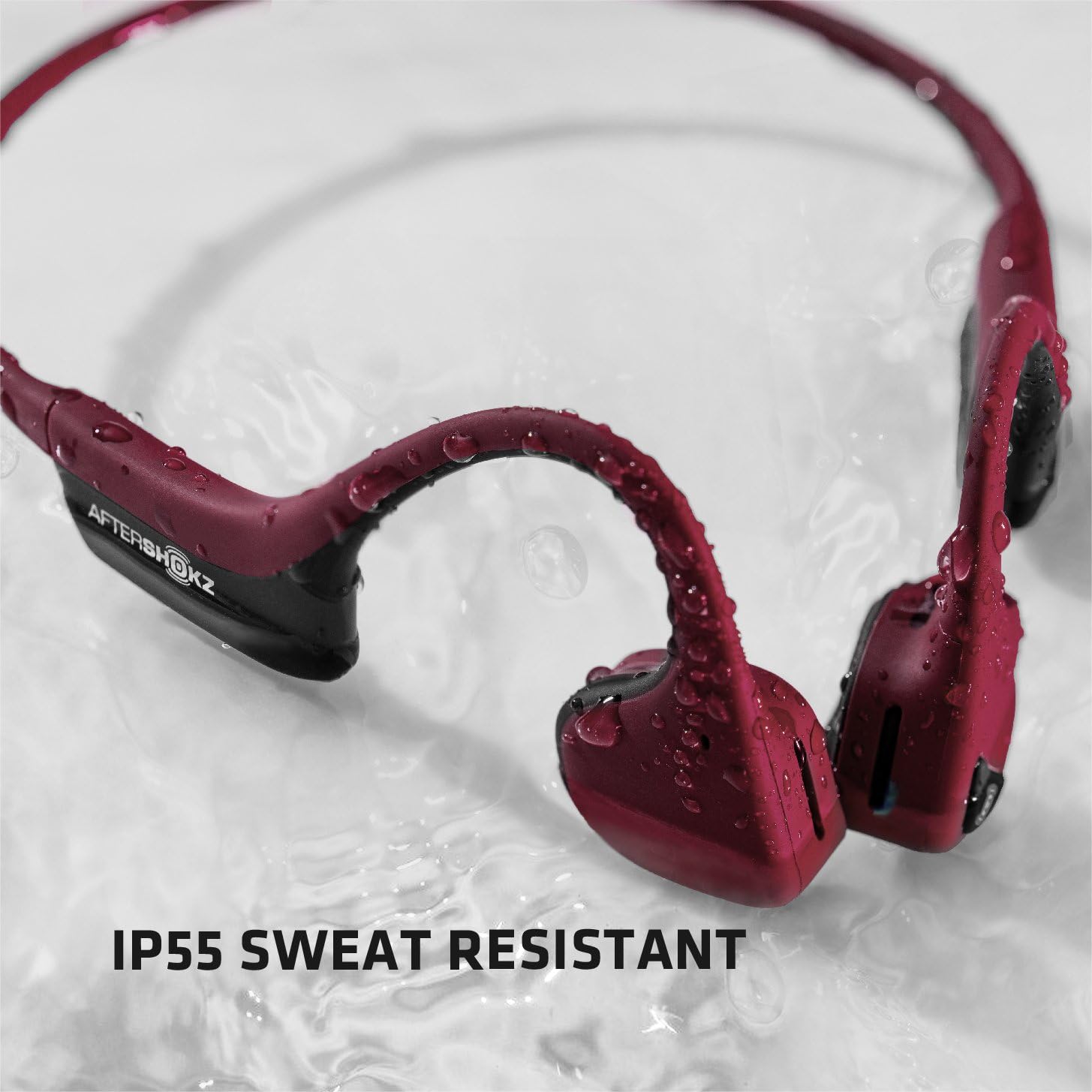
Image: The AfterShokz Air headphones covered in water droplets, demonstrating their IP55 sweat and water resistance.
Хадгалах
Store your headphones in the provided carrying case when not in use to protect them from dust and damage. Avoid storing them in extreme temperatures.
Алдааг олж засварлах
Хүч чадалгүй
- Чихэвч бүрэн цэнэглэгдсэн эсэхийг шалгаарай.
- Check the charging cable and power source for proper connection.
Хослох боломжгүй
- Make sure the headphones are in pairing mode (flashing red and blue LED).
- Таны төхөөрөмж дээр Bluetooth идэвхжсэн эсэхийг шалгаарай.
- Чихэвчээ төхөөрөмждөө ойртуулна уу.
- Try turning off and on Bluetooth on your device, or restarting your device.
- Хэрэв өмнө нь хослуулсан бол төхөөрөмжийг Bluetooth тохиргоондоо "мартаж", дахин хослуулахыг оролдоорой.
Дууны чанар муу эсвэл дуу багатай
- Чихэвч болон холбогдсон төхөөрөмжийнхөө дууг тохируулна уу.
- Датчикууд хацрын ясан дээрээ зөв байрлуулсан эсэхийг шалгаарай.
- Bluetooth-ийн саадаас зайлсхийхийн тулд холбогдсон төхөөрөмждөө ойртоорой.
- In noisy environments, consider using the included earplugs to enhance audio perception.
Үзүүлэлтүүд
| Загварын нэр | AS650CR |
| Холболтын технологи | Bluetooth |
| Bluetooth хувилбар | V4.2 |
| Bluetooth хүрээ | 10 метр (33 фут) хүртэл |
| Аудио драйверын төрөл | Ясны дамжуулагч |
| Давтамжийн хариу үйлдэл | 20 Гц - 20,000 Гц |
| Зайны ашиглалт | Up to 6 hours of continuous music and calls |
| Усны эсэргүүцэл | IP55 (Sweatproof, water-resistant) |
| Жин | 31.8 грамм (1.12 унц) |
| Материал | Titanium frame |
| Онцлог шинж чанарууд | Microphone Included, Wind Noise Reduction (for calls) |
Баталгаат болон дэмжлэг
AfterShokz (now Shokz) products typically come with a manufacturer's warranty. Please refer to the official AfterShokz/Shokz webсайт эсвэл таны худалдан авалтын баримт бичгийг баталгаат тодорхой нөхцлүүд.
For technical support, troubleshooting assistance, or warranty claims, please visit the official AfterShokz/Shokz support page or contact their customer service directly. Keep your proof of purchase handy.
Албан ёсны Webсайт: shokz.com


