1. Танилцуулга
Thank you for choosing the AVANTEK CW-11 Wireless Doorbell. This manual provides detailed instructions for the installation, operation, and maintenance of your new doorbell system. Please read this manual thoroughly before use and retain it for future reference.
2. Багцын агуулга
Бүх бүрэлдэхүүн хэсгүүд багцад байгаа эсэхийг шалгана уу:
- 1 x Залгуурын хүлээн авагч
- 1 x Transmitter (Push Button)
- 2 х эрэг
- 2 х хананы зангуу
- 1 x Small Key (for battery compartment)
- 1 х хоёр талт наалдамхай тууз
- 1 х хэрэглэгчийн гарын авлага

Image: Contents of the AVANTEK Doorbell Kit, showing the receiver, transmitter, screws, anchors, key, and adhesive tape.
3. Бүтээгдэхүүн дууссанview
Хүлээн авагч
- Plug-in design for easy power.
- LED indicator for visual alerts.
- Дууны түвшний хяналтын товчлуурууд.
- Melody selection buttons.
- Compact design (approx. 8 cm height, 7.3 cm width) that does not obstruct adjacent power outlets.

Image: The compact receiver plugged into a wall outlet, illustrating its small size (8 cm height, 7.3 cm width) and how it leaves adjacent sockets free.
Дамжуулагч
- Push button with LED indicator.
- Powered by a CR2032 lithium battery (included), offering up to 3 years of lifespan.
- IP55 dustproof and waterproof rating, suitable for outdoor use in temperatures from -20°C to +60°C.
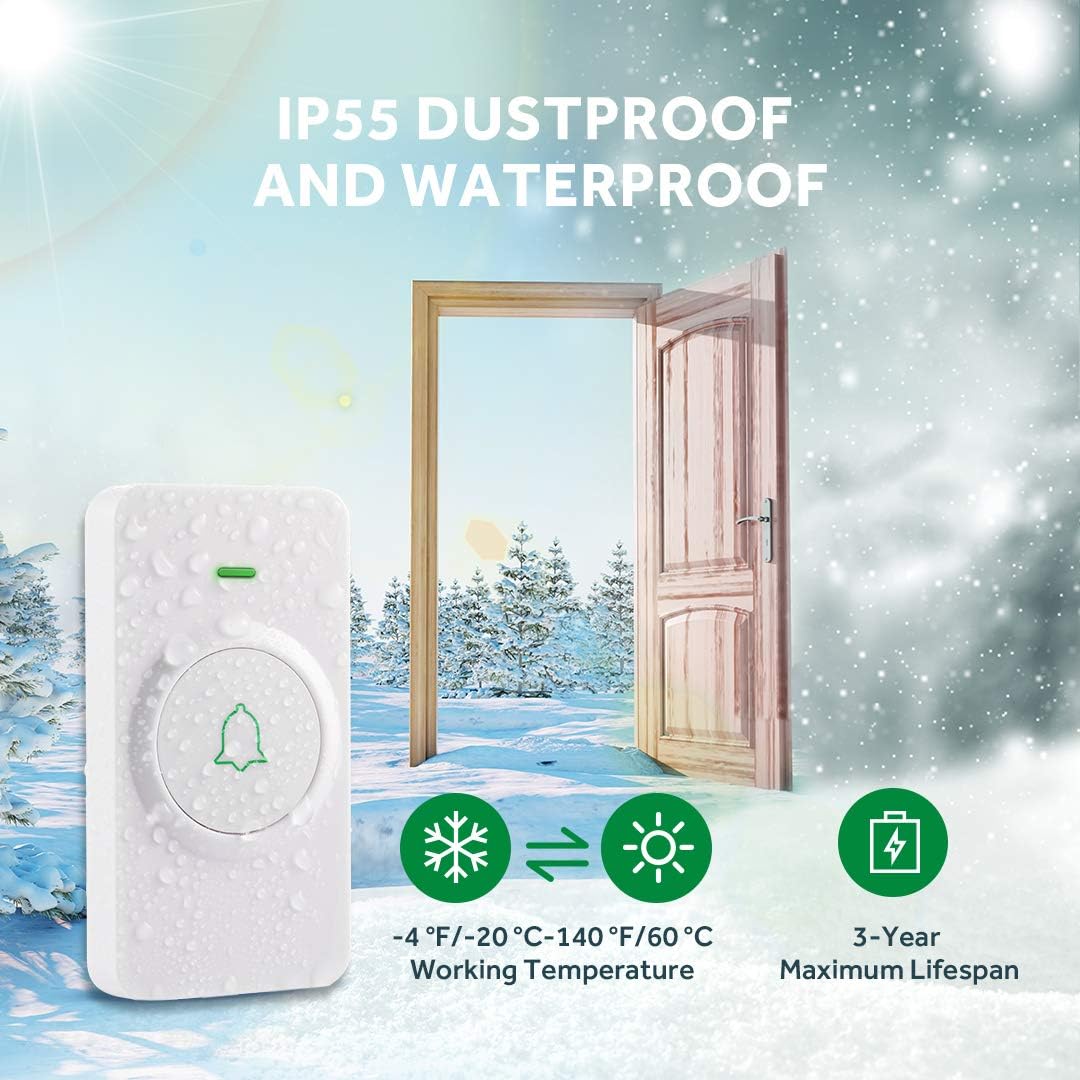
Image: The doorbell transmitter highlighting its IP55 dustproof and waterproof features, with illustrations of its resilience in both cold (-20°C) and hot (60°C) weather, and a 3-year maximum battery lifespan.
4. Тохиргоо
4.1 Дамжуулагч суурилуулах
The transmitter can be installed using either the provided screws and anchors or the double-sided adhesive tape.
- Adhesive Tape Method: Clean the desired mounting surface thoroughly. Peel off one side of the protective film from the double-sided adhesive tape and attach it to the back of the transmitter. Peel off the other side and firmly press the transmitter onto the wall for at least 30 seconds.
- Screw-in Method: Mark the desired mounting location. Drill two holes at the marked spots. Insert the wall anchors into the holes. Align the transmitter's mounting holes with the anchors and secure it with the screws.
4.2 Хүлээн авагчийн тохиргоо
Simply plug the receiver into any standard indoor power outlet. The receiver's LED will flash, indicating it is powered on and ready for pairing.
4.3 Дамжуулагч болон хүлээн авагчийг холбох
The doorbell system is pre-paired at the factory. If re-pairing is needed or if you are adding additional transmitters/receivers:
- Хүлээн авагчийг холбоно уу.
- Press and hold the volume button on the receiver for 3 seconds until its LED starts flashing. This indicates pairing mode.
- Within 5 seconds, press the transmitter button. The receiver's LED will flash, and it will play its current melody once, indicating successful pairing.
- If pairing fails, repeat the steps.
Video: This video demonstrates how to pair the AVANTEK wireless doorbell system components, including activating the receiver and transmitter for pairing.
5. Үйл ажиллагаа
5.1 Аяыг солих нь
The receiver offers 52 distinct melodies. To change the melody:
- Press the 'Next' or 'Previous' button on the side of the receiver to cycle through the available melodies.
- The receiver will play each melody as you select it.
- The memory function ensures your last selected melody is retained even after a power outage.
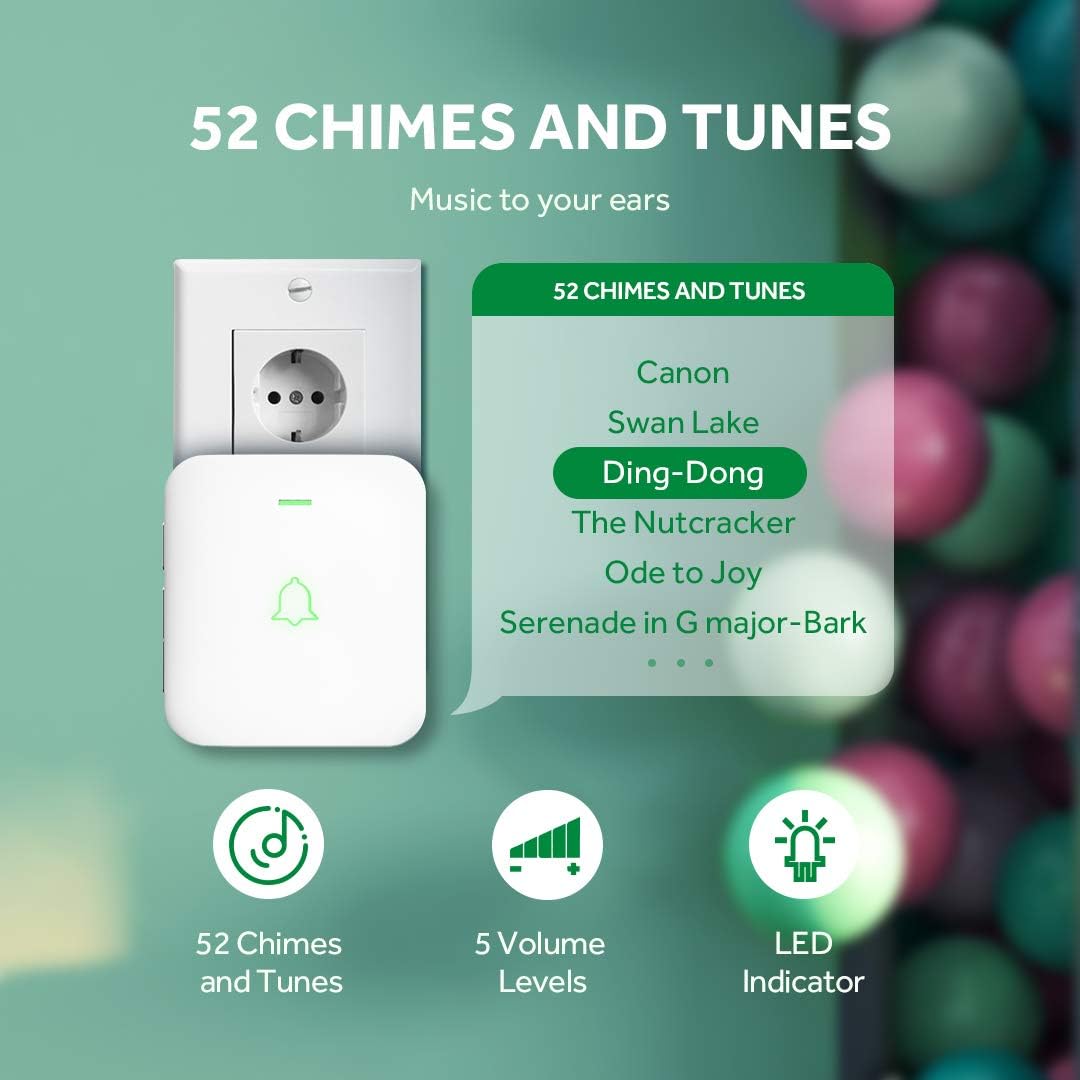
Image: The doorbell receiver displaying its features: 52 chimes and tunes, 5 volume levels, and an LED indicator. Examples of melodies like 'Canon' and 'Ding-Dong' are shown.
5.2 Дууны хэмжээг тохируулах
The receiver has 5 adjustable volume levels, with a maximum sound intensity of 115 dB. To adjust the volume:
- Press the 'Volume' button on the side of the receiver repeatedly to cycle through the 5 volume levels.
- The receiver will play a sound at each level to indicate the current volume.
- The memory function retains your last selected volume level.
5.3 Silent Mode (LED Notification)
For situations requiring silence, such as during sleep or meetings, the receiver can be set to silent mode, where it only provides a visual LED notification.
- Cycle through the volume levels until the mute icon is displayed or the sound is off. The LED will still flash when the doorbell is pressed.
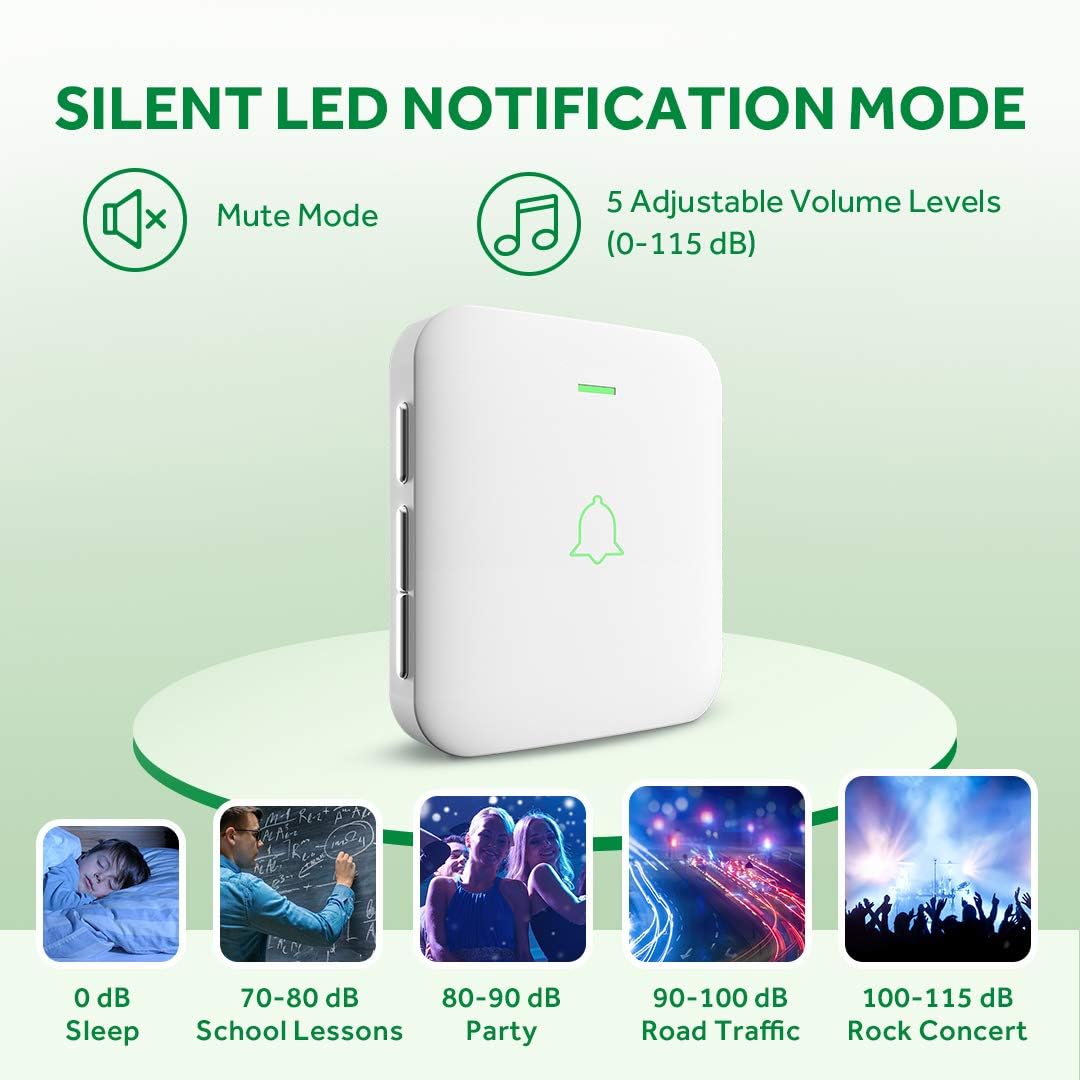
Image: The doorbell receiver illustrating its silent LED notification mode and the range of 5 adjustable volume levels (0-115 dB), with examples of typical sound environments.
Video: This video demonstrates how to adjust the volume and activate the silent mode on the AVANTEK wireless doorbell receiver.
6. Засвар үйлчилгээ
6.1 Battery Replacement (Transmitter)
The transmitter uses a CR2032 lithium battery with an average lifespan of 3 years. When the transmitter's LED no longer lights up or the range decreases significantly, it's time to replace the battery.
- Use the small key (or a small flat-head screwdriver) to open the battery compartment on the side of the transmitter.
- Хуучин CR2032 зайг болгоомжтой салга.
- Шинэ CR2032 батерейг эерэг (+) талыг дээш харуулан оруулна.
- Зайны тасалгааг найдвартай хаа.
6.2 Цэвэрлэгээ
Wipe the doorbell units with a soft, dry cloth. Do not use abrasive cleaners or solvents, as they may damage the surface.
7. Алдаа засах
| Асуудал | Боломжит шалтгаан | Шийдэл |
|---|---|---|
| Хаалганы хонх дуугарахгүй байна. | Receiver not plugged in or powered off. Transmitter battery is dead. Units are not paired. | Ensure receiver is plugged in and powered. Replace transmitter battery. Re-pair the units (see Section 4.3). |
| Богино утасгүй холбооны хүрээ. | Obstructions (thick walls, metal structures). Interference from other devices. Low transmitter battery. | Relocate receiver or transmitter to minimize obstructions. Replace transmitter battery. |
| Хүлээн авагчийн LED анивчсан боловч дуу гарахгүй. | Receiver is in silent (mute) mode. Volume is set to minimum. | Adjust the volume level (see Section 5.2). |
| Cannot change melody. | Buttons not pressed correctly. | Ensure you are pressing the 'Next' or 'Previous' melody buttons firmly. |
8. Техникийн үзүүлэлтүүд
- Загвар: CW-11 / SB-122
- Брэнд: АВАНТЕК
- Утасгүй хүрээ: Ил задгай агаарт 300 метр (1000 фут) хүртэл
- Ая: 52 сонгох боломжтой хонх
- Дууны түвшин: 5 adjustable levels (0-115 dB)
- Дамжуулагчийн зай: 1 x CR2032 Lithium (included)
- Transmitter Battery Life: 3 жил хүртэл
- Хүлээн авагчийн хүч: AC 100-240V (Plug-in)
- Ашиглалтын температур: -20°C-аас +60°C (-4°F - +140°F)
- Усны хамгаалалттай үнэлгээ: IP55 (Дамжуулагч)
- Баталгаажуулалт: CE, FCC, RoHS
- Хэмжээ (хүлээн авагч): Ойролцоогоор 11.4 x 9.5 x 6.9 см
- Жин: 159 grams (total package)
- Суулгах арга: Self-adhesive or Screw-in
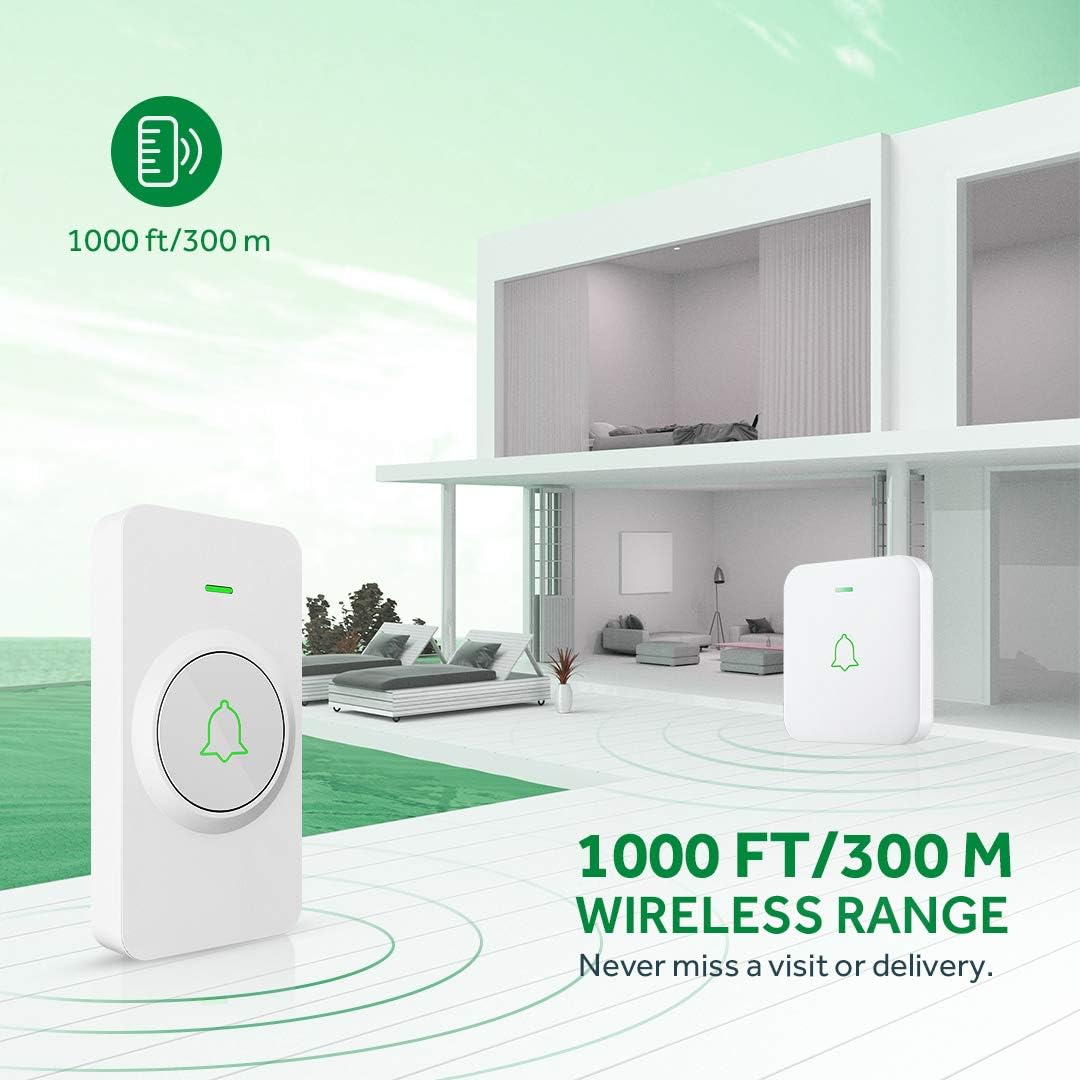
Image: Diagram illustrating the 300-meter (1000 ft) wireless range of the AVANTEK doorbell system within a multi-story home environment.
Видео: Энэ видео бичлэгийг дуусгах боломжийг олгодогview of the AVANTEK Mini Doorbell Kit, demonstrating its features like instant pairing of multiple receivers, silent mode, and IP55 weather resistance.
9. Баталгаат хугацаа ба дэмжлэг
AVANTEK products come with a standard manufacturer's warranty. For specific warranty details, technical support, or any inquiries, please refer to the contact information provided on the product packaging or visit the official AVANTEK website. Please note that compatibility for products purchased before 2021 may vary; contact customer support for verification.


