Танилцуулга
This manual provides instructions for the installation, setup, operation, and maintenance of your Feit Electric OM60/SW/HK A19 Smart LED Light Bulb. This smart bulb is designed to work with Apple HomeKit and Siri Voice Control, offering convenient lighting management without requiring a separate smart home hub for direct control. For remote access and advanced automations, an Apple Home Hub (Apple TV, iPad, or HomePod) is required.
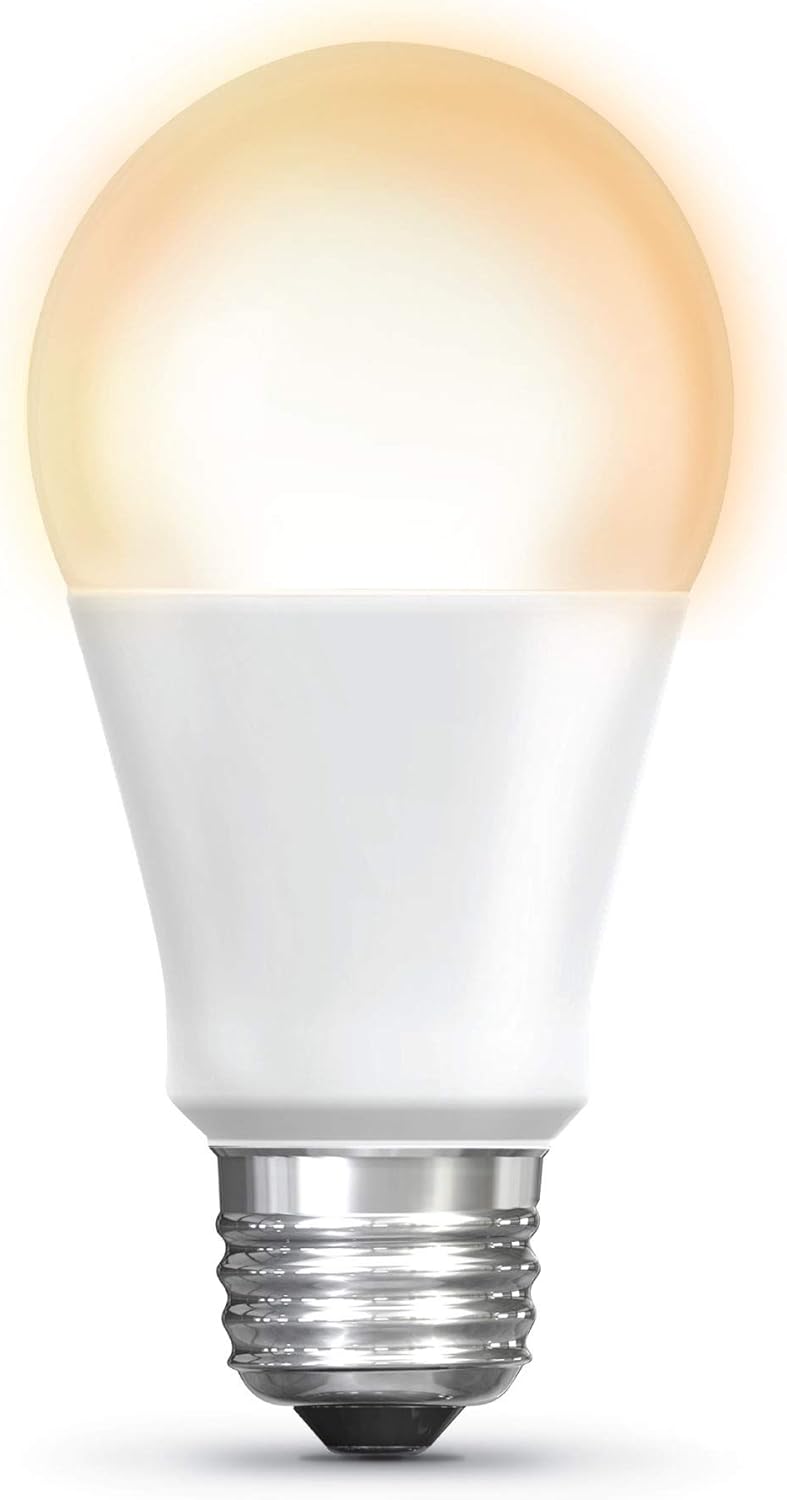
Image: The Feit Electric A19 Smart LED Light Bulb illuminated, showcasing its soft white light output.
Аюулгүй байдлын мэдээлэл
- Цахилгаан цочролын эрсдэл: Чийдэнг суурилуулах, салгахаасаа өмнө цахилгаан тэжээлийг үргэлж унтраа.
- Дотор/гадаа ашиглах: This bulb is rated for outdoor use. Ensure the fixture is suitable for the environment.
- Диммерийн нийцтэй байдал: This smart bulb is dimmable via the Apple Home app or Siri. Do not use with standard incandescent dimmer switches, as this may damage the bulb.
- Ашиглалтын температур: Do not install in enclosed fixtures that restrict airflow, as this can shorten bulb life.
- Устгах: Dispose of LED bulbs according to local regulations. Do not dispose of with general household waste.
Багцын агуулга
Таны багц дараахь зүйлийг агуулсан байх ёстой.
- 1 x Feit Electric OM60/SW/HK A19 Smart LED Light Bulb
Тохируулах заавар
1. Физик суурилуулалт
- Суурилуулахаасаа өмнө гэрлийн хэрэгслийн цахилгааныг унтраалга дээр унтраасан эсэхийг шалгаарай.
- Carefully screw the Feit Electric Smart LED Light Bulb into a standard E26 medium base socket.
- Turn on the power to the light fixture. The bulb should illuminate.
2. Apple HomeKit Pairing
The bulb connects directly to your Apple device via Bluetooth. No separate hub is required for basic control.
- -г нээнэ үү Apple Home програм on your iPhone, iPad, or iPod touch (iOS 10.0.1 or later required).
- дээр товшино уу "+" icon in the upper right corner and select "Add Accessory".
- -г сканнердах HomeKit тохиргооны код located on the bulb or its packaging. Follow the on-screen prompts to add the bulb to your Home app and assign it to a room.

Image: A smartphone screen showing the Apple Home app interface, used to control smart lighting in a living room setting.
3. Firmware Update (Important)
To ensure optimal performance and compatibility with the latest iOS versions, it is recommended to update the bulb's firmware using the Feit OTA app.
- -г татаж авах "Feit OTA" app from the Apple App Store.
- Ensure the smart bulb is powered on.
- Open the Feit OTA app. Grant Bluetooth access permissions if prompted.
- руу шилжих "More" (bottom right corner) and select "EQUIPMENT UPGRADE GATT".
- Select the desired light bulb from the list.
- If a firmware update is available, select "UPDATE RIGHT NOW". Keep your phone screen active and do not leave the app during the update process to prevent interruption.
- After the update is complete, you may need to repeat steps 3-6 if multiple updates are required. The app will indicate when no further updates are needed.
- Once updated, return to the Apple Home app to confirm functionality. If issues persist, try resetting the bulb to factory settings (see Troubleshooting) and re-pairing.
4. Home Hub Setup for Remote Access
For control of your smart bulb when away from home, or for advanced automations and scheduling, an Apple Home Hub is required.
- Set up an Apple TV (4th generation or later), HomePod, or an iPad (running iOS 10 or later) as your Home Hub.
- Ensure your Home Hub device is connected to your home Wi-Fi network and signed in with the same Apple ID as your other HomeKit devices.
- Keep the Home Hub device powered on and connected to power to maintain remote access.
Ашиглалтын заавар
1. Control with Apple Home App
Once paired, you can control your smart bulb directly from the Apple Home app:
- Асаах/унтраах: Tap the bulb icon in the Home app.
- Бүдэгрүүлж байна: Press and hold the bulb icon to access controls for brightness adjustment.
- Schedules & Automations: Use the Home app to create custom schedules for turning lights on/off or to set up automations based on time, location, or other HomeKit accessories.
- Бүлэглэх: Нэгэн зэрэг удирдахын тулд олон чийдэнг нэгтгэ.
2. Siri Voice Control
Use Siri on your iPhone, iPad, HomePod, or Apple Watch to control your smart bulb with voice commands:
- "Hey Siri, turn on the [Room Name] light."
- "Hey Siri, dim the [Light Name] to 50%."
- "Hey Siri, turn off all the lights."
Жич: Direct control via Bluetooth has a limited range (approximately 75 feet) and may experience slight delays compared to Wi-Fi based smart devices. For consistent remote control and faster response times, ensure a Home Hub is properly configured.
Засвар үйлчилгээ
- Цэвэрлэгээ: Цэвэрлэхийн өмнө чийдэнг сэрүүн, цахилгааныг унтраасан эсэхийг шалгаарай. Зөөлөн, хуурай даавуугаар арчина. Шингэн болон зүлгүүрийн цэвэрлэгч хэрэглэж болохгүй.
- Хадгалах: If storing the bulb, keep it in its original packaging in a cool, dry place.
- No user-serviceable parts are inside. Do not attempt to disassemble the bulb.
Алдааг олж засварлах
Bulb Not Responding or Connecting
- Эрчим хүчийг шалгах: Ensure the light fixture switch is on and the bulb is receiving power.
- Bluetooth хүрээ: If controlling directly, ensure your Apple device is within Bluetooth range of the bulb.
- Эрчим хүчний мөчлөг: Turn the light switch off for 10 seconds, then turn it back on. This can often resolve minor connectivity issues.
- Програм хангамжийн шинэчлэлт: Verify that the bulb's firmware is up to date using the Feit OTA app (refer to Setup Instructions). Outdated firmware can cause connectivity problems.
- Дахин тохируулах чийдэн: To factory reset the bulb, turn it off for 1 second, then on for 1 second, repeating this cycle 5 times. The bulb will flash to indicate a successful reset. Then, attempt to re-pair with the Apple Home app.
- Home Hub Check: If using remote access, ensure your Apple Home Hub (Apple TV, iPad, or HomePod) is online, powered, and connected to the same network.
Delay in Response
- This bulb uses Bluetooth for direct control, which can sometimes introduce a slight delay compared to Wi-Fi devices. Ensure your controlling device is close to the bulb.
- A properly configured Apple Home Hub can improve response times, especially for automations and remote control.
Bulb Turns Soft White After Power Outage
- The bulb is designed to return to a default soft white state after a power interruption. This behavior cannot be changed.
Үзүүлэлтүүд
| Онцлог | Дэлгэрэнгүй |
|---|---|
| Загварын дугаар | OM60/SW/HK |
| Гэрлийн төрөл | LED |
| Булцууны хэлбэрийн хэмжээ | A19 |
| Булцууны суурь | E26 Дунд |
| Ватtage | 10 ватт |
| Улайсгасан эквивалент | 60 ватт |
| Гэрэлтүүлэг | 800 люмен |
| Цайвар өнгө | 2700К Зөөлөн цагаан |
| Өнгө дүрслэх индекс (CRI) | 90 |
| Ботьtage | 120 вольт |
| Дундаж амьдрал | 15,000 цаг |
| Хяналтын арга | App (Apple Home), Voice (Siri) |
| Холболт | Bluetooth (for direct control) |
| Бүтээгдэхүүний хэмжээс | 2.4" W x 4.4" H |
| Материал | Glass, Metal, Plastic, Powdered Metal Steel, Rubber |
| Дотор/гадаа ашиглах | Гадаа |

Image: Dimensional drawing of the A19 light bulb, indicating a height of 4.4 inches and a diameter of 2.4 inches.
Баталгаат болон дэмжлэг
Баталгаат хугацааны мэдээлэл
This Feit Electric smart LED light bulb comes with a нэг жилийн баталгаат хугацаа худалдан авсан өдрөөс. Энэхүү баталгаа нь ердийн ашиглалтын үед хийгдсэн материал, хийцийн согогийг хамарна.
For warranty claims or further assistance, please contact Feit Electric customer service.
Хэрэглэгчийн дэмжлэг
If you encounter any issues or have questions regarding your Feit Electric Smart LED Light Bulb, please contact:
- Имэйл: info@feit.com
- Үнэгүй утас: 1-866-326-BULB (1-866-326-2852)
Please have your model number (OM60/SW/HK) and proof of purchase ready when contacting support.