1. Танилцуулга
The Modecom Oberon Pro Midi Tower is a computer case designed for users seeking a functional and spacious interior with a modern aesthetic. This manual provides essential information for the proper installation, operation, and maintenance of your computer case, ensuring optimal performance and longevity of your components.
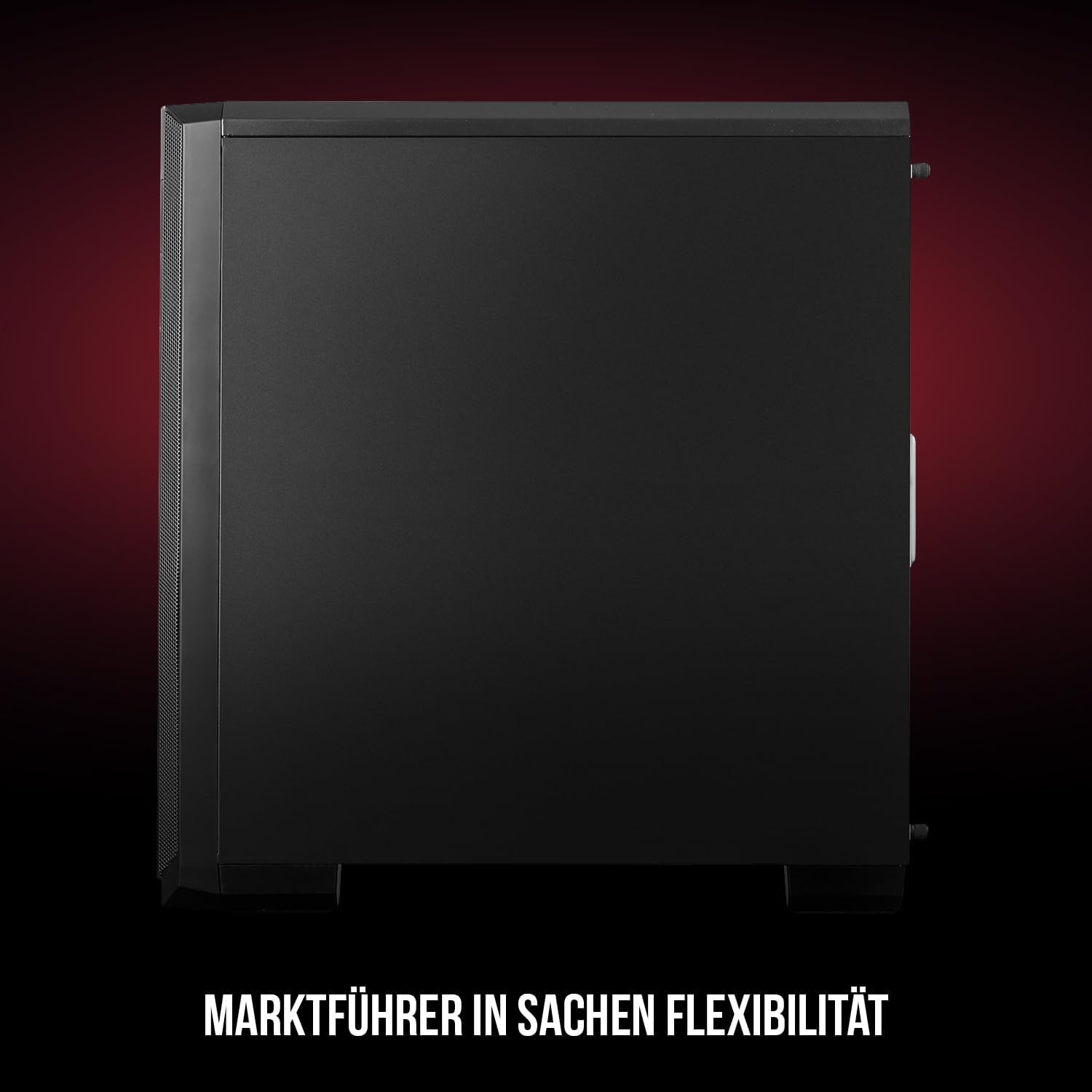
Зураг 1: Урд ба хажуу view of the Modecom Oberon Pro Midi Tower computer case.
2. Аюулгүй байдлын мэдээлэл
- Аливаа эд ангиудыг суулгах эсвэл салгахаасаа өмнө цахилгаан тэжээлийг ханын залгуураас үргэлж салга.
- Цахилгаан статик цэнэг алдалтаас зайлсхийхийн тулд эд ангиудыг болгоомжтой харьцана уу. Статик бус бугуйн оосор ашиглах талаар бодож үзээрэй.
- Жижиг эд анги, багаж хэрэгслийг хүүхдээс хол байлга.
- Хэт халалтаас урьдчилан сэргийлэхийн тулд хайрцгийн эргэн тойронд агааржуулалтыг зөв хийх хэрэгтэй.
- Do not attempt to modify the case structure, as this may void your warranty and pose safety risks.
3. Багцын агуулга
Дараах бүх зүйлс таны багцад байгаа эсэхийг шалгаарай:
- Modecom Oberon Pro Midi Tower Computer Case
- Дагалдах хэрэгсэл (эрэг, тулгуур, кабель зангиа)
- Хэрэглэгчийн гарын авлага (энэ баримт бичиг)
4. Үндсэн шинж чанарууд
- Өргөн интерьер: Designed to accommodate high-end components and facilitate good airflow.
- Үр ашигтай хөргөлт: Includes two pre-mounted 120mm fans (front and rear) to prevent component overheating.
- Хэрэгсэлгүй суулгац: Supports tool-free mounting for SSD/HDD drives and expansion cards.
- Тоосны шүүлтүүр: Features easily dismountable magnetic filters on the top, front, and bottom (under the power supply unit) to keep the interior clean.
- Кабелийн менежментийг оновчтой болгосон: Provides a system for convenient wiring organization.
- Long PSU Tunnel: Offers a 240mm space for power supplies, simplifying installation and cable arrangement.
5. Тохиргоо ба суурилуулалт
5.1. Кейс бэлтгэх
Before installation, remove the side panels of the case. The Oberon Pro features sound-dampening mats on the side panels to reduce noise.

Зураг 2: Дотоод засал view showing sound-dampening mats on the side panel.
5.2. Эх хавтанг суурилуулах
Install the necessary standoffs for your motherboard form factor (ATX, Micro ATX, ITX). Carefully place your motherboard into the case, aligning it with the standoffs, and secure it with screws.

Figure 3: Interior layout with pre-installed rear fan and motherboard tray.
5.3. Drive Installation (SSD/HDD)
The Oberon Pro supports tool-free installation for three 2.5" SSDs and two 3.5" HDDs. The 3.5" HDD bays are located in the power supply tunnel at the bottom of the case. 2.5" SSDs can be mounted on both sides of the motherboard tray.

Figure 4: Dedicated bays for HDD and SSD storage devices.
5.4. Цахилгаан хангамжийн суурилуулалт
The case features a long PSU tunnel (240mm) at the bottom. Install your power supply unit into this tunnel and secure it. This design aids in cable management and airflow.
5.5. Expansion Card Installation (PCI/PCIe)
Install your graphics card or other expansion cards into the PCI/PCIe slots. The case supports tool-free mounting for these cards, allowing for easy installation and removal.
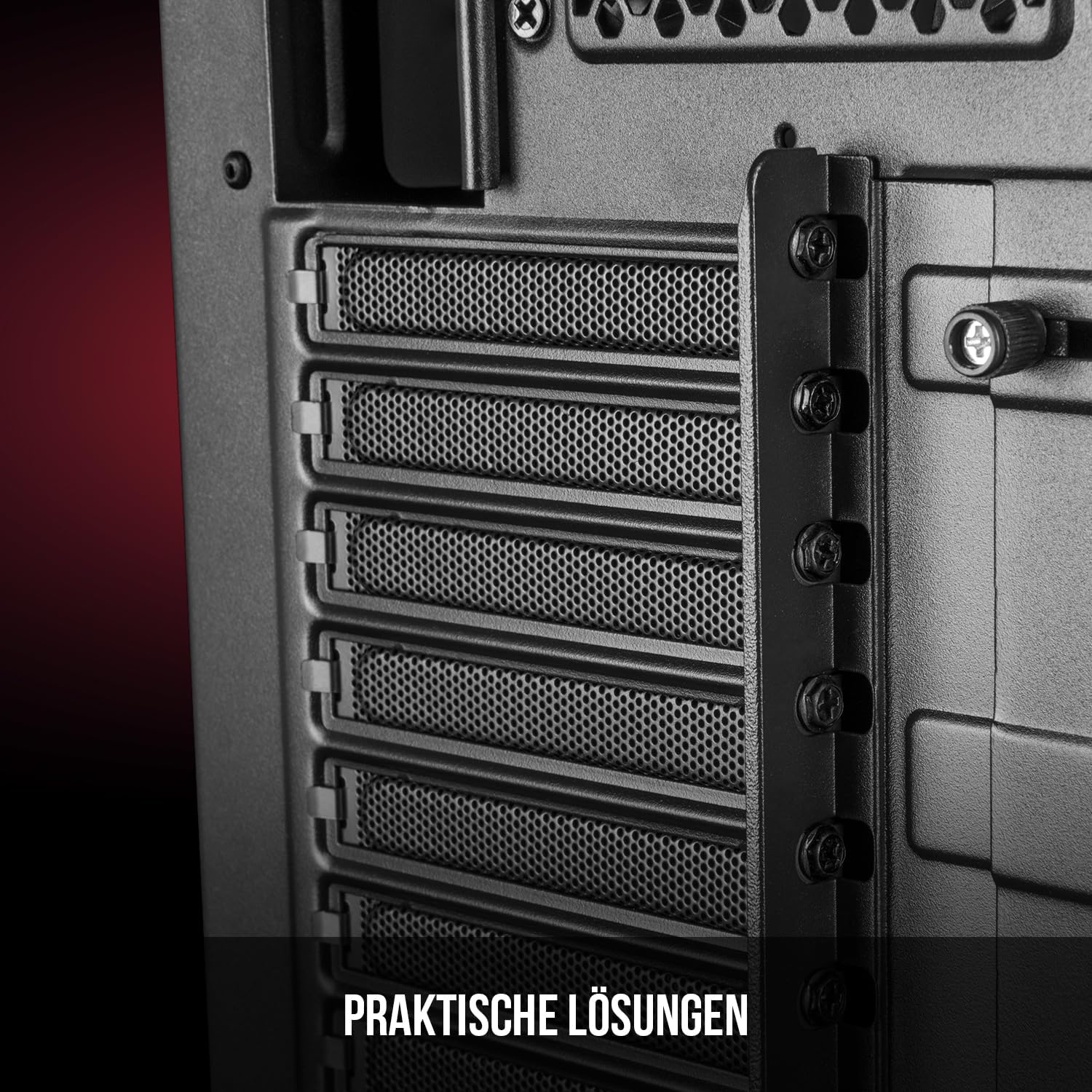
Зураг 5: Арын дотоод засал view highlighting the expansion card slots.
5.6. Кабелийн менежмент
Utilize the provided cable routing options and tie-down points behind the motherboard tray to organize cables. This improves airflow and maintains a tidy interior.
6. Хөргөлтийн систем
The Oberon Pro comes with two pre-installed 120mm fans, one at the front and one at the rear, to ensure adequate airflow. The maximum height for a CPU cooler is 163mm, and the maximum length for a video card is 395mm, allowing for compatibility with a wide range of components.
7. Засвар үйлчилгээ
To maintain optimal performance and prevent dust buildup, regularly clean the dust filters. The magnetic filters on the top, front, and bottom of the case are easily dismountable for cleaning. Use compressed air or a soft brush to remove accumulated dust.
8. Алдаа засах
- Эрчим хүчгүй: Ensure all power cables are securely connected to the motherboard, power supply, and wall outlet. Check the power button connection to the motherboard.
- Хэт халалт: Verify that all fans are spinning correctly and that dust filters are clean. Ensure proper cable management to avoid obstructing airflow.
- Урд самбарын портууд ажиллахгүй байна: Check that the front panel connectors (USB, audio) are correctly plugged into the motherboard headers.
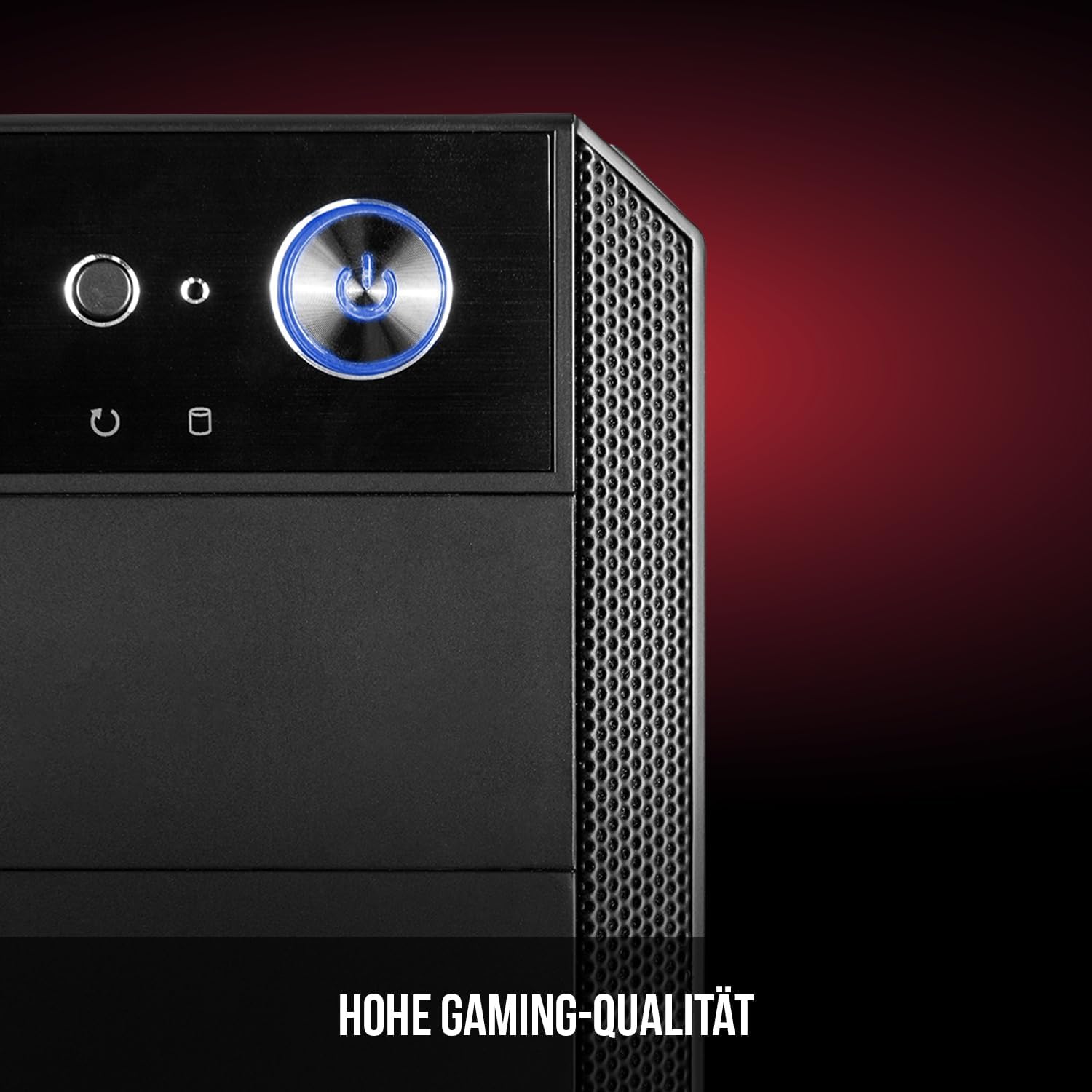
Figure 6: Front panel I/O ports for connectivity.
9. Техникийн үзүүлэлтүүд
| Онцлог | Тодорхойлолт |
|---|---|
| Брэнд | Modecom |
| Загварын нэр | Oberon Pro |
| Загварын дугаар | AT-OBERON-PS-10-000000-0002 |
| Өнгө | Хар |
| Кейсийн төрөл | Миди цамхаг |
| Эх хавтангийн нийцтэй байдал | ATX, Micro ATX, ITX |
| Материал | Хайлш ган |
| Хөргөх арга | Агаар |
| Урьдчилан суулгасан фенүүд | 2 x 120mm (Front, Rear) |
| CPU хөргөгчийн хамгийн их өндөр | 163 мм |
| GPU-ийн хамгийн их урт | 395 мм |
| Drive Bays | 3 x 2.5" SSD, 2 x 3.5" HDD |
| Нийт USB портууд | 4 |
| Онцлог шинж чанарууд | Reset Button, Dust Filter, LED Indicators, Side Window |
| Зүйлийн жин | 5270 грамм |

Figure 7: Rear exterior view of the computer case.
10. Баталгаат хугацаа ба дэмжлэг
For warranty information and technical support, please refer to the official Modecom webсайт эсвэл худалдагчтайгаа холбогдоно уу. Аливаа баталгаат нэхэмжлэлийн хувьд худалдан авалтаа нотлох баримтаа хадгалаарай.