1. Танилцуулга
The Cync Full Color Smart LED Light Bulbs offer advanced lighting control for your home. These bulbs provide millions of color options, including tunable white light, and can be controlled via the Cync app, Amazon Alexa, or Google Assistant. They are designed for simple setup without requiring an additional hub for basic functionality.

Image: GE CYNC Full Color Smart LED Light Bulbs product overview.
2. Хайрцагт юу байна
- Two (2) CYNC Smart Light Bulbs
3. Тохируулах заавар
3.1. Initial Bulb Installation
- Screw the Cync Smart LED Light Bulb into any standard E26 medium base light fixture.
- Turn on the power to the light fixture. The bulb should illuminate.
3.2. Cync App Setup
The Cync app is essential for unlocking full features and connecting to other Cync or C by GE devices.
- Download the Cync App on your smartphone. You can scan the QR code below or visit l.ead.me/bc4KOh.
- Open the Cync App and follow the in-app instructions to add your new devices.

Image: Cync App download via QR code.
3.3. Voice Assistant Integration (Amazon Alexa / Google Home)
These bulbs are designed for direct connection to your Wi-Fi router, enabling voice and out-of-home control without a separate hub. For voice control, you will need an Amazon Alexa or Google Home device.

Image: Direct Connect Smart Bulbs Wi-Fi pairing.

Image: Direct Connect Smart Bulbs for voice and out-of-home control.
3.3.1. Setting Up with Amazon Alexa
To enable voice control with Amazon Alexa, follow these steps:
- Ensure your Cync bulbs are installed and powered on.
- Ухаалаг утсан дээрээ Amazon Alexa програмыг нээнэ үү.
- Navigate to the 'Skills & Games' section.
- хайх 'Cync' and enable the skill.
- Link your Cync account when prompted.
- Say, "Alexa, discover my devices." Once discovered, you can begin using your lights with Alexa.
Video: Instructions on how to connect Cync devices to Amazon Alexa for voice control.
3.3.2. Setting Up with Google Home
To enable voice control with Google Home, follow these steps:
- Ensure your Cync bulbs are installed and powered on.
- Ухаалаг утсан дээрээ Google Home програмыг нээнэ үү.
- Шинэ төхөөрөмж нэмэхийн тулд '+' дүрс дээр товшино уу.
- Select 'Set up device' and then 'Works with Google'.
- хайх 'Cync' and link your Cync account.
- Ухаалаг чийдэнгээ өрөөнд хуваарилаарай.
For a visual guide, refer to the 'Installing lights Alexa & google home' video, which demonstrates the process for both platforms.

Image: Compatibility chart for Cync Smart Bulbs with voice assistants and control methods.
4. Ашиглалтын заавар
4.1. Өнгө ба тод байдлын хяналт
The Cync Full Color bulbs offer millions of colors and tunable white light. You can adjust the light from warm amber tones (2000K) to cool bluish tones (7000K) to suit your mood or support your sleep/wake cycle. Dimming is also available through the app or voice commands.

Image: TrueImage technology for previewing light colors and brightness.
4.2. Creating Scenes and Schedules
Enhance your home's atmosphere by creating custom scenes for various occasions like parties, holidays, or movie nights. You can also set schedules to automatically turn lights on and off, including customized schedules for different days of the week.
Video: Demonstrates how to use Cync color lights in dynamic ways to create various scenes and moods.

Image: Scheduling lights to support sleep/wake cycles.

Image: Scheduling and automation for home lighting.
4.3. Voice Control Commands
Once integrated with Amazon Alexa or Google Assistant, you can control your lights using simple voice commands:
- Асаах/унтраах: "Alexa/Hey Google, turn on [light name]" or "Alexa/Hey Google, turn off [light name]"
- Гэрэлтүүлгийг тохируулах: "Alexa/Hey Google, set [light name] to 50%"
- Өнгө өөрчлөх: "Alexa/Hey Google, set [light name] to blue"
- Өнгөний температурыг өөрчлөх: "Alexa/Hey Google, set [light name] to warm white"
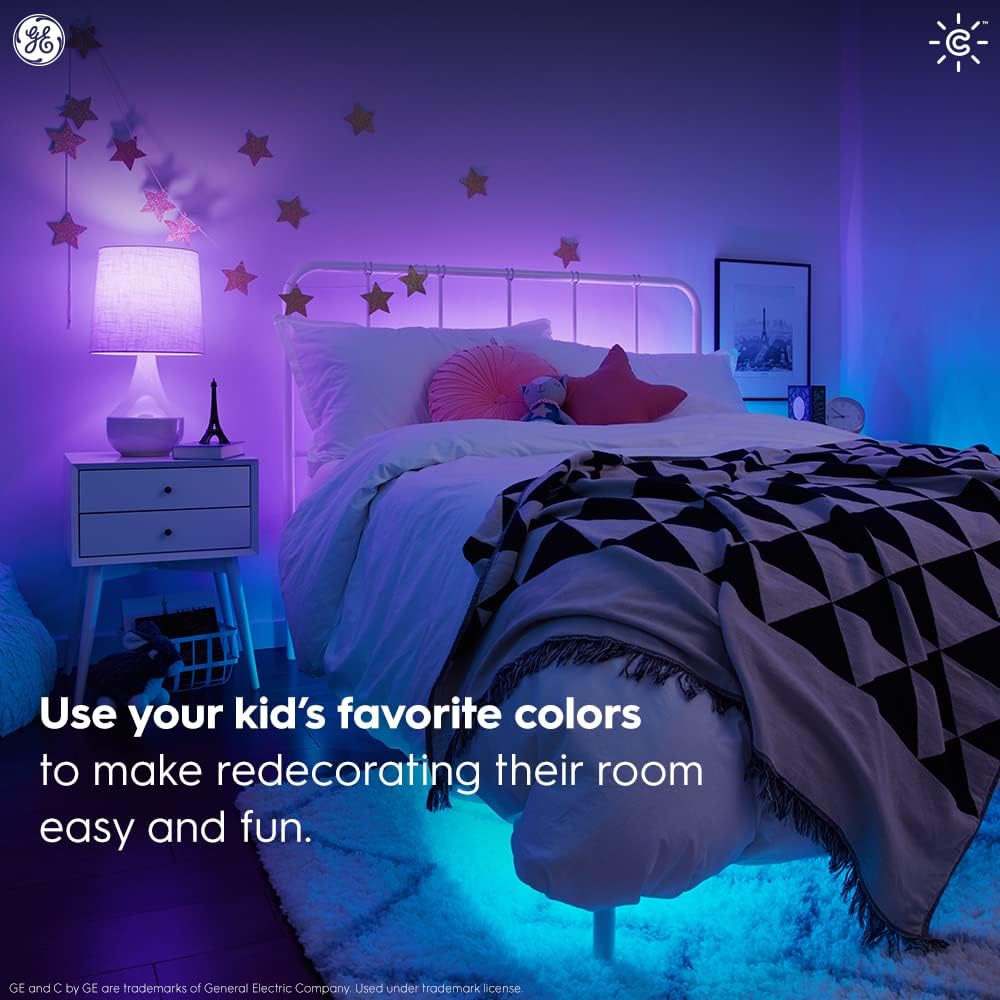
Image: Simple setup with Amazon Alexa for voice control.
5. Засвар үйлчилгээ
Cync Smart LED Light Bulbs are designed for long-lasting performance and require minimal maintenance.
- Цэвэрлэгээ: Цэвэрлэхийн өмнө чийдэнг унтрааж, хөргөж байгаа эсэхийг шалгаарай. Зөөлөн, хуурай даавуугаар арчина. Шингэн цэвэрлэгч хэрэглэж болохгүй.
- Солих: These LED bulbs have an estimated lifespan of 13.7 years (based on 3 hours/day usage). Replace the bulb as you would any standard light bulb when it reaches the end of its life.
6. Алдаа засах
If you encounter issues with your Cync Smart LED Light Bulbs, try the following:
- Bulb not responding: Ensure the light fixture's power switch is on. Check your Wi-Fi connection and ensure your smartphone is within Bluetooth range during initial setup.
- Холболтын асуудал: Restart your Wi-Fi router. Ensure the Cync app is up to date. If using Alexa or Google Home, try rediscovering devices in their respective apps.
- Incorrect color/brightness: Verify settings in the Cync app. Ensure your voice commands are clear and specific.
- Аппликешны асуудлууд: Close and reopen the Cync app. Reinstall the app if problems persist.
Нэмэлт тусламж авахыг хүсвэл дэмжлэгийн хэсгийг үзнэ үү эсвэл харилцагчийн үйлчилгээтэй холбогдоно уу.
7. Техникийн үзүүлэлтүүд
| Онцлог | Дэлгэрэнгүй |
|---|---|
| Брэнд | Цинк |
| Гэрлийн төрөл | LED |
| Онцлог шинж чанар | Өнгө өөрчлөх |
| Ватtage | 10 ватт |
| Булцууны хэлбэрийн хэмжээ | A19 |
| Булцууны суурь | E26 Дунд |
| Улайсдаг гэрлийн эквивалент ватtage | 60 ватт |
| Цайвар өнгө | Бүрэн өнгө |
| Ботьtage | 120 вольт |
| Нэгжийн тоо | 2.0 тоо |
| Өнгөний температур | 2000K - 7000K (Тохируулж болох цагаан) |
| Зүйлүүдийн тоо | 2 |
| Гэрэлтүүлэг | 800 люмен |
| Жилийн эрчим хүчний өртөг | $1.14 (based on 3 hrs/day, 11¢/kWh) |
| Амьдрал | 13.7 жил (өдөрт 3 цагаар тооцсон) |
| Хяналтын арга | Дуу хоолой, Апп |
| Дотор/гадаа ашиглах | Дотор |
| Загварын нэр | GE CYNC ухаалаг LED чийдэн |
| Загварын дугаар | CLEDA1911C2/ST-2P |
| Зүйлийн жин | 5.6 унц |
| Бүтээгдэхүүний хэмжээс | 2.41"W x 6.63"H |
8. Баталгаат хугацаа ба дэмжлэг
The GE CYNC Smart LED Light Bulbs come with a limited warranty. For specific warranty information, please visit www.gelighting.com/smart-home/warranty or contact GE Lighting, a Savant company.
For additional support and information, you can visit the Cync support website or contact their support team:
- Webсайт: cyncsupport.gelighting.com
- Утас: 1-844-302-2943


