Танилцуулга
Thank you for choosing the Uncaged Ergonomics Rise Up Electric Standing Desk. This manual provides essential information for the safe and efficient assembly, operation, and maintenance of your new adjustable height desk. Please read these instructions carefully before use and retain them for future reference.

Image: The Rise Up Electric Standing Desk with a black bamboo desktop and gray frame.
Аюулгүй байдлын мэдээлэл
Аюулгүй ажиллагааг хангах, эвдрэлээс урьдчилан сэргийлэхийн тулд дараахь зүйлийг анхаарна уу.
- Ensure all cables are properly connected and secured before operation.
- Keep children and pets away from the desk during height adjustments.
- Ширээг хэт ачаалж болохгүй. Хамгийн их жингийн багтаамж нь 113 кг (250 фунт).
- Avoid placing objects that could be damaged by movement under the desk.
- Ширээний жаазан дээр бүү суу.
- If the desk makes unusual noises or movements, discontinue use and consult the troubleshooting section.
- Only use the provided power adapter and control panel.
Багцын агуулга
Угсарч эхлэхээс өмнө бүх бүрэлдэхүүн хэсгүүд байгаа эсэхийг шалгана уу.
- Electric Desk Frame (Gray)
- 48x30 inch Solid Bamboo Desktop (Black)
- Хяналтын хайрцаг
- Санах ойн тохиргоо бүхий хяналтын самбар
- Цахилгаан адаптер ба кабель
- Угсрах тоног төхөөрөмж (шураг, багаж хэрэгсэл)
- Хэрэглэх заавар (энэ баримт бичиг)
Угсрах заавар
Assembly requires careful attention to detail. A second person may be helpful due to the weight of the components. A drill can simplify the process, though it is not strictly required.
Алхам 1: Бүрэлдэхүүн хэсгүүдийг задлах
Сав баглаа боодолоос бүх хэсгийг болгоомжтой арилгана. Зурааснаас сэргийлэхийн тулд тэдгээрийг цэвэр, зөөлөн гадаргуу дээр тавь.
Step 2: Assemble the Desk Frame
Follow the detailed diagrams provided in the separate assembly guide (if included) to connect the crossbar, lifting columns, and feet of the desk frame. Ensure all screws are tightened securely.
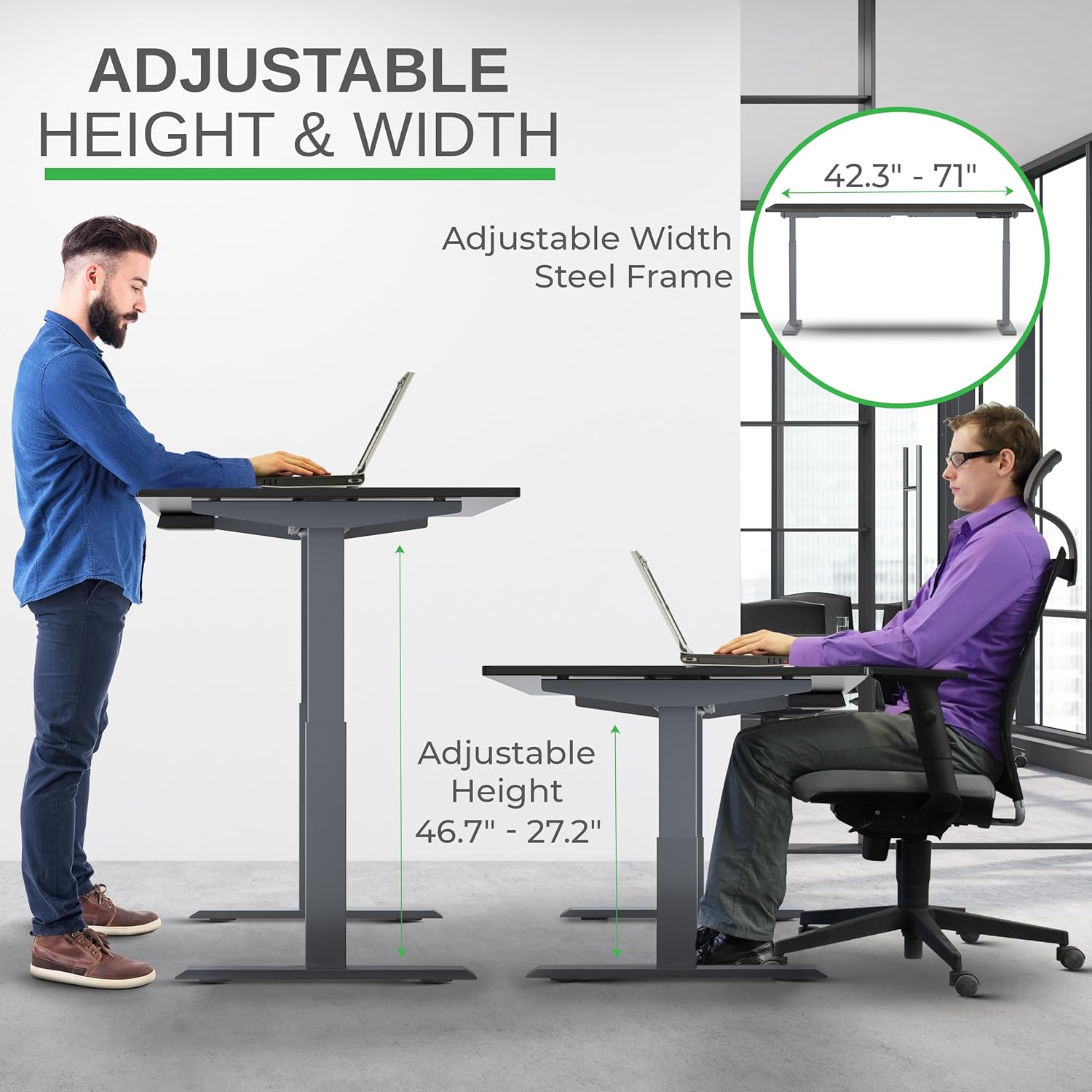
Image: Illustration of the adjustable height and width features of the desk frame, highlighting the range from 27.2" to 46.7" in height and 42.3" to 71" in width.
Step 3: Attach the Desktop
Carefully place the bamboo desktop upside down on a soft surface. Position the assembled desk frame onto the desktop, aligning the pre-drilled holes (if any) or marking new ones. Secure the desktop to the frame using the provided screws. The solid bamboo desktop is designed to accept screws without chipping.

Image: The Rise Up desk illustrating its adjustable height range from 27.2 inches to 46.7 inches, with a chair shown at both sitting and standing heights.
Step 4: Connect the Control Box and Cables
Mount the control box and control panel to the underside of the desktop as indicated in the assembly guide. Connect all motor cables and the power cable to the control box. Ensure all connections are secure.
Зураг: Ойрын зураг view of the dual motors and two-stage lifting columns, indicating fast and quiet operation.
Ашиглалтын заавар
Өндөр тохируулга
Use the up (▲) and down (▼) arrows on the control panel to adjust the desk to your desired height. The current height in centimeters will be displayed on the LCD screen.

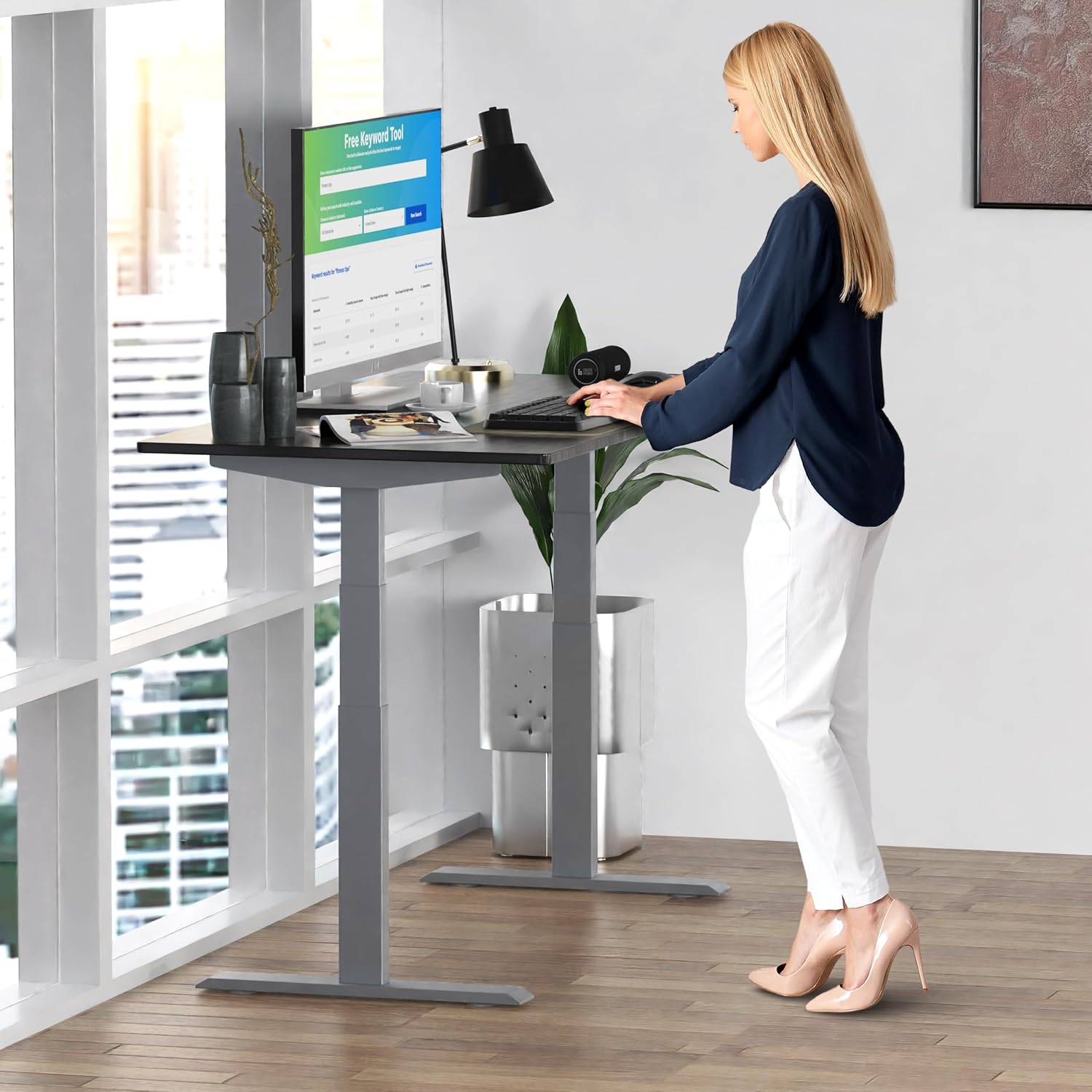
Image: A person standing at the Rise Up Electric Standing Desk, demonstrating the ease of height adjustment for an ergonomic work setup.
Санах ойн урьдчилсан тохиргоо
Хяналтын самбар нь таны хүссэн суух болон зогсох өндрийг хадгалахын тулд дөрвөн санах ойн тохиргоотой (1, 2, 3, 4).
- Дээш/доошоо сумыг ашиглан ширээгээ хүссэн өндрөөрөө тохируулна уу.
- Press and hold the "M" button until the LCD screen flashes.
- Immediately press the number button (1, 2, 3, or 4) where you want to save the current height.
- To recall a saved height, simply press the corresponding number button. The desk will automatically adjust to that position.
Video: This video demonstrates how to set and use the memory presets on the Rise Up Electric Standing Desk control panel for quick height adjustments.
Процедурыг дахин тохируулах
If the desk is not adjusting properly, or if the LCD screen displays an error message like "ASR" or "000", a motor reset may be required. This procedure is simple and fast:
- Unplug all cables from the desk.
- Allow the desk to rest for a few seconds to dissipate any residual electricity.
- Plug all cables back in securely.
- Press and hold both the up (▲) and down (▼) arrows simultaneously for approximately 20-30 seconds.
- The desk will drop to its lowest position and then beep, indicating that the reset procedure is complete.
Video: This video provides a step-by-step guide on how to reset the motors of your Rise Up Electric Standing Desk if it encounters adjustment issues or displays error codes.
Засвар үйлчилгээ
Тогтмол засвар үйлчилгээ нь таны ширээний урт наслалт, оновчтой ажиллагааг хангана.
- Цэвэрлэгээ: Ширээний компьютер болон хүрээг зөөлөн арчиж, damp даавуу. Хүчтэй химийн бодис, зүлгүүрийн цэвэрлэгчээс зайлсхий.
- Кабелийн менежмент: Periodically check that all cables are neatly organized and not pinched or tangled.
- Бэхэлгээ: Occasionally inspect all screws and bolts to ensure they remain tight. Retighten if necessary.
Алдааг олж засварлах
| Асуудал | Боломжит шалтгаан | Шийдэл |
|---|---|---|
| Desk does not move / LCD shows "ASR" or "000" | Motor error or system needs reset. | Perform the "Reset Procedure" as described in the Operating Instructions section. |
| Uneven movement or noise | Loose connections or uneven load. | Check all cable connections. Ensure the desk load is evenly distributed. Perform a reset. |
| Desk stops mid-adjustment | Overload protection activated or anti-collision engaged. | Reduce the weight on the desk. Check for obstructions. Wait a few minutes and try again. |
Үзүүлэлтүүд
| Онцлог | Дэлгэрэнгүй |
|---|---|
| Загварын дугаар | RU2gbk48 |
| Ширээний материал | Solid Bamboo (Black) |
| Хүрээний материал | Alloy Steel (Gray) |
| Ширээний компьютерийн хэмжээсүүд | 48 inches (D) x 30 inches (W) |
| Тохируулах өндрийн хүрээ | 27.2 инч - 46.7 инч |
| Тохируулах өргөн хүрээ | 42 инч - 71 инч |
| Моторын төрөл | Хос мотор |
| Жингийн багтаамж | 250 фунт (113 кг) |
| Онцлог шинж чанарууд | Anti-collision technology, 4 memory presets |
Баталгаат болон дэмжлэг
The Uncaged Ergonomics Rise Up Electric Standing Desk comes with a 5-year warranty on the electric components and frame. For technical support, warranty claims, or any questions regarding your product, please visit our webсайт эсвэл манай харилцагчийн үйлчилгээний багтай холбогдоно уу.
Webсайт: UncagedErgonomics.com


