Танилцуулга
This manual provides detailed instructions for the safe and effective use of your OneOdio A70 Wireless Bluetooth Headphones. Please read this manual thoroughly before using the product and retain it for future reference.

Image: OneOdio A70 Wireless Bluetooth Headphones in red and black, shown with 3.5mm and 6.35mm audio cables.
Багцын агуулга
Бүх зүйл багцад байгаа эсэхийг шалгаарай:
- OneOdio A70 Fusion Headphones
- 3.5mm to 3.5mm Jack Cable with Microphone (1.2 M)
- 3.5mm to 6.35mm Jack Cable with Spring Wire (2-3 M)
- Micro-USB Charging Cable (0.6 M)
- Хамгаалалтын уут
- Хэрэглэгчийн гарын авлага (энэ баримт бичиг)

Зураг: Дууслааview of the OneOdio A70 package contents, including the headphones, various cables, and a carrying pouch.
Бүтээгдэхүүн дууссанview
The OneOdio A70 headphones feature a versatile design for both wireless and wired use, offering high-quality audio and comfortable wear.
- Аудио драйверууд: Equipped with 40mm drivers for powerful bass and clear treble.
- Холболт: Bluetooth 5.2 for wireless connection, and multiple wired options (3.5mm, 6.35mm).
- Зайны хугацаа: Up to 72 hours of playback on a single charge (at 50% volume).
- Микрофон: Integrated CVC 8.0 noise-cancelling microphone for clear calls.
- Share Port: Allows two headphones to connect to one audio source for shared listening.
- Тав тухтай байдал: Thick foam ear pads and a foldable, adjustable headband for extended wear comfort.
- Jack Lock: Secure locking mechanism for the auxiliary stereo cable.
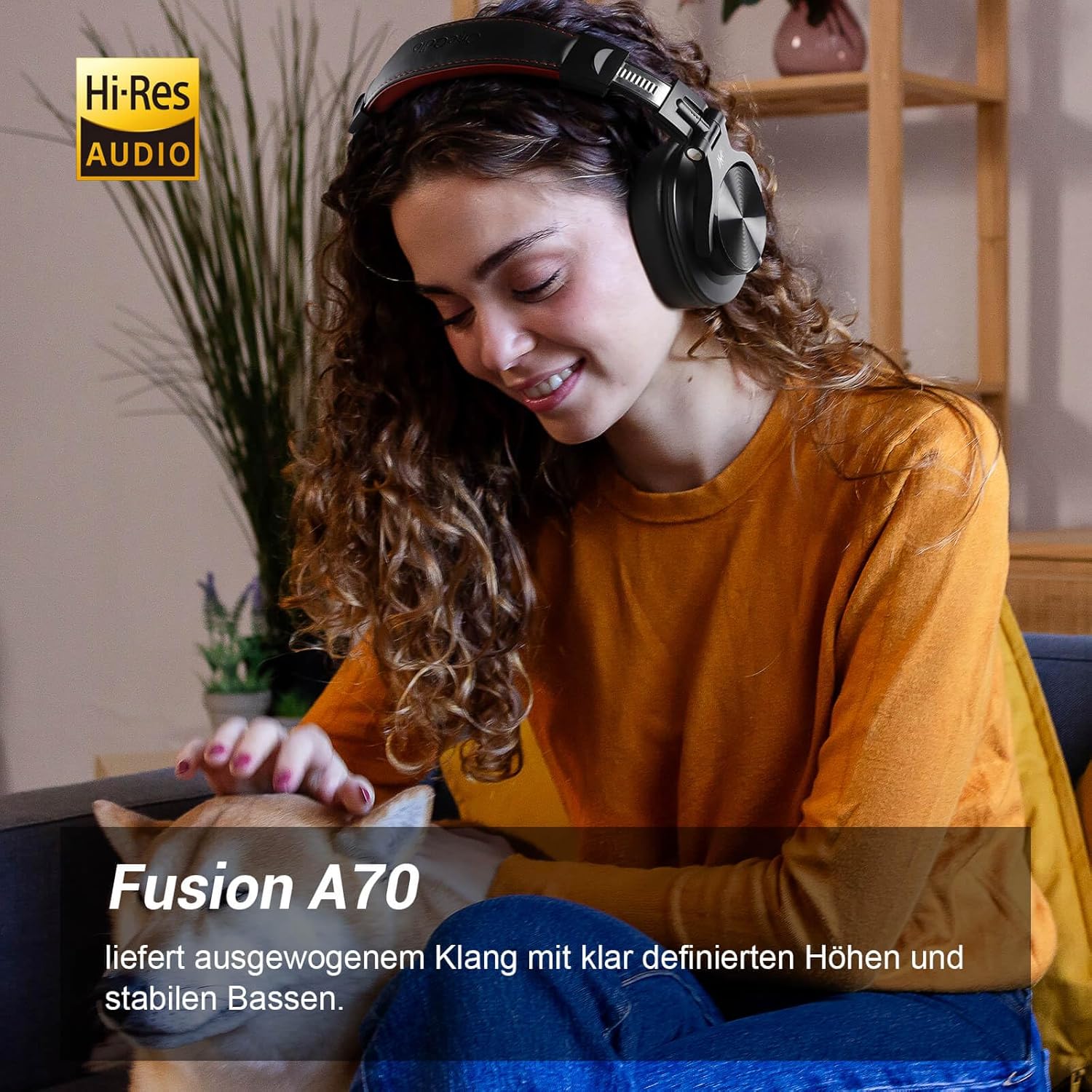
Image: A woman wearing the OneOdio A70 headphones, emphasizing the Hi-Res Audio capability.
Тохиргоо
Чихэвчийг цэнэглэж байна
Before first use, fully charge the headphones. Use the provided Micro-USB charging cable.
- Connect the Micro-USB end of the charging cable to the charging port on the headphone.
- Connect the USB-A end to a USB power adapter (not included) or a computer's USB port.
- LED үзүүлэлт нь цэнэглэх төлөвийг харуулах болно (жишээлбэл, цэнэглэж байгаа бол улаан, бүрэн цэнэглэгдсэн бол цэнхэр).

Зураг: Нарийвчилсан view of the headphone's side, showing the Micro-USB charging port and control buttons.
Bluetooth хослуулах
Чихэвчээ утасгүй холбохын тулд:
- Чихэвчийг цэнэглэж, унтраасан эсэхийг шалгаарай.
- Press and hold the Multi-function button (usually the power button) for approximately 5 seconds until the LED indicator flashes red and blue alternately, indicating pairing mode.
- Төхөөрөмж дээрээ (ухаалаг утас, таблет, компьютер) Bluetooth-г идэвхжүүлж, боломжтой төхөөрөмжүүдийг хайж олоорой.
- Select "OneOdio A70" from the list of devices.
- Холбогдсоны дараа LED индикатор нь цэнхэр өнгөтэй эсвэл аажмаар цэнхэр өнгөтэй болно.
Утастай холболт
The A70 headphones support two types of wired connections:
- 3.5mm to 3.5mm Cable: For connecting to smartphones, tablets, laptops, and other devices with a 3.5mm audio jack. This cable includes an in-line microphone for calls.
- 3.5mm to 6.35mm Cable: For connecting to professional audio equipment like DJ mixers, amplifiers, and guitars.
To use a wired connection, simply plug the appropriate cable into the headphone's corresponding port and the other end into your audio source. The headphones will automatically switch to wired mode when a cable is inserted.

Image: A visual guide illustrating the wide compatibility of the OneOdio A70 headphones with different devices using 3.5mm and 6.35mm cables.
Ашиглалтын заавар
Basic Controls (Bluetooth Mode)
| Чиг үүрэг | Үйлдэл |
|---|---|
| Асаах/унтраах | Press and hold Multi-function button for 3 seconds. |
| Тоглуулах/түр зогсоох | Press Multi-function button once. |
| Дууны хэмжээг нэмэгдүүлэх | Press '+' button. |
| Дууг багасгах | Press '-' button. |
| Дараагийн дуу | Press and hold '+' button. |
| Өмнөх зам | Press and hold '-' button. |
| Дуудлагад хариулах/дуусах | Press Multi-function button once. |
| Дуудлагаас татгалзах | Press and hold Multi-function button for 2 seconds. |
| Дуут туслахыг идэвхжүүлнэ үү | Double-press Multi-function button. |

Image: Controls for the in-line microphone on the 3.5mm cable, detailing functions like play, pause, answer, and end calls.
Share Port Function
The OneOdio A70 headphones feature a unique Share Port, allowing two headphones to share audio from one source.
- Connect the 3.5mm to 3.5mm cable to the 3.5mm input port on your A70 headphones.
- Connect the other end of this cable to the 3.5mm output port of another headphone (e.g., another A70 or compatible headphone).
- Ensure the primary A70 headphone is connected to your audio source (via Bluetooth or 6.35mm cable).
- Both headphones will now receive audio from the same source.

Image: Two individuals sharing audio from a single device using the Share Port technology of the OneOdio A70 headphones.
Засвар үйлчилгээ, арчилгаа
- Чихэвчийг зөөлөн, хуурай даавуугаар тогтмол цэвэрлэ. Зүлгүүрийн цэвэрлэгч, уусгагчийг бүү ашигла.
- Store the headphones in the provided protective pouch when not in use to prevent scratches and damage.
- Чихэвчийг хэт өндөр температур, чийгшил, нарны шууд тусгалд оруулахаас зайлсхий.
- Чихэвчийг задлах, өөрчлөхийг бүү оролдоорой, учир нь энэ нь баталгааг хүчингүй болгоно.
- The headphones are not waterproof. Avoid contact with liquids.

Image: The OneOdio A70 headphones in their folded configuration, ready for storage in the protective pouch.
Алдааг олж засварлах
| Асуудал | Боломжит шалтгаан | Шийдэл |
|---|---|---|
| Дуу алга (Bluetooth) | Headphones not paired or connected. Low battery. Volume too low. | Ensure headphones are in pairing mode and connected. Recharge headphones. Increase volume on headphones and device. |
| Дуу алга (утастай) | Cable not fully inserted. Incorrect cable used. Device volume too low. | Ensure cables are securely plugged in. Use the correct cable for your device. Increase volume on device. |
| Дууны чанар муу | Interference (Bluetooth). Damaged cable. Low quality audio source. | Move closer to the Bluetooth device. Try a different cable. Test with a different audio source. |
| Микрофон ажиллахгүй байна | Using wrong cable (only 3.5mm to 3.5mm has mic). Mic muted on device. | Ensure you are using the 3.5mm cable with the in-line microphone. Check microphone settings on your device. |
| Чихэвч асахгүй | Батерей бүрэн дууссан. | Charge the headphones for at least 30 minutes before attempting to power on. |
Үзүүлэлтүүд
| Онцлог | Дэлгэрэнгүй |
|---|---|
| Загварын нэр | OneOdio A70 Fusion |
| Холболтын технологи | Bluetooth 5.2, Wired (3.5mm, 6.35mm) |
| Жолоочийн хэмжээ | 40 мм |
| Давтамжийн хүрээ | 20 Гц - 20,000 Гц |
| Эсэргүүцэл | 32 Ом |
| Мэдрэмж | 110 дБ |
| Батерейны найрлага | Лити-полимер |
| Зайны ашиглалт | 72 цаг хүртэл (50% эзлэхүүнтэй) |
| Жин | 250 грамм |
| Материал | Leather (earpads/headband) |
| Онцлог шинж чанарууд | Volume Control, Noise Isolation, Built-in Microphone (CVC 8.0), Foldable Design, Share Port, Jack Lock |
Баталгаат болон дэмжлэг
OneOdio products are designed and manufactured to the highest quality standards. For warranty information and customer support, please refer to the official OneOdio webсайт эсвэл харилцагчийн үйлчилгээтэй шууд холбогдоно уу.
Үйлдвэрлэгч: OneOdio
Худалдагч: OneOdio EU (via Amazon.com.be)
Нэмэлт тусламж авахыг хүсвэл зочилно уу Амазон дээрх OneOdio дэлгүүр.


