Танилцуулга
The Homcloud Mini 8S Wi-Fi Camera is designed to enhance your home security with smart, intuitive features. This camera allows you to monitor, program, and automate your home devices directly from your smartphone, providing control from anywhere. It integrates seamlessly into your smart home ecosystem, offering convenience and peace of mind.
Гол онцлогууд нь:
- Full HD 1080p Video Recording
- Night Vision up to 10 meters
- Motion Detection with Live Notifications
- Two-Way Audio and Noise Reduction
- SD Card and Cloud Storage Options
- Wi-Fi холболт
- Compatibility with Homcloud App, Amazon Alexa, and Google Home

Image: The Homcloud Mini 8S Wi-Fi Camera on a desk, highlighting its key features such as HD Video, Night Vision, SD Card & Cloud storage, Motion Detection, and Live Notifications.
Бүтээгдэхүүний бүрэлдэхүүн хэсгүүд
The Homcloud Mini 8S Wi-Fi Camera package typically includes the following items:
- Homcloud Mini 8S Wi-Fi Camera
- USB цахилгаан кабель
- Цахилгаан хувиргагч (бүс нутгаас хамаарч өөр өөр байж болно)
- Mounting Accessories (for wall mounting)
- Хэрэглэгчийн гарын авлага (энэ баримт бичиг)

Image: The Homcloud Mini 8S Wi-Fi Camera positioned on a desk, demonstrating its compact design and typical indoor placement.
Тохируулах гарын авлага
Follow these steps to set up your Homcloud Mini 8S Wi-Fi Camera:
- Download the Homcloud App: хайх "Homcloud" in the Apple App Store or Google Play Store, or scan the QR code below to download the official application.
- Бүртгэл үүсгэх: Open the Homcloud app and register for a new account or log in if you already have one.
- Камерыг асаах: Connect the camera to a power source using the provided USB cable and power adapter. Wait for the indicator light to flash, indicating it's ready for pairing.
- Төхөөрөмж нэмэх: In the Homcloud app, tap the "+" icon (usually in the top right corner) to add a new device. Select "Security Camera" or "Smart Camera" from the device list.
- Wi-Fi-д холбогдох: Follow the in-app instructions to connect the camera to your 2.4GHz Wi-Fi network. You may need to scan a QR code displayed on your phone screen with the camera lens.
- Байршил: Position the camera in your desired location. It supports standalone placement or wall mounting. Ensure it has a clear view хяналт тавихыг хүсч буй талбайн .

Image: Multiple smartphones displaying the Homcloud application interface, along with the Homcloud logo and a QR code for easy app download. The QR code links to https://smartapp.tuya.com/homcloudsmart.
Ашиглалтын заавар
Once your Homcloud Mini 8S Wi-Fi Camera is set up, you can control and monitor it using the Homcloud app:
- Амьд View: Програмаа нээгээд камераа сонгоно уу view live video feed in Full HD 1080p resolution.
- Хоёр талын аудио: Use the microphone and speaker icons in the app to communicate with people near the camera.
- Шөнийн хараа: The camera automatically switches to night vision mode in low-light conditions, providing clear black and white video up to 10 meters.
- Хөдөлгөөн илрүүлэх: Enable motion detection in the app settings to receive instant notifications on your smartphone when movement is detected. You can adjust sensitivity levels.
- Бичлэг ба хадгалах:
- SD карт: Insert a microSD card (not included) into the camera's slot for local video storage. The camera supports continuous recording or event-triggered recording.
- Үүл хадгалах сан: Subscribe to Homcloud's cloud storage service (if available) for secure off-site video backup.
- Ухаалаг гэрийн интеграци: Connect your Homcloud account with Amazon Alexa or Google Home to control the camera using voice commands (e.g., "Alexa, show me the living room camera").
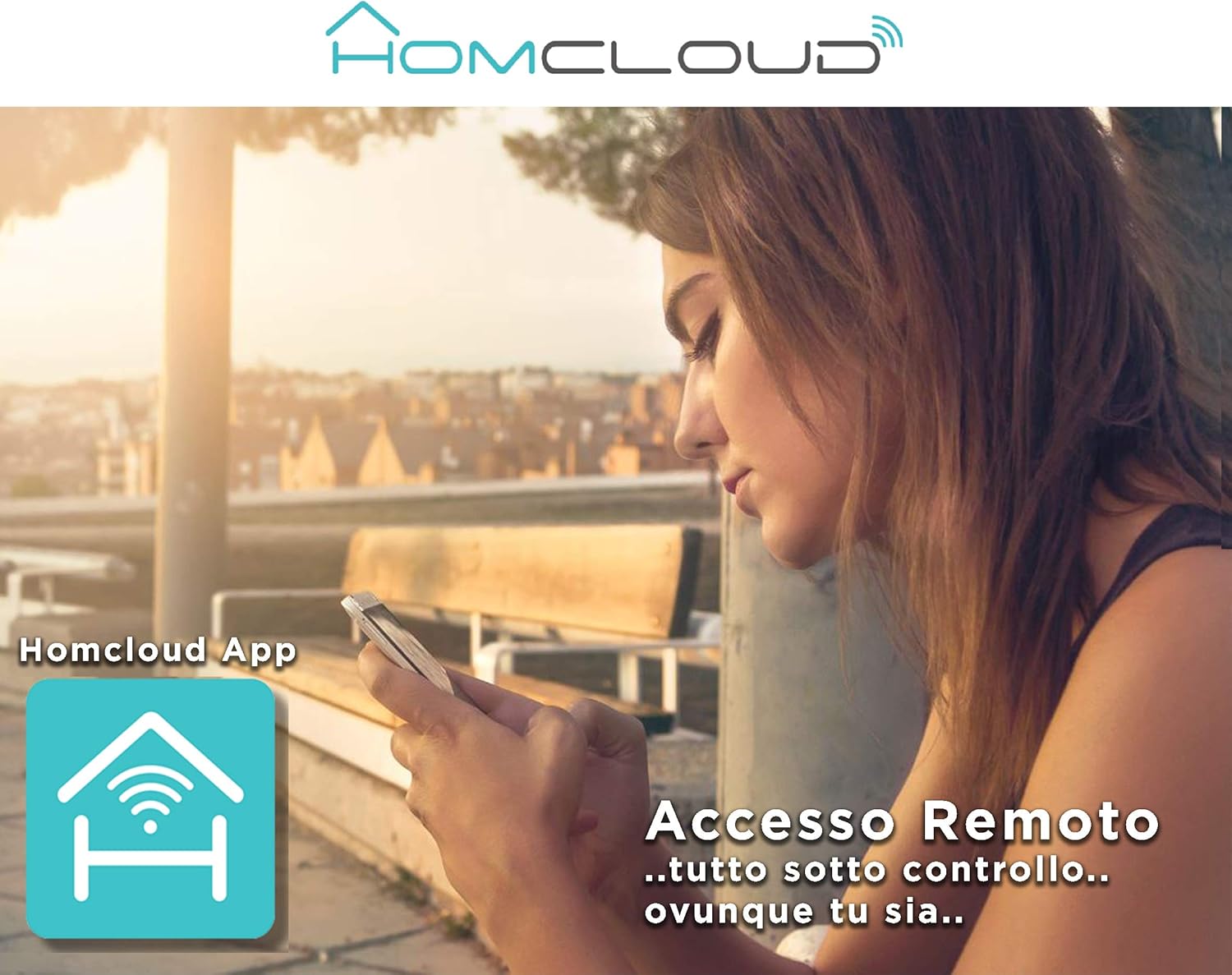
Image: A woman using her smartphone, illustrating the remote access capabilities of the Homcloud App to control and monitor the camera from any location.

Image: A family enjoying their smart home, demonstrating the integration of Homcloud solutions with Amazon Alexa and Google Assistant for convenient control.
Засвар үйлчилгээ
Тохиромжтой засвар үйлчилгээ нь таны камерын урт наслалт, оновчтой гүйцэтгэлийг баталгаажуулдаг.
- Цэвэрлэгээ: Gently wipe the camera lens and body with a soft, dry cloth. Avoid using harsh chemicals or abrasive materials that could scratch the lens or damage the casing.
- Програм хангамжийн шинэчлэлтүүд: Regularly check the Homcloud app for available firmware updates. Keeping your camera's firmware up-to-date ensures you have the latest features, security patches, and performance improvements.
- Эрчим хүчний хангамж: Use only the original power adapter and cable provided with the camera. Ensure the power connection is secure and free from damage.
- Байгаль орчин: The camera is designed for indoor use. Avoid exposing it to extreme temperatures, direct sunlight, high humidity, or water. While it is listed as "waterproof" in some specifications, this typically refers to splash resistance and not full submersion or outdoor exposure.
Алдааг олж засварлах
If you encounter issues with your Homcloud Mini 8S Wi-Fi Camera, refer to the following common solutions:
- Офлайн камер:
- Check if the camera is powered on and the power cable is securely connected.
- Ensure your Wi-Fi router is working and the internet connection is stable.
- Камерыг салгаж, дахин залгах замаар дахин асаана уу.
- Verify that the camera is within range of your Wi-Fi router.
- If the issue persists, try re-pairing the camera with the Homcloud app.
- Видео чанар муу:
- Камерын линзийг зөөлөн даавуугаар цэвэрлэ.
- Ensure adequate lighting in the monitored area, especially for color video.
- Wi-Fi дохионы хүчээ шалгаарай; сул дохио нь дамжуулалтын чанарт нөлөөлж болзошгүй.
- Хөдөлгөөн мэдрэгч ажиллахгүй байна:
- Verify that motion detection is enabled in the Homcloud app settings for your camera.
- Хөдөлгөөн мэдрэгчийг тохируулна уу.
- Камерыг хааж буй саад бэрхшээл байхгүй эсэхийг шалгаарай view.
- Апп-д холбогдох боломжгүй:
- Make sure your smartphone is connected to a 2.4GHz Wi-Fi network during the pairing process.
- Confirm that you are entering the correct Wi-Fi password.
- Reset the camera (refer to the app or product for specific reset instructions, usually a small button) and try the pairing process again.
Үзүүлэлтүүд
| Онцлог | Дэлгэрэнгүй |
|---|---|
| Брэнд | Homcloud |
| Загварын дугаар | TY-WCM8S |
| Видео бичлэгийн нягтрал | 1080p бүрэн HD |
| Үр дүнтэй видео нягтрал | 1080 |
| Frame Rate | 25 fps |
| Утасгүй холбооны технологи | Wi-Fi |
| Холболтын протокол | Wi-Fi |
| Viewing өнцөг | 100 градус |
| Шөнийн харааны хүрээ | 10 метр |
| Онцлог шинж чанарууд | Two-Way Audio, Noise Reduction, HD Resolution, Night Vision |
| Зөвлөмж болгож буй хэрэглээ | Дотоод аюулгүй байдал |
| Дотор/гадаа ашиглах | Дотор |
| Тохиромжтой төхөөрөмжүүд | Homcloud App, Amazon Alexa, Android, Google Home, Smart Life, iOS |
| Эрчим хүчний эх үүсвэр | Цахилгаан кабель |
| Ботьtage | 5 вольт |
| Эрчим хүчний хэрэглээ | 2.5 ватт |
| Материал | Хуванцар |
| Хэмжээ (L x W x H) | 8 x 5 x 9 см |
| Жин | 350 грамм |
| Суурилуулах төрөл | Ханын бэхэлгээ |
| Усны эсэргүүцлийн түвшин | Waterproof (Note: Typically splash resistant for indoor use) |
Баталгаат болон дэмжлэг
For warranty information, please refer to the documentation provided at the time of purchase or visit the official Homcloud website. If you require technical assistance or have questions not covered in this manual, please contact Homcloud customer support through their official channels.
You can find more information and support resources on the Homcloud website or through the Homcloud application.


