1. Аюулгүй ажиллагааны чухал заавар
Суулгах, ашиглахаасаа өмнө бүх зааврыг анхааралтай уншина уу. Энэ гарын авлагыг цаашид лавлах зорилгоор хадгална уу.
Ерөнхий аюулгүй байдал
- Суурилуулах, засвар үйлчилгээ хийх эсвэл цэвэрлэхээс өмнө цахилгаан тэжээлийг салгасан эсэхээ шалгаарай.
- Энэхүү төхөөрөмжийг бие бялдар, мэдрэхүйн болон сэтгэцийн хомсдолтой, эсвэл туршлага, мэдлэг дутмаг хүмүүс (хүүхдүүдийг оролцуулан) ашиглахад зориулагдаагүй бөгөөд хэрэв тэдэнд аюулгүй байдлыг нь хариуцдаг хүнээс тухайн төхөөрөмжийг ашиглах зааварчилгаа өгөөгүй л бол.
- Хүүхдийг төхөөрөмжөөр тоглуулахгүйн тулд тэднийг хянах хэрэгтэй.
Цахилгааны аюулгүй байдал
- All electrical connections must be made by a qualified electrician and conform to local codes and regulations.
- Боть байгаа эсэхийг баталгаажуулна ууtage and frequency of your power supply match the specifications of the fan.
- The fan must be properly grounded to prevent electric shock.
Суурилуулалтын аюулгүй байдал
- Mount the fan to a ceiling structure capable of supporting a minimum of 15 kg (33 lbs).
- Ensure there is adequate clearance between the fan blades and any obstacles (walls, furniture) and the floor. A minimum distance of 2.3 meters (7.5 feet) from the floor to the blades is recommended.
- Do not install the fan in a location where it can be easily reached by children or pets.
2. Бүтээгдэхүүн дууссанview
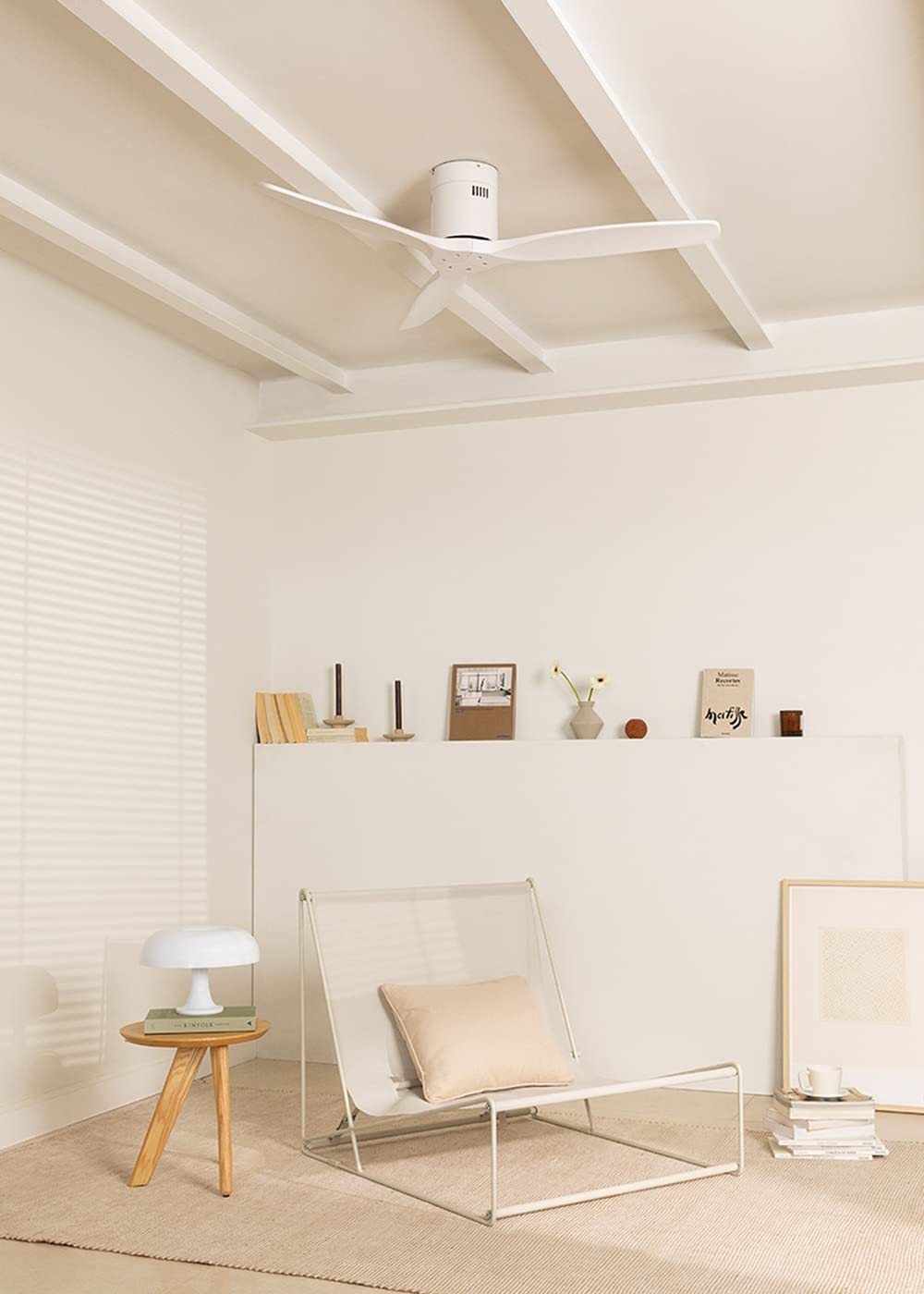
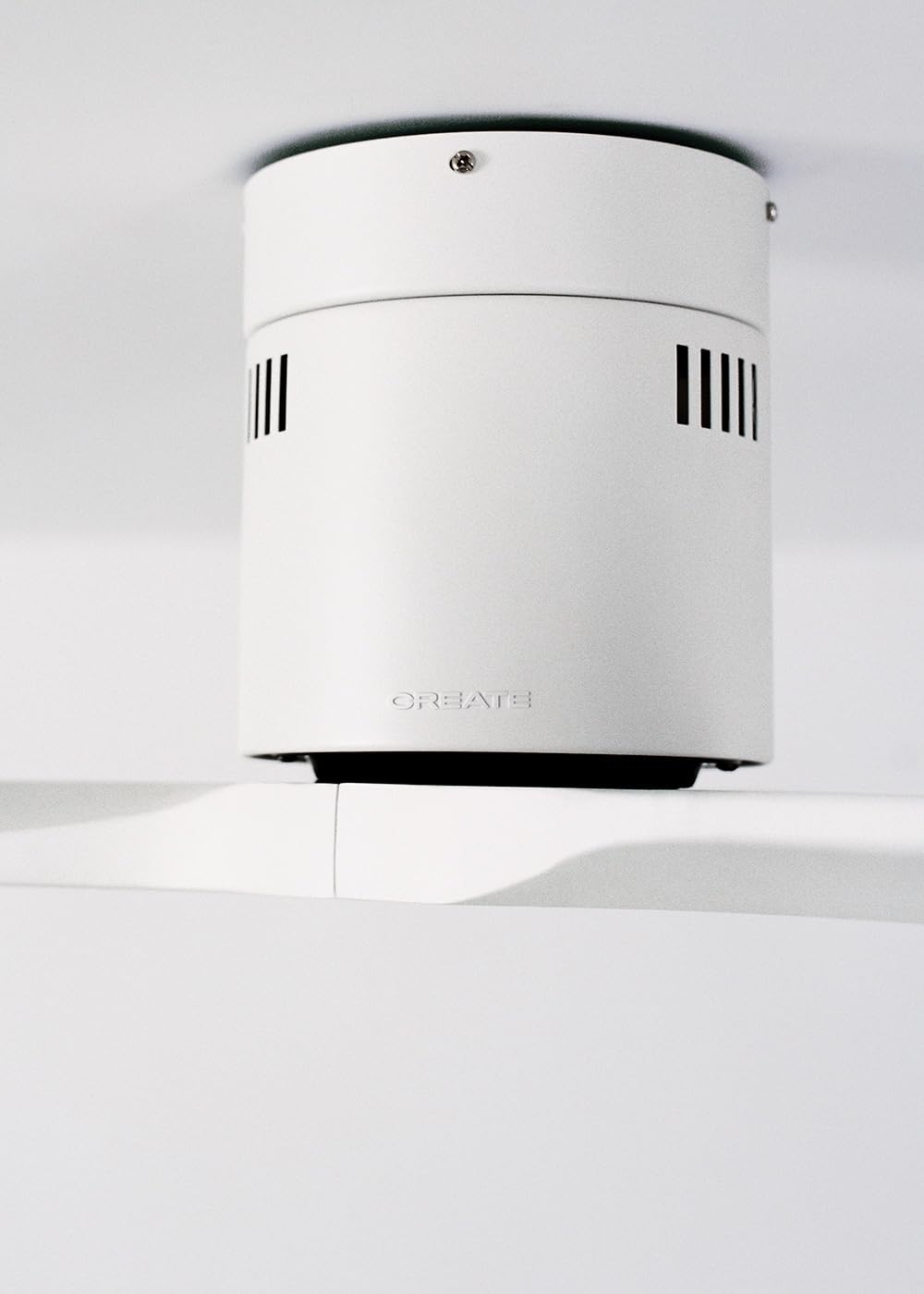
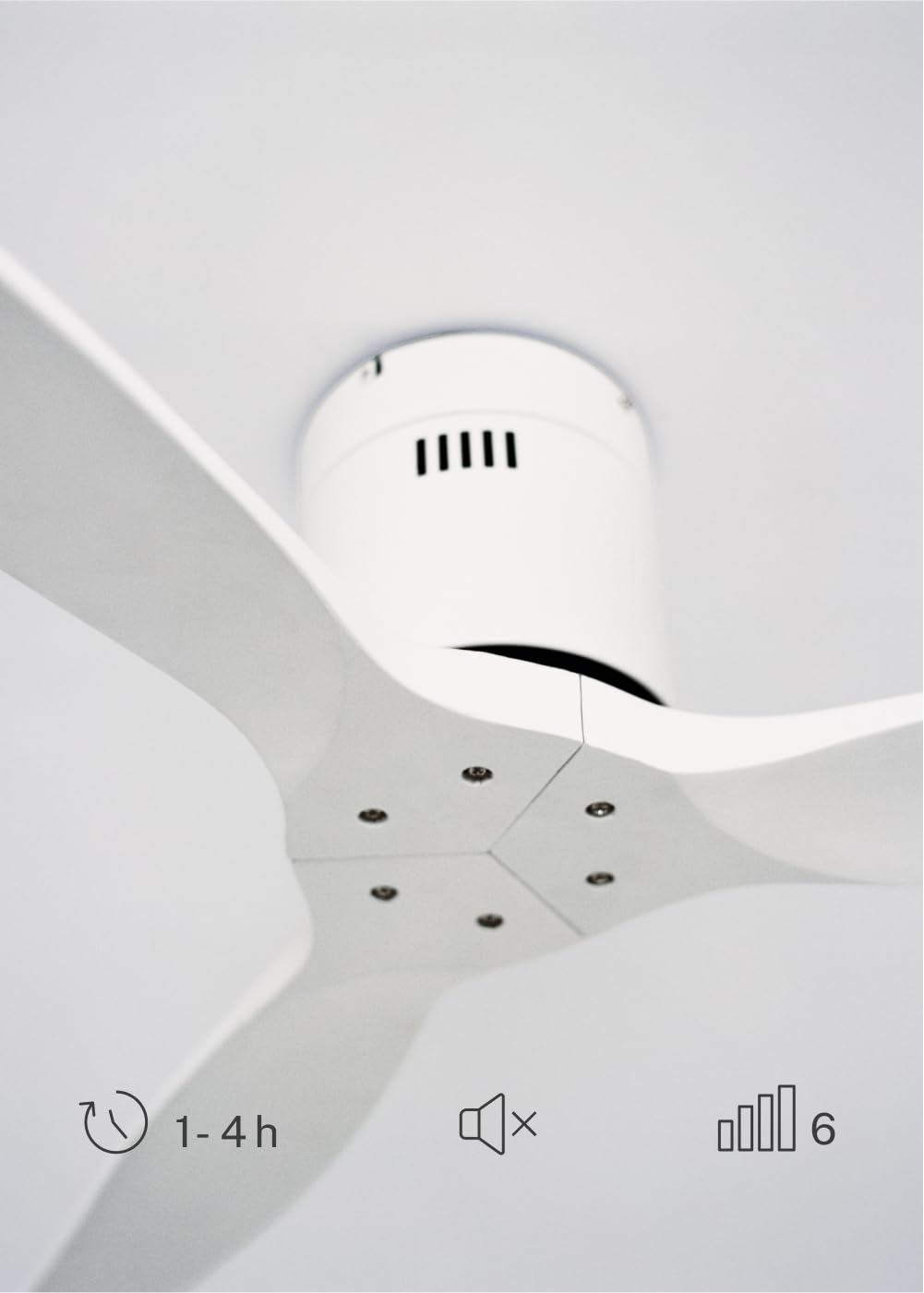
The CREATE WINDCALM DC Ceiling Fan is designed for efficient and quiet air circulation in various indoor spaces. It features a durable aluminum body, a silent DC motor, and three lightweight blades, ensuring minimal noise operation. The fan offers 6 adjustable speeds and a programmable timer for convenience.

3. Техникийн үзүүлэлтүүд
| Онцлог | Тодорхойлолт |
|---|---|
| Брэнд | БҮТЭЭХ |
| Загварын дугаар | 43479_88375 |
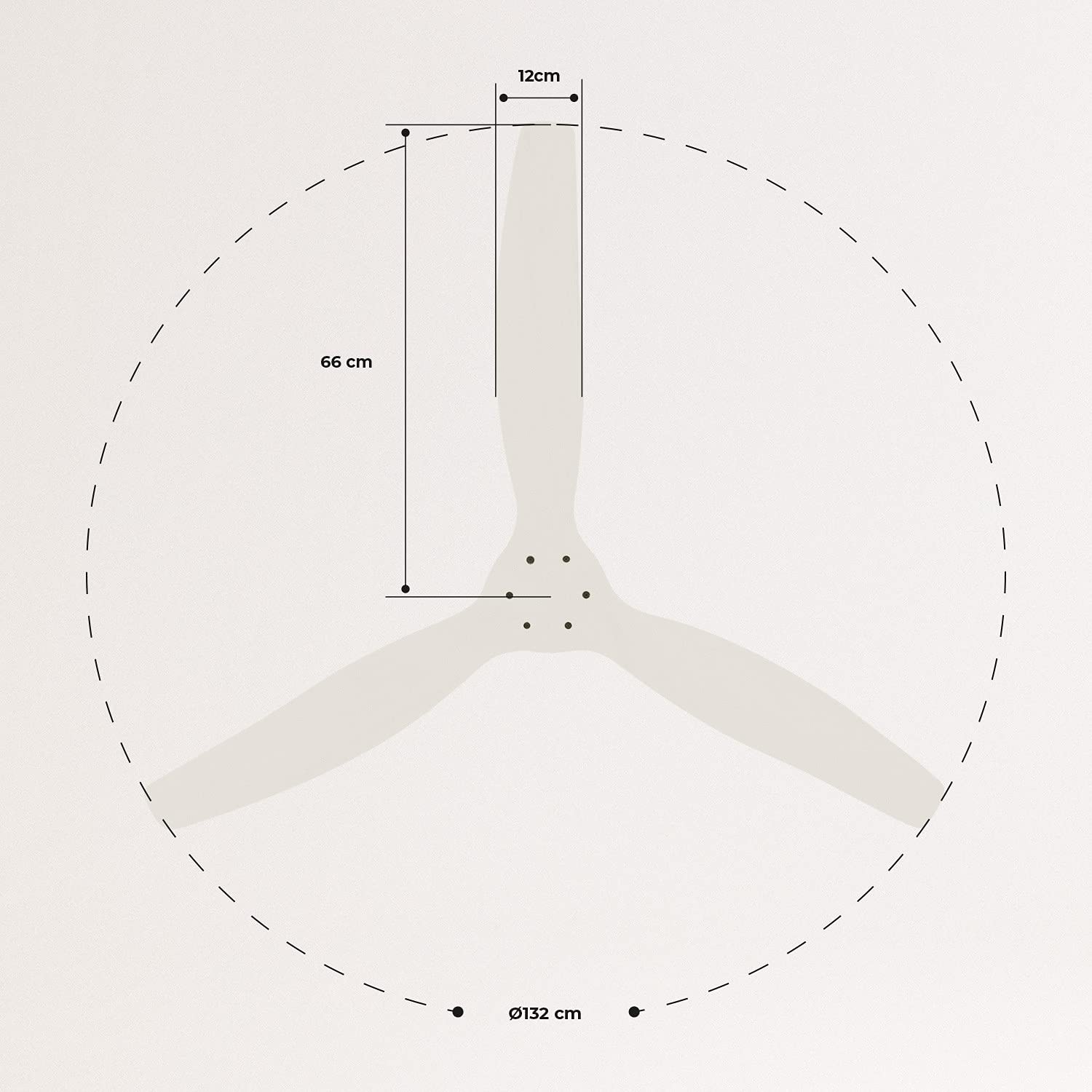
| Хэмжээ (L x W x H) | 132 x 132 x 29 см |
| Жин | 6.38 кг |
| Фен дизайн | Таазны сэнс |
| Эрчим хүчний эх үүсвэр | Цахилгаан кабель |
| Онцлог шинж чанар | High Speed, Silent DC Motor, Timer, Summer/Winter Function |
| Зөвлөмж болгож буй хэрэглээ | Агааржуулалт |
| Өрөөний төрөл | Living Room (suitable for 13m² to 25m² rooms) |
| Өнгө | White Blades |

4. Суулгах заавар
Proper installation is crucial for the safe and efficient operation of your ceiling fan. It is highly recommended that installation be performed by a qualified electrician.
Суурилуулалтын өмнөх шалгалт
- Бүх бүрэлдэхүүн хэсгүүдийг задалж, баглаа боодлын жагсаалттай тулгана.
- Ensure the ceiling joist or support structure is strong enough to hold the fan's weight.
- Turn off power at the main circuit breaker before starting any electrical work.
Сэнс суурилуулах
- Secure the mounting bracket to the ceiling outlet box using appropriate screws and washers.
- Сэнсний моторын угсралтыг болгоомжтой өргөж, бэхэлгээний хаалтанд бэхлэнэ үү.
Утасны холболтууд
Connect the electrical wires according to the wiring diagram provided in the separate detailed installation manual (not included in this general overview). Ensure all connections are secure and insulated.
Attaching Blades
Attach the fan blades to the motor hub using the provided screws. Ensure all screws are tightened securely.

5. Ашиглалтын заавар
Your CREATE WINDCALM DC Ceiling Fan comes with a remote control for convenient operation of all its functions.
Алсын удирдлагын функцууд
Алсын удирдлага нь дараахь зүйлийг хийх боломжийг танд олгоно.
- Асаах/унтраах: Сэнсийг асаах эсвэл унтраах.
- Хурдны тохируулга: Select from 6 different fan speeds to control airflow intensity.
- Цаг хэмжигч тохиргоо: Program the fan to automatically turn off after 1, 2, or 4 hours.
- Зун/Өвлийн горим: Change the direction of blade rotation to optimize air circulation for different seasons.
Зуны горим
In summer mode, the fan blades rotate counter-clockwise, pushing air downwards. This creates a cooling breeze effect, helping to dissipate heat and refresh the room.

Өвлийн горим
In winter mode, the fan blades rotate clockwise, drawing air upwards. This helps to circulate warm air that accumulates near the ceiling, distributing it evenly throughout the room and improving heating efficiency.
6. Засвар үйлчилгээ, арчилгаа
Тогтмол засвар үйлчилгээ нь таазны сэнсний урт наслалт, оновчтой ажиллагааг баталгаажуулдаг.
Цэвэрлэгээ
- Цэвэрлэхийн өмнө хэлхээний таслуурын сэнсний тэжээлийг үргэлж унтраа.
- Зөөлөн ашиглах, damp Сэнсний ир болон моторын их биеийг арчихын тулд даавуугаар арчина. Зүлгүүрийн цэвэрлэгч эсвэл уусгагч хэрэглэж болохгүй, учир нь тэдгээр нь өнгөлгөөг гэмтээж болзошгүй.
- Ensure the fan is completely dry before restoring power.
Тогтмол шалгалт
- Periodically check all screws and fasteners on the mounting bracket and blade attachments to ensure they are secure. Tighten if necessary.
- Listen for any unusual noises during operation, which may indicate a loose part or an issue with the motor.
7. Алдаа засах
If you encounter any issues with your fan, refer to the following common problems and their solutions:
| Асуудал | Боломжит шалтгаан | Шийдэл |
|---|---|---|
| Сэнс асахгүй байна | Цахилгаан хангамж байхгүй Сул утас холболт Алсын удирдлагын зай бага | Хэлхээ таслагч болон ханын унтраалгыг шалгана уу Verify all wiring connections are secure (consult electrician) Алсын удирдлагын батерейг солих |
| Сэнс хэт их чимээ гаргадаг | Loose screws on blades or mounting Нугалсан ир Моторын асуудал | Бүх боолтыг чангал Check blades for damage and replace if necessary Хэрэглэгчийн дэмжлэгтэй холбоо барина уу |
| Алсын удирдлага ажиллахгүй байна | Батерей дууссан Алсын удирдлага болон хүлээн авагчийн хоорондох саад тотгор Алсын удирдлага холбогдоогүй байна (хэрэв байгаа бол) | Зайгаа солих Харааны шугамыг тодорхой болгох Refer to detailed manual for pairing instructions |
| Сэнс ганхаж байна | Сул бэхэлгээний бэхэлгээ Тэнцвэргүй ир | Ensure mounting bracket is securely fastened Check blade balance and use balancing kit if needed |
8. Баталгаат хугацаа ба дэмжлэг
For warranty information, technical support, or replacement parts, please contact CREATE customer service. Keep your purchase receipt as proof of purchase.
You can find more information and contact details on the official CREATE webсайт: www.create-store.com


