Танилцуулга
The tonies Creative-Tonie Music Conductor is an interactive audio character designed for children. It allows you to record and play up to 90 minutes of custom audio content, fostering imagination and supporting routines. This hand-painted, magnetic Tonie requires a Toniebox (sold separately) to function.
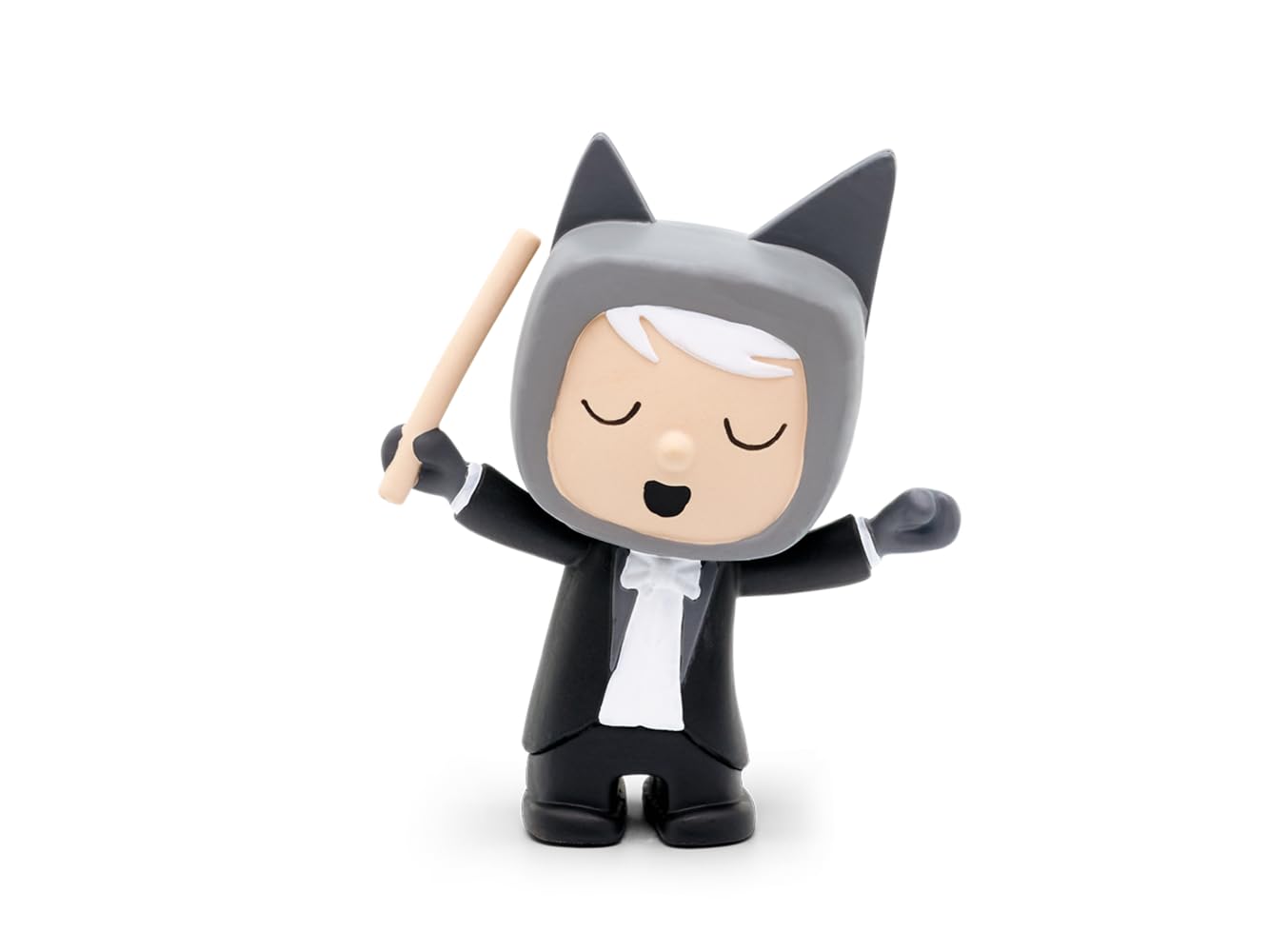
Image: The tonies Creative-Tonie Music Conductor character, a small hand-painted figurine of a conductor with a baton, designed for use with the Toniebox audio system.
Багцын агуулга
- 1 x tonies Creative-Tonie Music Conductor Audio Character
Тохиргоо
- Toniebox Requirement: Ensure you have a Toniebox audio player. The Creative-Tonie functions exclusively with a Toniebox (sold separately).
- Анхны тохиргоо: Place the Creative-Tonie on your Toniebox. The Toniebox will recognize the new Tonie and begin the synchronization process.
- Tonie-App Connection: Download and install the official Tonie-App on your computer, tablet, or smartphone.
- Данс үүсгэх/Нэвтрэх: Create a Toniecloud account or log in to your existing account via the app or my.tonies.com.
- Assign Content: In the Tonie-App, assign audio content to your Creative-Tonie. You can upload your own recordings, stories, or music, up to 90 minutes.
- Синхрончлох: Place the Creative-Tonie on the Toniebox again to download the assigned content. The Toniebox will indicate when the content is fully synchronized. Ensure your Toniebox is connected to Wi-Fi.
Ашиглалтын заавар
- Тоглож буй контент: Place the Creative-Tonie on the Toniebox. The Toniebox will automatically start playing the assigned audio content.
- Pausing/Stopping: Remove the Creative-Tonie from the Toniebox to pause or stop playback.
- Дууны хяналт: Adjust the volume directly on the Toniebox by squeezing its ears.
- Зам алгасах: Tap the side of the Toniebox to skip forward or backward through tracks (if multiple tracks are assigned).
- Recording Custom Audio: Use the Tonie-App to record new audio directly or upload existing audio files.
- Updating Content: After assigning new content via the app, place the Creative-Tonie on the Toniebox to update its content. Ensure your Toniebox is connected to Wi-Fi for updates.
Засвар үйлчилгээ
- Цэвэрлэгээ: Wipe the Tonie character with a soft, dry cloth. Do not use abrasive cleaners or immerse in water.
- Хадгалах: Store the Tonie in a dry place away from direct sunlight and extreme temperatures.
- Бат бөх чанар: The Tonie is designed to be robust for children's use. Avoid dropping it from significant heights or applying excessive force.
Алдааг олж засварлах
- Tonie not playing content:
- Ensure the Toniebox is turned on and charged.
- Verify the Toniebox is connected to Wi-Fi for initial setup and content updates.
- Check the Tonie-App to confirm content has been assigned to the Creative-Tonie.
- Place the Tonie firmly on the Toniebox.
- Cannot upload or assign content:
- Таны төхөөрөмж тогтвортой интернет холболттой эсэхийг шалгаарай.
- Log in to the correct Toniecloud account associated with your Toniebox.
- Check the Tonie-App for any error messages or updates.
- Аудио чанарын асуудлууд:
- Жинхэнэ аудиог баталгаажуулна уу file quality is good before uploading.
- Check the Toniebox for any physical damage.
Үзүүлэлтүүд
| Онцлог | Дэлгэрэнгүй |
|---|---|
| Загварын дугаар | 10000205 |
| Брэнд | тоник |
| Агуулгын багтаамж | 90 минут хүртэл |
| Материал | Хуванцар |
| Хэмжээ (L x W x H) | 11.5 x 3.5 x 20 см |
| Жин | 50 гр |
| Санал болгож буй нас | 3 жил ба түүнээс дээш |
| Батерей шаардлагатай | No (Toniebox requires batteries, sold separately) |
| Үйлдлийн горим | Гарын авлага |
| Дотор/гадаа ашиглах | Дотор |
| Угсрах шаардлагатай | Үгүй |
Баталгаат болон дэмжлэг
For warranty information and customer support, please visit the official tonies webсайт эсвэл харилцагчийн үйлчилгээтэй шууд холбогдоно уу. Баталгаат нэхэмжлэл гаргахын тулд худалдан авалтаа нотлох баримтаа хадгалаарай.
Албан ёсны Webсайт: tonies.com


