1. Танилцуулга
This manual provides comprehensive instructions for the installation, operation, and maintenance of your ErGear Single Monitor Mount, Model EGSS7. This monitor arm is designed to enhance your workspace ergonomics by providing adjustable positioning for a single monitor. Please read this manual thoroughly before installation and retain it for future reference.

Image 1.1: The ErGear Single Monitor Arm (Model EGSS7) in a typical office setup.
2. Аюулгүй байдлын мэдээлэл
Please observe the following safety precautions to prevent injury or damage to your equipment:
- 14.3 фунт (6.5 кг) жингийн багтаамжаас хэтрүүлж болохгүй.
- Ensure your monitor is between 17 and 27 inches in size.
- Verify that your monitor is VESA compatible (75x75mm or 100x100mm).
- Install the mount on a sturdy desk surface that can support the combined weight of the mount and your monitor.
- Follow all installation steps carefully. Improper installation may result in equipment damage or personal injury.
- Жижиг хэсгүүдийг хүүхдээс хол байлга.
3. Багцын агуулга
Before proceeding with installation, please ensure all components are present and undamaged. Refer to the included parts list for detailed identification.
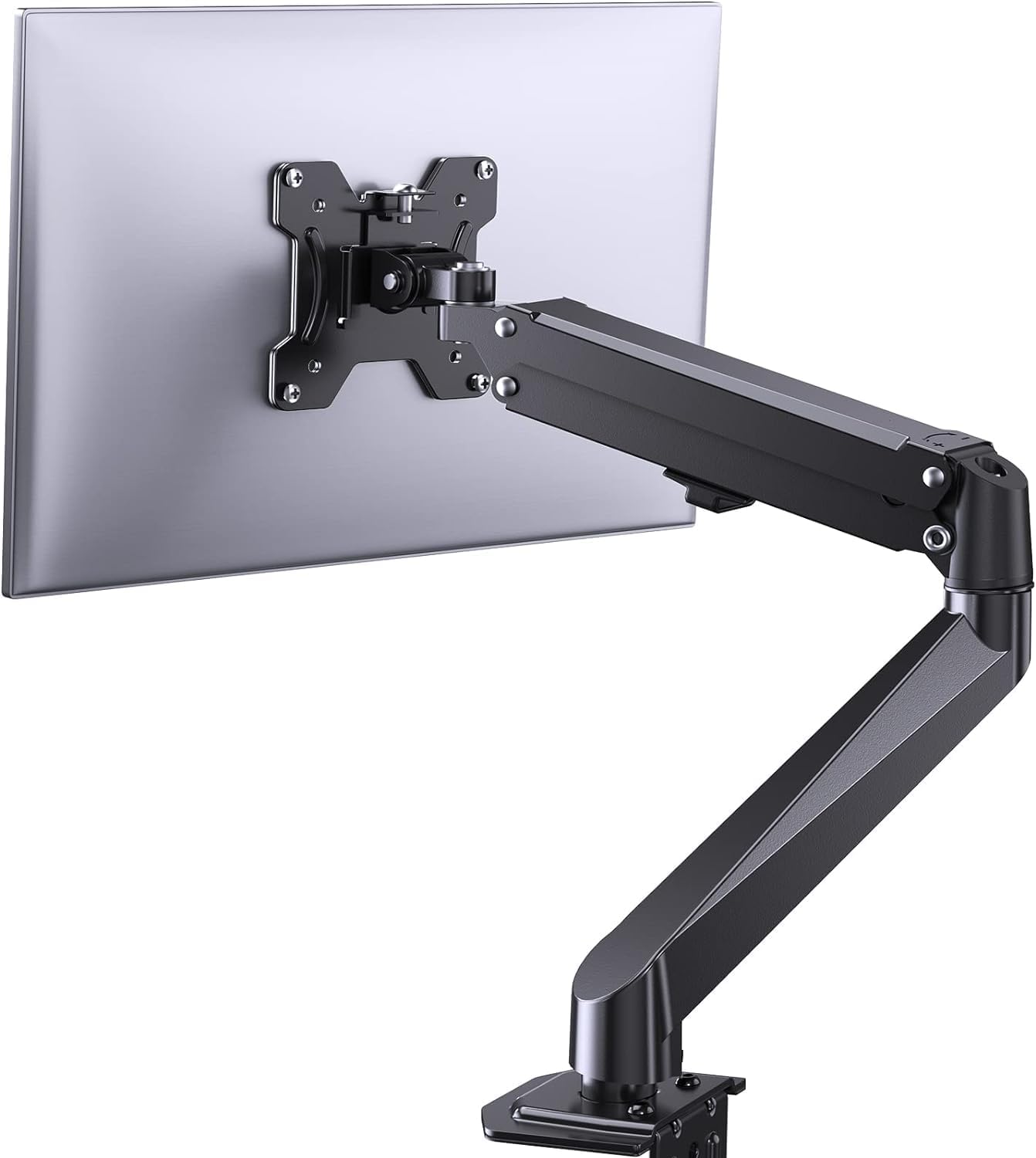
Зураг 3.1: Дууслааview of the ErGear Single Monitor Mount components.
4. Техникийн үзүүлэлтүүд
| Онцлог | Тодорхойлолт |
|---|---|
| Брэнд | Ergear |
| Загвар | EGSS7 |
| Тохиромжтой мониторын хэмжээ | 17-27 инч |
| Жингийн багтаамж | 14.3 фунт (6.5 кг) хүртэл |
| VESA нийцтэй байдал | 75х75мм, 100х100мм |
| Суурилуулах төрөл | C-clamp эсвэл Grommet |
| Материал | Хайлш ган |
| Өнгө | Хар |
| Налалтын хүрээ | -35°-аас +50° хүртэл |
| Залгих хүрээ | -90°-аас +90° хүртэл |
| Эргүүлэх | 360° |
| Бүтээгдэхүүний хэмжээс | 41.2 x 30.4 x 10 см |

Image 4.1: Monitor size and weight capacity details.
5. Тохируулах заавар
The ErGear Single Monitor Mount offers two installation options: C-clamp or Grommet mounting. Choose the option best suited for your desk.

Зураг 5.1: C-clamp and Grommet mounting options with desk thickness ranges.
5.1 C-Clamp Суурилуулалт
- C-cl-ийг хавсаргана ууamp to the base of the monitor arm.
- C-cl-ийг байрлуулamp on the edge of your desk. Ensure the desk thickness is between 0.4 and 3.3 inches.
- cl-ийг чангалamp securely using the provided knob until the mount is stable.
5.2 Grommet Installation
- If your desk has a grommet hole, insert the grommet bolt through the base of the monitor arm and the desk hole. Ensure the desk thickness is between 0.4 and 3.1 inches.
- Secure the mount from underneath the desk using the provided plate and nut.
5.3 Мониторыг холбох
- Carefully attach your VESA-compatible monitor to the VESA plate on the arm using the appropriate screws.
- Ensure the screws are tightened firmly but do not overtighten.
5.4 Хүчдэлийн тохируулга
The gas spring arm requires tension adjustment to properly support your monitor's weight. Use the included Allen key to adjust the tension screw located on the arm. Turn clockwise to increase tension for heavier monitors, and counter-clockwise to decrease tension for lighter monitors. Adjust until the monitor stays in position when moved.

Зураг 5.2: Дотоод view of the flexible gas spring arm.
6. Ашиглалтын заавар
Once installed, your ErGear monitor mount allows for flexible positioning of your monitor.
6.1 Хяналтын байрлалыг тохируулах
- Өндөр тохируулга: Gently push or pull the monitor to the desired height. The gas spring mechanism will hold it in place.
- Хазайлт: Хялбар байдлыг багасгах, оновчтой болгохын тулд дэлгэцийг -35°-аас +50° хүртэл хазайлгаж болно. viewөнцөг.
- Эргэдэг: Swivel the monitor from -90° to +90° for collaborative work or to view content from different angles.
- Эргүүлэх: Хэвтээ болон босоо чиглэлийн хооронд шилжихийн тулд дэлгэцийг 360° эргүүлнэ үү.

Image 6.1: Monitor height adjustment.

Image 6.2: Full motion range capabilities of the monitor arm.
6.2 Кабелийн менежмент
The monitor arm features an integrated cable management system to keep your workspace tidy. Route your monitor cables through the designated channels on the arm to conceal them.

Image 6.3: Integrated cable management system.
7. Засвар үйлчилгээ
Тогтмол засвар үйлчилгээ нь таны мониторын суурийн урт наслалт, оновчтой ажиллагааг баталгаажуулдаг.
- Бүх эрэг ба холболтыг нягт байлгахын тулд үе үе шалгаж байгаарай.
- Clean the surface of the mount with a soft, damp даавуу. Зүлгүүрийн цэвэрлэгчээс зайлсхий.
- Re-adjust the gas spring tension if your monitor feels too loose or too stiff when moving.
8. Алдаа засах
| Асуудал | Боломжит шалтгаан | Шийдэл |
|---|---|---|
| Монитор унжсан эсвэл байрандаа зогсдоггүй. | Gas spring tension is too low. | Increase gas spring tension using the Allen key (clockwise). |
| Monitor is difficult to move. | Gas spring tension is too high. | Decrease gas spring tension using the Allen key (counter-clockwise). |
| Уул нь тогтворгүй мэт санагдаж байна. | C-clamp or grommet connection is loose. | C-cl-ийг чангалнаamp knob or grommet nut. |
| Monitor does not fit the VESA plate. | Incorrect VESA pattern. | Ensure your monitor has a 75x75mm or 100x100mm VESA pattern. |
9. Баталгаат хугацаа ба дэмжлэг
For warranty information or technical support, please refer to the contact details provided with your purchase or visit the official ErGear website. Please have your model number (EGSS7) and purchase date available when contacting support.


